
JSON Formatter & Viewer - Editor, Query & Diff EN
Kians · EEdge MV3
All-in-one JSON tool: auto-format, repair broken JSON, query with JMESPath & JSONPath, compare diffs and convert to 12+ languages.
截图
简介
The ultimate all-in-one JSON developer workbench for Edge.
Stop juggling multiple websites and extensions for formatting, validating, diffing, querying, and converting JSON. This all-in-one tool gives you a lightning-fast, privacy-first, zero-lag developer workbench right in your browser.
Whether you are debugging REST or GraphQL APIs, analyzing large payloads, or generating production code, this is engineered to be the only JSON extension you need.
CORE CAPABILITIES & TOOLS
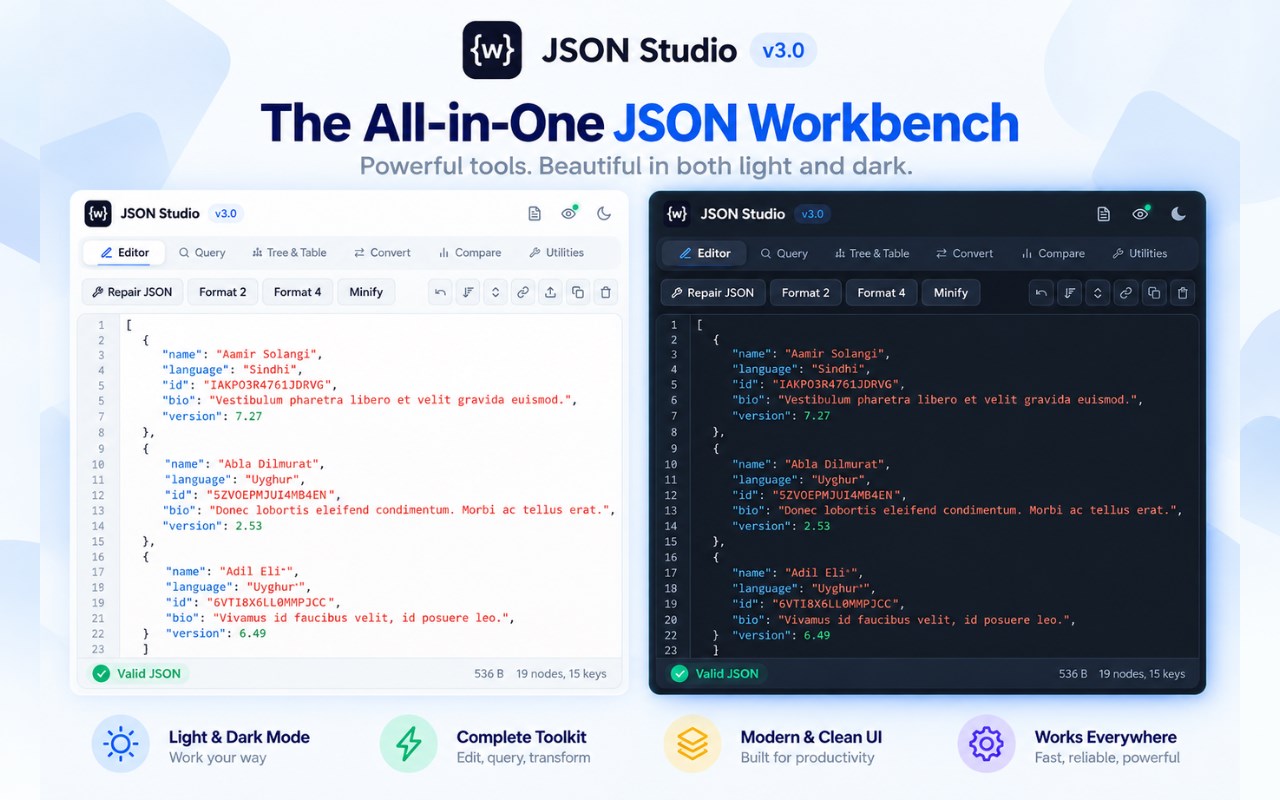
1. SMART REPAIR & AUTO-FORMATTER
• Fix broken or malformed JSON with 1 click (handles trailing commas, single quotes, unquoted keys, Python dict literals, and JS comments).
• Beautify and format with 2-space, 4-space, or compact minified indents.
• Real-time syntax diagnostics with exact line and column error indicators.
• 1-click reversible escape / unescape for JSON string literals.
• Full Undo/Redo history (Ctrl+Z / Cmd+Z) so you never lose your edits.
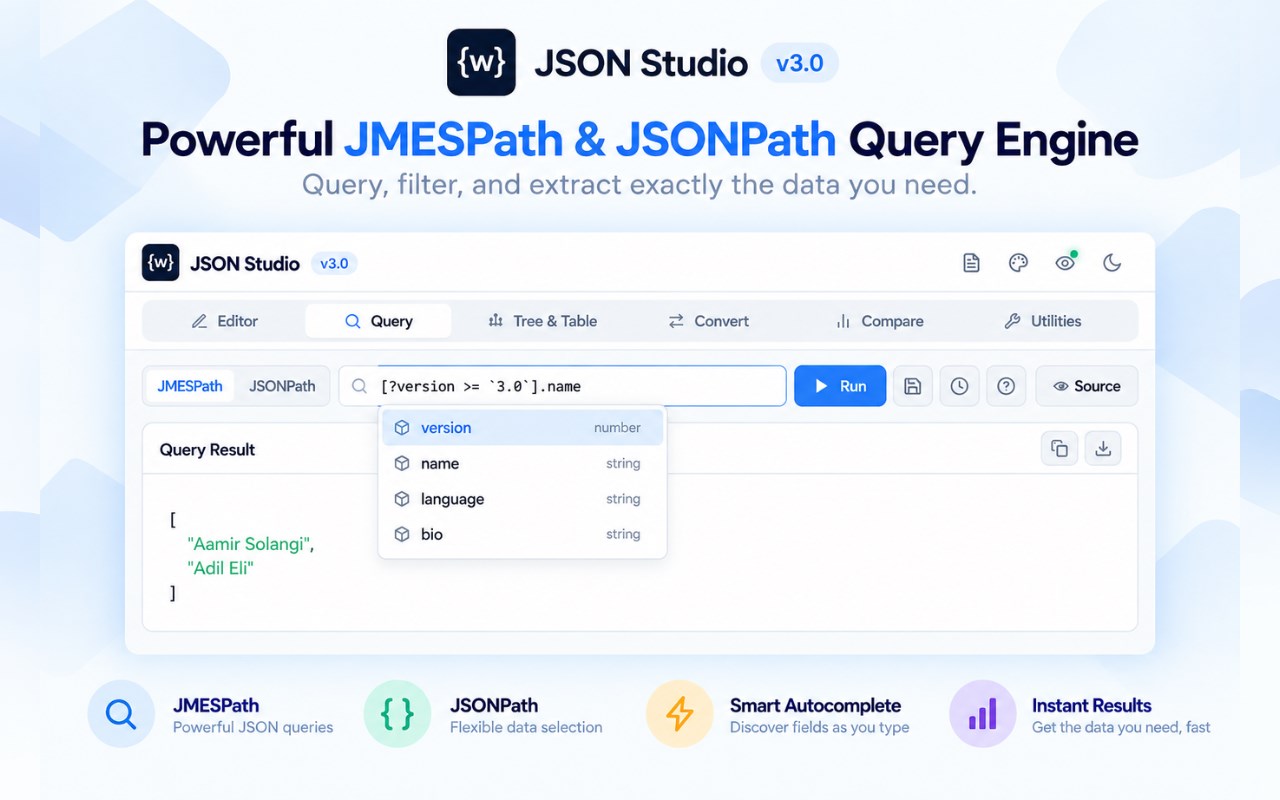
2. DUAL QUERY ENGINES: JMESPath & JSONPath
• Query and slice complex JSON trees using industry-standard JMESPath or JSONPath expressions.
• Real-time Intellisense autocomplete suggestions for properties and functions.
• Built-in Cheat Sheet with 25+ real-world query examples (Filters, Projections, Deep Scans, Array Slices).
• Save your favorite queries and access full execution history.
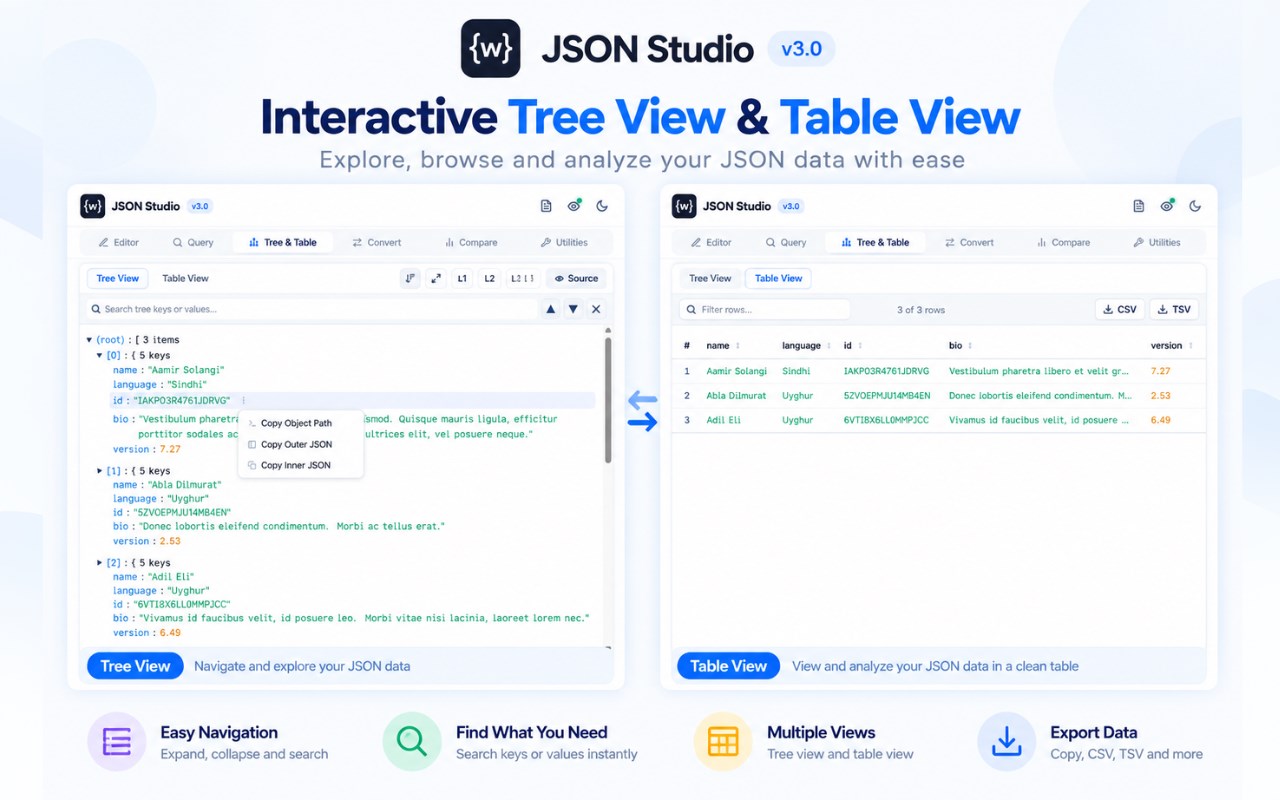
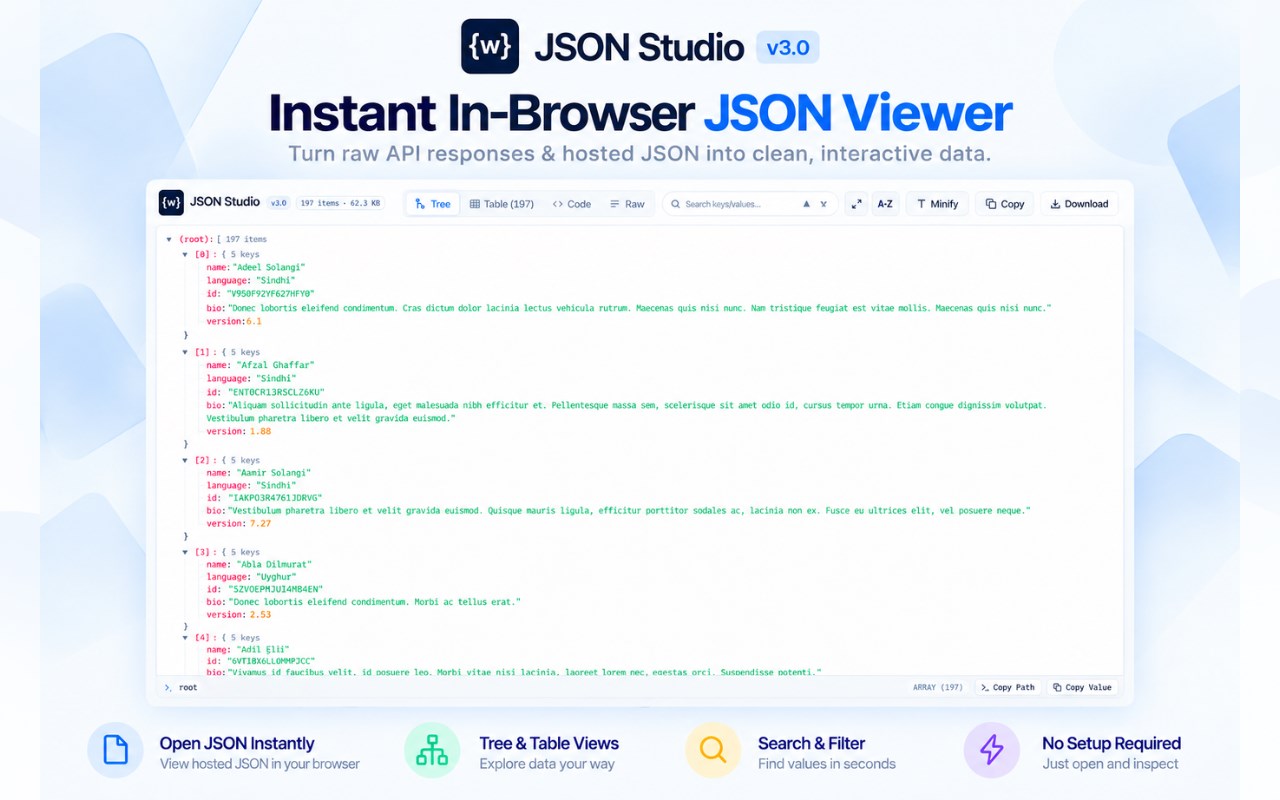
3. HIERARCHICAL TREE & SPREADSHEET TABLE VIEWS
• Interactive collapsible tree view with depth level shortcuts (L1, L2, L3).
• Live search across keys and values with match count navigation.
• Tabular spreadsheet view: transform arrays of objects into structured, sortable data tables.
• Context menu: 1-click copy for Object Paths (e.g. $.users[0].name), Outer JSON, and Inner values.
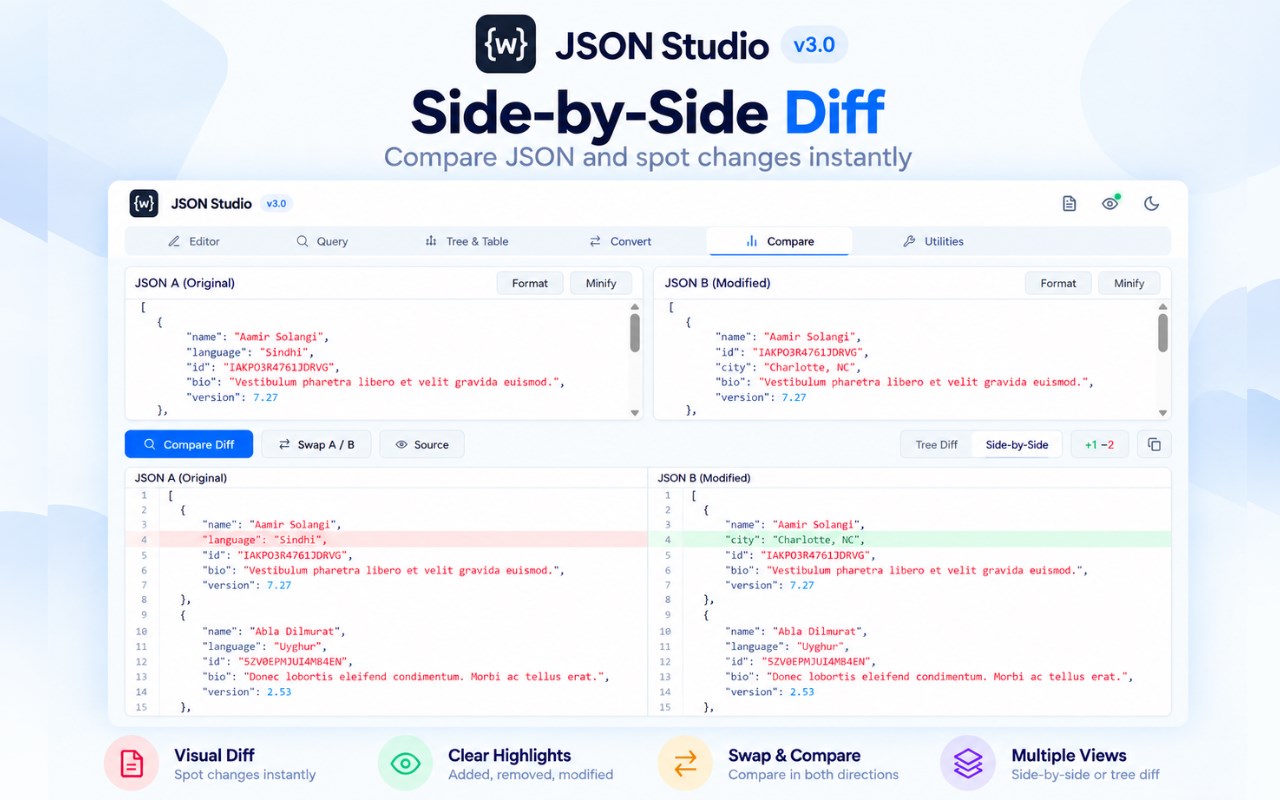
4. VISUAL JSON COMPARE & DIFF ENGINE
• Side-by-side and tree diff comparison between JSON A (original) and JSON B (modified).
• Color-coded additions, deletions, and modifications.
• Instant swap, auto-format, and diff clipboard export.
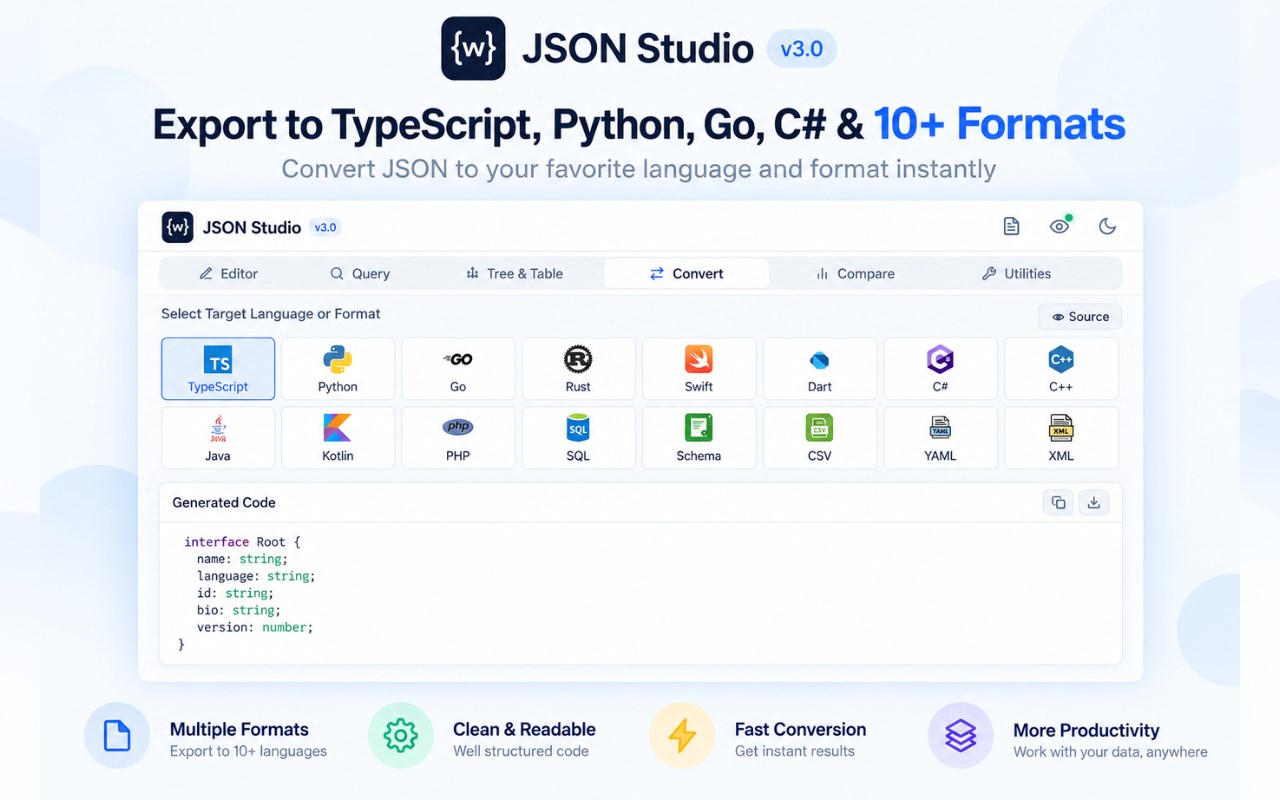
5. INSTANT CODE & DATA CONVERTER (12+ LANGUAGES)
Convert JSON structures into strongly-typed code in seconds:
• TypeScript interfaces & type definitions
• Python Dataclasses / Pydantic models
• Go structs with json tags
• Rust structs with Serde derives
• Swift Codable models
• Dart / Flutter models with fromJson/toJson
• C# classes with System.Text.Json attributes
• C++ structs (nlohmann/json)
• PHP classes & SQL Table CREATE statements
• JSON Schema (Draft-07 validator & generator)
• Bi-directional CSV & YAML converters
6. OFFLINE DEVELOPER UTILITIES
• JWT Token Decoder: Inspect header, payload, expiration timestamps, and issuer claims.
• Base64 JSON Encoder & Decoder.
• JSON Schema Validator: Test data compliance instantly.
• Payload Inspector: File size, max depth, node counts, and key metrics.
100% PRIVATE & OFFLINE
• Your data NEVER leaves your computer.
• Zero telemetry, zero external API tracking, zero cloud dependencies.
• Runs 100% locally in your browser.
KEYBOARD SHORTCUTS
• Format JSON: Ctrl + Shift + F (Cmd + Shift + F)
• Run Query: Ctrl + Enter (Cmd + Enter)
• Undo Changes: Ctrl + Z (Cmd + Z)
JSON Formatter & Viewer - Editor, Query & Diff 是做什么的
JSON Formatter & Viewer - Editor, Query & Diff 是一款面向 Edge 的实用工具类扩展,主要用来解决浏览器里某类具体的小问题。官方对它的介绍是:All-in-one JSON tool: auto-format, repair broken JSON, query with JMESPath & JSONPath, compare diffs and convert to 12+ languages.在微软 Edge 加载项商店上,它当前版本 3.0.0,评分 4(2 人评价),约 69 名用户。
适合什么人用
从功能定位看,JSON Formatter & Viewer - Editor, Query & Diff 更适合想补上浏览器原生缺失功能的用户。如果你平时只是偶尔遇到相关需求,用浏览器自带功能也能凑合;但如果这件事每天都发生,装一个专门处理它的扩展通常比手动操作省事得多。
怎么安装 JSON Formatter & Viewer - Editor, Query & Diff
- 打开微软 Edge 加载项商店上的官方页面;
- 点「添加到浏览器」并确认权限提示;
- 装好后在扩展列表里固定图标,方便随时开关。
本站只做索引与介绍,安装包来自官方商店。如果商店页面提示当前地区不可用,说明该扩展未在你所在区域上架。
常见问题
JSON Formatter & Viewer - Editor, Query & Diff 是免费的吗?
JSON Formatter & Viewer - Editor, Query & Diff 在微软 Edge 加载项商店免费提供下载。它是浏览器扩展,装上就能直接用,不需要注册账号。
JSON Formatter & Viewer - Editor, Query & Diff 安全吗?
它只申请了 0 项权限,范围比较克制,没有申请「读取所有网站数据」这种大权限。
JSON Formatter & Viewer - Editor, Query & Diff 支持哪些浏览器?
当前收录的版本来自微软 Edge 加载项商店,适用于 Edge。同一个扩展在其他商店可能有对应版本,但功能与版本号不一定相同。
怎么卸载 JSON Formatter & Viewer - Editor, Query & Diff?
在扩展管理页找到 JSON Formatter & Viewer - Editor, Query & Diff,点移除即可。它在本地保存的设置会一起清掉,不会残留数据。
权限清单 来自 manifest.json 原文
接口权限 4
activeTabscriptingsidePanelstorage
接口权限(可选) 1
webRequest