
书签同步管理
IT格子 · EEdge MV3
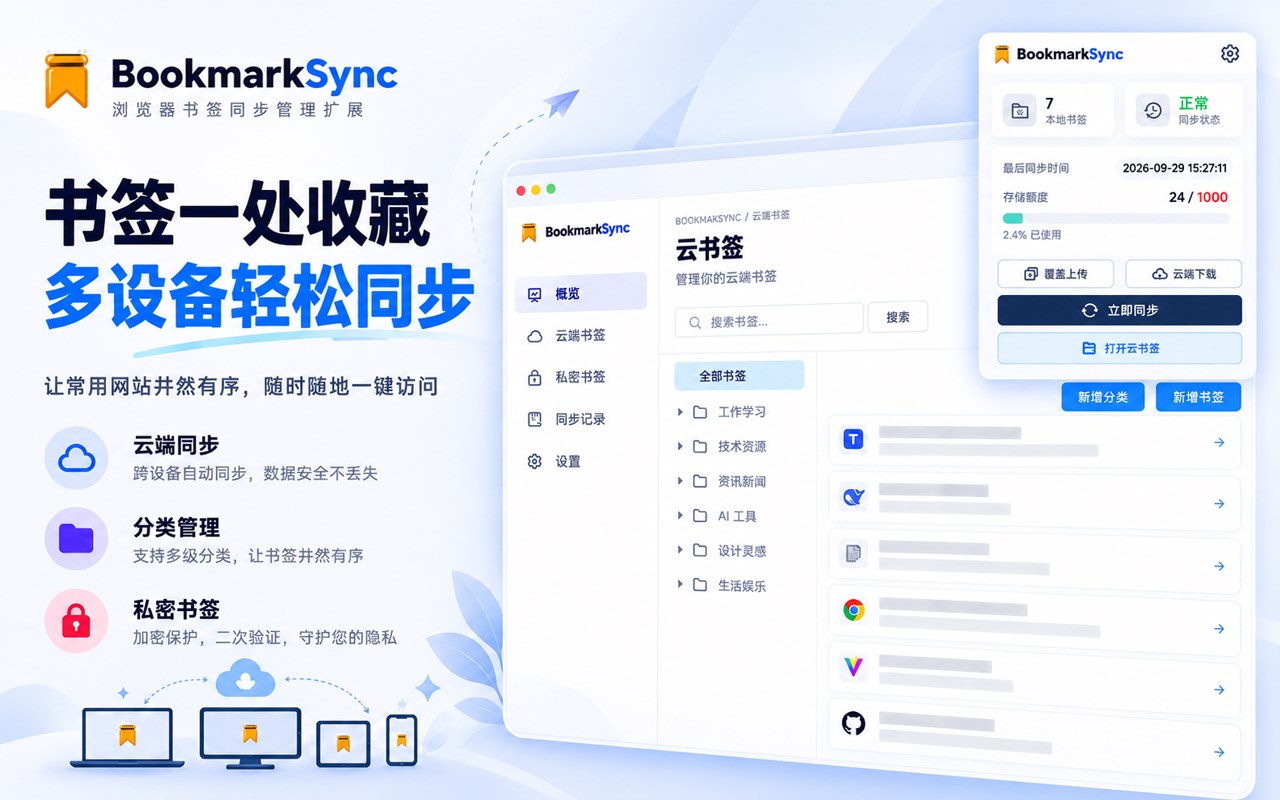
BookmarkSync 是一款浏览器书签同步管理扩展,提供多设备书签同步、云书签和私密书签功能。无需 Google 账号即可实现跨设备书签管理。
<all_urls>),意味着它可以读取你在任意站点的页面内容,包括已登录的页面。这是许多扩展正常工作的必要条件,但也值得你确认来源可信。
截图
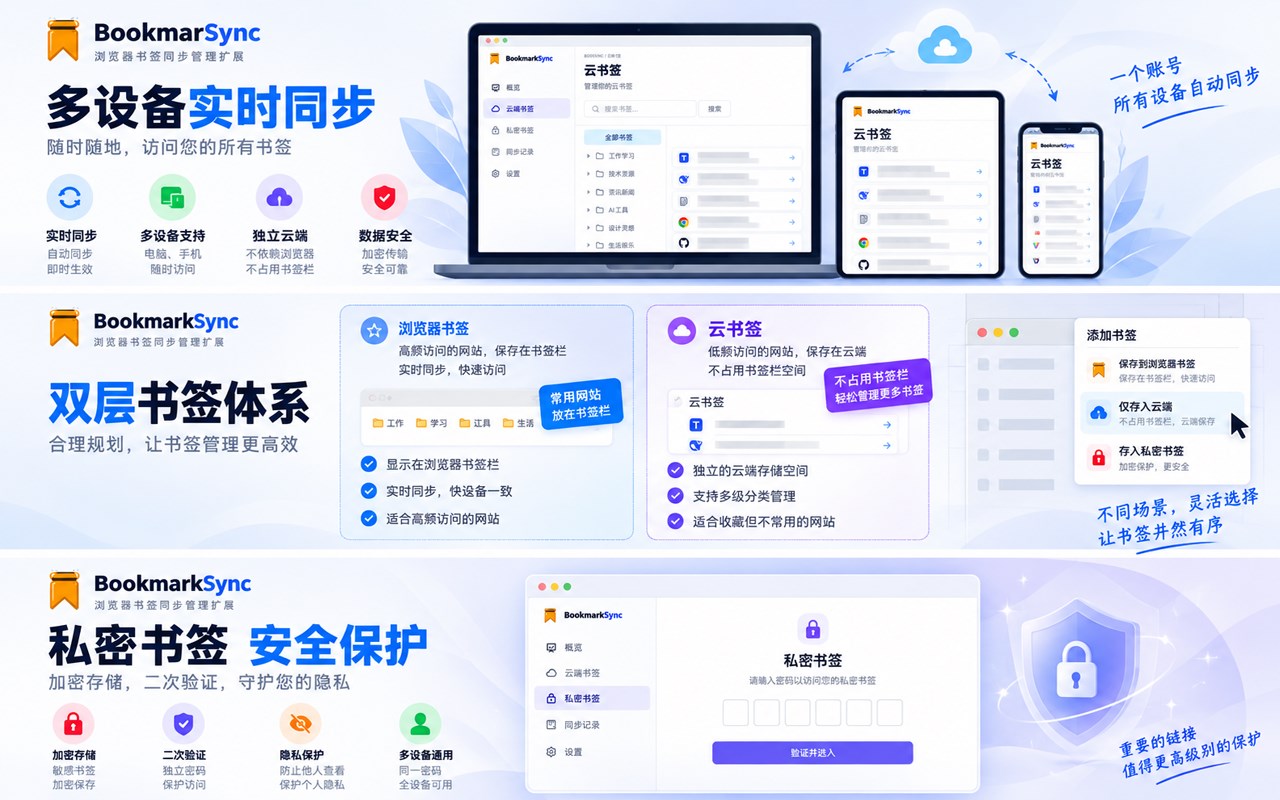
简介
什么是 BookmarkSync
BookmarkSync 是一款浏览器书签同步管理扩展,提供多设备书签同步、云书签和私密书签功能。无需 Google 账号即可实现跨设备书签管理。
支持语言
英语、简体/繁体中文、日语 (更多语言正在支持中)
核心功能:
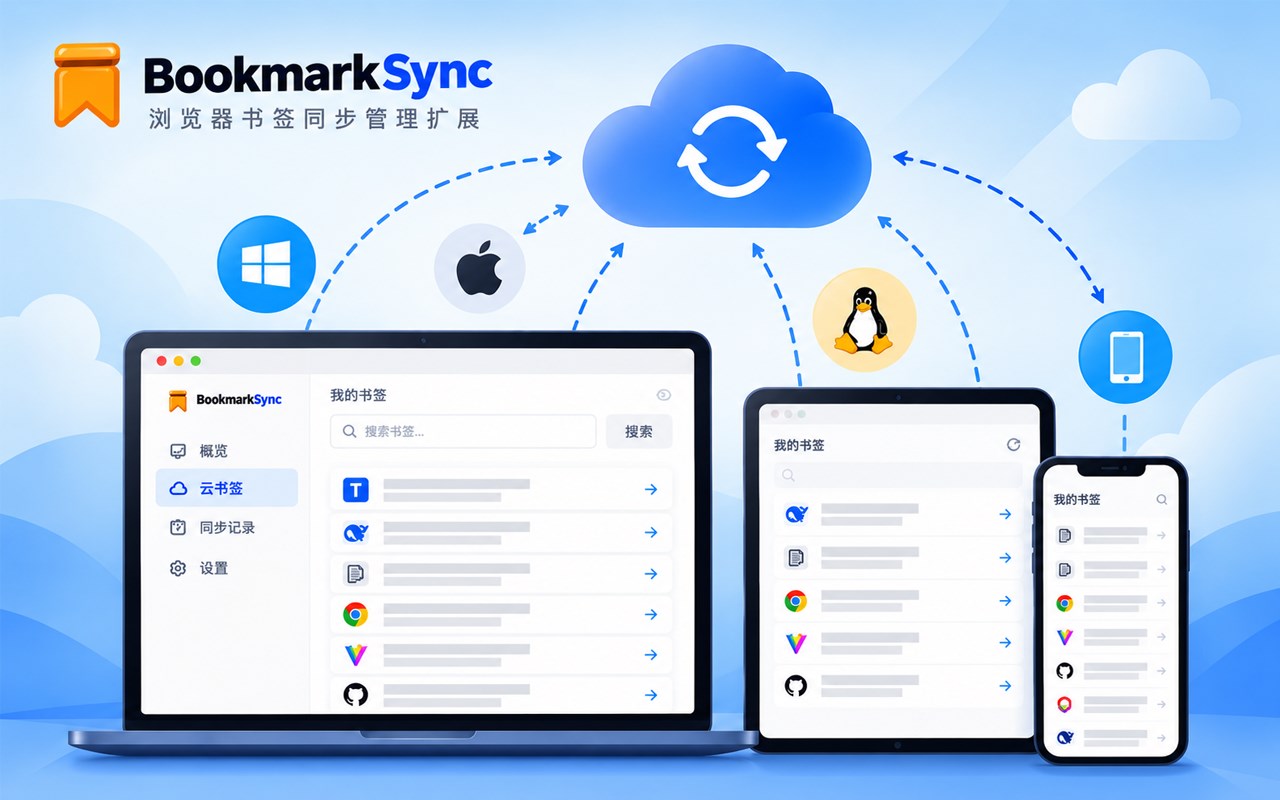
书签同步:多设备间自动同步浏览器书签,无需 Google 账号
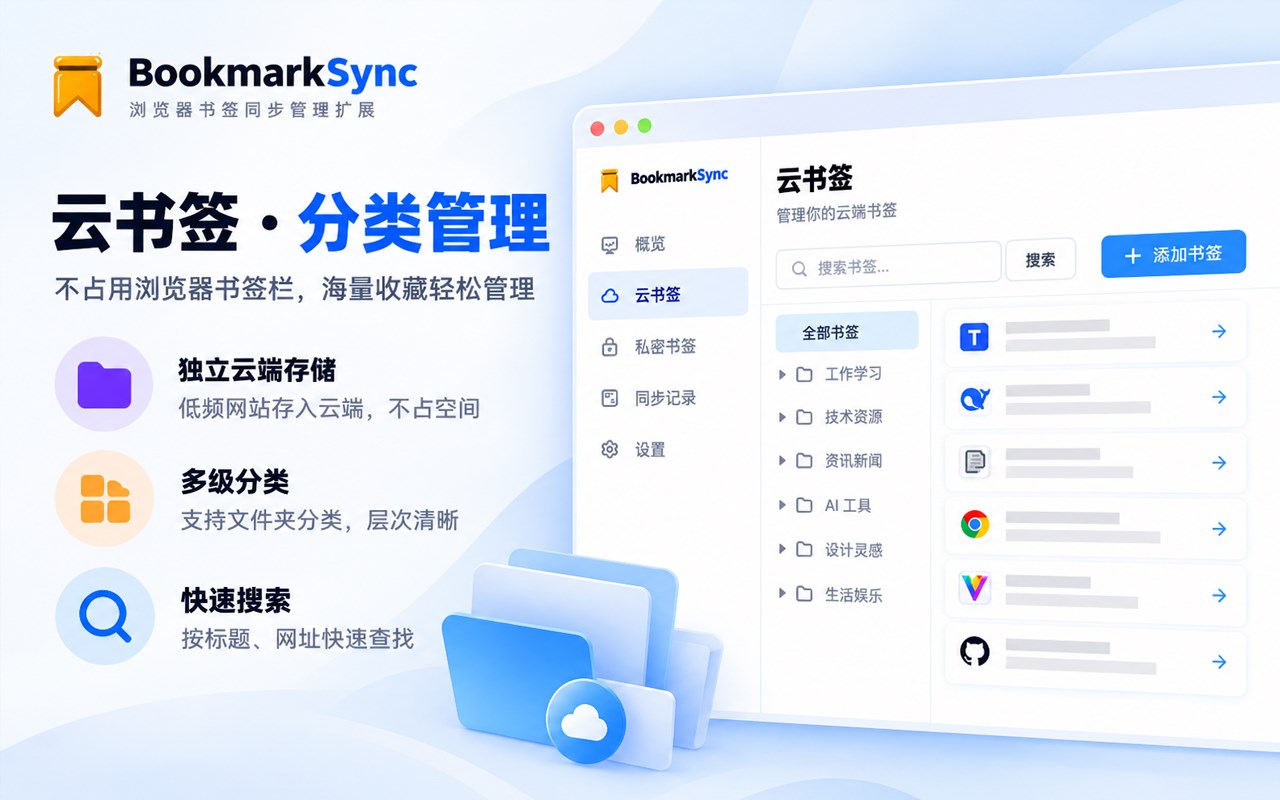
云书签:将低频访问的书签保存在云端,不占用浏览器书签栏空间
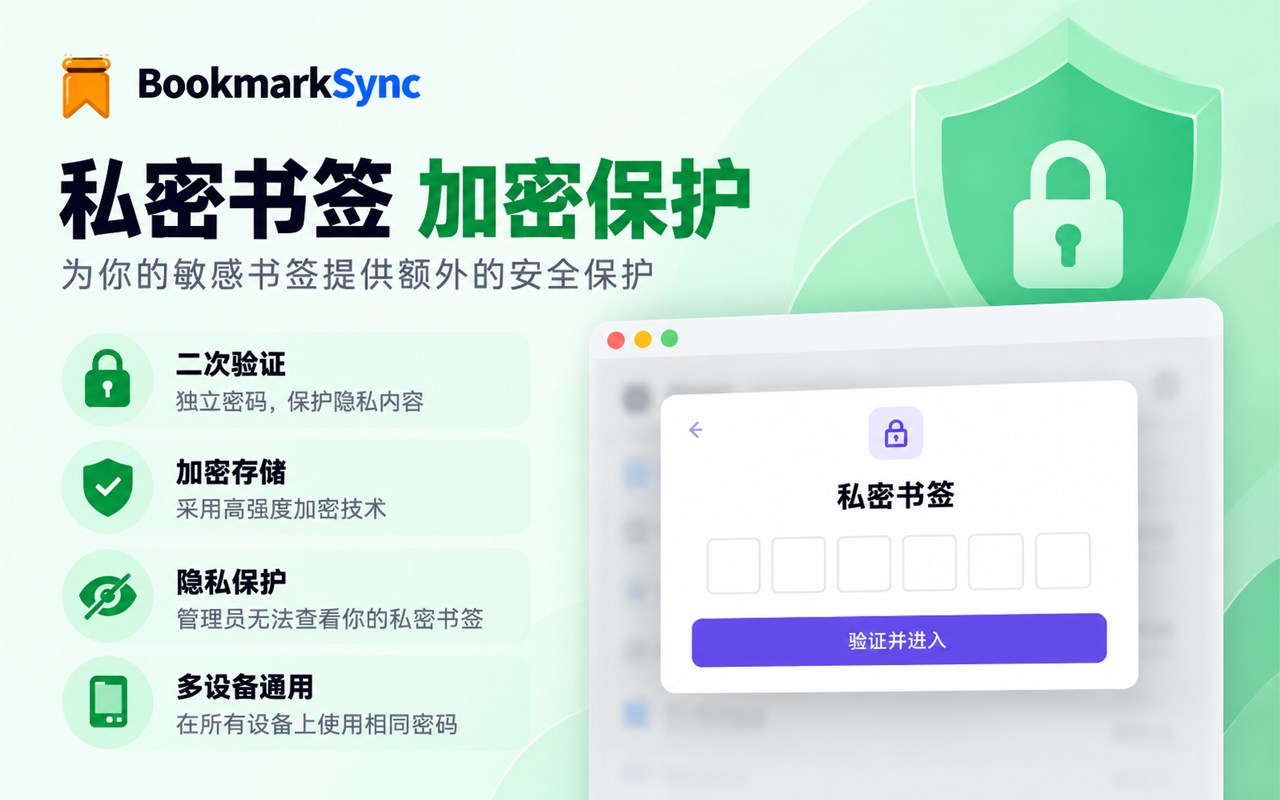
私密书签:需要二次密码验证才能访问的加密书签存储空间
为什么需要 BookmarkSync
虽然浏览器自带书签同步功能,但存在以下限制:
需要登录 Google 账号(中国大陆地区访问受限)
多设备同步需要持续在线
无法对书签进行分层管理(常用 vs 备用)
缺乏额外的隐私保护层
BookmarkSync 正是为了解决这些痛点而设计。
云书签和私密书签的必要性
为什么需要云书签?
浏览器书签栏空间有限,当书签数量增多时难以管理。许多网站只是偶尔需要访问,并不需要常驻书签栏。云书签提供了一个独立的存储空间,将这些"备用网址"保存在云端,保持书签栏简洁高效。
为什么需要私密书签?
某些书签内容涉及隐私或敏感信息(如工作内部系统、个人账户等),不希望在共用设备上被他人轻易看到。私密书签通过二次密码验证提供额外的安全保护层,确保只有本人才能访问这些内容。
核心特性
📝 简洁易用 - 直观的界面设计,上手即会
🌍 多语言支持 - 支持中文、英文等多种语言
🔍 快速搜索 - 支持按标题和网址搜索书签
⚡️ 云端管理 - 云书签和私密书签解决传统书签管理的痛点
🔒 安全加密 - 数据加密传输和存储,保护隐私安全
🔄 自动同步 - 多设备间自动同步,数据实时更新
------------------------------------------------
What is BookmarkSync
BookmarkSync is a browser bookmark synchronization management extension that provides multi-device bookmark synchronization, cloud bookmarks, and private bookmarks. It enables cross-device bookmark management without the need for a Google account.
Supported languages
English, Simplified/Traditional Chinese, Japanese (more languages are being supported)
Core features:
Bookmark sync: Automatically sync browser bookmarks across multiple devices without the need for a Google account
Cloud bookmarks: Save infrequently accessed bookmarks in the cloud without taking up space in the browser bookmarks bar
Private bookmarks: An encrypted bookmark storage space that requires secondary password verification to access
Why BookmarkSync is needed
Although the browser has a built-in bookmark synchronization feature, it has the following limitations:
Requires signing in to a Google account (access is restricted in mainland China)
Multi-device synchronization requires being continuously online
Cannot manage bookmarks in tiers (frequently used vs. backup)
Lacks an additional layer of privacy protection
BookmarkSync was designed specifically to solve these pain points.
The necessity of cloud bookmarks and private bookmarks
Why are cloud bookmarks needed?
Browser bookmarks bar space is limited, and when the number of bookmarks increases, it becomes difficult to manage. Many websites only need to be visited occasionally and do not need to stay in the bookmarks bar permanently. Cloud bookmarks provide an independent storage space to keep these "backup URLs" in the cloud, keeping the bookmarks bar concise and efficient.
Why are private bookmarks needed?
Some bookmark content involves privacy or sensitive information (such as internal work systems, personal accounts, etc.) and should not be easily seen by others on shared devices. Private bookmarks provide an additional layer of security protection through secondary password verification, ensuring that only the owner can access this content.
Core features
📝 Simple and easy to use - Intuitive interface design, easy to get started
🌍 Multilingual support - Supports Chinese, English, and other languages
🔍 Quick search - Supports searching bookmarks by title and URL
⚡️ Cloud management - Cloud bookmarks and private bookmarks solve the pain points of traditional bookmark management
🔒 Secure encryption - Data encryption in transit and at rest, protecting privacy and security
🔄 Automatic sync - Automatic synchronization across multiple devices, with data updated in real time
书签同步管理 是做什么的
书签同步管理 是一款面向 Edge 的效率工具类扩展,主要用来管住注意力、屏蔽干扰站点、记录时间。官方对它的介绍是:BookmarkSync 是一款浏览器书签同步管理扩展,提供多设备书签同步、云书签和私密书签功能。无需 Google 账号即可实现跨设备书签管理。在微软 Edge 加载项商店上,它当前版本 0.2.0 beta,约 3 名用户。
适合什么人用
从功能定位看,书签同步管理 更适合想专注工作学习、减少无效刷网页的用户。如果你平时只是偶尔遇到相关需求,用浏览器自带功能也能凑合;但如果这件事每天都发生,装一个专门处理它的扩展通常比手动操作省事得多。需要注意的是它作用于所有网站,装上后建议先观察一两天,确认不影响常用站点的正常使用。
怎么安装 书签同步管理
- 打开微软 Edge 加载项商店上的官方页面;
- 点「添加到浏览器」并确认权限提示;
- 装好后在扩展列表里固定图标,方便随时开关。
本站只做索引与介绍,安装包来自官方商店。如果商店页面提示当前地区不可用,说明该扩展未在你所在区域上架。
常见问题
书签同步管理 是免费的吗?
书签同步管理 在微软 Edge 加载项商店免费提供下载。它是浏览器扩展,装上就能直接用,不需要注册账号。
书签同步管理 安全吗?
它只申请了 0 项权限,范围比较克制,没有申请「读取所有网站数据」这种大权限。
书签同步管理 支持哪些浏览器?
当前收录的版本来自微软 Edge 加载项商店,适用于 Edge。同一个扩展在其他商店可能有对应版本,但功能与版本号不一定相同。
怎么卸载 书签同步管理?
在扩展管理页找到 书签同步管理,点移除即可。它在本地保存的设置会一起清掉,不会残留数据。
权限清单 来自 manifest.json 原文
站点访问(可选) 1
<all_urls>
接口权限 8
activeTabalarmsbookmarkscontextMenusscriptingsidePanelstoragetabs