
IMGLAB Video Speed Control EN
IMGLAB · EEdge MV3
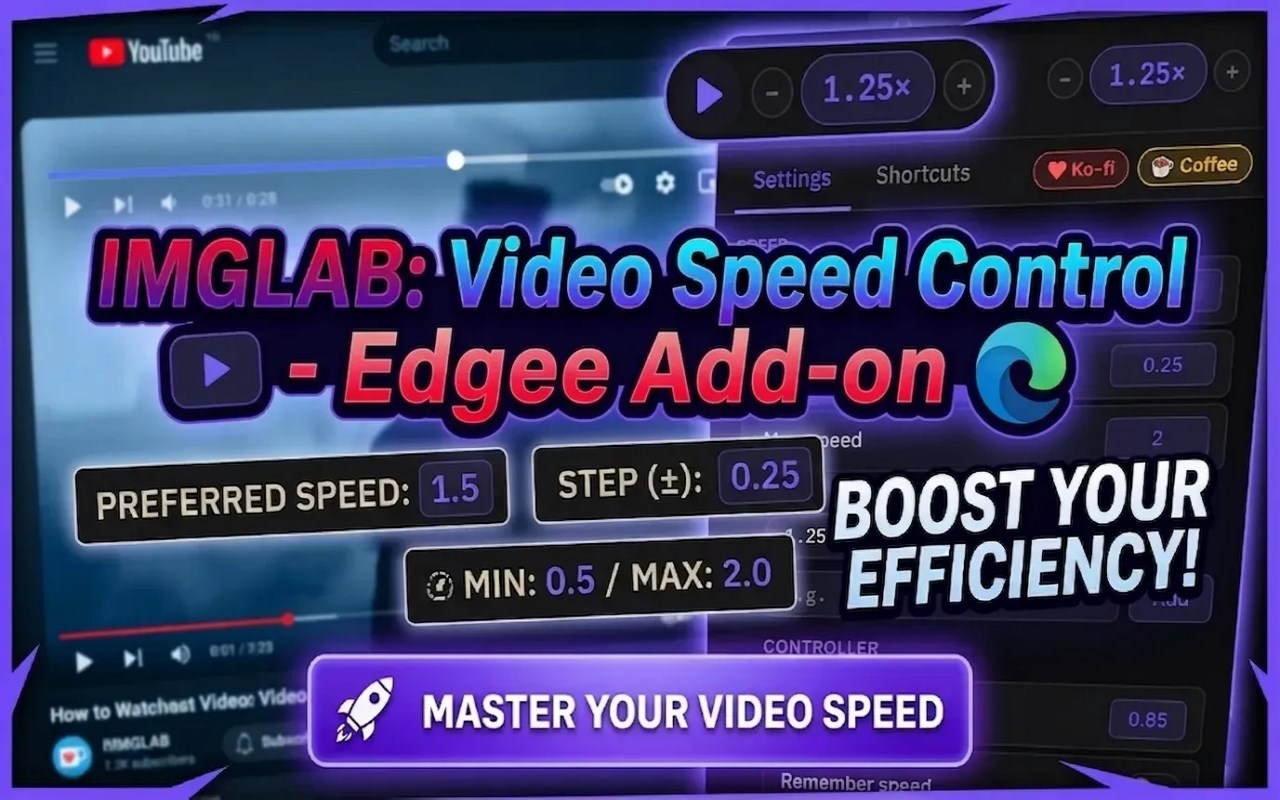
Smart video speed controller with per-site memory, keyboard shortcuts, and frame-by-frame control.
<all_urls>),意味着它可以读取你在任意站点的页面内容,包括已登录的页面。这是许多扩展正常工作的必要条件,但也值得你确认来源可信。
截图

简介
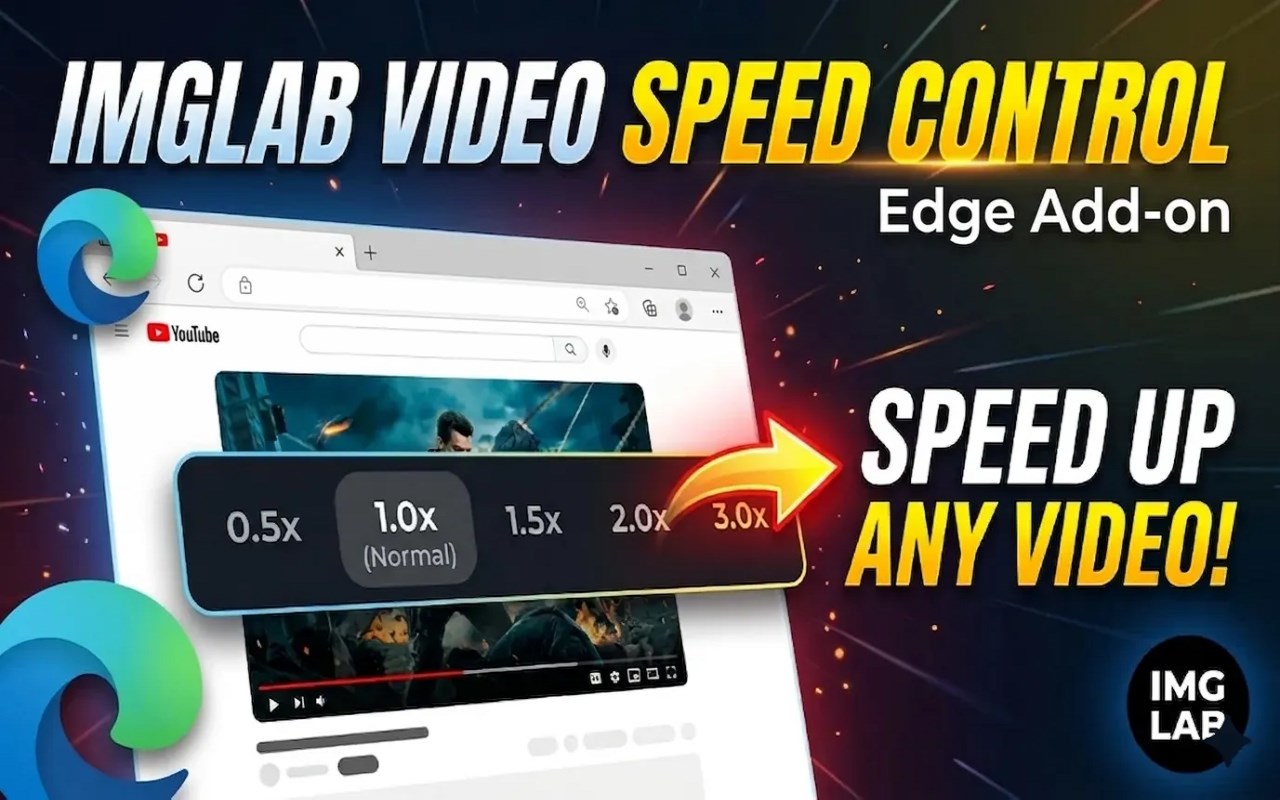
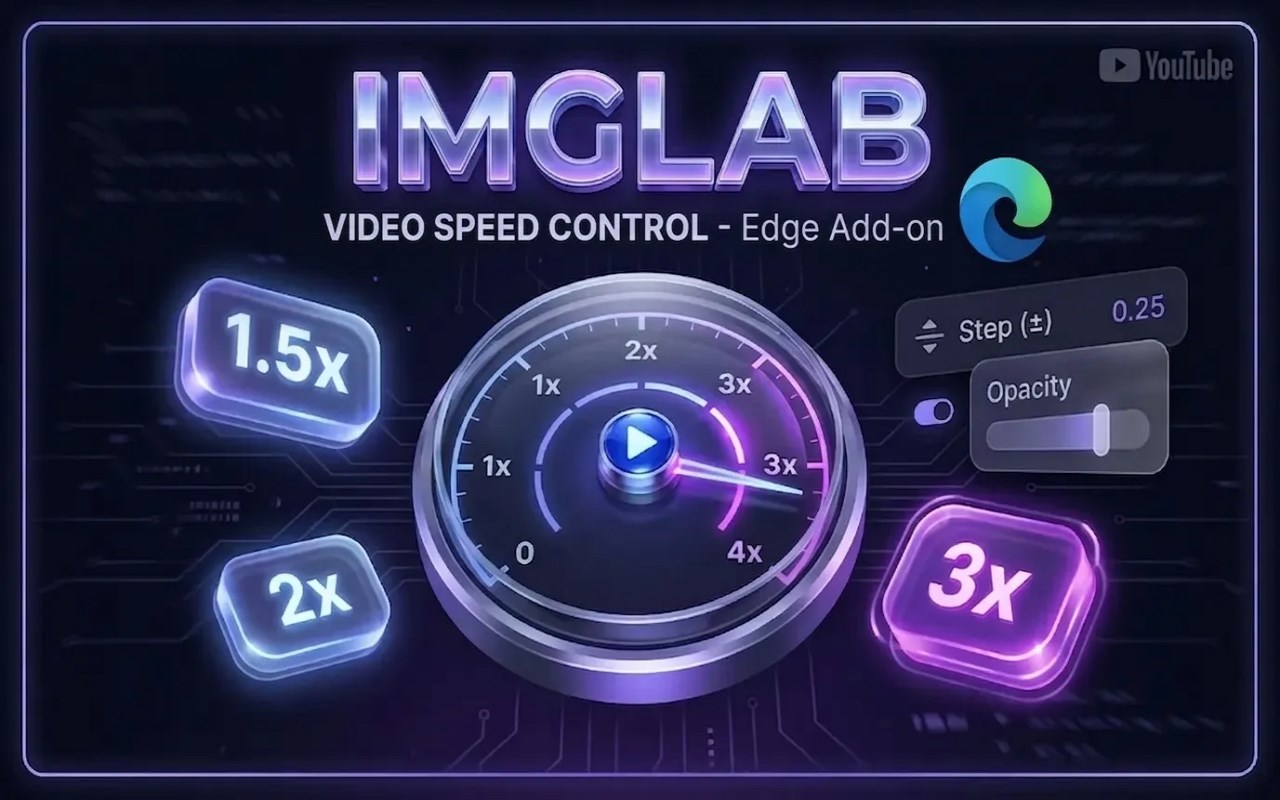
IMGLAB Video Speed Control — watch smarter, not slower.
Control playback speed on any website with a clean on-page overlay,
fully remappable keyboard shortcuts, per-site speed memory that
remembers your preference for every site you visit, and a smart
block list to skip sites where speed control doesn't belong.
─────────────────────────────────
CORE FEATURES
─────────────────────────────────
⚡ On-Page Speed Overlay
A minimal floating controller appears on every video:
[ − ] [ 1.50 ] [ + ] [ × ]
Drag it anywhere. Double-click the speed number to instantly toggle
between 1× and your preferred speed. No mouse wheel accidents.
🧠 Per-Site Speed Memory
Each website remembers the last speed you used. YouTube at 1.75×,
lecture sites at 2×, movies at 1×. Switch sites and your speed
switches with you — automatically.
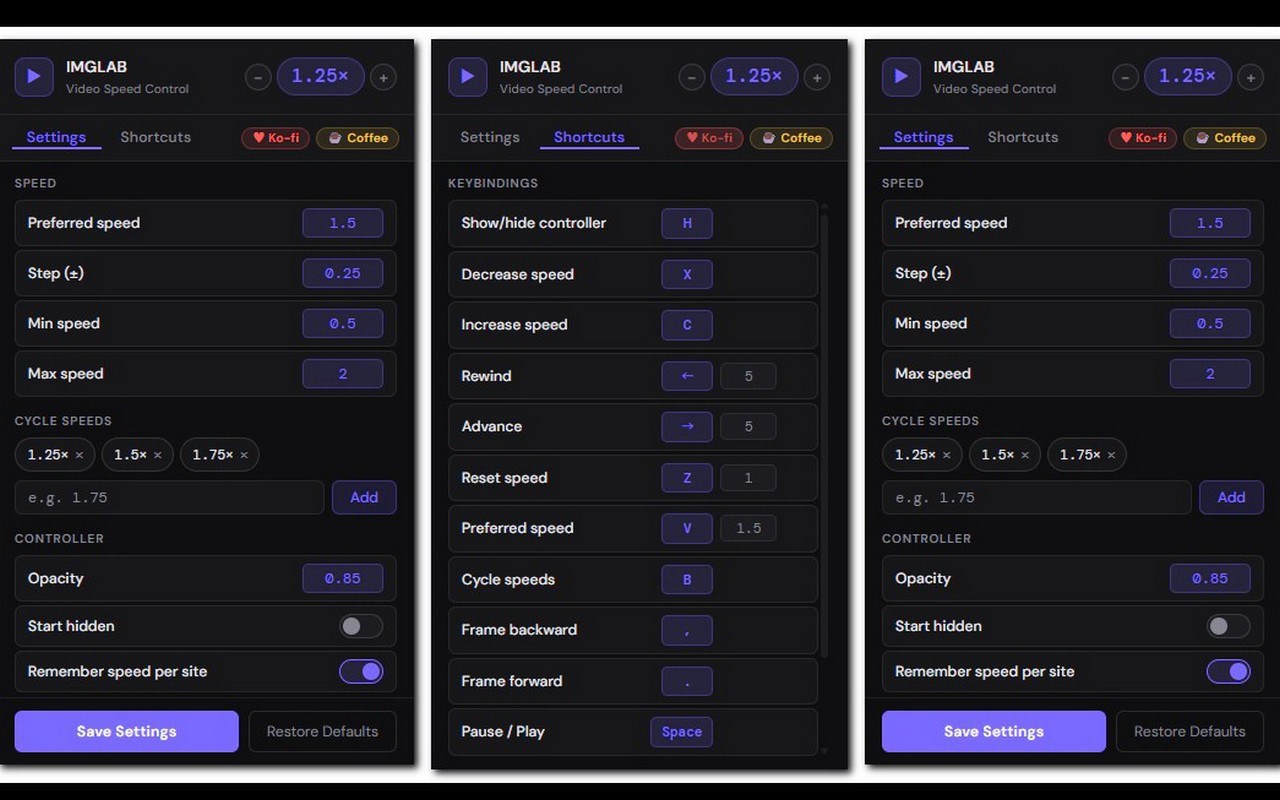
⌨️ Keyboard Shortcuts — All Remappable
Speed up, slow down, reset, jump to preferred speed, or cycle through
your favourites — all from the keyboard. Every key can be reassigned
from the popup. Default shortcuts:
X — Decrease speed
C — Increase speed
Z — Reset to 1×
V — Jump to preferred speed
B — Cycle through favourite speeds
H — Show / hide overlay
🔁 Cycle Mode
Set up your favourite speeds (e.g. 1.25× → 1.5× → 1.75×) and tap B
to rotate through them instantly.
🎞️ Frame-by-Frame Stepping
Pause any video and step through it one frame at a time using , and .
Perfect for analysing footage, catching a moment, or reviewing a move.
🚫 Block List
Some sites use custom video pipelines incompatible with speed control
(TikTok is a known example). The built-in block list lets you exclude
any site with one click — the extension simply stays out of the way.
Popular sites are suggested, or add your own custom domains anytime.
🎛️ Fully Configurable
Open the popup to set your preferred speed, step size, min/max limits,
cycle speeds list, and controller opacity. Everything is saved and
synced across your browsers.
─────────────────────────────────
YOUTUBE — PLAYS NICE
─────────────────────────────────
On YouTube, the extension is smart enough to stay out of the way.
Space, arrow keys, comma, and period are left entirely to YouTube's
own handlers — so seek animations, progress bar updates, and keyboard
UI all work exactly as YouTube intended. The extension only manages
speed keys on YouTube.
YouTube's single-page navigation is fully supported: the overlay and
speed settings follow you from video to video without a page reload.
─────────────────────────────────
PRIVACY
─────────────────────────────────
We collect absolutely nothing. No analytics, no tracking, no servers.
Your settings are stored locally on your device using built-in
storage. Full privacy policy at imglab.net.
─────────────────────────────────
PART OF THE IMGLAB SUITE
─────────────────────────────────
IMGLAB Video Speed Control is part of the IMGLAB browser extension
suite, alongside IMGLAB Video Screenshot — a clean, fast way to
capture frames from any video.
─────────────────────────────────
LEARN MORE
─────────────────────────────────
About this extension:
https://imglab.net/en/imglab-video-speed-control/
User Guide:
imglab.net/en/imglab-video-speed-control-user-guide/
─────────────────────────────────
SUPPORT
─────────────────────────────────
Website: imglab.net
If you find this extension useful, consider supporting development:
♥ Ko-fi: ko-fi.com/imglab
☕ Buy Me a Coffee: buymeacoffee.com/imglab
IMGLAB Video Speed Control 是做什么的
IMGLAB Video Speed Control 是一款面向 Edge 的效率工具类扩展,主要用来管住注意力、屏蔽干扰站点、记录时间。官方对它的介绍是:Smart video speed controller with per-site memory, keyboard shortcuts, and frame-by-frame control.在微软 Edge 加载项商店上,它当前版本 1.5.0,约 1 名用户。
适合什么人用
从功能定位看,IMGLAB Video Speed Control 更适合想专注工作学习、减少无效刷网页的用户。如果你平时只是偶尔遇到相关需求,用浏览器自带功能也能凑合;但如果这件事每天都发生,装一个专门处理它的扩展通常比手动操作省事得多。需要注意的是它作用于所有网站,装上后建议先观察一两天,确认不影响常用站点的正常使用。
怎么安装 IMGLAB Video Speed Control
- 打开微软 Edge 加载项商店上的官方页面;
- 点「添加到浏览器」并确认权限提示;
- 装好后在扩展列表里固定图标,方便随时开关。
本站只做索引与介绍,安装包来自官方商店。如果商店页面提示当前地区不可用,说明该扩展未在你所在区域上架。
常见问题
IMGLAB Video Speed Control 是免费的吗?
IMGLAB Video Speed Control 在微软 Edge 加载项商店免费提供下载。它是浏览器扩展,装上就能直接用,不需要注册账号。
IMGLAB Video Speed Control 安全吗?
它只申请了 0 项权限,范围比较克制,没有申请「读取所有网站数据」这种大权限。
IMGLAB Video Speed Control 支持哪些浏览器?
当前收录的版本来自微软 Edge 加载项商店,适用于 Edge。同一个扩展在其他商店可能有对应版本,但功能与版本号不一定相同。
怎么卸载 IMGLAB Video Speed Control?
在扩展管理页找到 IMGLAB Video Speed Control,点移除即可。它在本地保存的设置会一起清掉,不会残留数据。
权限清单 来自 manifest.json 原文
站点访问(可选) 1
<all_urls>
接口权限 3
activeTabstoragetabs