Image Editor EN
Zozimus Technologies · EEdge MV3
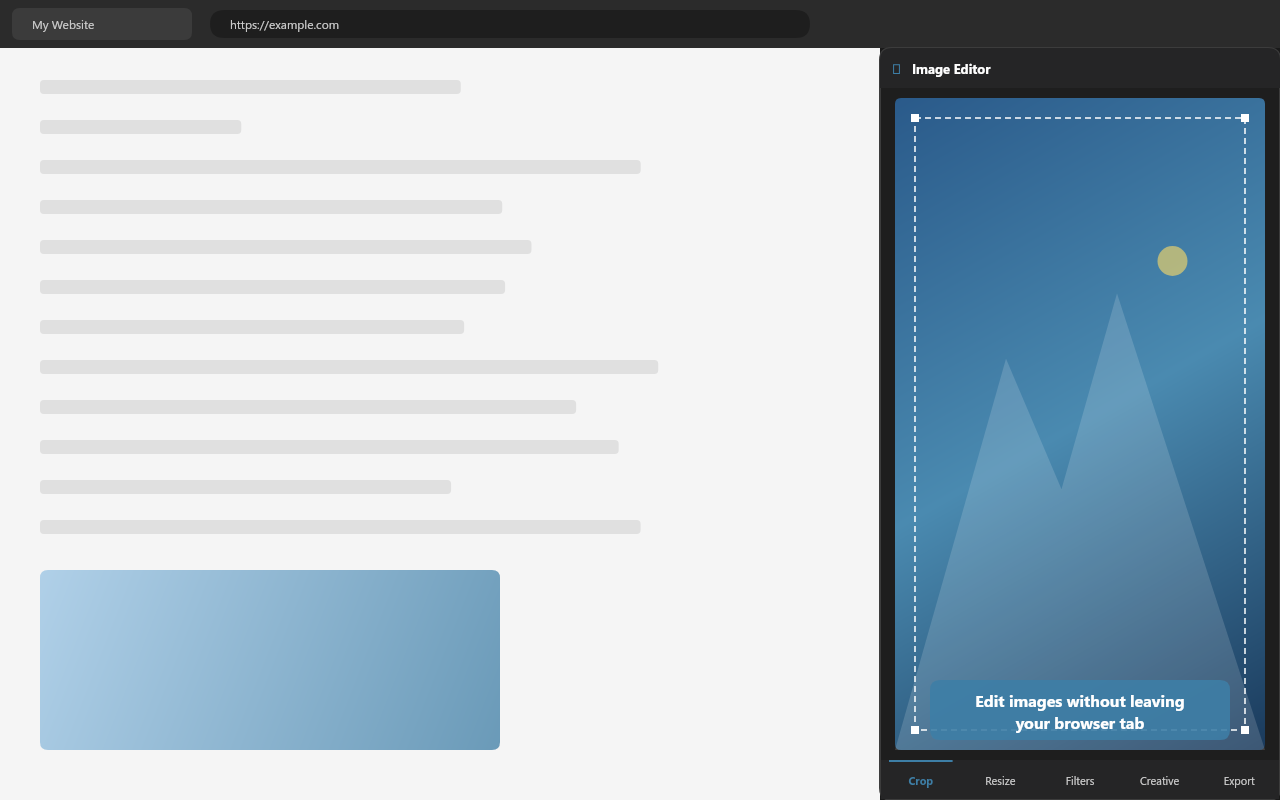
Lightweight image editor in your browser sidebar. Crop, resize, apply filters, and convert formats without leaving your browser.
截图
简介
# Image Editor — Browser Side Panel Extension
> A lightweight, privacy-first image editor that lives in your browser's side panel. Crop, resize, apply filters, and export — without leaving your current tab.
---
## Why Image Editor?
Microsoft removed the built-in image editor from Edge 137. Image Editor brings that functionality back — and goes further. It runs entirely in your browser sidebar with zero server uploads, zero dependencies, and zero tracking. Your images never leave your device.
---
## Key Features
### Load Images Your Way
Open images from six different sources — file picker, drag-and-drop, clipboard paste (Ctrl+V), right-click any image on the web, or browse images detected on the current page. Image Editor scans the active tab and shows a thumbnail gallery of every image on the page, ready to edit in one click.
### Crop
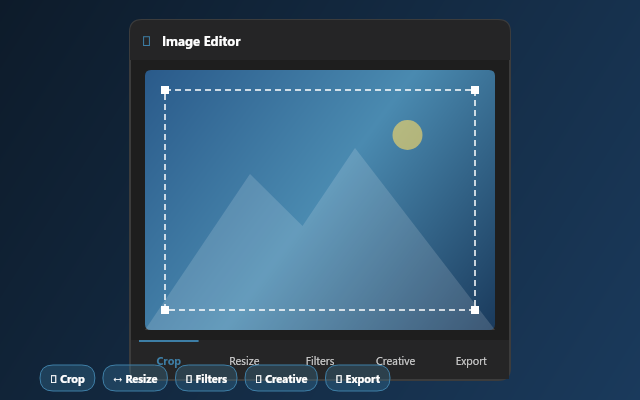
Interactive crop with drag handles and preset aspect ratios (Free, 1:1, 4:3, 16:9, 3:2). Enter exact pixel coordinates for precision work. The crop overlay adjusts to your selection in real time.
### Resize
Scale images by width, height, or percentage presets (25%, 50%, 75%, 100%, 150%, 200%). Lock aspect ratio to prevent distortion. See original and new dimensions side-by-side.
### 8 Filter Adjustments + 8 Presets
Fine-tune brightness, contrast, saturation, blur, grayscale, sepia, hue rotation, and opacity with real-time sliders. Or choose from 8 one-click presets: Original, Vivid, Warm, Cool, B&W, Sepia, High Contrast, and Vintage.
### 12 Creative Pixel Filters
Go beyond basic filters with 12 unique creative effects powered by direct pixel manipulation:
- **Memory Drift** — Nostalgic blur with warm color drift from center to edges
- **Genetic Mutation** — Chaotic pixel displacement with adjustable mutation rate
- **Time Slice** — Day-to-night gradient across the image
- **Perspective Warp** — Barrel distortion / fish-eye effect
- **Emotion: Happy** — Warm glow with bloom on bright areas
- **Emotion: Sad** — Cool desaturation with blue shift
- **Emotion: Angry** — Edge-detected red amplification
- **Physics Breaker** — Sine-wave displacement with chromatic aberration
- **Multi-Reality** — Three-way split: posterized, real, and sketch
- **Detail Redistribution** — Inverted sharpness vignette
- **Signal Corruption** — VHS-style glitch with scanlines and channel offset
- **Growth / Decay** — Organic rust, growth, and aging patterns
Each creative filter includes an intensity slider. An AI-powered recommendation banner analyzes your image and suggests the best creative filter automatically.
### Export
Save as PNG, JPEG, or WebP. Adjust quality for lossy formats. Download with one click — your edited image is ready instantly.
### Undo / Redo
Full 20-step undo/redo history. Every crop, resize, filter, and creative effect is reversible with Ctrl+Z / Ctrl+Y.
---
## Privacy & Security
- **100% local processing** — images are never uploaded to any server
- **No tracking, no analytics, no cookies** — zero data collection
- **No external scripts** — all code runs locally inside the extension
- **Minimal permissions** — only requests what's needed (side panel, context menu, active tab for page scanning)
- **Open source** — inspect every line of code
---
## Technical Details
- Manifest V3 extension using the Side Panel API
- Compatible with Microsoft Edge and Google Chrome
- Dark theme UI that matches the browser
- Zero dependencies — pure HTML, CSS, and vanilla JavaScript
- Canvas 2D API for all image processing
- Responsive design for any sidebar width
---
## How to Use
1. Click the Image Editor icon in the toolbar to open the side panel
2. Load an image: browse files, drag-and-drop, paste from clipboard, or click a page image
3. Edit with Crop, Resize, Filters, or Creative tools
4. Export as PNG, JPEG, or WebP
You can also right-click any image on a webpage and select **"Edit image"** to send it directly to the editor.
---
**Search Terms:** image editor, photo editor, crop resize, image filter, side panel, screenshot editor, image converter
Image Editor 是做什么的
Image Editor 是一款面向 Edge 的效率工具类扩展,主要用来管住注意力、屏蔽干扰站点、记录时间。官方对它的介绍是:Lightweight image editor in your browser sidebar. Crop, resize, apply filters, and convert formats without leaving your browser.在微软 Edge 加载项商店上,它当前版本 1.0.0,约 18 名用户。
适合什么人用
从功能定位看,Image Editor 更适合想专注工作学习、减少无效刷网页的用户。如果你平时只是偶尔遇到相关需求,用浏览器自带功能也能凑合;但如果这件事每天都发生,装一个专门处理它的扩展通常比手动操作省事得多。
怎么安装 Image Editor
- 打开微软 Edge 加载项商店上的官方页面;
- 点「添加到浏览器」并确认权限提示;
- 装好后在扩展列表里固定图标,方便随时开关。
本站只做索引与介绍,安装包来自官方商店。如果商店页面提示当前地区不可用,说明该扩展未在你所在区域上架。
常见问题
Image Editor 是免费的吗?
Image Editor 在微软 Edge 加载项商店免费提供下载。它是浏览器扩展,装上就能直接用,不需要注册账号。
Image Editor 安全吗?
它只申请了 0 项权限,范围比较克制,没有申请「读取所有网站数据」这种大权限。
Image Editor 支持哪些浏览器?
当前收录的版本来自微软 Edge 加载项商店,适用于 Edge。同一个扩展在其他商店可能有对应版本,但功能与版本号不一定相同。
怎么卸载 Image Editor?
在扩展管理页找到 Image Editor,点移除即可。它在本地保存的设置会一起清掉,不会残留数据。
权限清单 来自 manifest.json 原文
接口权限 5
activeTabcontextMenusscriptingsidePaneltabs
其他商店也有这款
同一款扩展在不同浏览器下的版本,权限与更新节奏可能不同