
Image Downloader Pro - Effortlessly Save Any Image EN
ZubairTurk02 · EEdge MV3
Download images from any webpage with a simple hover + keyboard shortcut. Supports all image formats.
<all_urls>),意味着它可以读取你在任意站点的页面内容,包括已登录的页面。这是许多扩展正常工作的必要条件,但也值得你确认来源可信。
截图
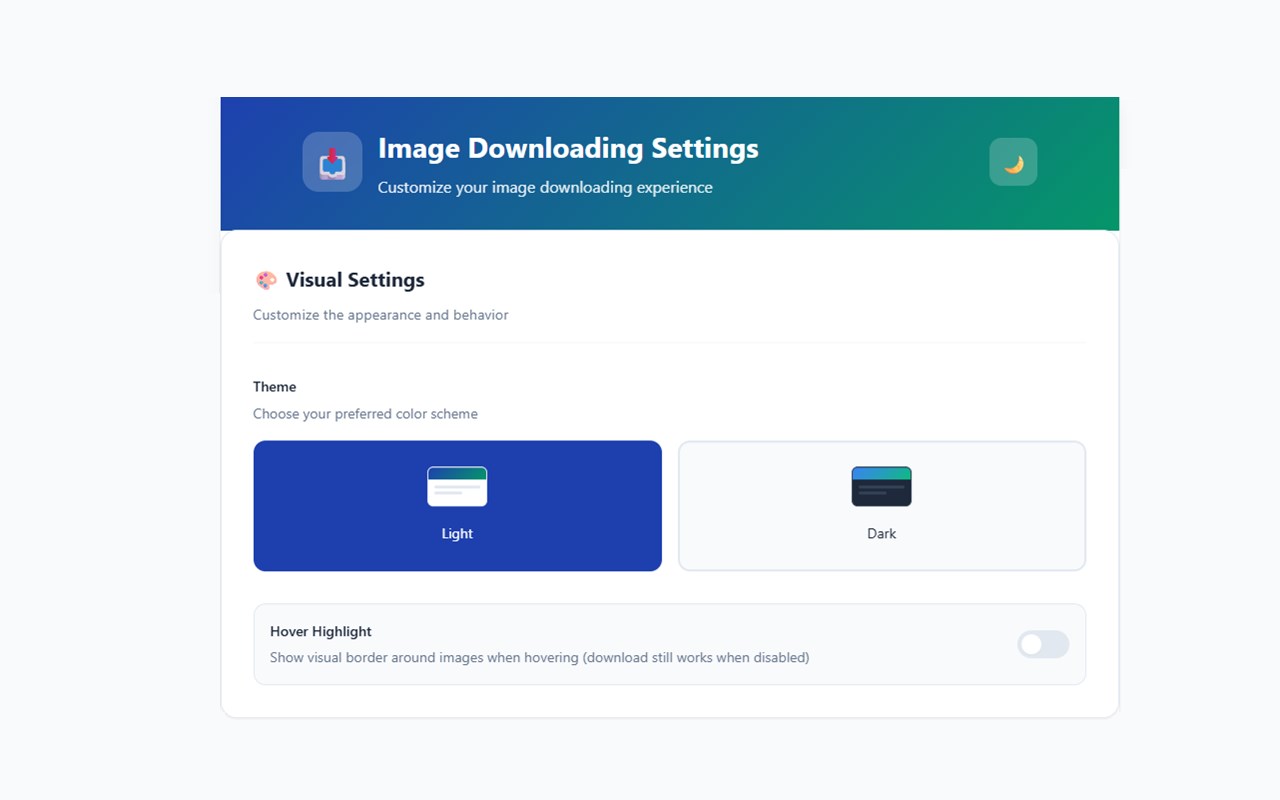
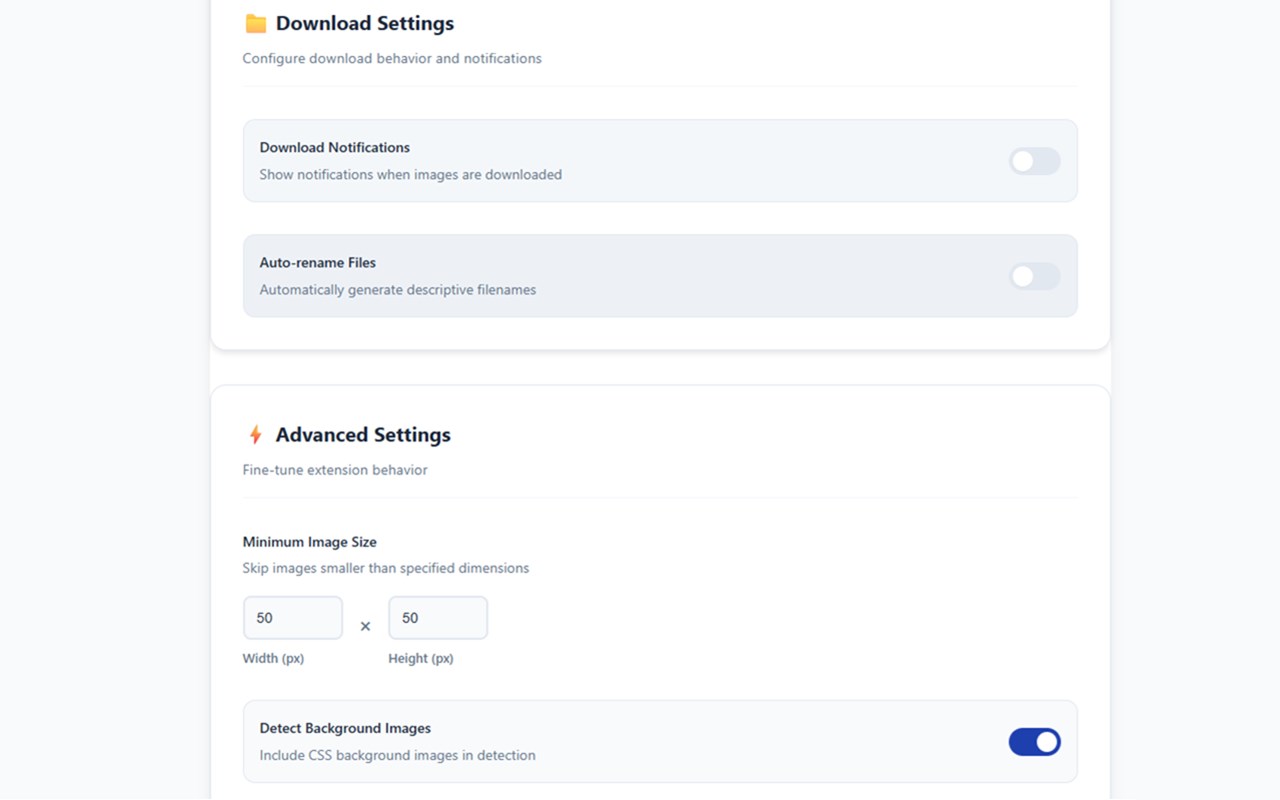
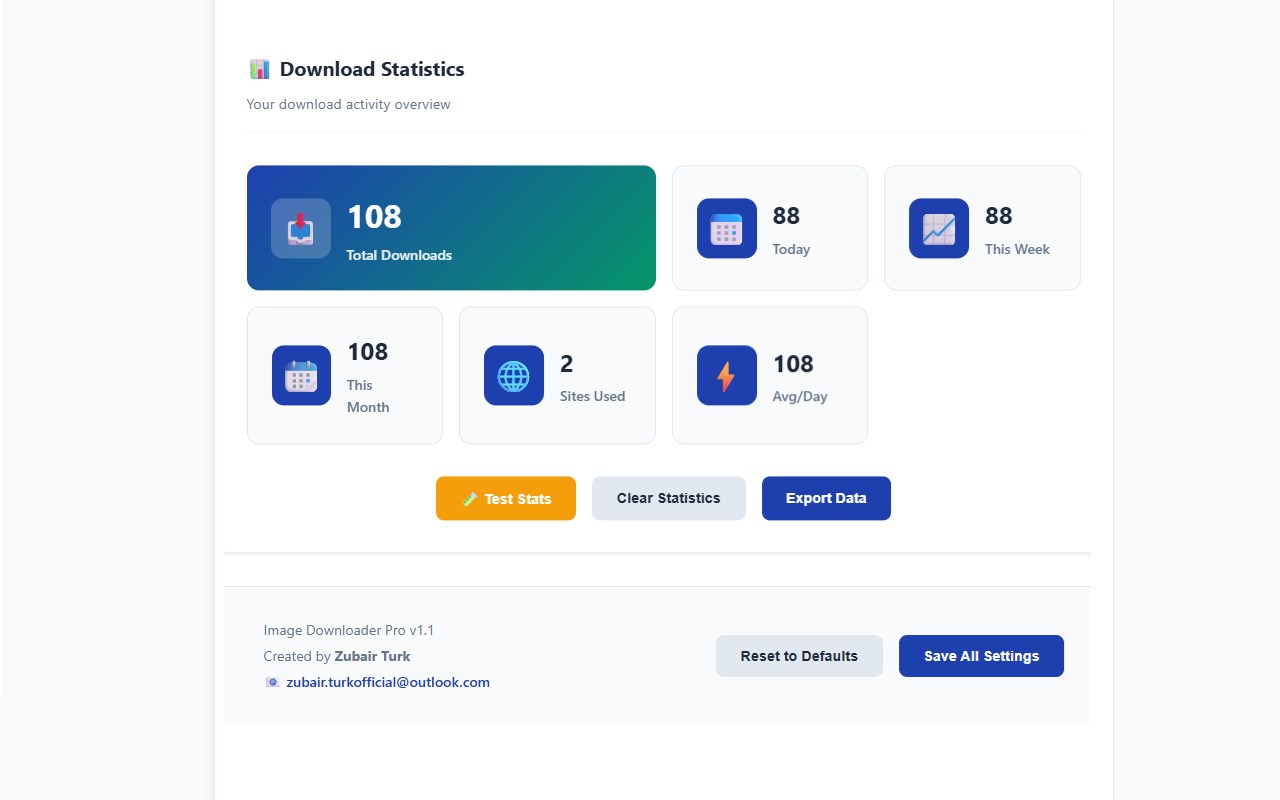
简介
Image Downloader Pro is a sophisticated browser extension that revolutionizes how you download images from websites. Unlike basic right-click saving, this intelligent tool automatically detects all images on a page and provides seamless one-click downloading with advanced features for power users, designers, researchers, and casual browsers alike.
✨ Key Features
🎯 Smart Image Detection
Comprehensive Scanning: Automatically finds all visible images, background images, lazy-loaded content, and dynamic elements
Multi-Format Support: Handles standard images, videos (posters), canvases, SVGs, and CSS background images
Platform-Specific Optimization: Special enhanced detection for Bing Images and other major platforms
Intelligent Filtering: Configurable minimum size settings to ignore thumbnails and tiny elements
🖱️ Elegant Hover Interface
Floating Download Button: Beautiful, unobtrusive icon appears when hovering over any detectable image
11 Visual Styles: Choose from modern, classic, minimal, gradient, and other professional designs
Smart Positioning: Automatically centers itself at the top of images for optimal accessibility
Smooth Animations: Polished hover effects and transitions enhance user experience
⌨️ Keyboard Shortcuts
Quick-Access Download: Customizable keyboard shortcut (default: Ctrl/Cmd + Shift + D) to instantly download hovered images
Flexible Configuration: Remap modifier keys to match your workflow preferences
🔧 Advanced Download Engine
Format Conversion: Automatically convert images to JPG or PNG based on your preferences
Quality Optimization: Ensures highest available quality from source images
Cross-Origin Intelligence: Smart handling of images from different domains with proxy fallback
Bing High-Resolution: Extracts full-quality versions from Bing Images search results
⚡ Performance Optimized
Lazy Processing: Only processes visible images to save system resources
Intelligent Caching: Remembers processed images for faster subsequent access
Batch Operations: Efficiently handles pages with hundreds of images without slowing down your browser
Memory Efficient: Automatic cleanup and garbage collection
🎨 Visual Customization
11 Hover Icon Styles:
Modern - Gradient background with contemporary design
Classic - Traditional circular dark theme with border
Minimal - Clean, simple white background
Filled - Solid color professional look
Circle - Circular blue theme
Gradient - Colorful gradient effects
Outline - Transparent with subtle border
Progress - Animated progress ring style
Dual Tone - Two-color sophisticated design
Hexagon - Unique geometric shape
Glow - Elegant glowing effect
🔧 Technical Capabilities
Advanced Image Processing:
Cross-Origin Downloading: Securely downloads images from external domains
Data URL Handling: Processes base64 encoded images seamlessly
Dynamic Content Support: Works perfectly with JavaScript-heavy websites (React, Vue, Angular)
Blob URL Conversion: Handles dynamically generated images from canvas elements
Srcset Parsing: Automatically selects highest resolution from responsive image sets
Smart Format Handling:
Automatic Conversion: Convert between JPG, PNG, WebP, and other formats
Quality Preservation: Maintains original image quality during conversions
Duplicate Prevention: Prevents re-downloading the same image multiple times
Filename Intelligence: Generates meaningful filenames from URLs and metadata
⚙️ Configuration Options
Customizable Settings:
Image Detection
Background image detection toggle
Lazy loading support
Minimum image size requirements
Download Preferences
Default download format (JPG/PNG/Original)
Automatic format conversion
Cross-origin download handling
User Interface
Hover icon style selection
Notification preferences
Keyboard shortcut customization
Performance
Scan intensity settings
Cache management
Memory usage optimization
🎯 Ideal Use Cases
For Professionals:
Web Designers - Quickly collect design inspiration and UI references
Digital Marketers - Download product images and marketing assets
Researchers - Save reference images for studies and presentations
Content Creators - Gather visual assets for blogs and social media
For Everyday Use:
Online Shopping - Download product images for comparison
Travel Planning - Save destination photos and hotel images
Recipe Collection - Download food images from cooking sites
Personal Projects - Collect images for hobbies and interests
🌟 User Experience Benefits
Time-Saving:
One-Click Downloads: No more right-clicking and navigating menus
Batch Ready: Prepare multiple images for download quickly
No Quality Loss: Always get the highest available resolution
Convenience:
Works Everywhere: Functions across all websites and web applications
SPA Compatible: Perfect for modern single-page applications
No Page Reloads: Seamless operation without interrupting browsing
Reliability:
Error Handling: Graceful recovery from failed downloads
Connection Resilience: Handles spotty internet connections
Cross-Platform: Consistent performance across different websites
🔒 Privacy & Security
No Data Collection: All processing happens locally in your browser
Secure Downloads: Uses browser's native download manager
Permission Respect: Only accesses image data, not personal information
Transparent Operation: Clear feedback for all actions
Perfect for: Designers, Researchers, Content Creators, E-commerce Professionals, Social Media Managers, and anyone who regularly works with online images.
Experience the future of image downloading - smart, fast, and beautifully simple.
⭐ Love this extension? Leave a review! Your feedback helps us improve! ⭐
🐛 Found an issue? Comment below with details - we'll help you fix it! 🐛
Image Downloader Pro - Effortlessly Save Any Image 是做什么的
Image Downloader Pro - Effortlessly Save Any Image 是一款面向 Edge 的效率工具类扩展,主要用来管住注意力、屏蔽干扰站点、记录时间。官方对它的介绍是:Download images from any webpage with a simple hover + keyboard shortcut. Supports all image formats.在微软 Edge 加载项商店上,它当前版本 3.8,约 40 名用户。
适合什么人用
从功能定位看,Image Downloader Pro - Effortlessly Save Any Image 更适合想专注工作学习、减少无效刷网页的用户。如果你平时只是偶尔遇到相关需求,用浏览器自带功能也能凑合;但如果这件事每天都发生,装一个专门处理它的扩展通常比手动操作省事得多。需要注意的是它作用于所有网站,装上后建议先观察一两天,确认不影响常用站点的正常使用。
怎么安装 Image Downloader Pro - Effortlessly Save Any Image
- 打开微软 Edge 加载项商店上的官方页面;
- 点「添加到浏览器」并确认权限提示;
- 装好后在扩展列表里固定图标,方便随时开关。
本站只做索引与介绍,安装包来自官方商店。如果商店页面提示当前地区不可用,说明该扩展未在你所在区域上架。
常见问题
Image Downloader Pro - Effortlessly Save Any Image 是免费的吗?
Image Downloader Pro - Effortlessly Save Any Image 在微软 Edge 加载项商店免费提供下载。它是浏览器扩展,装上就能直接用,不需要注册账号。
Image Downloader Pro - Effortlessly Save Any Image 安全吗?
它只申请了 0 项权限,范围比较克制,没有申请「读取所有网站数据」这种大权限。
Image Downloader Pro - Effortlessly Save Any Image 支持哪些浏览器?
当前收录的版本来自微软 Edge 加载项商店,适用于 Edge。同一个扩展在其他商店可能有对应版本,但功能与版本号不一定相同。
怎么卸载 Image Downloader Pro - Effortlessly Save Any Image?
在扩展管理页找到 Image Downloader Pro - Effortlessly Save Any Image,点移除即可。它在本地保存的设置会一起清掉,不会残留数据。
权限清单 来自 manifest.json 原文
站点访问(可选) 1
<all_urls>
接口权限 6
activeTabcommandsdownloadsnotificationsscriptingstorage