
Hover Zoom Image EN
Hover Zoom Image · EEdge MV3
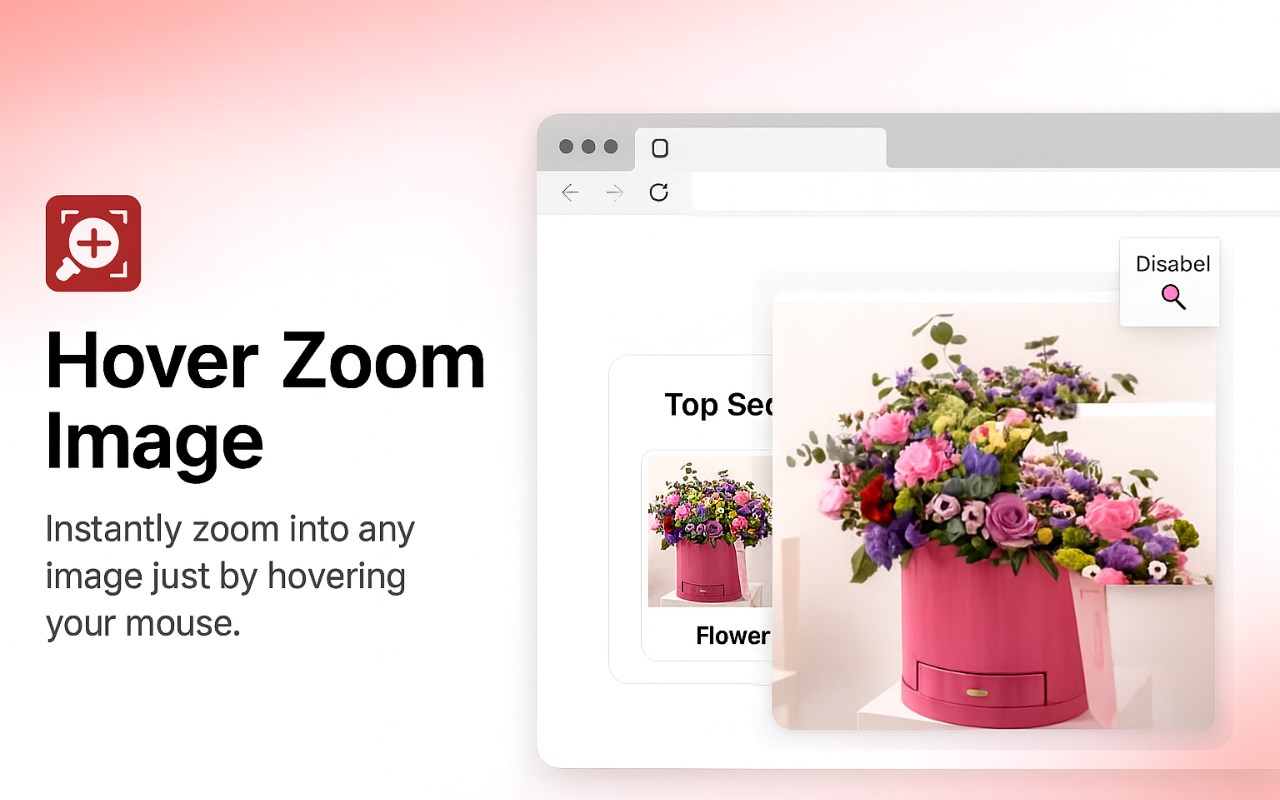
Zooms in on images when hovered over.
截图
简介
Activate this extension to automatically zoom images when you hover over them with your cursor
Are you disappointed by the poor quality of images on the internet? That's where our Hover Zoom Image Edge Extension comes to the rescue! This extension enlarges images when you hover over them, without requiring any clicks or the need to open a new tab. Spend less time and get more done with this smooth integration, designed for everyone from professionals to students to casual users.
Zoom in and out of images on every website, social media platform, and online store effortlessly. Simply install Hover Zoom Image now and discover how the internet can be even better!
Key Features:
Automatic Zoom: This feature enlarges the images the moment the cursor is placed over it for a better view.
Seamless Integration: Designed to complement your current browser without affecting other add-ons or plugins in any way.
User-Friendly Interface: Easy to install and use, there are no complicated options to set, everything is intuitive.
Customizable Settings: It is also possible to change the zoom level and the activation triggers of the zoom-in and zoom-out options.
How to Use
Step 1: First, you need to install the Extension.
Open Edge Extension web store and type in the word “Hover Zoom Image edge extension” and hit enter.
Now, click on the button “Get” and then click on “Add extension” to continue with the installation process.
Step 2: Turn On the Extension
After the installation, click on the icon of the extension in the toolbar to turn on the extension.
If you want to change the settings in any way to optimize the use of your zoom account, then you can do so.
Step 3: Images to Mouse Over
For example, open any website with images.
Just place your mouse pointer over the image and the image will magnify (zoom) on its own. allowing you to view it in greater detail.
This feature works seamlessly across various websites, including social media platforms, news sites, and online stores, providing an enhanced browsing experience.
To Whom Is It Useful:
It is very beneficial for photographers, designers, and artists who need to examine the images in detail instead of downloading them. It is also useful for students and researchers who often use detailed charts, graphs, and other visual data found on the internet. Further, they can use it to get more information about the product before buying it from online shopping sites.
Why it is Useful?
The Hover Zoom Image provides a simplified method of viewing larger images without requiring extra clicks or opening new tabs. This not only saves time but also increases the efficiency of the users as they can easily and effectively go through the visual content. Whether you are analyzing the design details or want a more engaging and rich experience while browsing, this extension enhances your productivity.
Hover Zoom Image 是做什么的
Hover Zoom Image 是一款面向 Edge 的效率工具类扩展,主要用来管住注意力、屏蔽干扰站点、记录时间。官方对它的介绍是:Zooms in on images when hovered over.在微软 Edge 加载项商店上,它当前版本 1.0,约 42 名用户。
适合什么人用
从功能定位看,Hover Zoom Image 更适合想专注工作学习、减少无效刷网页的用户。如果你平时只是偶尔遇到相关需求,用浏览器自带功能也能凑合;但如果这件事每天都发生,装一个专门处理它的扩展通常比手动操作省事得多。
怎么安装 Hover Zoom Image
- 打开微软 Edge 加载项商店上的官方页面;
- 点「添加到浏览器」并确认权限提示;
- 装好后在扩展列表里固定图标,方便随时开关。
本站只做索引与介绍,安装包来自官方商店。如果商店页面提示当前地区不可用,说明该扩展未在你所在区域上架。
常见问题
Hover Zoom Image 是免费的吗?
Hover Zoom Image 在微软 Edge 加载项商店免费提供下载。它是浏览器扩展,装上就能直接用,不需要注册账号。
Hover Zoom Image 安全吗?
它只申请了 0 项权限,范围比较克制,没有申请「读取所有网站数据」这种大权限。
Hover Zoom Image 支持哪些浏览器?
当前收录的版本来自微软 Edge 加载项商店,适用于 Edge。同一个扩展在其他商店可能有对应版本,但功能与版本号不一定相同。
怎么卸载 Hover Zoom Image?
在扩展管理页找到 Hover Zoom Image,点移除即可。它在本地保存的设置会一起清掉,不会残留数据。
权限清单 来自 manifest.json 原文
接口权限 4
notificationsscriptingstoragetabs