
HexColor.ie color Picker & Palette Builder EN
Hexcolor.ie · EEdge MV3
Inspect colors, generate shades, check WCAG contrast, and view details on hexcolor.ie
截图
简介
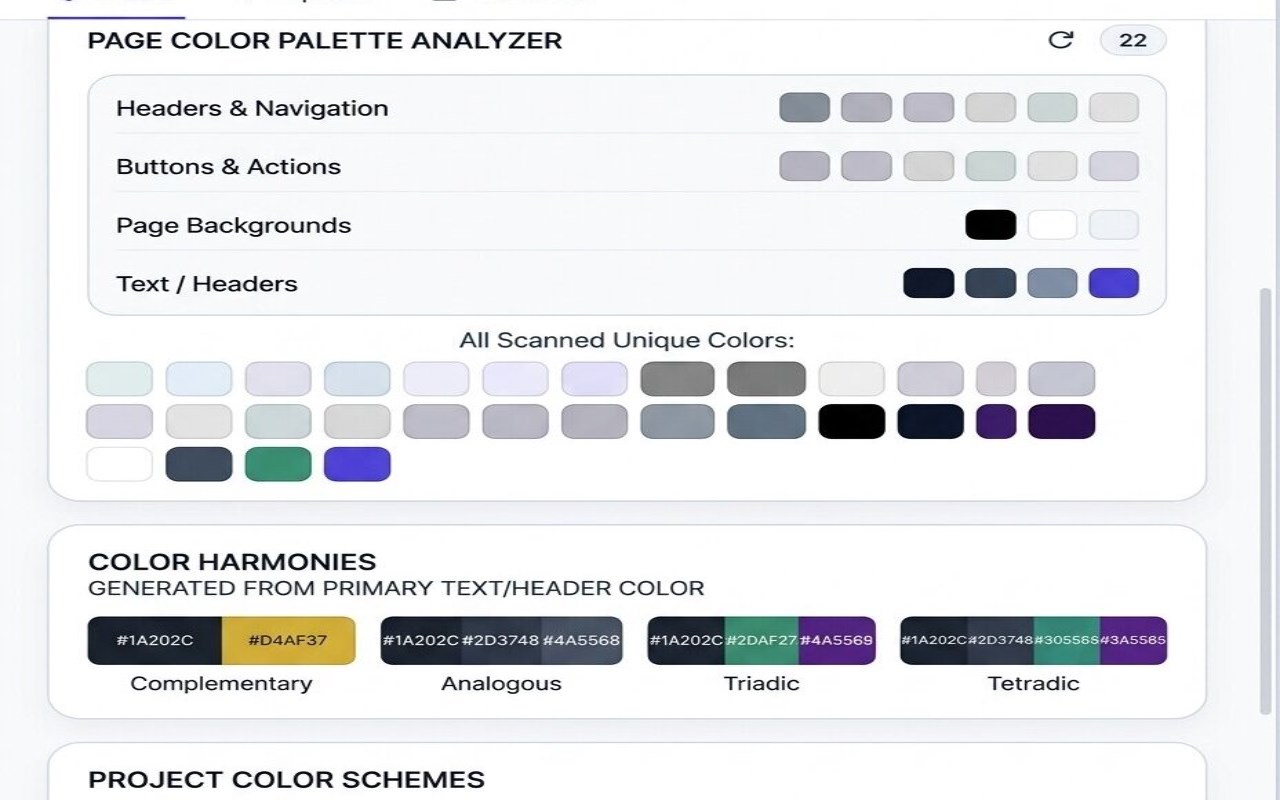
HexColor Pro Picker & Palette Builder is a compact browser extension built to make everyday color work faster and simpler directly from your browser. It helps you inspect colors on the active page, view them in multiple formats, copy values instantly, and generate quick related shades without switching to a separate design tool. Based on the extension package, its core purpose is practical and lightweight: give users a fast way to capture a color, understand its value, check basic readability, and keep a short history of recently used selections.
The extension opens in a clean popup interface centered around an Inspect Color button. When used, it launches the browser’s EyeDropper capability on the current tab so you can select a color directly from the page you are viewing. After a color is picked, it becomes the active color in the popup and is immediately processed for several useful tasks. The extension displays the selected color, lets you switch between HEX, RGB, and HSL output, and offers quick copying for easy reuse in design, development, or content workflows. This makes it useful for designers, developers, marketers, and other users who need accurate color references while browsing.
A standout part of the workflow is the flexible format display. Instead of limiting you to a single code style, the extension lets you choose whether the selected color appears as HEX, RGB, or HSL. This can be especially helpful when moving between design tools, style guides, prototypes, and front-end implementation tasks. The currently displayed value can be clicked to copy it, and the same quick-copy behavior also applies to generated shade swatches. This keeps the process fast when you need to test colors, share values, or apply them elsewhere.
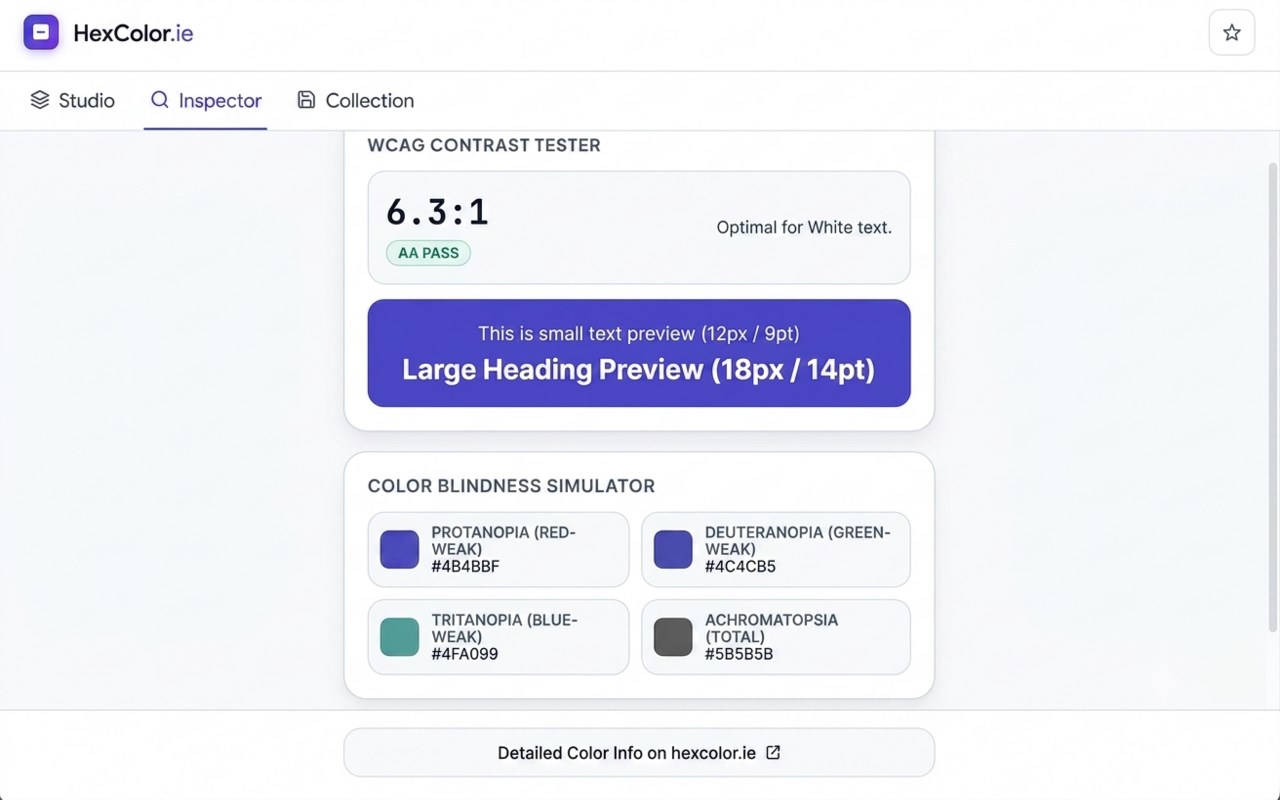
The extension also includes a concise accessibility-oriented contrast check. For each selected color, it calculates contrast against white and black text, then shows which option provides the stronger readability result. It also indicates whether the best ratio passes the AA threshold shown in the interface. While this is not presented as a full accessibility auditing suite, it gives a useful reference point for choosing text color combinations more confidently.
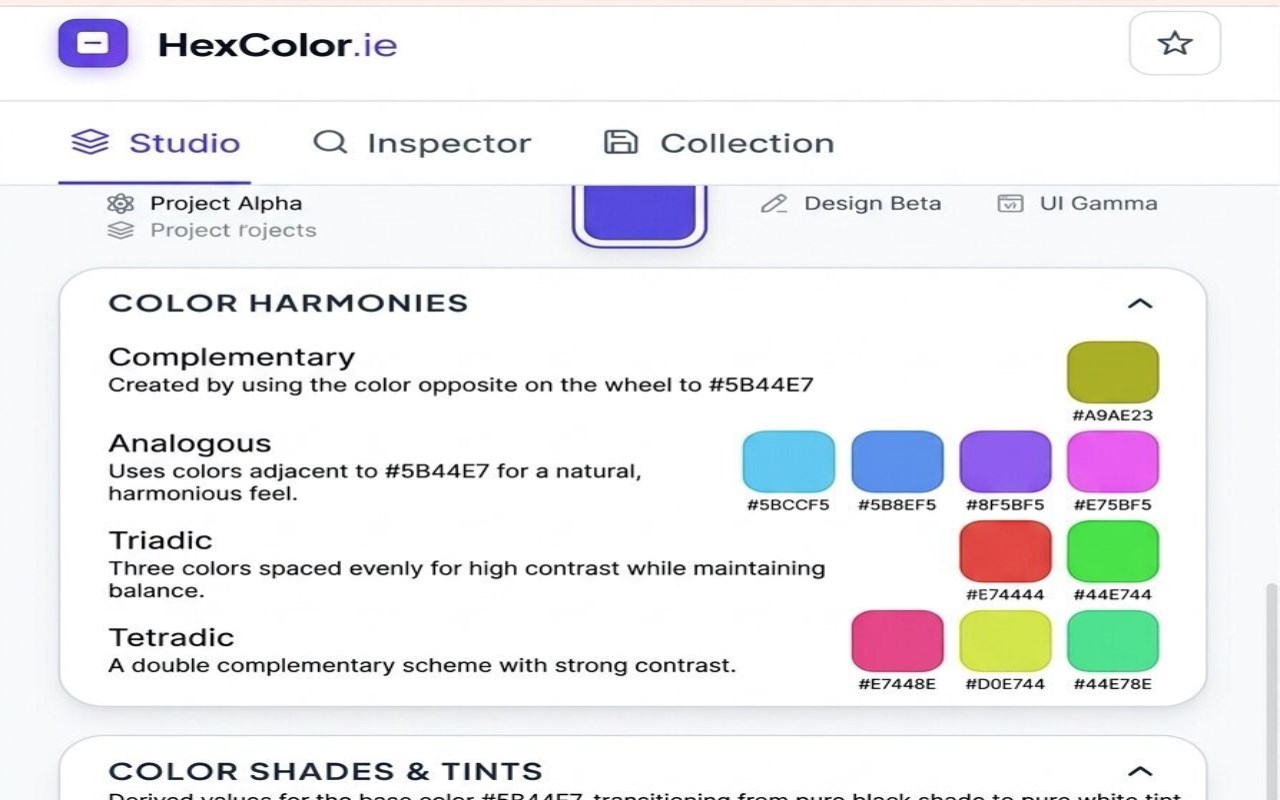
To support quick palette exploration, the popup generates several monochromatic shade variations based on the selected color. These shade swatches provide an easy way to explore related tones from a single base color. In addition, the extension stores recent colors in local browser storage, keeping up to 12 previous selections and moving repeated colors to the front instead of duplicating them. This makes it easier to revisit earlier picks, compare options, or keep track of recurring brand and project colors. For users who want more information, the popup also includes a link to view detailed color information on the HexColor.ie website.
Key Features:
- Pick colors directly from the active webpage using the browser EyeDropper tool.
- View the selected color in HEX, RGB, or HSL based on your preferred workflow.
- Click the displayed value to copy the current color instantly.
- Generate quick monochromatic shade variations from the selected base color.
- Check contrast against white and black text for a simple readability reference.
- Save up to 12 recent colors locally in the browser for quick recall.
- Open a detailed external color information page on the HexColor.ie website for further exploration.
How It Works:
1. Open the extension popup and click Inspect Color.
2. The extension launches the EyeDropper tool on the active tab.
3. Select any visible color from the current page.
4. The chosen color is shown in the popup and can be displayed as HEX, RGB, or HSL.
5. The extension calculates contrast guidance and creates related shade swatches.
6. Click the current value or any shade to copy it in the selected format.
7. Revisit saved colors from recent history or open the detailed color page on the HexColor_ie website.
Privacy:
- No personal data collected. Recent color history is stored locally in the browser.
HexColor.ie color Picker & Palette Builder 是做什么的
HexColor.ie color Picker & Palette Builder 是一款面向 Edge 的实用工具类扩展,主要用来解决浏览器里某类具体的小问题。官方对它的介绍是:Inspect colors, generate shades, check WCAG contrast, and view details on hexcolor.ie在微软 Edge 加载项商店上,它当前版本 1.2.5,约 1 名用户。
适合什么人用
从功能定位看,HexColor.ie color Picker & Palette Builder 更适合想补上浏览器原生缺失功能的用户。如果你平时只是偶尔遇到相关需求,用浏览器自带功能也能凑合;但如果这件事每天都发生,装一个专门处理它的扩展通常比手动操作省事得多。
怎么安装 HexColor.ie color Picker & Palette Builder
- 打开微软 Edge 加载项商店上的官方页面;
- 点「添加到浏览器」并确认权限提示;
- 装好后在扩展列表里固定图标,方便随时开关。
本站只做索引与介绍,安装包来自官方商店。如果商店页面提示当前地区不可用,说明该扩展未在你所在区域上架。
常见问题
HexColor.ie color Picker & Palette Builder 是免费的吗?
HexColor.ie color Picker & Palette Builder 在微软 Edge 加载项商店免费提供下载。它是浏览器扩展,装上就能直接用,不需要注册账号。
HexColor.ie color Picker & Palette Builder 安全吗?
它只申请了 0 项权限,范围比较克制,没有申请「读取所有网站数据」这种大权限。
HexColor.ie color Picker & Palette Builder 支持哪些浏览器?
当前收录的版本来自微软 Edge 加载项商店,适用于 Edge。同一个扩展在其他商店可能有对应版本,但功能与版本号不一定相同。
怎么卸载 HexColor.ie color Picker & Palette Builder?
在扩展管理页找到 HexColor.ie color Picker & Palette Builder,点移除即可。它在本地保存的设置会一起清掉,不会残留数据。
权限清单 来自 manifest.json 原文
接口权限 3
activeTabscriptingstorage