
Guidde - Magically create video documentation EN
Guidde · EEdge MV3
Magically create video documentation with AI
<all_urls>),意味着它可以读取你在任意站点的页面内容,包括已登录的页面。这是许多扩展正常工作的必要条件,但也值得你确认来源可信。
截图
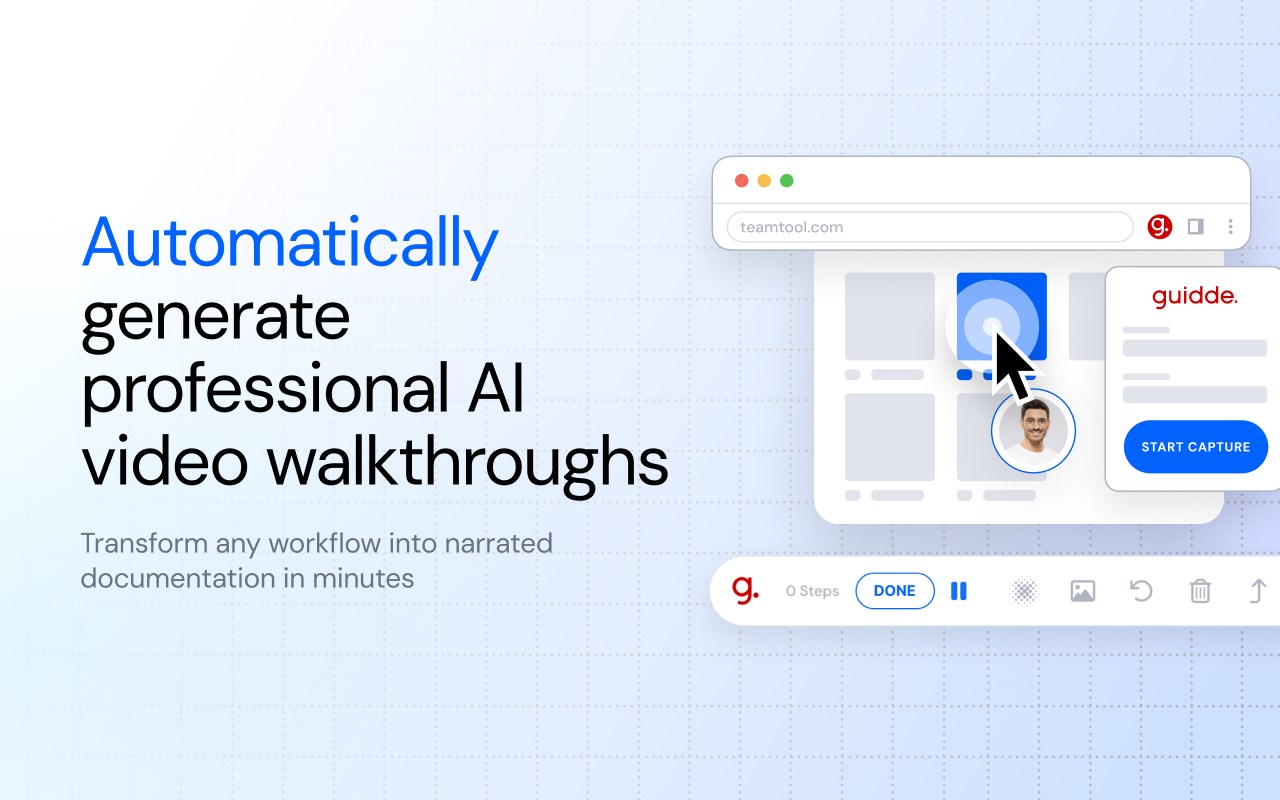
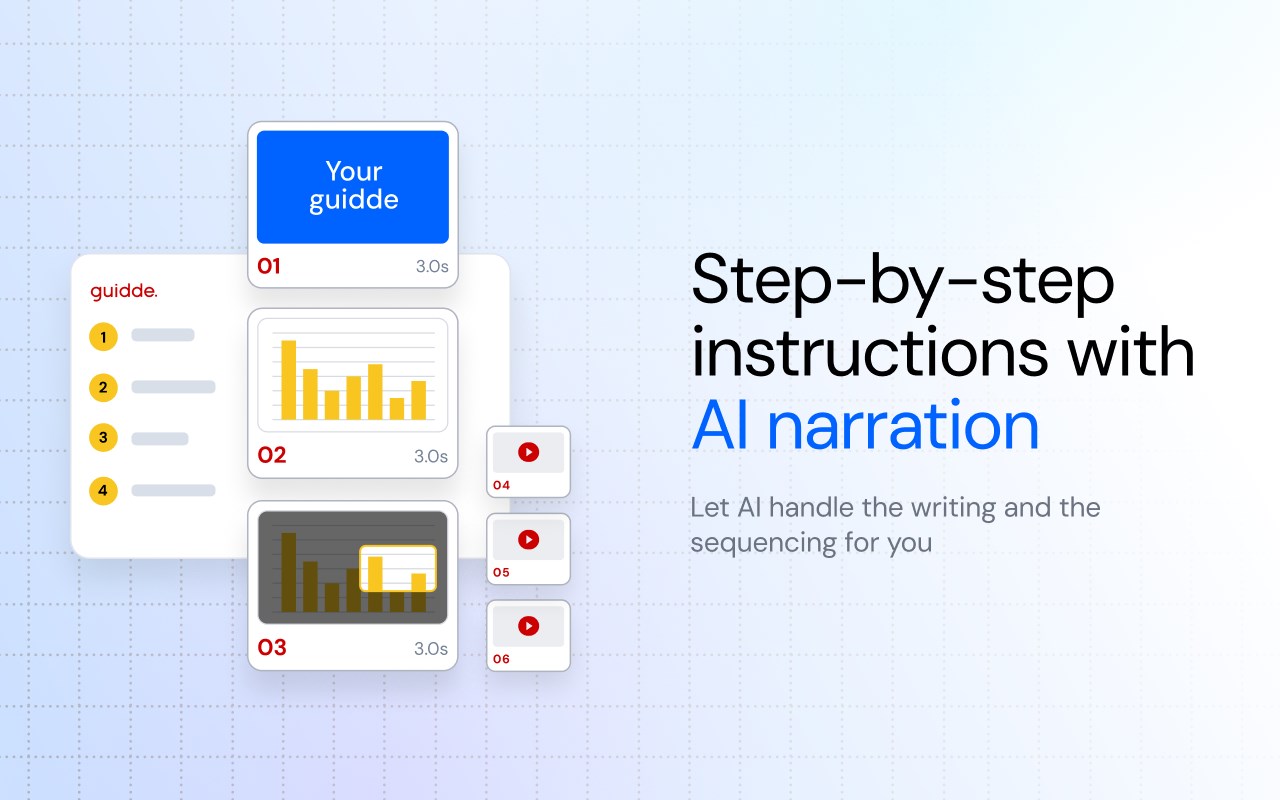
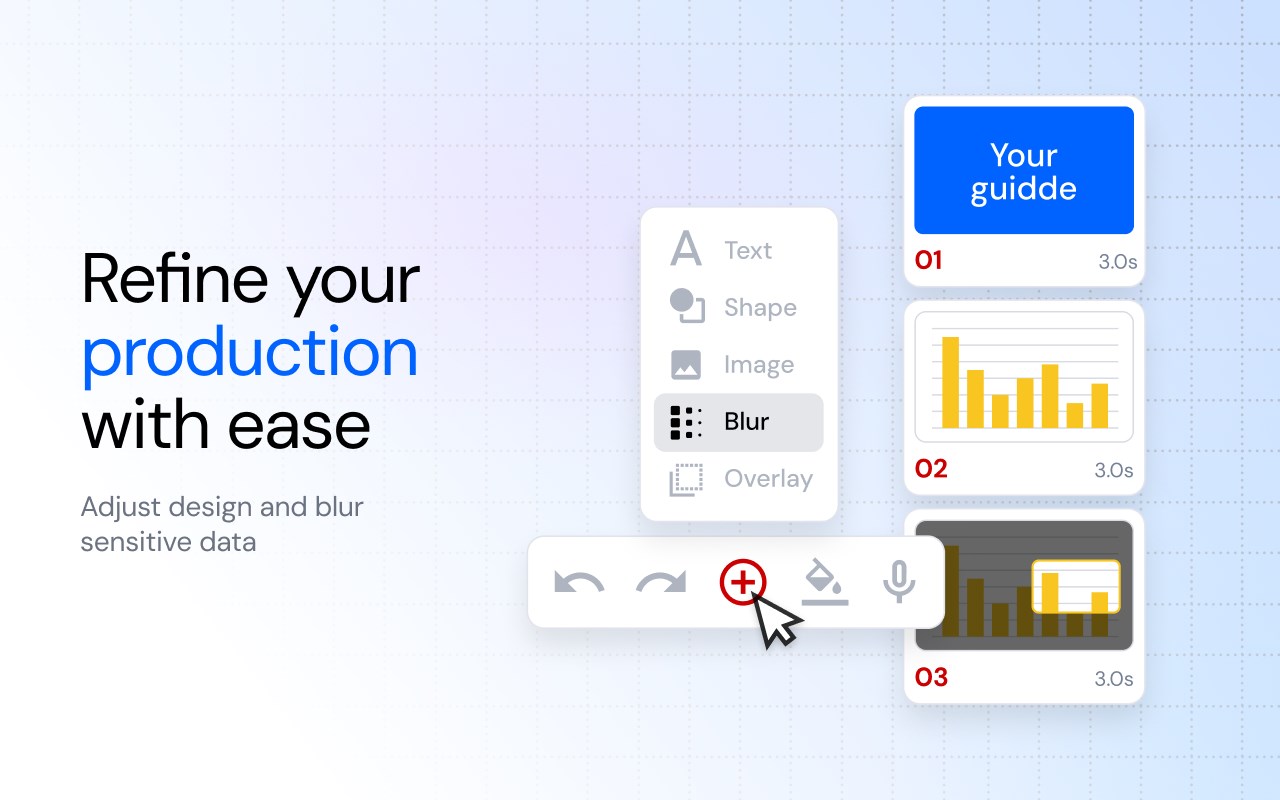
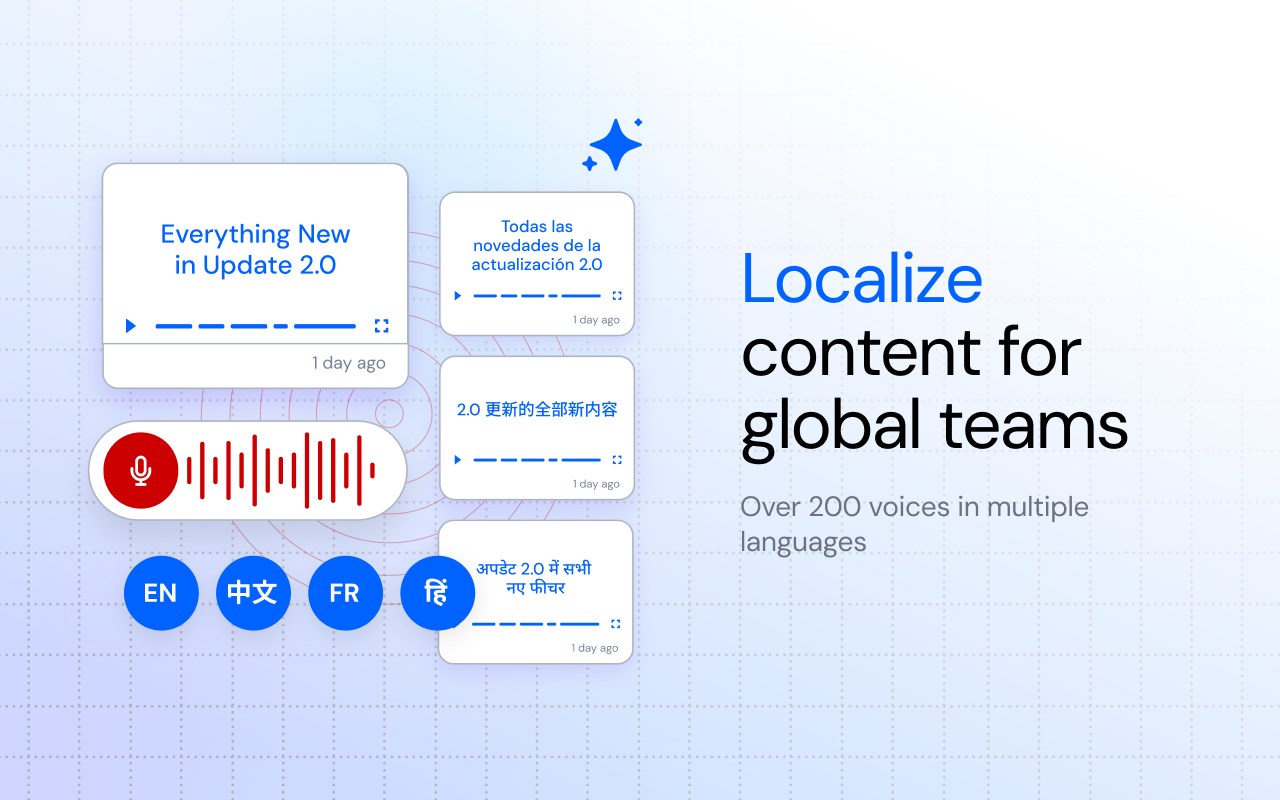

简介
Turn any web workflow into a professional video tutorial and step-by-step guide in seconds. Guidde is the AI-powered platform that helps teams capture, edit, and share knowledge 11x faster than manual recording. Start creating for free!
Manual documentation is slow, siloed, and instantly outdated. Guidde is the first AI Digital Adoption Platform (ADAP) that enables you to securely capture and broadcast workflow knowledge to customers and teams without the hassle of traditional video editing.
🌟 Feature Highlights
▪️Capture Once, Generate Everything: Don’t just record your screen - capture knowledge. Use the browser extension to record your workflow naturally. Instantly, Guidde's AI engine generates a professional video alongside a structured, written step-by-step guide.
▪️Magic Mic & AI Voiceovers: Stop worrying about background noise, verbal mistakes, or being camera-shy. Speak naturally during capture, and our AI will transcribe, clean, and convert your speech into a flawless voiceover featuring 400+ professional voices (or use voice cloning for a personalized touch).
▪️Instant Global Localization: Support your global workforce and international customers by auto-translating your video content and text guides into 50+ languages with a single click.
▪️Painless Editing Without Re-Recording: Did the software UI change? Made a verbal mistake? Use the Advanced Editor to seamlessly adjust scripts, swap audio, update design elements, and embed interactive links—without ever needing to hit record again.
▪️ One Capture, Many Formats: Instantly generate SOPs, Training guiddes, Product Demos, and Knowledge Base articles from a single recording.
🔗Common Use-Cases
Market-leading companies leverage Guidde across a full spectrum of critical workflows:
▪️ Onboarding & Learning: Accelerate new hire ramp-up time and scale talent development.
▪️ Customer Support: Deliver instant visual answers to improve customer satisfaction and retention.
▪️Software Implementation: Ensure your entire team is trained before, during, and after a go-live date.
▪️SOPs & Processes: Build clear, accessible playbooks for global teams and operations.
▪️Product Demos: Capture and share high-impact product demonstrations in minutes.
▪️AI Adoption: Help teams successfully utilize and adopt the other AI tools in your tech stack.
🔒 Enterprise-Grade Security & Privacy
Guidde is built with a privacy-safe AI architecture so you can operate with absolute confidence.
▪️Automated Magic Redaction: AI-powered detection automatically blurs Personally Identifiable Information (PII) and sensitive data, ensuring HIPAA-aligned workflows.
▪️SOC 2 Type II Certified: Rigorous security standards validated by independent audits.
▪️Private by Design: Customer data and business processes are never used to train our AI models.
🏆 Join 200,000+ Users Scaling Knowledge
Market-leading teams use Guidde to accelerate software adoption across the enterprise.
"Guidde has reduced our video production time by 90% and brought down costs." > — Michal Sever, VP Marketing & Education, Nayax
Install the extension to start capturing workflows 11x faster!
🙋Want to learn more? www.guidde.com/pricing
Guidde - Magically create video documentation 是做什么的
Guidde - Magically create video documentation 是一款面向 Edge 的效率工具类扩展,主要用来管住注意力、屏蔽干扰站点、记录时间。官方对它的介绍是:Magically create video documentation with AI在微软 Edge 加载项商店上,它当前版本 92.0.0,评分 5(1 人评价),约 28,082 名用户。
适合什么人用
从功能定位看,Guidde - Magically create video documentation 更适合想专注工作学习、减少无效刷网页的用户。如果你平时只是偶尔遇到相关需求,用浏览器自带功能也能凑合;但如果这件事每天都发生,装一个专门处理它的扩展通常比手动操作省事得多。需要注意的是它作用于所有网站,装上后建议先观察一两天,确认不影响常用站点的正常使用。
怎么安装 Guidde - Magically create video documentation
- 打开微软 Edge 加载项商店上的官方页面;
- 点「添加到浏览器」并确认权限提示;
- 装好后在扩展列表里固定图标,方便随时开关。
本站只做索引与介绍,安装包来自官方商店。如果商店页面提示当前地区不可用,说明该扩展未在你所在区域上架。
常见问题
Guidde - Magically create video documentation 是免费的吗?
Guidde - Magically create video documentation 在微软 Edge 加载项商店免费提供下载。它是浏览器扩展,装上就能直接用,不需要注册账号。
Guidde - Magically create video documentation 安全吗?
它只申请了 0 项权限,范围比较克制,没有申请「读取所有网站数据」这种大权限。
Guidde - Magically create video documentation 支持哪些浏览器?
当前收录的版本来自微软 Edge 加载项商店,适用于 Edge。同一个扩展在其他商店可能有对应版本,但功能与版本号不一定相同。
怎么卸载 Guidde - Magically create video documentation?
在扩展管理页找到 Guidde - Magically create video documentation,点移除即可。它在本地保存的设置会一起清掉,不会残留数据。
权限清单 来自 manifest.json 原文
站点访问(可选) 1
<all_urls>
接口权限 10
alarmscontextMenusidentityidentity.emailoffscreenscriptingsidePanelstoragetabCapturetabs