
GitHub HTML Preview EN
Bauer Automate · EEdge MV3
Preview HTML files on GitHub with one click, or automatically. Isolated sandbox - no API token, no server, no account access.
截图
简介
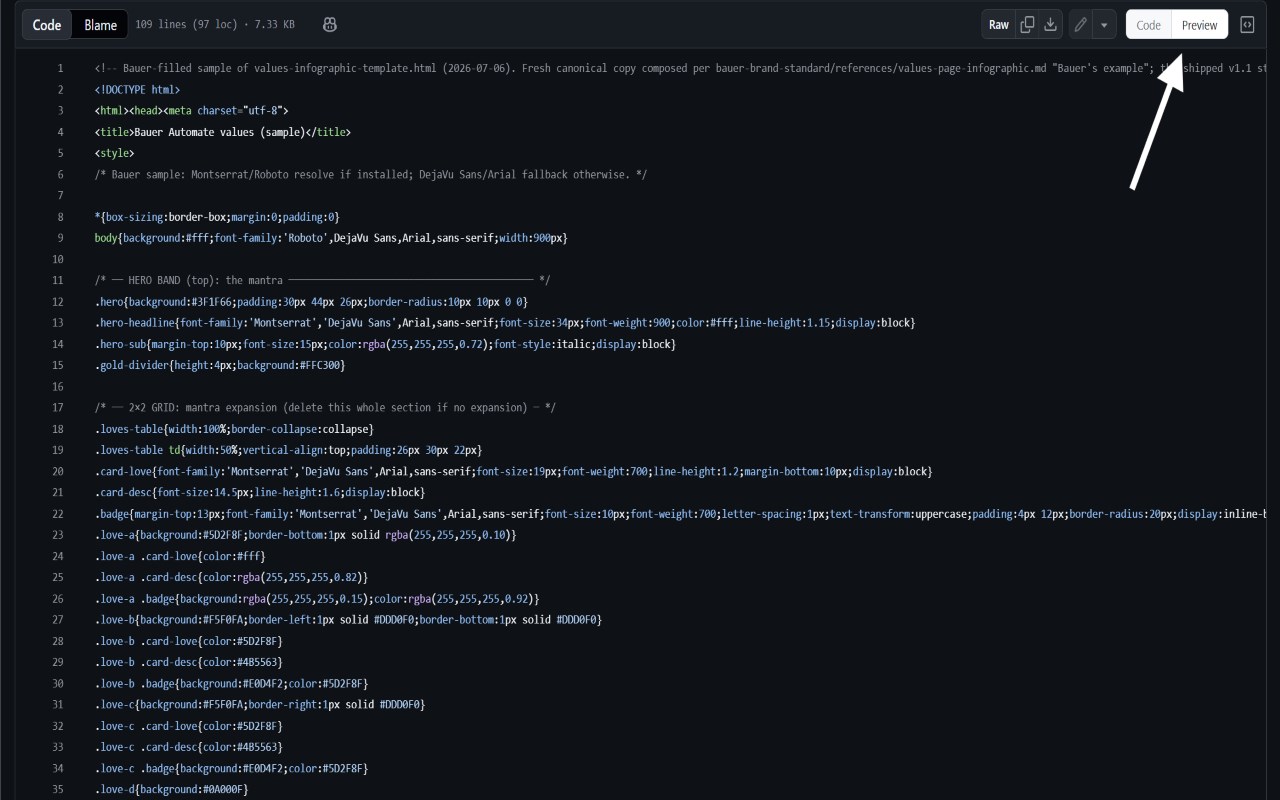
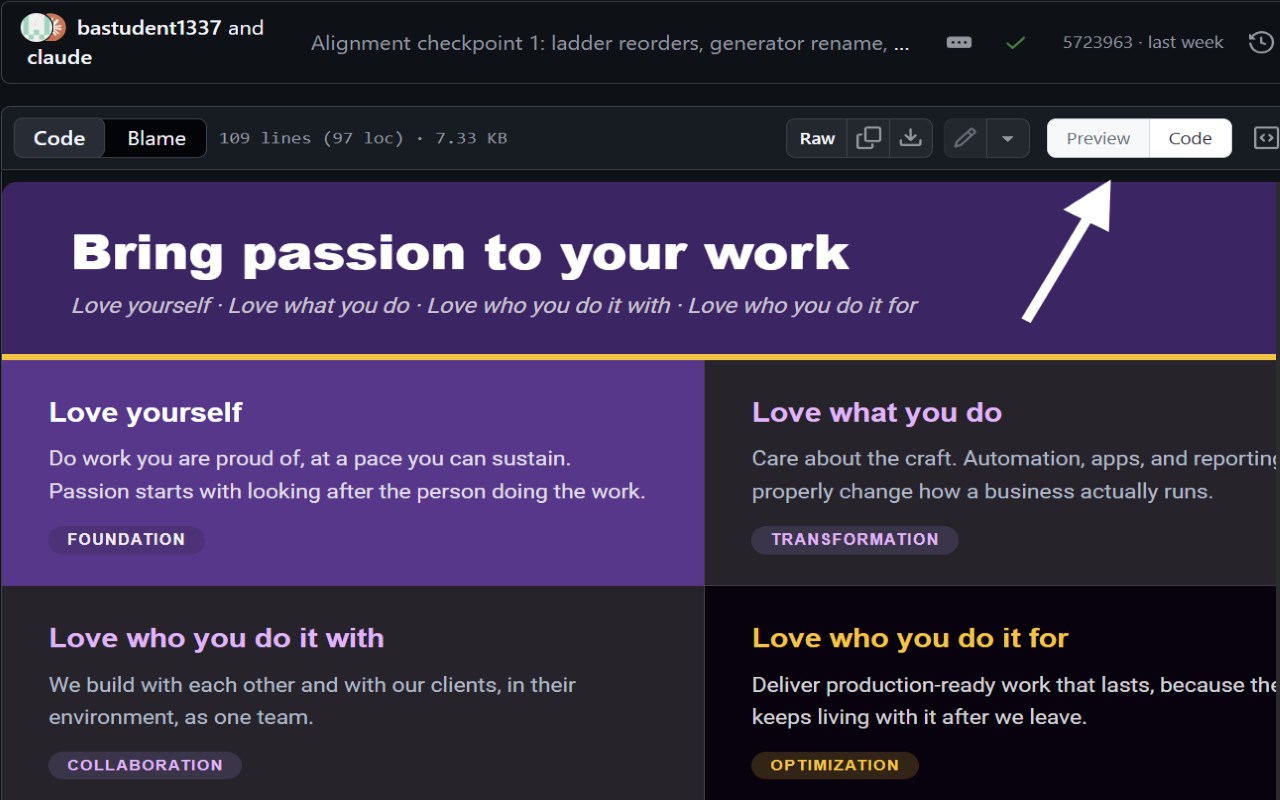
GitHub HTML Preview adds a one-click Preview button to any .html file page on GitHub, so you can see how it renders without downloading it, setting up GitHub Pages, or leaving your browser.
Why this exists AI tools now write a lot of HTML — docs, diagrams, interactive demos, one-off visualizations — often committed by people who don't otherwise write HTML for a living and are still learning their way around GitHub. Copy-pasting into a separate renderer every time you want to check one is slow. This previews the file right where it already lives, in one click, so you can iterate on AI-generated visuals and interactive components as fast as you can regenerate them.
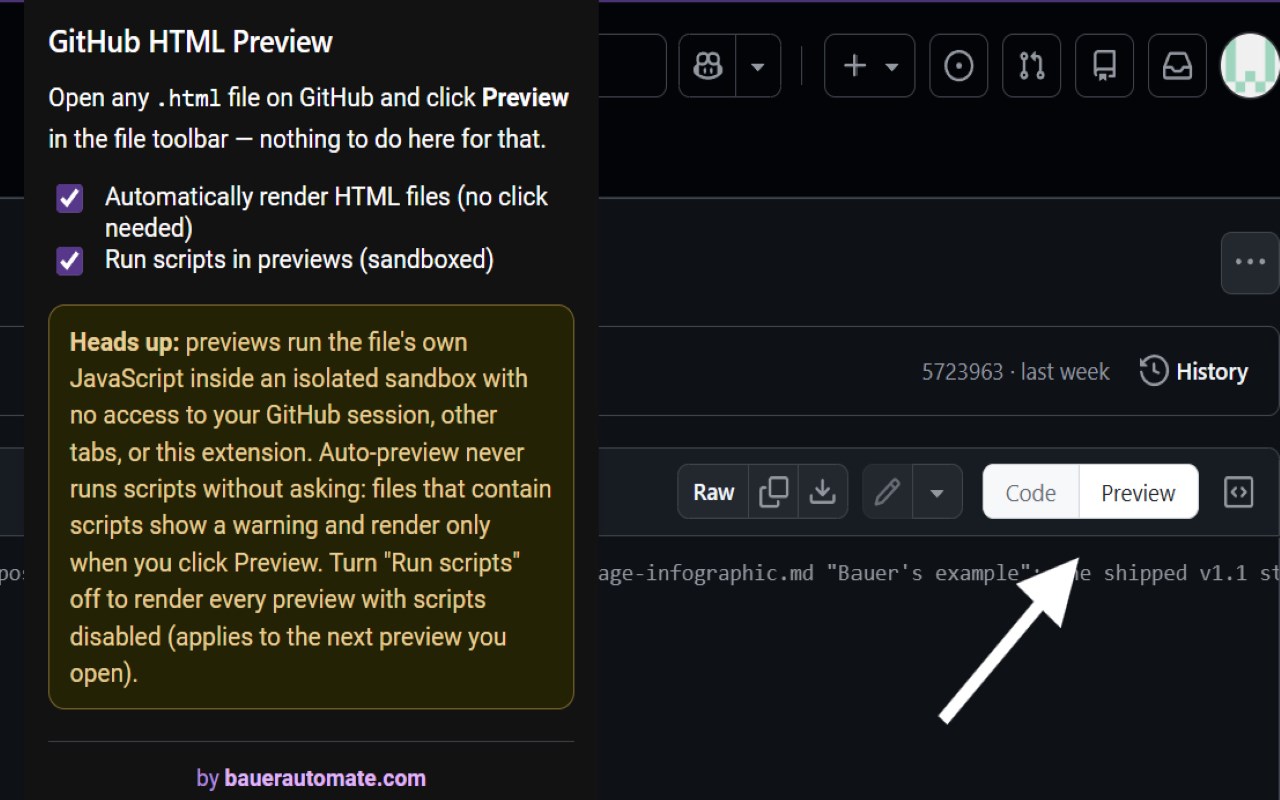
How it works Open any .html or .htm file on GitHub and click Preview. The page you're already looking at is rendered right where the source code was — tabs, buttons, and scripts working, scrolling naturally in both directions, like a real embedded page. Click Code to switch back, and toggle as many times as you like. Prefer it automatic? Turn on auto-preview from the toolbar icon and matching files render the instant you open them.
Built for privacy and safety from the ground up
No sign-in, no account, no API token required.
Nothing ever leaves your browser, and the extension talks to no server other than GitHub itself: it reads the file content already shown on the page (with a last-resort fallback that fetches the file's own github.com raw URL when the on-page text isn't extractable). The previewed file may load the images, styles, and scripts it references, exactly like it would as a normal webpage.
Scripts run in a locked-down sandbox with no identity. The previewed page cannot read your GitHub session or cookies, touch the GitHub page you're on, access this extension's data, or navigate your tab. It renders in an isolated frame with a throwaway origin.
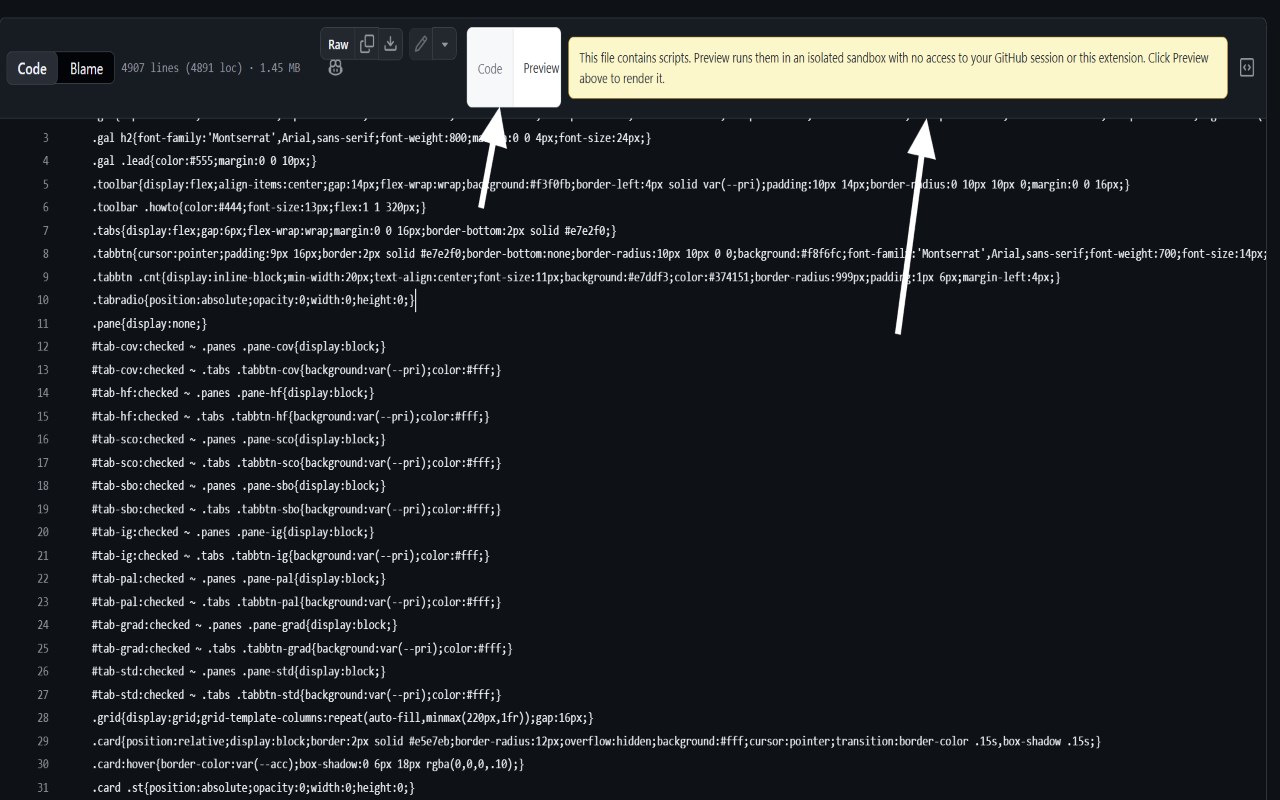
Auto-preview asks before running scripts. If a file contains scripts, auto-preview shows a warning instead of rendering — it runs only when you click Preview. And if you'd rather scripts never run at all, one toggle in the popup renders every preview with scripts disabled entirely.
One permission, and it's a small one. storage — used only to remember your two settings. Nothing else.
Built to preview your own files — be careful with anyone else's. We built this to check our own AI-generated HTML faster, not to make it easier to run code from repos you don't control. Nothing is "processed" by us — there's no server and no one reviewing what you preview; it all happens locally in your browser, which means the judgment call of clicking Preview on a file with scripts is entirely yours. The sandbox stops a previewed page from touching your GitHub session, cookies, this extension's data, or your tab — but inside its own frame it can still do anything a webpage's script can do. Take the script-consent warning seriously: only click through on code you wrote yourself or otherwise trust. If you don't recognize or understand what a file's script does, don't preview it — view the source instead.
Works with private repositories too — anything you can already view on github.com, you can preview.
Built by https://bauerautomate.com
GitHub HTML Preview 是做什么的
GitHub HTML Preview 是一款面向 Edge 的实用工具类扩展,主要用来解决浏览器里某类具体的小问题。官方对它的介绍是:Preview HTML files on GitHub with one click, or automatically. Isolated sandbox - no API token, no server, no account access.在微软 Edge 加载项商店上,它当前版本 1.1.0,评分 5(1 人评价),约 68 名用户。
适合什么人用
从功能定位看,GitHub HTML Preview 更适合想补上浏览器原生缺失功能的用户。如果你平时只是偶尔遇到相关需求,用浏览器自带功能也能凑合;但如果这件事每天都发生,装一个专门处理它的扩展通常比手动操作省事得多。
怎么安装 GitHub HTML Preview
- 打开微软 Edge 加载项商店上的官方页面;
- 点「添加到浏览器」并确认权限提示;
- 装好后在扩展列表里固定图标,方便随时开关。
本站只做索引与介绍,安装包来自官方商店。如果商店页面提示当前地区不可用,说明该扩展未在你所在区域上架。
常见问题
GitHub HTML Preview 是免费的吗?
GitHub HTML Preview 在微软 Edge 加载项商店免费提供下载。它是浏览器扩展,装上就能直接用,不需要注册账号。
GitHub HTML Preview 安全吗?
它只申请了 0 项权限,范围比较克制,没有申请「读取所有网站数据」这种大权限。
GitHub HTML Preview 支持哪些浏览器?
当前收录的版本来自微软 Edge 加载项商店,适用于 Edge。同一个扩展在其他商店可能有对应版本,但功能与版本号不一定相同。
怎么卸载 GitHub HTML Preview?
在扩展管理页找到 GitHub HTML Preview,点移除即可。它在本地保存的设置会一起清掉,不会残留数据。
权限清单 来自 manifest.json 原文
接口权限 1
storage