
GitHub Enhancer
hubporg · EEdge MV3
GitHub 增强扩展:Material 图标、返回顶部、时间格式化、图片预览、文件大小
截图


简介
GitHub Enhancer is a sophisticated browser extension designed to elevate your GitHub experience by introducing a suite of practical and visually appealing improvements. Tailored for developers, project managers, and frequent GitHub users, this extension integrates seamlessly with the GitHub interface, transforming the way you browse repositories, review code, and manage files. By incorporating elements like Material Design file icons, a convenient Back to Top button, customizable time formatting, inline image previews, smart gallery-style image layouts, and repository size calculations, GitHub Enhancer makes navigating and understanding GitHub repositories more efficient and intuitive.
Once installed, GitHub Enhancer revitalizes the default GitHub file explorer by injecting clear and colorful Material Design icons for files and folders, enabling quicker identification and a cleaner look. Scrolling through extensive pages becomes effortless with the smart floating Back to Top button that lets you return to the page’s start immediately, minimizing the time spent on manual scrolling—particularly useful during long pull requests or issue discussions. Time stamps and dates across GitHub—such as on commits, issues, and pull requests—are formatted according to your preferences, enhancing readability and ensuring the information is presented in the most suitable manner for your workflow.
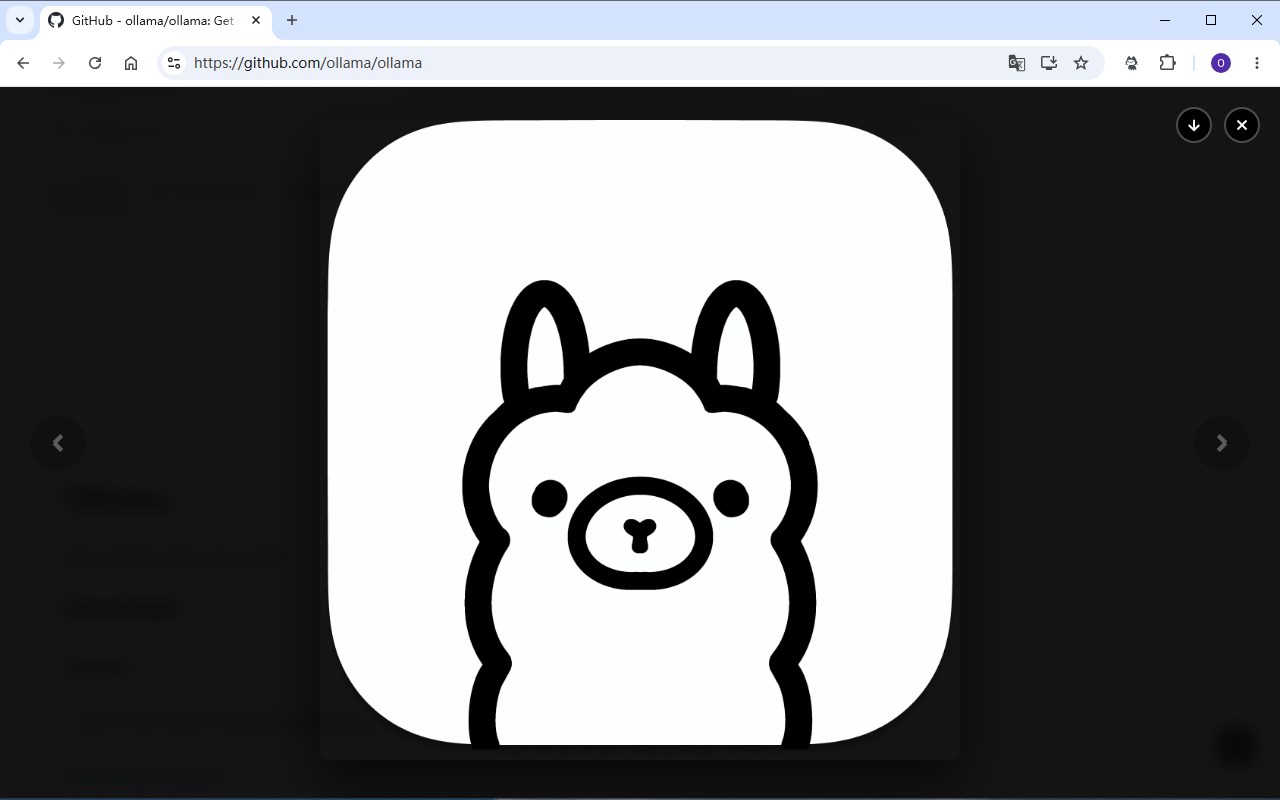
A key highlight of GitHub Enhancer is the inline image preview feature, which allows you to view images directly within the GitHub interface without needing to open them in new tabs or download them first. This is particularly advantageous for designers and reviewers working with graphic assets. Repository folders that contain numerous images benefit from the new smart image file layout that organizes these files into an elegant, gallery-like arrangement for easy browsing. Additionally, the extension calculates and displays the total size of repositories and their contents, giving maintainers and contributors immediate insight into the project’s scale and resource requirements.
Customization and control are integral to GitHub Enhancer’s design. Users can easily access the extension’s popup menu to toggle individual features on or off, adjust icon themes, switch layout styles, and view current version information. This modular approach ensures that each user can tailor the enhancements to their unique needs, avoiding clutter while maximizing productivity. GitHub Enhancer respects your privacy rigorously; it enhances your GitHub interface without collecting or transmitting any personal or browsing data, guaranteeing a secure and private experience.
Key Features:
- Material Design Icons for Files & Folders: Enhances GitHub’s file explorer by adding visually distinctive Material Design icons to quickly recognize different file types and folder structures.
- Back to Top Button: Adds a floating button that allows instant return to the top of pages, improving navigation especially on lengthy issues, pull requests, and file lists.
- Custom Time Formatting: Allows you to reformat timestamps and date displays throughout GitHub for improved clarity and alignment with your personal style.
- Inline Image Preview & Gallery: Enables in-place image previews with zoom, navigation, and download controls, eliminating the need to leave the current page when reviewing graphics.
- Smart Image File Layout: Automatically organizes image files into gallery-like groupings within repository folders to facilitate faster and more pleasant browsing of visual content.
- Repository Size Calculation: Computes and shows overall repository size, including individual files and folders, helping users assess project magnitude and manage storage or downloads efficiently.
- Modular, Configurable Controls: Provides a user-friendly popup interface to enable or disable specific enhancements, customize icon themes and layouts, and adapt to your personal workflow preferences.
How It Works:
1. Install GitHub Enhancer from your browser’s extension store and pin it to the toolbar for quick access.
2. Visit any GitHub repository or code-related page; the extension automatically activates on compatible URLs.
3. Upon loading the page, Material icons, improved layouts, and enhanced controls are injected to update file lists, timestamps, and other UI elements.
4. Open the extension’s popup to toggle features such as icons, back to top, image previews, repository size displays, and customize appearance or formatting options.
5. Preview images inline within GitHub without opening new tabs, browse image files organized visually like a gallery, and check repository size metrics directly in the file explorer.
6. Utilize the Back to Top button to quickly navigate the top of long pages, reducing scrolling effort and enhancing browsing speed.
7. Modify settings anytime via the popup interface to fine-tune which features are active according to your needs.
Privacy: - No personal data collected.
GitHub Enhancer 是做什么的
GitHub Enhancer 是一款面向 Edge 的实用工具类扩展,主要用来解决浏览器里某类具体的小问题。官方对它的介绍是:GitHub 增强扩展:Material 图标、返回顶部、时间格式化、图片预览、文件大小在微软 Edge 加载项商店上,它当前版本 1.0.4,约 22 名用户。
适合什么人用
从功能定位看,GitHub Enhancer 更适合想补上浏览器原生缺失功能的用户。如果你平时只是偶尔遇到相关需求,用浏览器自带功能也能凑合;但如果这件事每天都发生,装一个专门处理它的扩展通常比手动操作省事得多。
怎么安装 GitHub Enhancer
- 打开微软 Edge 加载项商店上的官方页面;
- 点「添加到浏览器」并确认权限提示;
- 装好后在扩展列表里固定图标,方便随时开关。
本站只做索引与介绍,安装包来自官方商店。如果商店页面提示当前地区不可用,说明该扩展未在你所在区域上架。
常见问题
GitHub Enhancer 是免费的吗?
GitHub Enhancer 在微软 Edge 加载项商店免费提供下载。它是浏览器扩展,装上就能直接用,不需要注册账号。
GitHub Enhancer 安全吗?
它只申请了 0 项权限,范围比较克制,没有申请「读取所有网站数据」这种大权限。
GitHub Enhancer 支持哪些浏览器?
当前收录的版本来自微软 Edge 加载项商店,适用于 Edge。同一个扩展在其他商店可能有对应版本,但功能与版本号不一定相同。
怎么卸载 GitHub Enhancer?
在扩展管理页找到 GitHub Enhancer,点移除即可。它在本地保存的设置会一起清掉,不会残留数据。
权限清单 来自 manifest.json 原文
接口权限 1
storage