
FrankPass Pro - Zero-Vault Password Generator & Autofill EN
Master Manikant Yadav · EEdge MV3
Stateless, zero-vault deterministic password generator with 1-click username and password autofill by Master Manikant Yadav.
<all_urls>),意味着它可以读取你在任意站点的页面内容,包括已登录的页面。这是许多扩展正常工作的必要条件,但也值得你确认来源可信。
截图
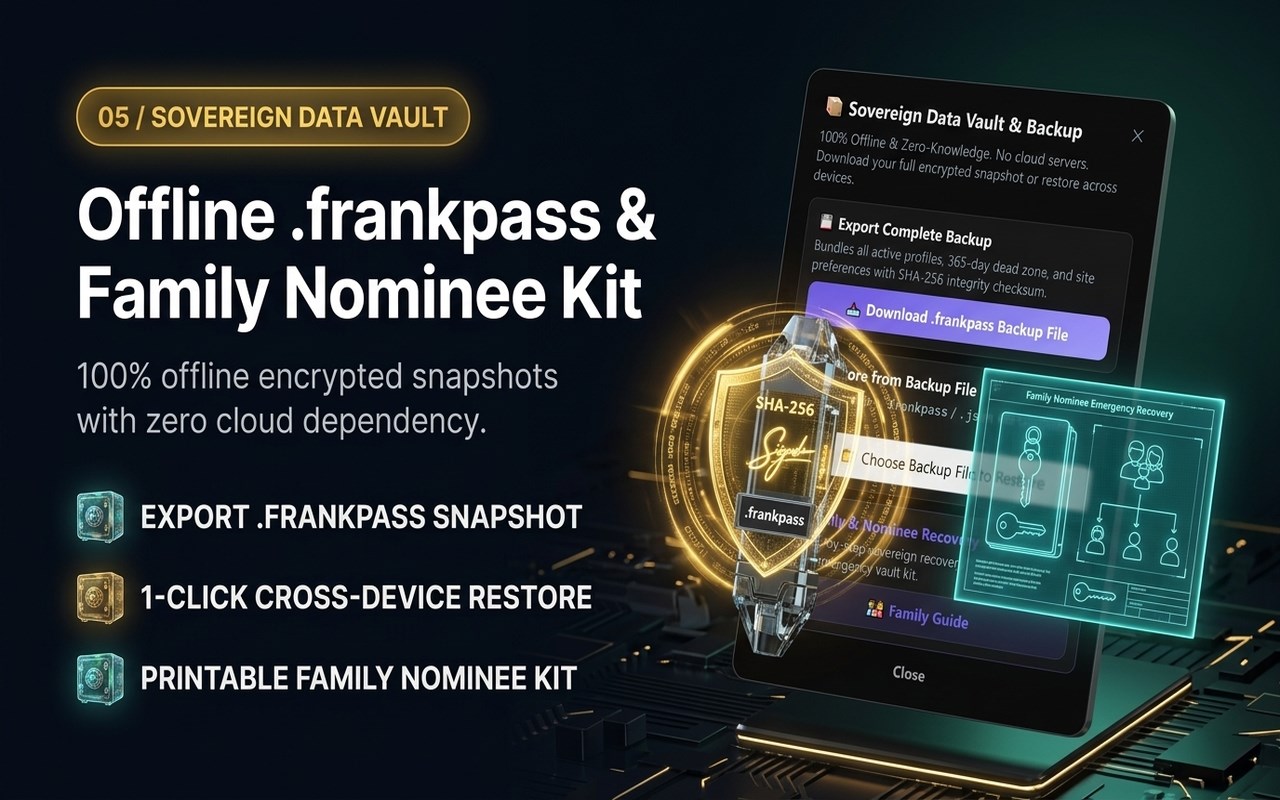
简介
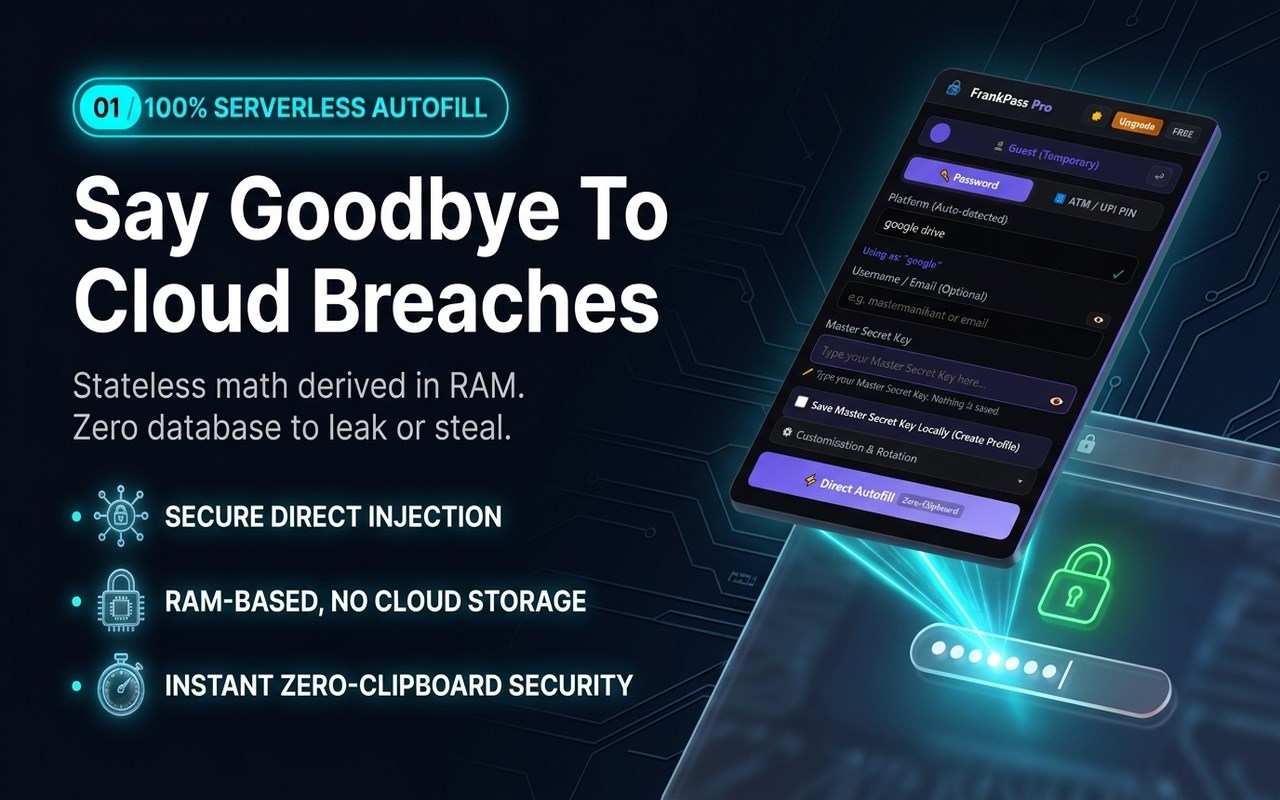
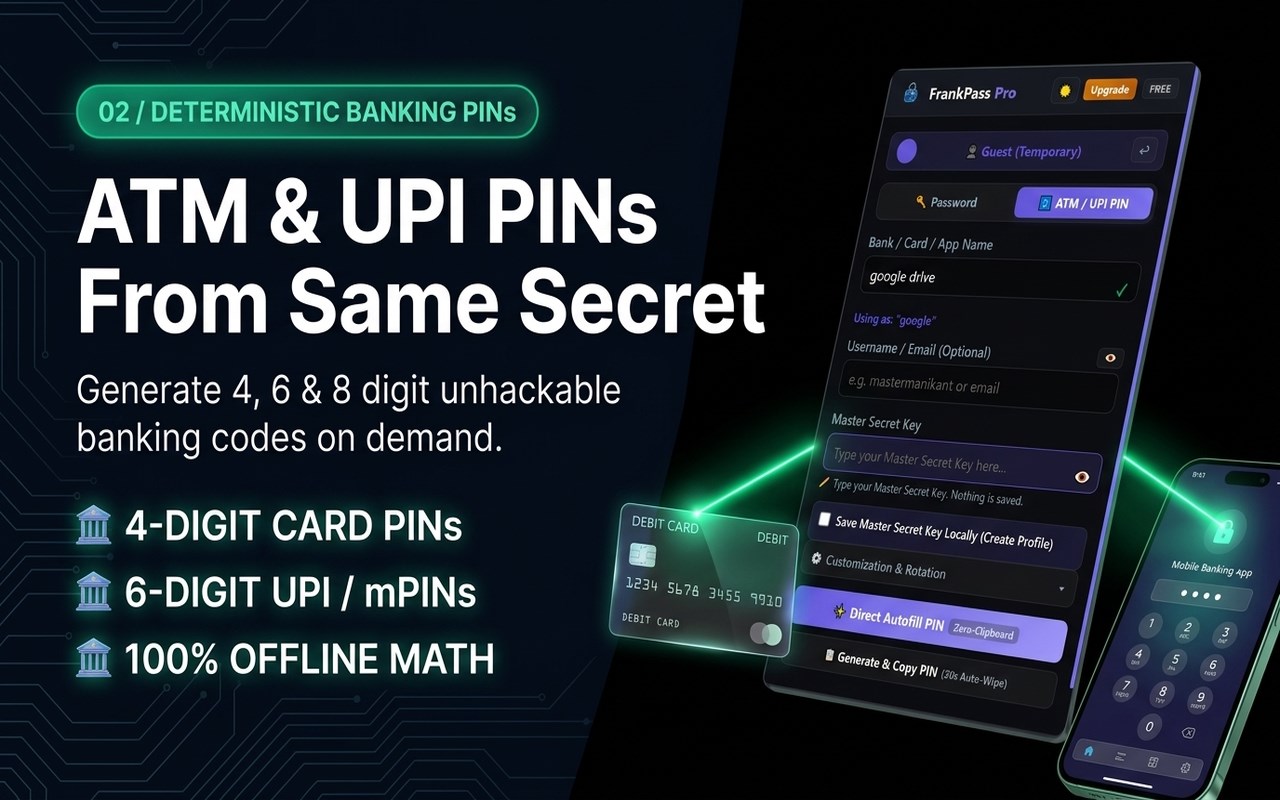
FrankPass Pro is a privacy-first, stateless password generator and browser autofill extension built on deterministic mathematical derivation. Unlike traditional password managers that store your credentials in centralized cloud vaults or local databases, FrankPass derives credentials entirely on demand from your Master Secret Key and website domain.
ZERO CLOUD VAULT - 100% OFFLINE AIR-GAPPED
Your credentials are never transmitted over the internet or saved in any database. FrankPass makes zero external network calls (0 fetch, 0 XHR, 0 WebSocket). All 33,000+ domain presets and brand rules are packaged locally inside the extension.
HOW DETERMINISTIC DERIVATION WORKS
The exact same inputs and settings always produce the exact same password:
Master Secret Key + Domain/Service Name + Optional Username = Strong Deterministic Password
You never have to sync or backup an encrypted vault file. As long as you know your Master Secret Key and settings, your password can be regenerated instantly on any device.
CORE FEATURES:
1. Stateless On-Demand Password Derivation
Generate account-specific 20-character high-entropy passwords on demand without maintaining a cloud database.
2. Direct DOM Autofill
Fill login credentials directly into active web forms with a single click. No clipboard exposure, protecting your passwords from clipboard-reading background apps.
3. Automatic Domain & Brand Recognition
Recognizes over 33,000 top domains, platforms, and subdomains with intelligent brand normalization rules.
4. Military-Grade WebCrypto Architecture
Built with browser-native WebCrypto PBKDF2-HMAC-SHA512 using 1,000,000 iterations and domain-specific salt separation.
5. Zero-Clipboard Security & Auto-Wipe
When manual copying is required, FrankPass provides a 30-second auto-wipe timer to automatically cleanse sensitive credentials from your system memory.
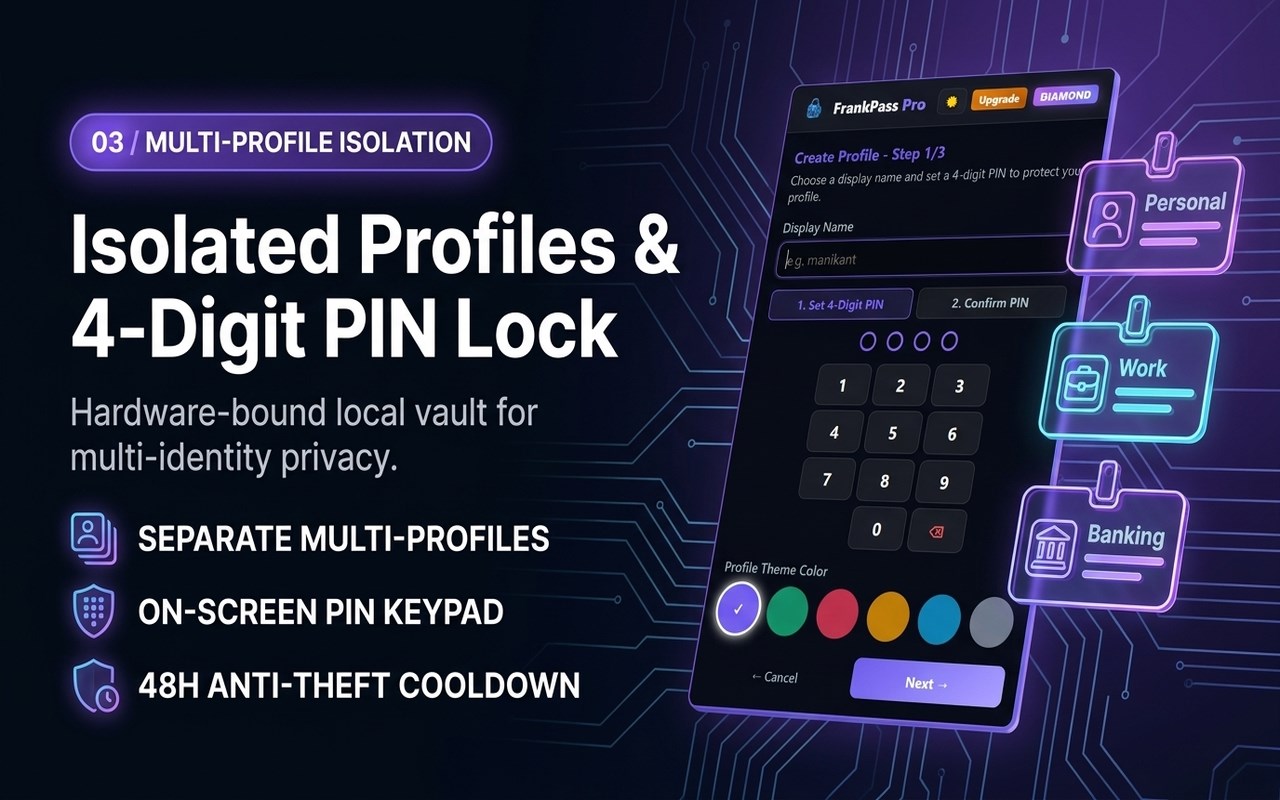
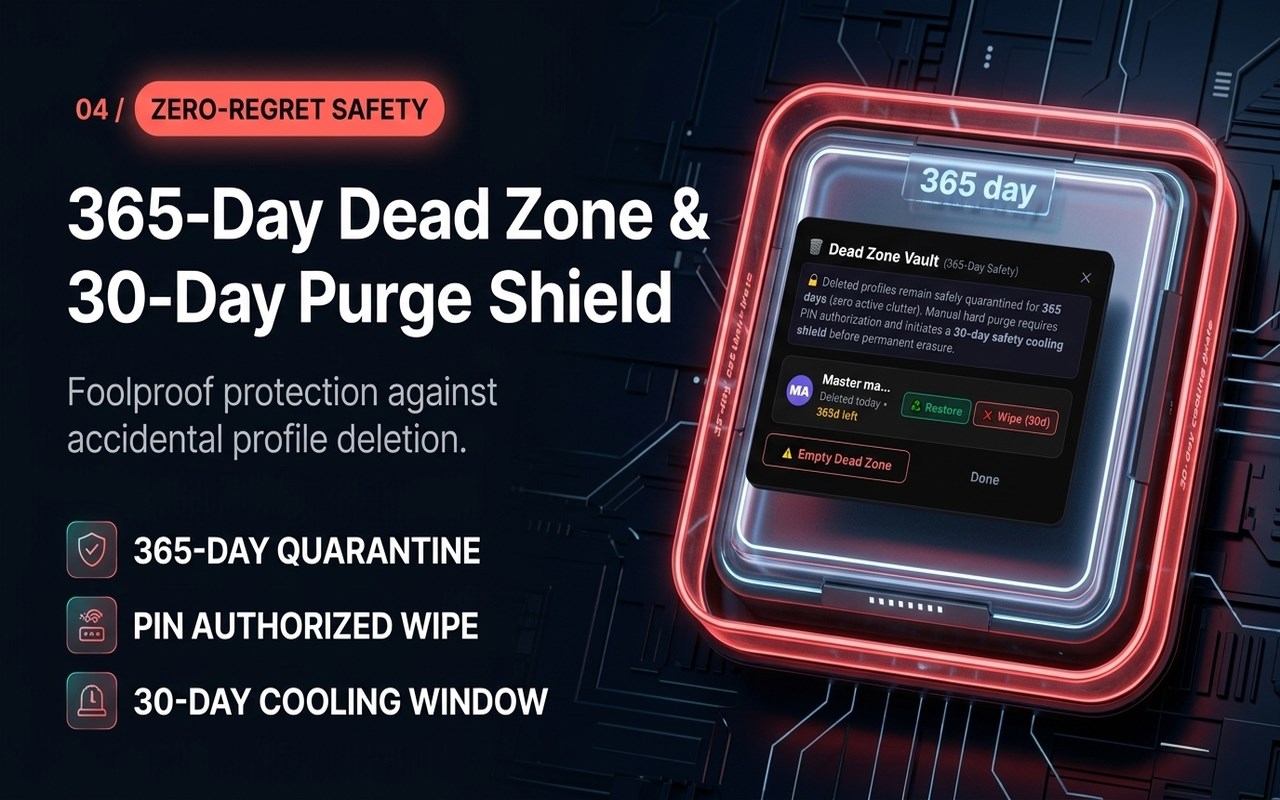
6. Pro Profile Management
Manage distinct credentials across multiple profiles or organizations seamlessly.
TECHNICAL SPECIFICATIONS:
- Key Derivation Function: PBKDF2-HMAC-SHA512
- Iteration Count: 1,000,000 iterations (OWASP Recommended)
- Entropy: ~119 bits per generated password
- Offline Verification: Air-gapped (0 network requests)
- Platform Presets: 33,000+ top websites built-in
SUPPORT & LEGAL:
- Official Website: https://frankpass.com/
- Dedicated Support Desk: https://mastermanikant.com/support-frankpass.html
- Privacy Policy & Legal: https://frankpass.com/legal.html
- Developer: Master Manikant Yadav (connect@mastermanikant.com)
FrankPass Pro - Zero-Vault Password Generator & Autofill 是做什么的
FrankPass Pro - Zero-Vault Password Generator & Autofill 是一款面向 Edge 的效率工具类扩展,主要用来管住注意力、屏蔽干扰站点、记录时间。官方对它的介绍是:Stateless, zero-vault deterministic password generator with 1-click username and password autofill by Master Manikant Yadav.在微软 Edge 加载项商店上,它当前版本 3.9.0。
适合什么人用
从功能定位看,FrankPass Pro - Zero-Vault Password Generator & Autofill 更适合想专注工作学习、减少无效刷网页的用户。如果你平时只是偶尔遇到相关需求,用浏览器自带功能也能凑合;但如果这件事每天都发生,装一个专门处理它的扩展通常比手动操作省事得多。需要注意的是它作用于所有网站,装上后建议先观察一两天,确认不影响常用站点的正常使用。
怎么安装 FrankPass Pro - Zero-Vault Password Generator & Autofill
- 打开微软 Edge 加载项商店上的官方页面;
- 点「添加到浏览器」并确认权限提示;
- 装好后在扩展列表里固定图标,方便随时开关。
本站只做索引与介绍,安装包来自官方商店。如果商店页面提示当前地区不可用,说明该扩展未在你所在区域上架。
常见问题
FrankPass Pro - Zero-Vault Password Generator & Autofill 是免费的吗?
FrankPass Pro - Zero-Vault Password Generator & Autofill 在微软 Edge 加载项商店免费提供下载。它是浏览器扩展,装上就能直接用,不需要注册账号。
FrankPass Pro - Zero-Vault Password Generator & Autofill 安全吗?
它只申请了 0 项权限,范围比较克制,没有申请「读取所有网站数据」这种大权限。
FrankPass Pro - Zero-Vault Password Generator & Autofill 支持哪些浏览器?
当前收录的版本来自微软 Edge 加载项商店,适用于 Edge。同一个扩展在其他商店可能有对应版本,但功能与版本号不一定相同。
怎么卸载 FrankPass Pro - Zero-Vault Password Generator & Autofill?
在扩展管理页找到 FrankPass Pro - Zero-Vault Password Generator & Autofill,点移除即可。它在本地保存的设置会一起清掉,不会残留数据。
权限清单 来自 manifest.json 原文
站点访问(可选) 1
<all_urls>
接口权限 4
activeTabclipboardWritescriptingstorage