
Focused Reader EN
AndrusApps · EEdge MV3
A speed reader overlay and popup to quickly read web articles.
截图
简介
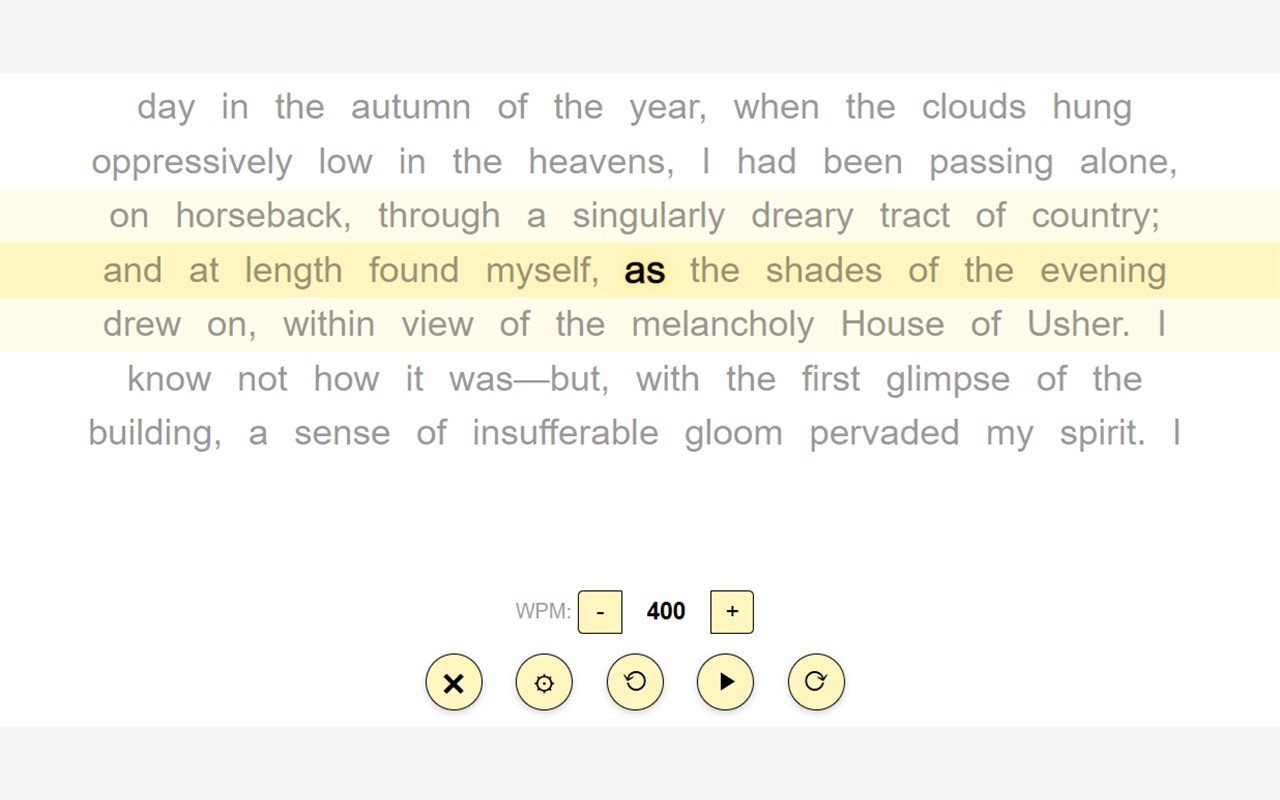
Breeze through articles, documents, and books without losing focus. Focused Reader is a powerful reading extension designed to eliminate distractions and increase your reading speed by bolding one or more words at a time while presenting the words in the context of the adjacent lines of text.
Whether you're trying to get through a lengthy news article, studying for an exam, or reading a novel, Focused Reader trains your eyes to stop scanning and start absorbing.
🚀 Key Features:
One-Click Article Extraction: Click the extension icon (or press Alt+R) on any webpage to instantly strip away ads, sidebars, and pop-ups. The core text is extracted and loaded directly into a distraction-free speed reading overlay.
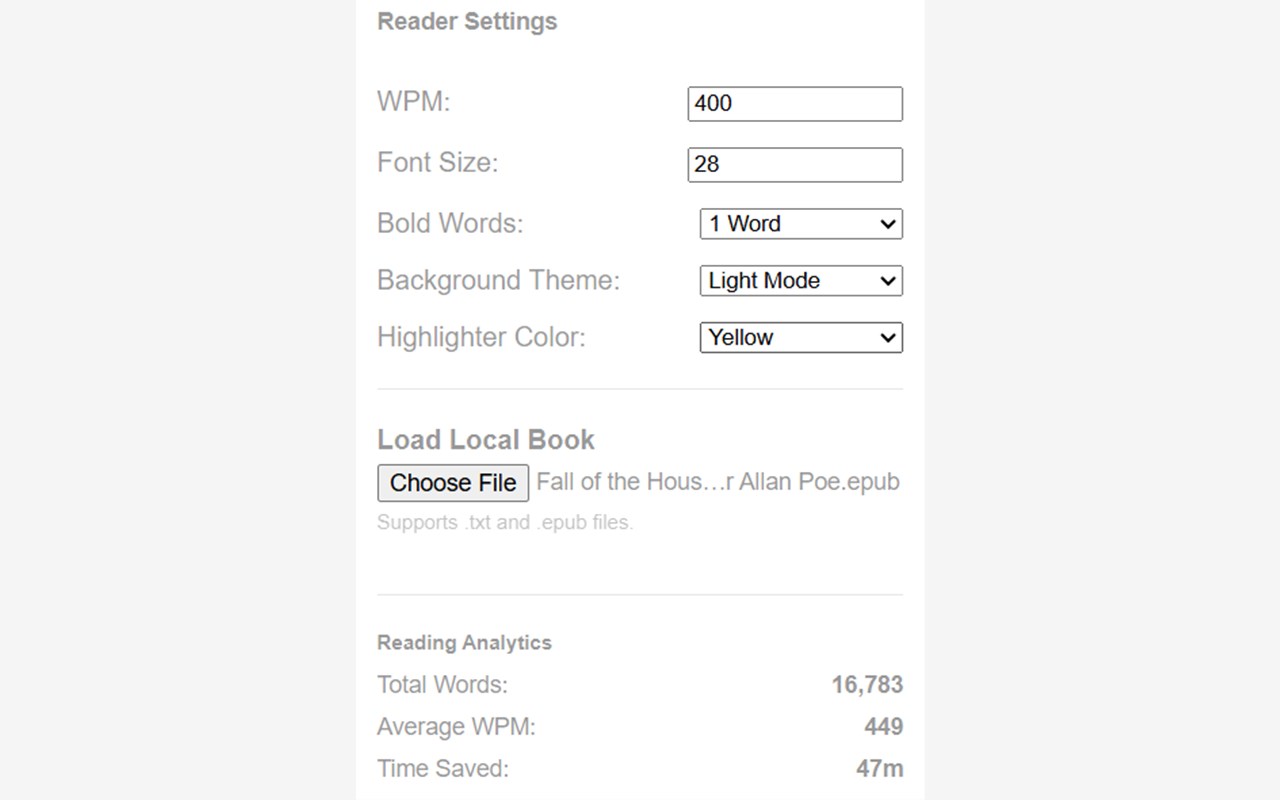
Read Local Files: Prefer to read your own books? You can easily upload local .epub and .txt files directly into the reader's settings panel for completely offline reading.
Internet Archive Integration: Seamlessly integrated with Archive.org! Activate the extension on any public domain book page, and Focused Reader will automatically fetch the book's OCR text.
Highly Customizable: Tune the reader to your exact preferences. Adjust your Words Per Minute (WPM) on the fly, change font sizes, and configure how many words are highlighted at once.
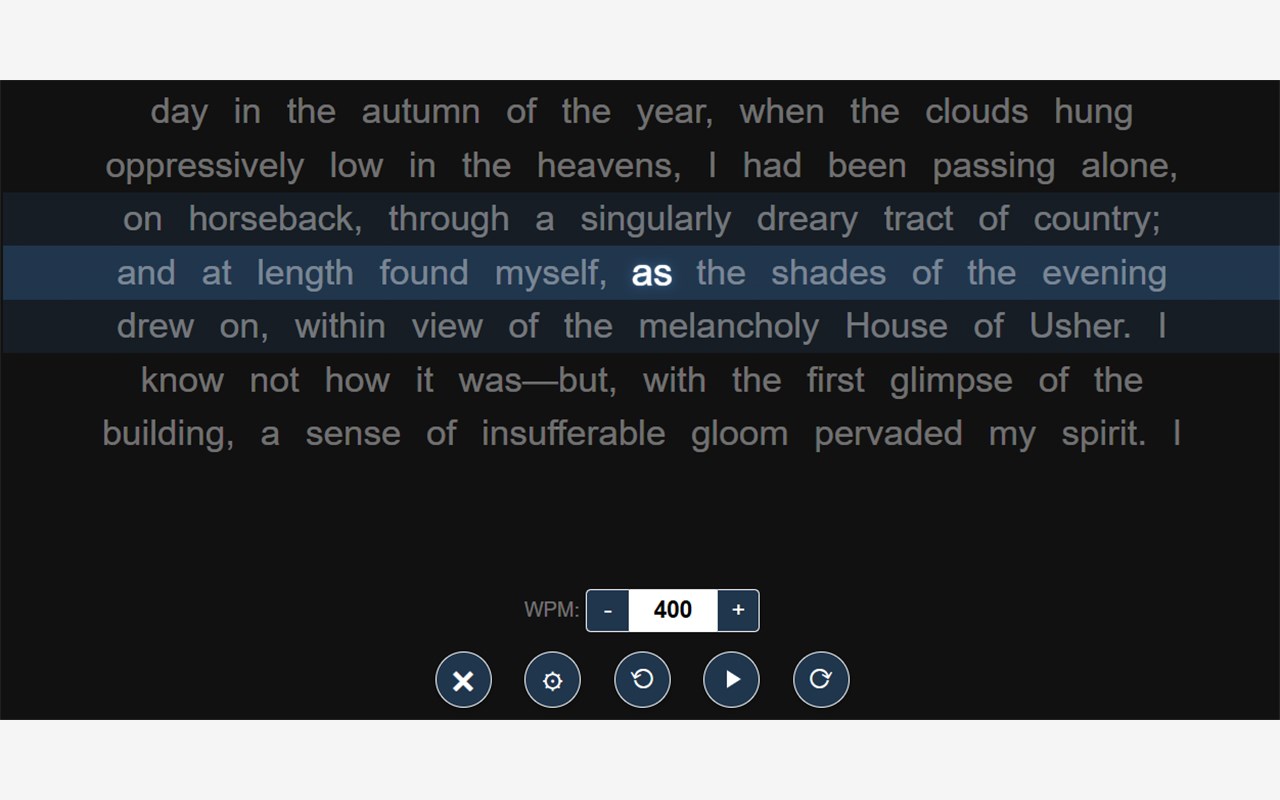
Premium Themes for Free: Choose from four beautiful background themes (Dark, Light, Deep Navy, and Sepia) and four highlighter colors (Blue, Yellow, Green, Pink) to reduce eye strain.
Reading Analytics: Track your progress with a built-in dashboard that calculates your average WPM, total words read, and the exact amount of time you’ve saved by speed reading.
⌨️ Keyboard Shortcuts:
Spacebar: Play / Pause
Left / Right Arrows: Rewind or Fast-forward 10 seconds
Up / Down Arrows: Increase or decrease font size
+ / - Keys: Increase or decrease reading speed (WPM)
Alt+R: Launch the reader
🔒 100% Private & Open: Focused Reader respects your privacy. It collects absolutely zero user data, requires no account to use, has no telemetry, and does not inject ads into your browsing experience. All of your personal reading preferences and analytics are saved strictly locally on your own machine.
Focused Reader 是做什么的
Focused Reader 是一款面向 Edge 的效率工具类扩展,主要用来管住注意力、屏蔽干扰站点、记录时间。官方对它的介绍是:A speed reader overlay and popup to quickly read web articles.在微软 Edge 加载项商店上,它当前版本 1.0,约 6 名用户。
适合什么人用
从功能定位看,Focused Reader 更适合想专注工作学习、减少无效刷网页的用户。如果你平时只是偶尔遇到相关需求,用浏览器自带功能也能凑合;但如果这件事每天都发生,装一个专门处理它的扩展通常比手动操作省事得多。
怎么安装 Focused Reader
- 打开微软 Edge 加载项商店上的官方页面;
- 点「添加到浏览器」并确认权限提示;
- 装好后在扩展列表里固定图标,方便随时开关。
本站只做索引与介绍,安装包来自官方商店。如果商店页面提示当前地区不可用,说明该扩展未在你所在区域上架。
常见问题
Focused Reader 是免费的吗?
Focused Reader 在微软 Edge 加载项商店免费提供下载。它是浏览器扩展,装上就能直接用,不需要注册账号。
Focused Reader 安全吗?
它只申请了 0 项权限,范围比较克制,没有申请「读取所有网站数据」这种大权限。
Focused Reader 支持哪些浏览器?
当前收录的版本来自微软 Edge 加载项商店,适用于 Edge。同一个扩展在其他商店可能有对应版本,但功能与版本号不一定相同。
怎么卸载 Focused Reader?
在扩展管理页找到 Focused Reader,点移除即可。它在本地保存的设置会一起清掉,不会残留数据。
权限清单 来自 manifest.json 原文
接口权限 3
activeTabscriptingstorage