
Flexy Book - Organize the Bookmark EN
Delulu Tech Craft · EEdge MV3
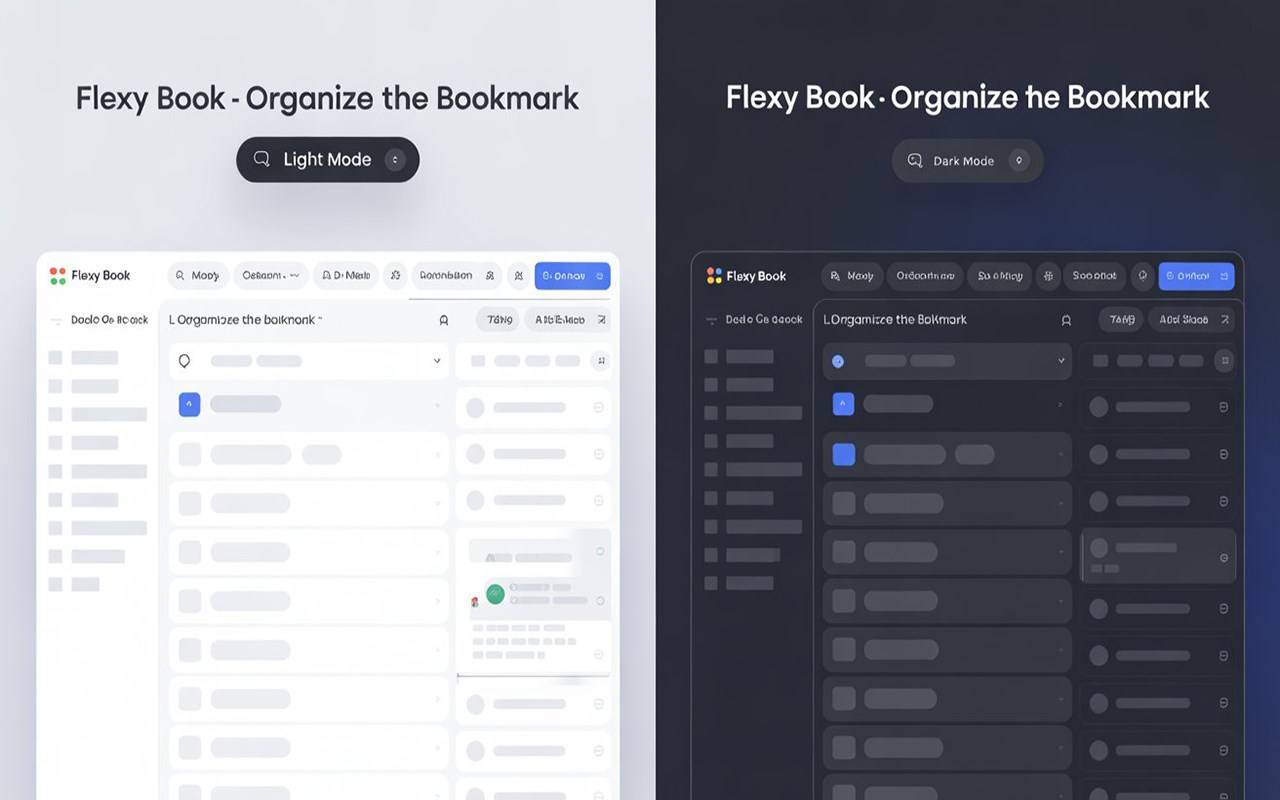
Organize your bookmarks in a clean, visual grid with auto-categorization.
截图


简介
Flexy Book – Organize the Bookmark (v1.1)
Transform your messy bookmarks into a clean, beautiful, and powerful dashboard.
Flexy Book is a modern bookmark manager built for speed, clarity, and privacy. Designed to replace cluttered bookmark bars, it helps you organize, find, and manage your links effortlessly — all in one visually stunning space.
What’s New in Version 1.1
• Dark & Light Mode
Switch between light and dark themes or automatically match your system preference.
• Fully Responsive Design
Enjoy a seamless experience across desktop, tablet, and mobile devices.
• Collapsible Sidebar
Maximize workspace with an optional icon-only sidebar for distraction-free browsing.
• Hover Preview
Instantly preview bookmark details without opening a new tab.
Key Features
Visual & Intuitive Interface
Browse bookmarks in a clean card-based layout with smooth animations and a polished look.
Smart Organization
Bookmarks are automatically grouped into logical categories, with full support for custom folders and easy reorganization.
Fast & Powerful Search
Find any bookmark instantly, even in large collections.
Quick Actions
Edit, copy, or delete bookmarks in a single click for maximum productivity.
Bulk Management
Manage multiple bookmarks efficiently from one unified view.
Privacy First
• 100% Local Storage
Your data stays on your device at all times.
• No Tracking
No analytics, no ads, no data collection — ever.
Built by Delulu Tech Craft
Made with care for productivity-focused users who value speed, design, and privacy.
Flexy Book - Organize the Bookmark 是做什么的
Flexy Book - Organize the Bookmark 是一款面向 Edge 的效率工具类扩展,主要用来管住注意力、屏蔽干扰站点、记录时间。官方对它的介绍是:Organize your bookmarks in a clean, visual grid with auto-categorization.在微软 Edge 加载项商店上,它当前版本 1.1,评分 5(3 人评价),约 39 名用户。
适合什么人用
从功能定位看,Flexy Book - Organize the Bookmark 更适合想专注工作学习、减少无效刷网页的用户。如果你平时只是偶尔遇到相关需求,用浏览器自带功能也能凑合;但如果这件事每天都发生,装一个专门处理它的扩展通常比手动操作省事得多。
怎么安装 Flexy Book - Organize the Bookmark
- 打开微软 Edge 加载项商店上的官方页面;
- 点「添加到浏览器」并确认权限提示;
- 装好后在扩展列表里固定图标,方便随时开关。
本站只做索引与介绍,安装包来自官方商店。如果商店页面提示当前地区不可用,说明该扩展未在你所在区域上架。
常见问题
Flexy Book - Organize the Bookmark 是免费的吗?
Flexy Book - Organize the Bookmark 在微软 Edge 加载项商店免费提供下载。它是浏览器扩展,装上就能直接用,不需要注册账号。
Flexy Book - Organize the Bookmark 安全吗?
它只申请了 0 项权限,范围比较克制,没有申请「读取所有网站数据」这种大权限。
Flexy Book - Organize the Bookmark 支持哪些浏览器?
当前收录的版本来自微软 Edge 加载项商店,适用于 Edge。同一个扩展在其他商店可能有对应版本,但功能与版本号不一定相同。
怎么卸载 Flexy Book - Organize the Bookmark?
在扩展管理页找到 Flexy Book - Organize the Bookmark,点移除即可。它在本地保存的设置会一起清掉,不会残留数据。
权限清单 来自 manifest.json 原文
接口权限 3
bookmarksfaviconstorage