
Fast & Clean – Video Speed & Shorts Blocker EN
msaidzengin · EEdge MV3
Video speed controller for any HTML5 video with keyboard shortcuts. Hide YouTube Shorts, comments, recommendations and home feed.
<all_urls>),意味着它可以读取你在任意站点的页面内容,包括已登录的页面。这是许多扩展正常工作的必要条件,但也值得你确认来源可信。
截图
简介
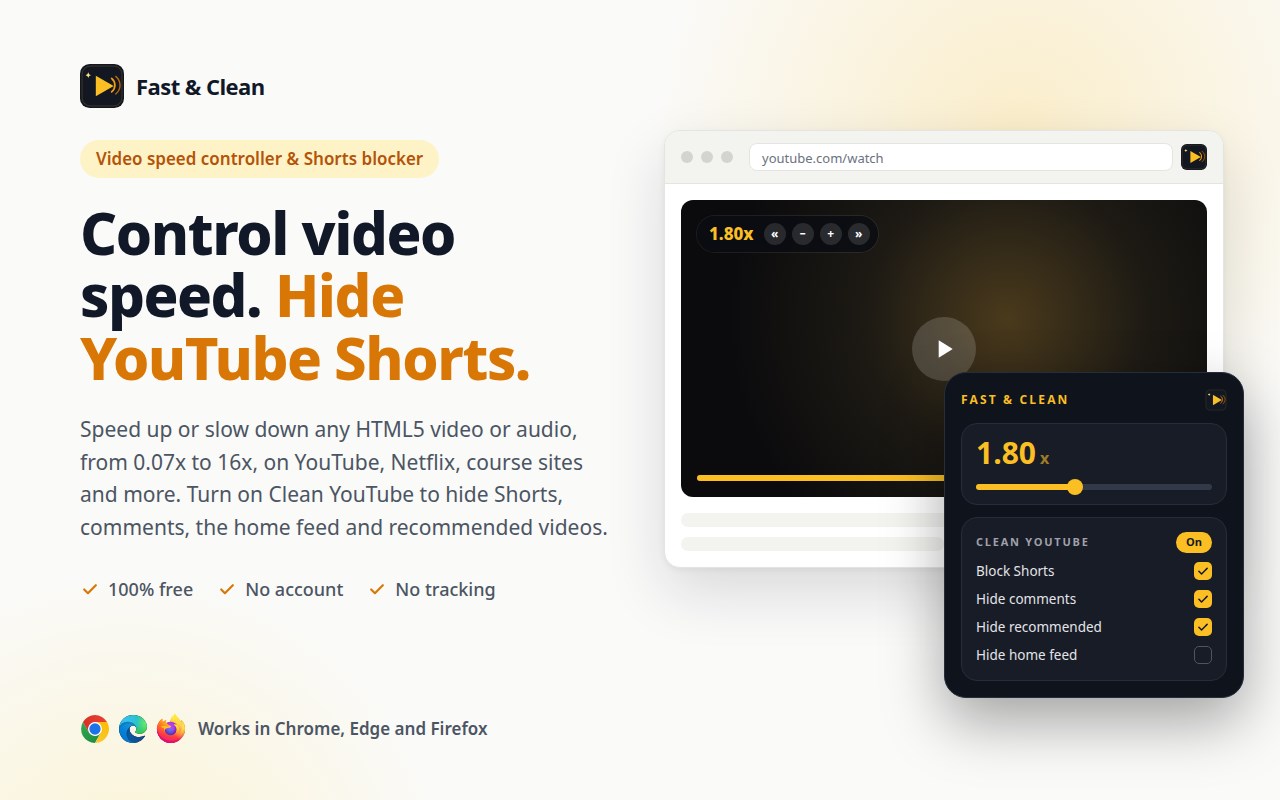
Fast & Clean is a free video speed controller for any HTML5 video, plus an optional Clean YouTube mode that hides YouTube Shorts, comments, recommendations and the home feed. Works in Chrome, Edge and Firefox.
⚡ VIDEO SPEED CONTROLLER
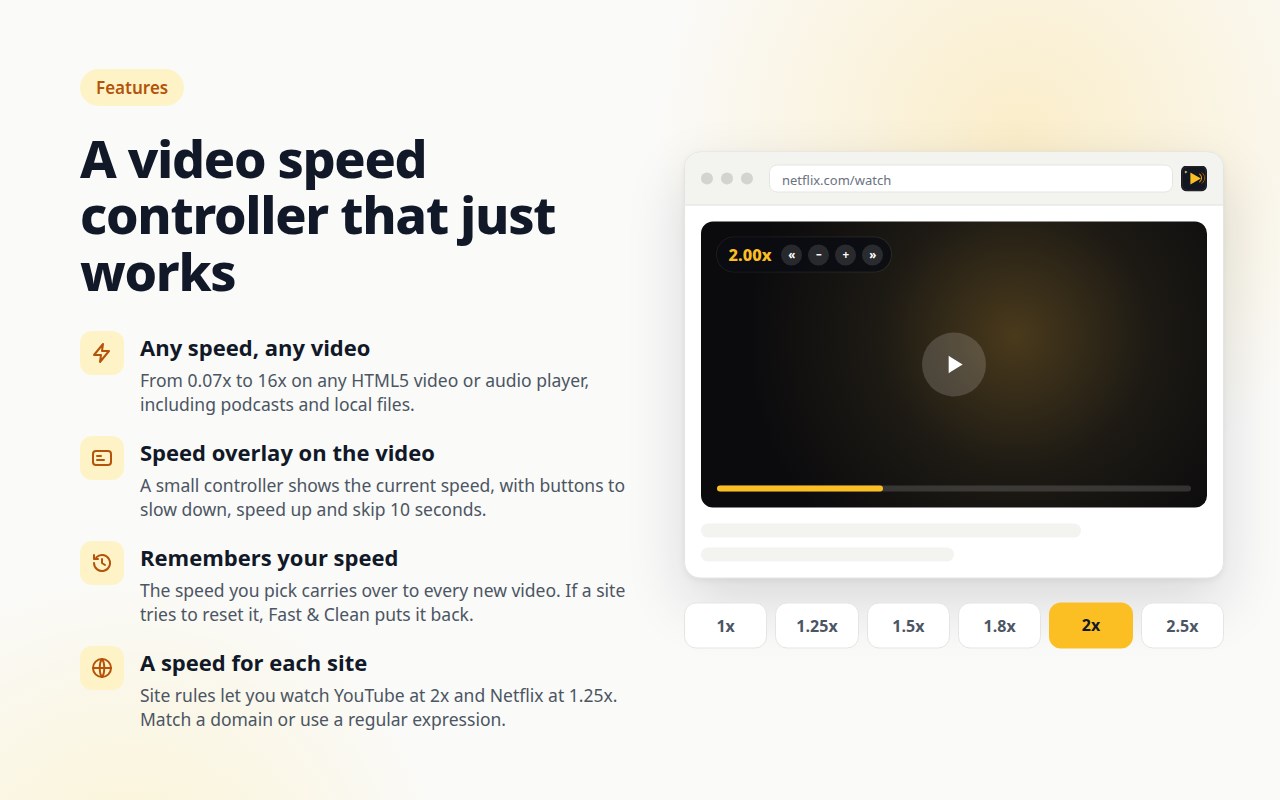
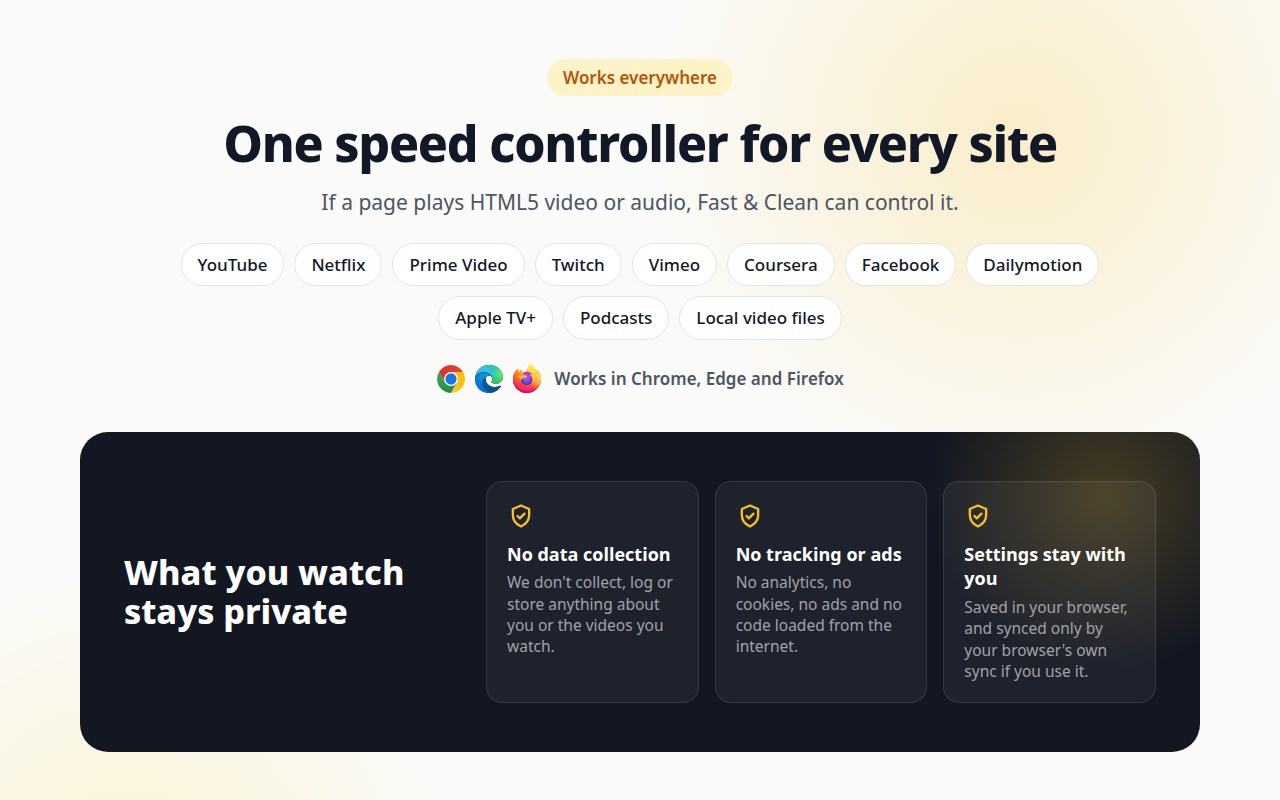
• Speed up or slow down any video or audio from 0.07x to 16x: YouTube, Netflix, Prime Video, Twitch, Vimeo, Coursera, Udemy, podcasts and local video files.
• Go past YouTube's 2x limit, or slow down a tutorial to follow along.
• A small speed overlay on the video with buttons to slow down, speed up and skip 10 seconds. Drag it anywhere, change its style, size and opacity, or hide it.
• Remembers your speed on every new video. If a site resets the playback rate, Fast & Clean puts your speed back.
• Site rules: watch YouTube at 2x and Netflix at 1.25x. Match a domain or a regular expression.
• Right-click menu: jump to 1x, 1.25x, 1.5x, 1.8x, 2x or 2.5x.
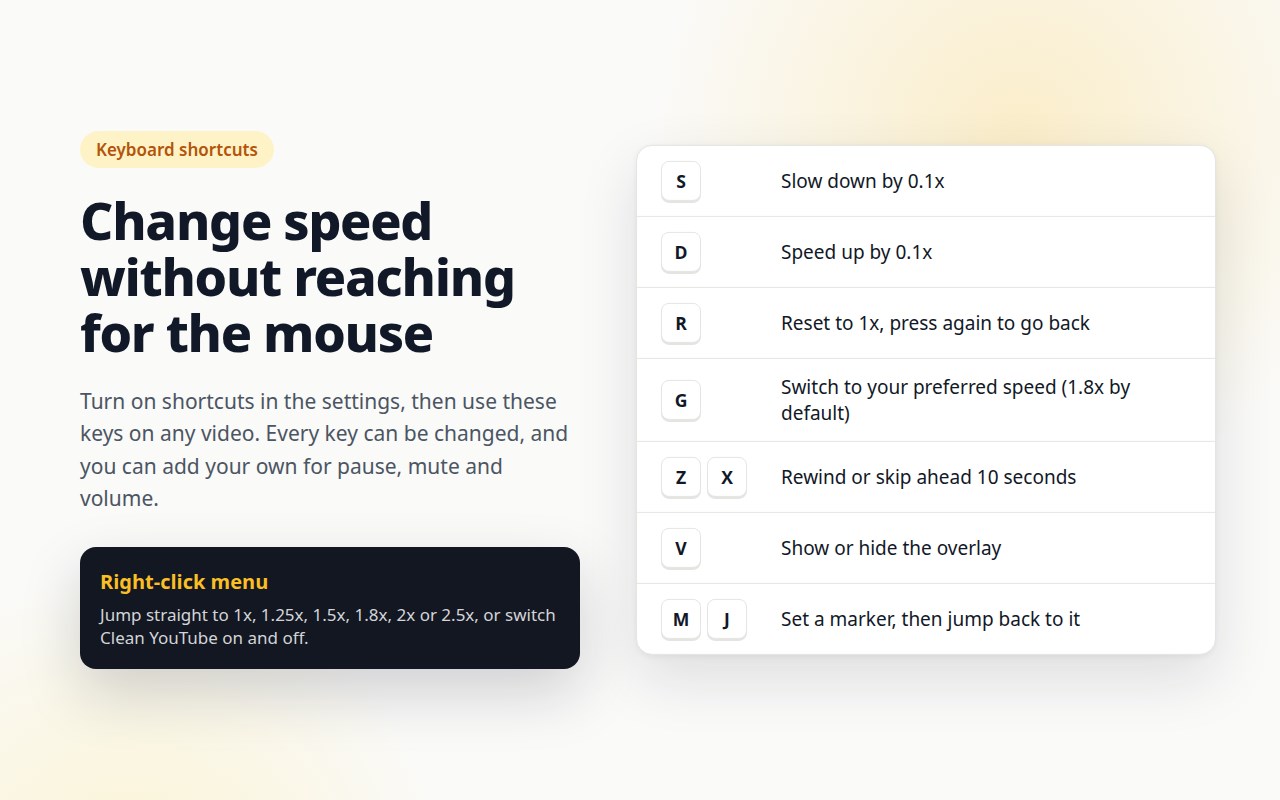
⌨️ KEYBOARD SHORTCUTS (optional, off by default)
S slower · D faster · R reset to 1x · G preferred speed (1.8x) · Z / X rewind or skip 10 seconds · V show or hide the overlay · M / J set and jump to a marker. Every key can be changed, and you can add shortcuts for pause, mute and volume.
🧹 CLEAN YOUTUBE (optional, every switch works on its own)
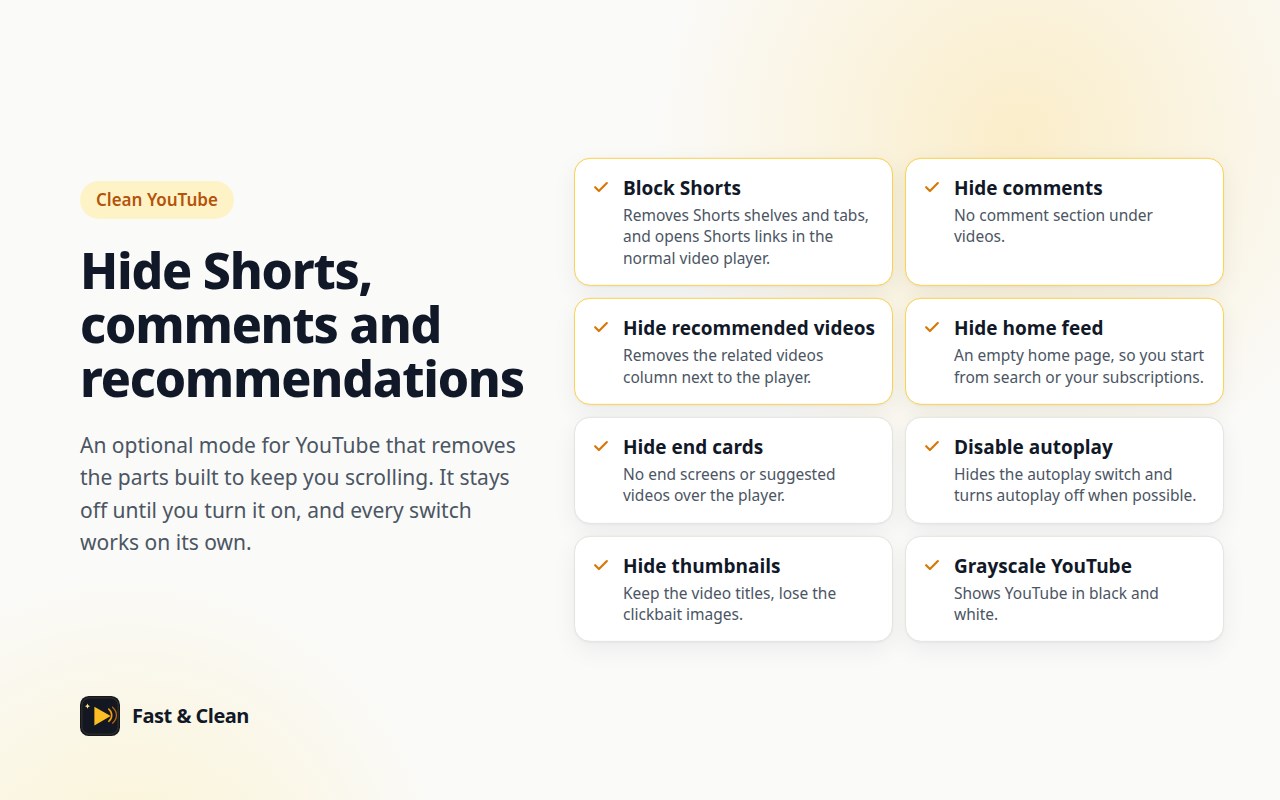
• Block YouTube Shorts: hide Shorts shelves and tabs, and open Shorts links in the normal video player
• Hide comments
• Remove recommended videos next to the player
• Hide the home feed
• Hide end screens and turn off autoplay
• Hide the search bar, Subscriptions or Explore
• Hide or blur thumbnails, or show YouTube in grayscale
🔒 PRIVATE BY DESIGN
No account, no analytics, no ads, no tracking and no code loaded from the internet. Fast & Clean never sends what you watch anywhere. Settings stay in your browser and sync only through your browser's own sync if you use it. Export and import a backup at any time.
Website: https://fast-clean.msaidzengin.com
Privacy policy: https://fast-clean.msaidzengin.com/privacy
Formerly "YouTube Fast & Clean". YouTube is a trademark of Google LLC. Fast & Clean is not affiliated with YouTube or Google.
Fast & Clean – Video Speed & Shorts Blocker 是做什么的
Fast & Clean – Video Speed & Shorts Blocker 是一款面向 Edge 的效率工具类扩展,主要用来管住注意力、屏蔽干扰站点、记录时间。官方对它的介绍是:Video speed controller for any HTML5 video with keyboard shortcuts. Hide YouTube Shorts, comments, recommendations and home feed.在微软 Edge 加载项商店上,它当前版本 0.1.0,约 2 名用户。
适合什么人用
从功能定位看,Fast & Clean – Video Speed & Shorts Blocker 更适合想专注工作学习、减少无效刷网页的用户。如果你平时只是偶尔遇到相关需求,用浏览器自带功能也能凑合;但如果这件事每天都发生,装一个专门处理它的扩展通常比手动操作省事得多。需要注意的是它作用于所有网站,装上后建议先观察一两天,确认不影响常用站点的正常使用。
怎么安装 Fast & Clean – Video Speed & Shorts Blocker
- 打开微软 Edge 加载项商店上的官方页面;
- 点「添加到浏览器」并确认权限提示;
- 装好后在扩展列表里固定图标,方便随时开关。
本站只做索引与介绍,安装包来自官方商店。如果商店页面提示当前地区不可用,说明该扩展未在你所在区域上架。
常见问题
Fast & Clean – Video Speed & Shorts Blocker 是免费的吗?
Fast & Clean – Video Speed & Shorts Blocker 在微软 Edge 加载项商店免费提供下载。它是浏览器扩展,装上就能直接用,不需要注册账号。
Fast & Clean – Video Speed & Shorts Blocker 安全吗?
它只申请了 0 项权限,范围比较克制,没有申请「读取所有网站数据」这种大权限。
Fast & Clean – Video Speed & Shorts Blocker 支持哪些浏览器?
当前收录的版本来自微软 Edge 加载项商店,适用于 Edge。同一个扩展在其他商店可能有对应版本,但功能与版本号不一定相同。
怎么卸载 Fast & Clean – Video Speed & Shorts Blocker?
在扩展管理页找到 Fast & Clean – Video Speed & Shorts Blocker,点移除即可。它在本地保存的设置会一起清掉,不会残留数据。
权限清单 来自 manifest.json 原文
站点访问(可选) 3
file:///*http://*/*https://*/*
接口权限 6
activeTabcontextMenusscriptingstoragetabswebNavigation