
EzyPDF - Edit, Sign & Convert PDFs EN
Eszymap · EEdge MV3
Full-featured PDF editor — Edit text, OCR, merge, split, compress, signatures, watermarks, and more. Supports 27 languages.
截图
简介
EzyPDF - The Most Powerful PDF Editor Built Right Into Your Browser
Edit, sign, annotate, convert, and manage PDF documents without leaving your browser. EzyPDF works 100% offline — your files never leave your device.
━━━━━━━━━━━━━━━━━━━━━━━━━━━━━━━
🆓 FREE FEATURES — No Account Required
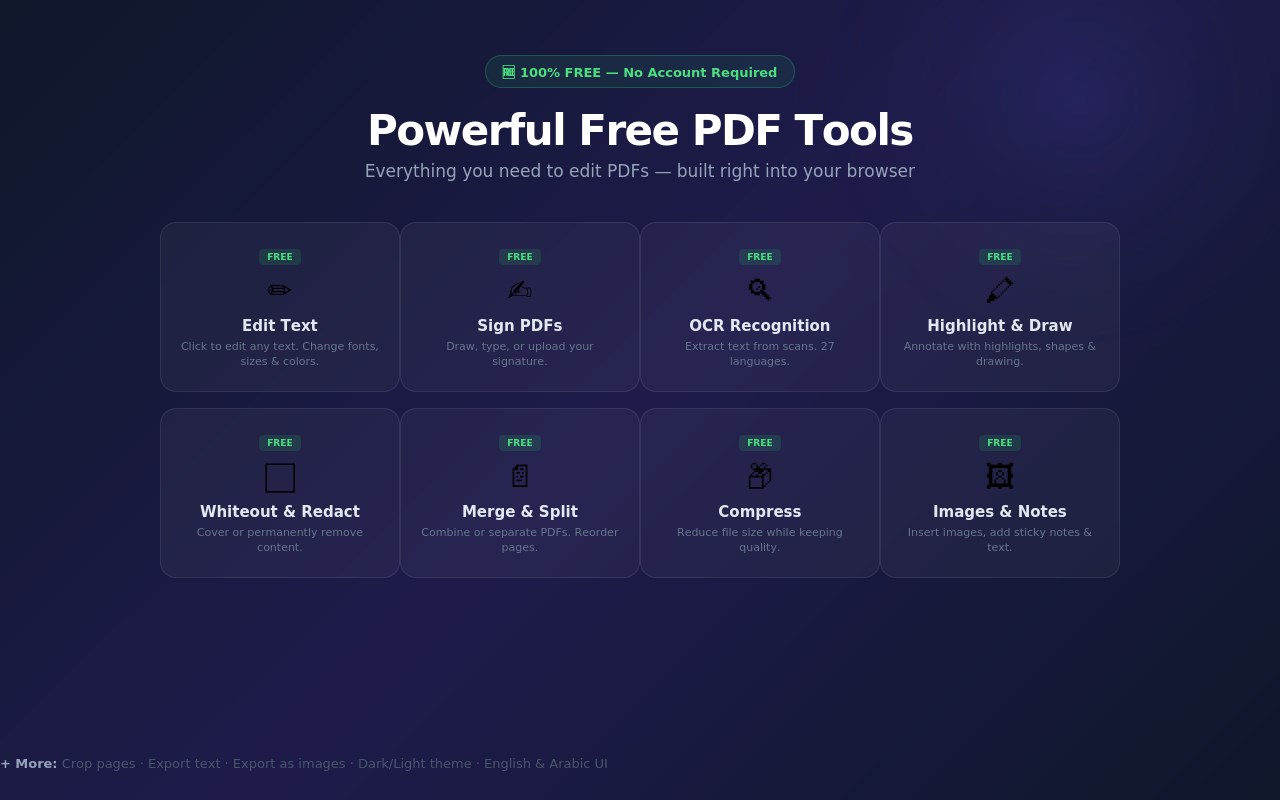
✏️ Edit Text — Click any text in your PDF to edit it inline. Change fonts, sizes, colors, and alignment.
✍️ Signatures — Draw, type, or upload your signature. Place and resize anywhere on the page.
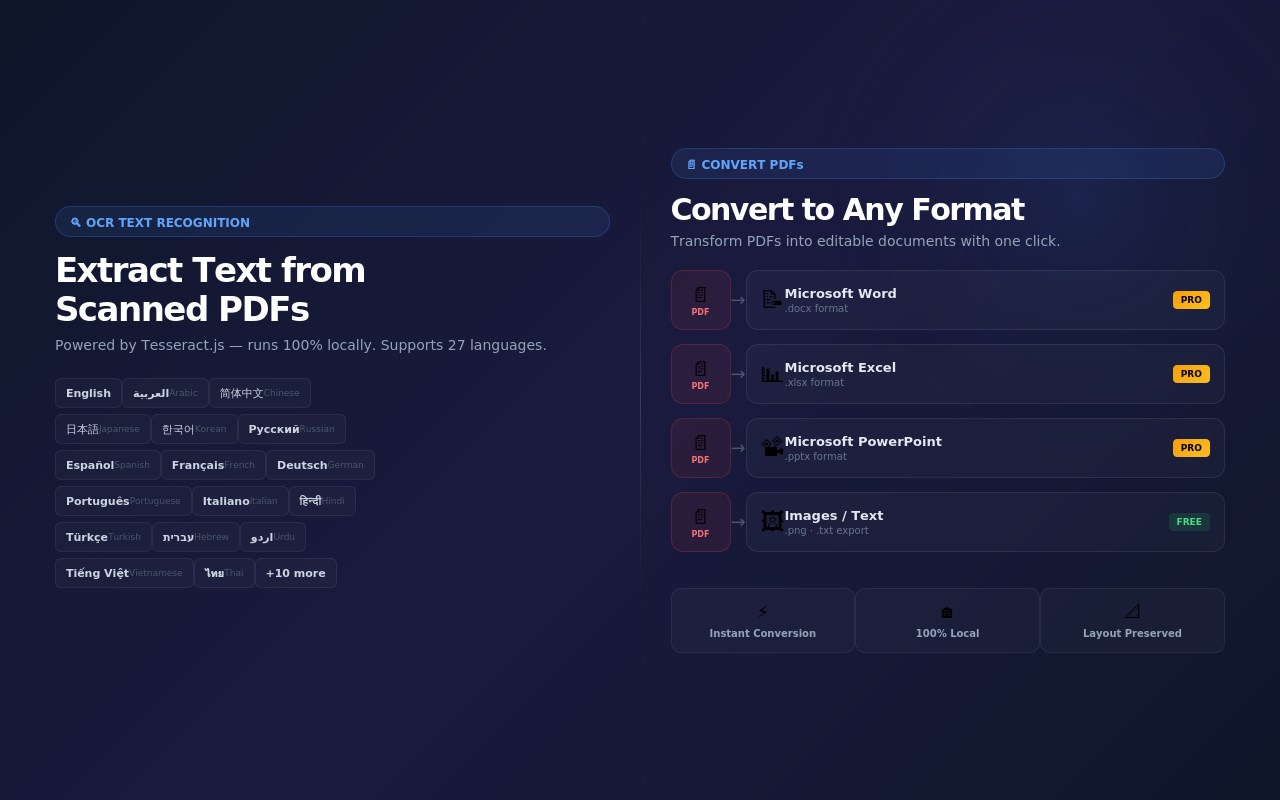
🔍 OCR Text Recognition — Extract text from scanned PDFs and images. Supports 27 languages including English, Arabic, Chinese, Japanese, Korean, Hindi, and more.
🖍️ Annotate & Draw — Freehand drawing with adjustable brush sizes. Add shapes (rectangles, circles, lines, arrows). Highlight text with rectangle or smart text-flow mode.
📝 Add Text Boxes — Place custom text anywhere on your PDF with full font, size, and color control.
⬜ Whiteout & Redact — Cover sensitive content with whiteout or permanently redact information from your documents.
🖼️ Insert Images — Drag and drop or upload images directly into your PDF pages.
📌 Sticky Notes — Add color-coded sticky notes for comments and reminders.
📄 Merge PDFs — Combine multiple PDF files into a single document.
✂️ Split & Reorder — Split PDFs into separate files. Drag and drop to reorder pages.
📦 Compress — Reduce PDF file size while maintaining quality.
🔲 Crop Pages — Crop individual pages or apply to all pages at once.
📋 Export Text — Extract all text content from your PDF.
🖼️ Export as Images — Convert PDF pages to high-quality images.
↩️ Undo / Redo — Full undo and redo support for all editing operations.
🌙 Dark & Light Theme — Switch between dark and light mode for comfortable editing.
🌍 Bilingual Interface — Full English and Arabic (العربية) user interface support.
━━━━━━━━━━━━━━━━━━━━━━━━━━━━━━━
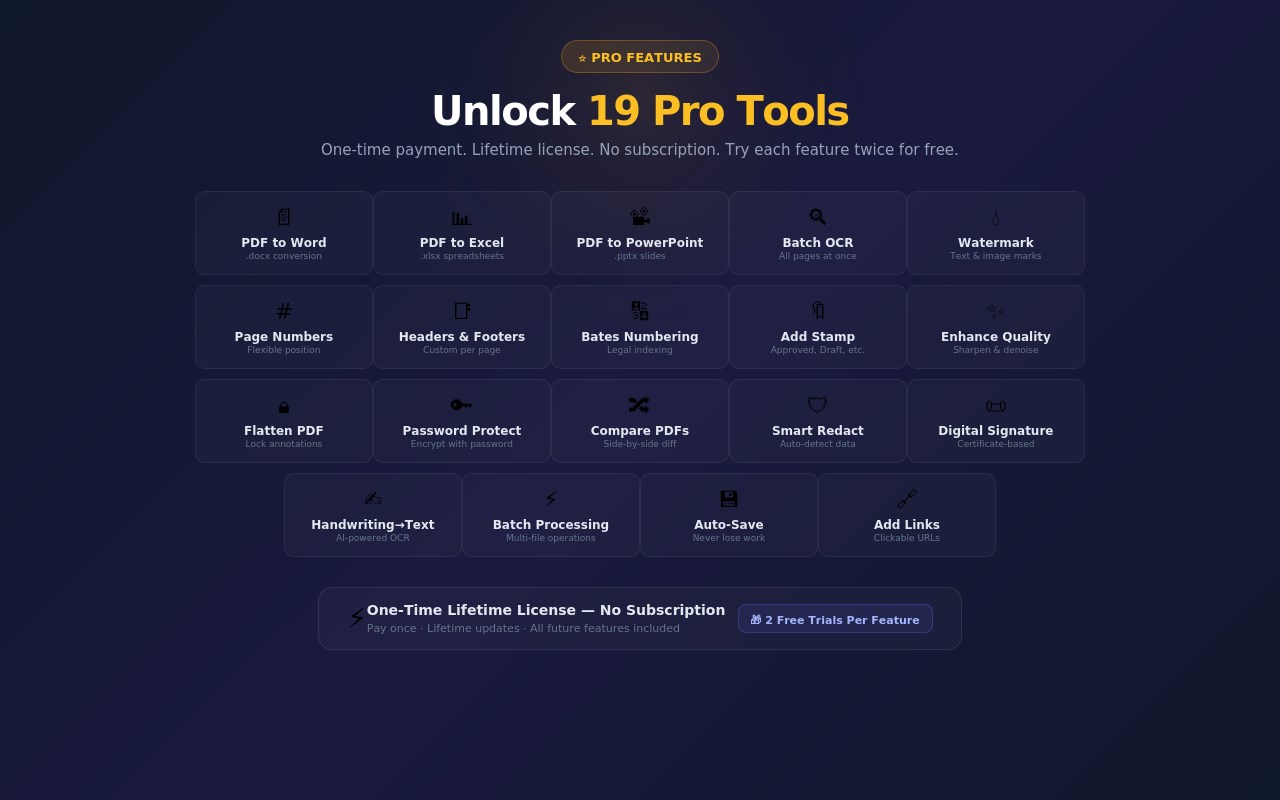
⭐ PRO FEATURES — One-Time Lifetime License
Try every Pro feature twice for free before deciding. No subscription — pay once, use forever.
📄 PDF to Word — Convert PDFs to editable .docx Word documents.
📊 PDF to Excel — Convert PDF tables and data to .xlsx spreadsheets.
📽️ PDF to PowerPoint — Convert PDFs to .pptx presentations.
🔍 Batch OCR — Run OCR across all pages at once with a single click.
💧 Add Watermark — Add text or image watermarks with custom position, rotation, and opacity.
# Page Numbers — Add page numbers with flexible positioning and formatting.
📑 Headers & Footers — Add custom headers and footers to every page.
🔢 Bates Numbering — Add sequential Bates numbers for legal document management.
🔖 Add Stamp — Place preset or custom stamps (Approved, Confidential, Draft, etc.).
✨ Enhance Quality — Sharpen, adjust contrast, and denoise scanned PDFs.
🔒 Flatten PDF — Flatten all annotations and form fields into the PDF content.
🔑 Password Protect — Encrypt your PDF with a password for secure sharing.
🔀 Compare PDFs — Compare two PDF documents side-by-side to spot differences.
🛡️ Smart Redact — Automatically detect and redact emails, phone numbers, dates, and sensitive patterns.
📜 Digital Signature — Add certificate-based digital signatures for document authentication.
✍️ Handwriting to Text — Convert handwritten notes to editable text using AI-powered recognition.
⚡ Batch Processing — Apply operations (watermark, compress, convert) to multiple PDFs at once.
💾 Auto-Save & Recovery — Automatically save your work and recover from unexpected closures.
🔗 Add Link — Insert clickable hyperlinks into your PDF pages.
━━━━━━━━━━━━━━━━━━━━━━━━━━━━━━━
🔒 YOUR PRIVACY MATTERS
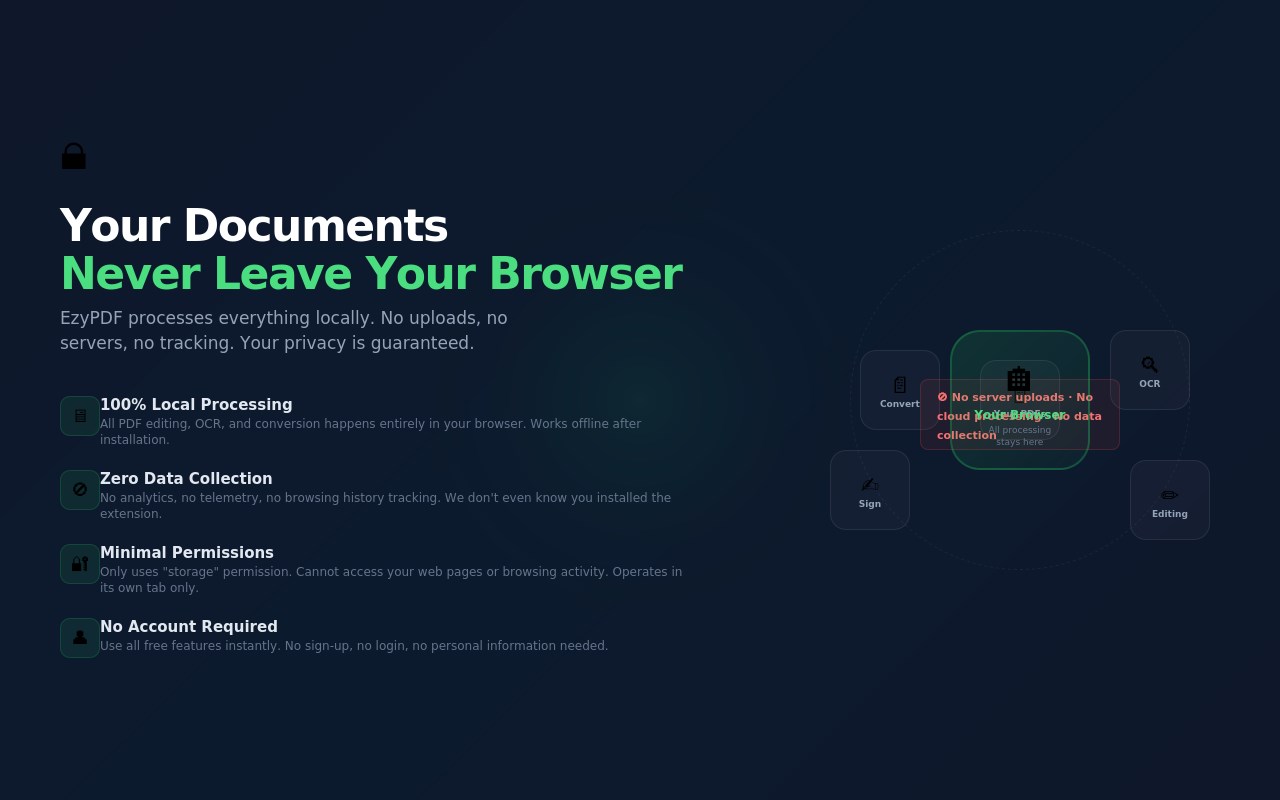
✅ 100% Local Processing — All PDF editing happens in your browser. Your documents are NEVER uploaded to any server.
✅ No Data Collection — We don't collect personal data, browsing history, or analytics.
✅ No Account Required — Use all free features instantly. No sign-up, no login.
✅ Minimal Permissions — Only uses "storage" permission. Cannot access your web pages.
✅ Open & Transparent — Read our full privacy policy for complete details.
━━━━━━━━━━━━━━━━━━━━━━━━━━━━━━━
🛠️ TECHNICAL DETAILS
• Built with PDF.js, pdf-lib, Tesseract.js, and other trusted open-source libraries
• Manifest V3 compliant
• Works offline after installation
• Supports all PDF versions
• 27 OCR languages supported
• Bilingual UI: English + Arabic
EzyPDF - Edit, Sign & Convert PDFs 是做什么的
EzyPDF - Edit, Sign & Convert PDFs 是一款面向 Edge 的效率工具类扩展,主要用来管住注意力、屏蔽干扰站点、记录时间。官方对它的介绍是:Full-featured PDF editor — Edit text, OCR, merge, split, compress, signatures, watermarks, and more. Supports 27 languages.在微软 Edge 加载项商店上,它当前版本 2.0.2,约 48 名用户。
适合什么人用
从功能定位看,EzyPDF - Edit, Sign & Convert PDFs 更适合想专注工作学习、减少无效刷网页的用户。如果你平时只是偶尔遇到相关需求,用浏览器自带功能也能凑合;但如果这件事每天都发生,装一个专门处理它的扩展通常比手动操作省事得多。
怎么安装 EzyPDF - Edit, Sign & Convert PDFs
- 打开微软 Edge 加载项商店上的官方页面;
- 点「添加到浏览器」并确认权限提示;
- 装好后在扩展列表里固定图标,方便随时开关。
本站只做索引与介绍,安装包来自官方商店。如果商店页面提示当前地区不可用,说明该扩展未在你所在区域上架。
常见问题
EzyPDF - Edit, Sign & Convert PDFs 是免费的吗?
EzyPDF - Edit, Sign & Convert PDFs 在微软 Edge 加载项商店免费提供下载。它是浏览器扩展,装上就能直接用,不需要注册账号。
EzyPDF - Edit, Sign & Convert PDFs 安全吗?
它只申请了 0 项权限,范围比较克制,没有申请「读取所有网站数据」这种大权限。
EzyPDF - Edit, Sign & Convert PDFs 支持哪些浏览器?
当前收录的版本来自微软 Edge 加载项商店,适用于 Edge。同一个扩展在其他商店可能有对应版本,但功能与版本号不一定相同。
怎么卸载 EzyPDF - Edit, Sign & Convert PDFs?
在扩展管理页找到 EzyPDF - Edit, Sign & Convert PDFs,点移除即可。它在本地保存的设置会一起清掉,不会残留数据。
权限清单 来自 manifest.json 原文
接口权限 1
storage