
Explaingithub – Turn Hours of Code Reading into Minutes of Understanding! EN
ExplainGithub · EEdge MV3
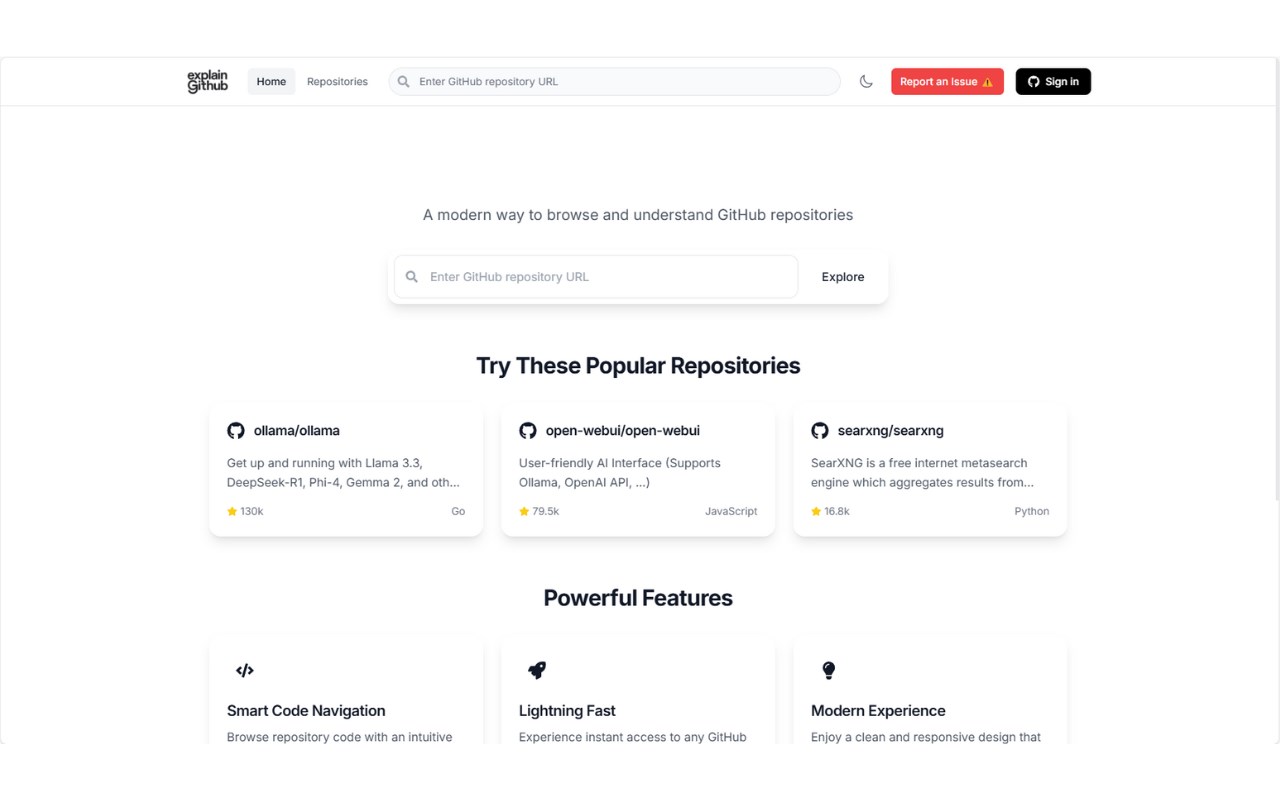
Adds a convenient button to GitHub repositories for quick AI-powered explanations
截图
简介
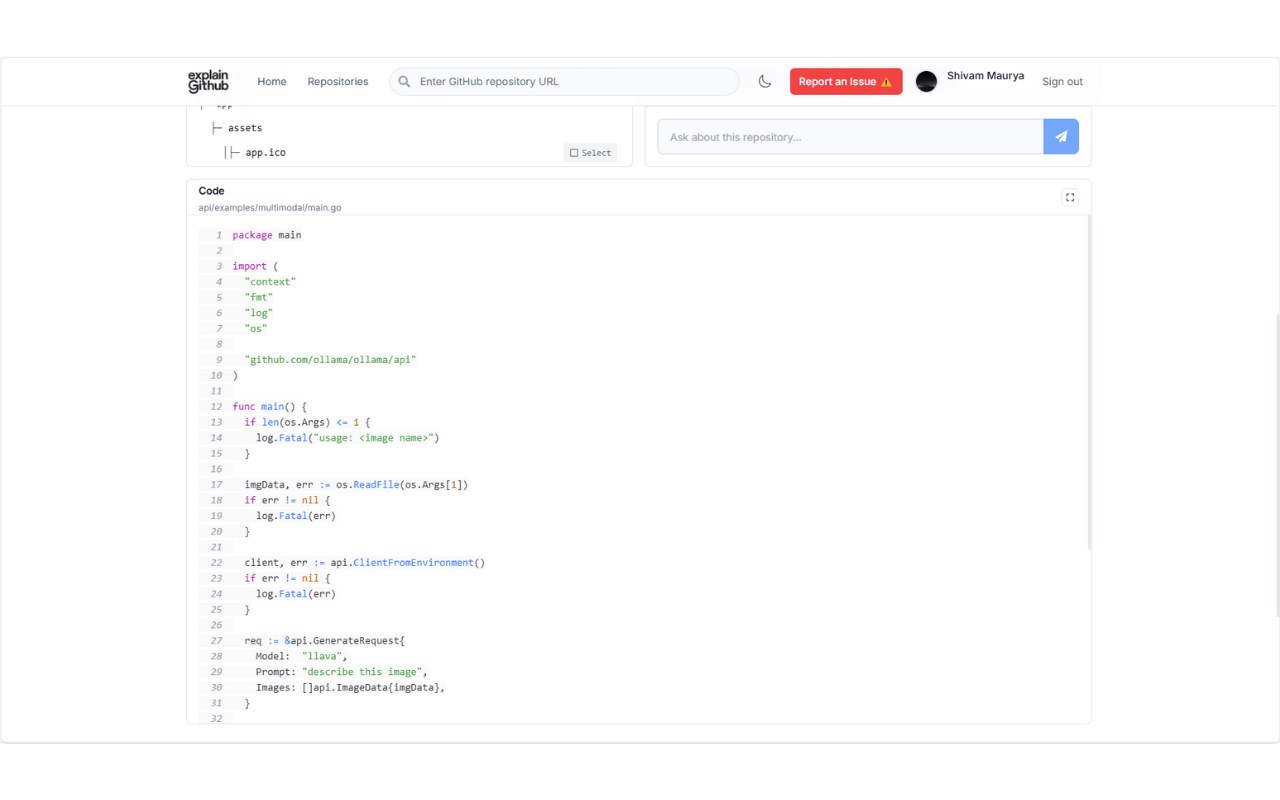
Explaingithub turns hours of reading code into minutes of understanding with one convenient button on GitHub repositories.
KEY FEATURES:
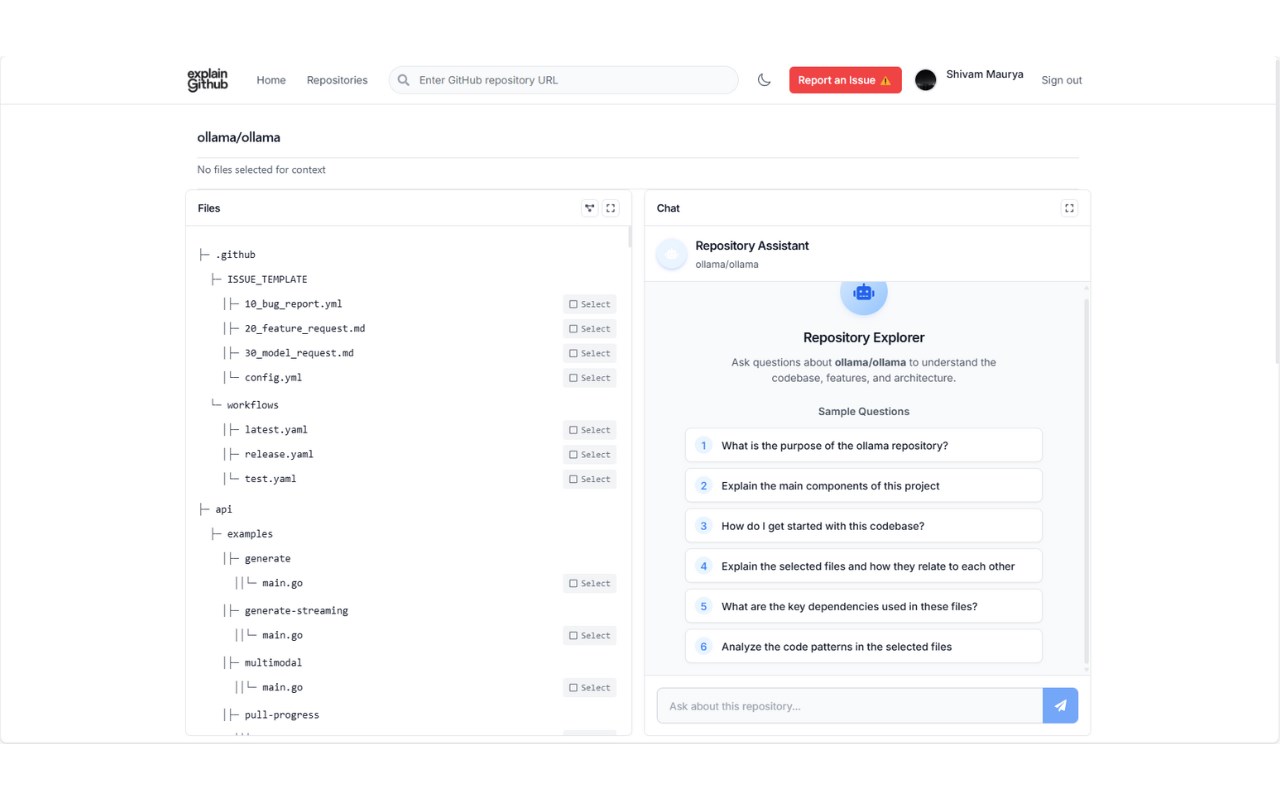
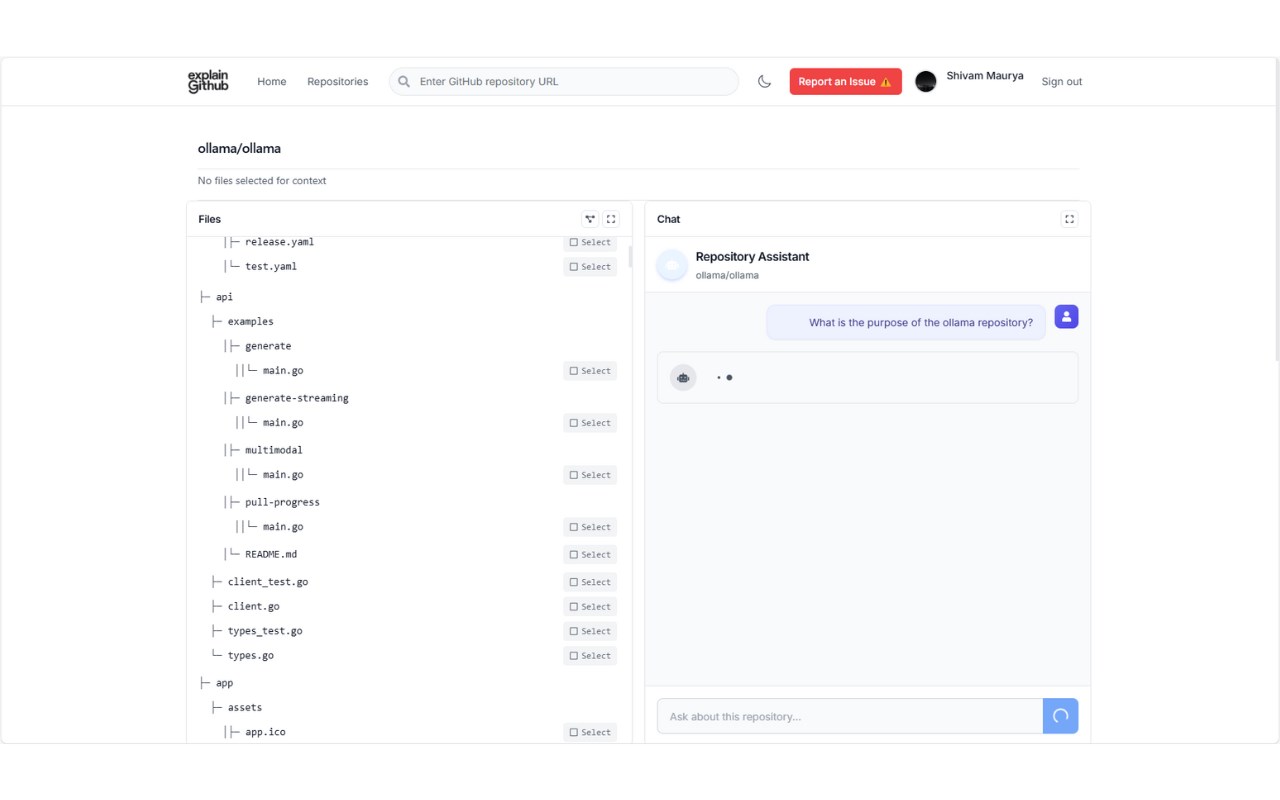
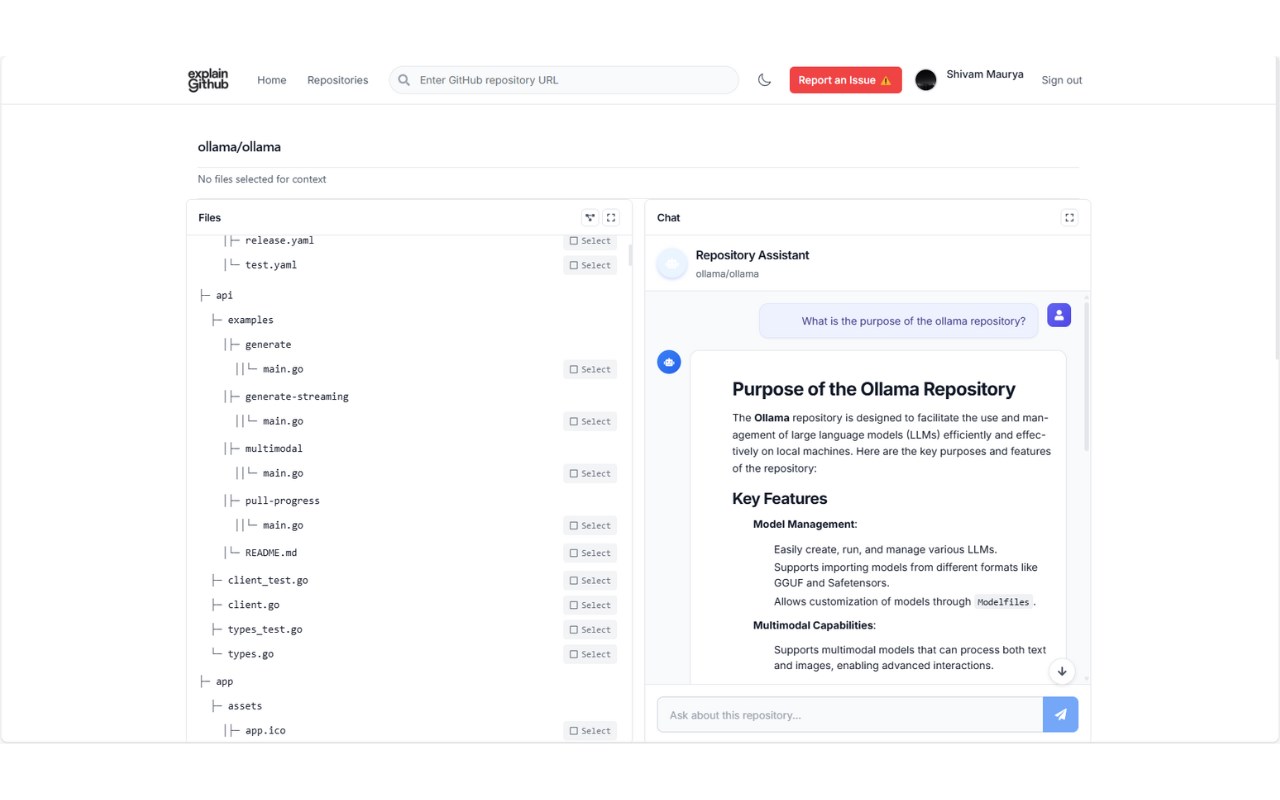
• 💬 Chat with Your Repo: Ask questions about a repository or query specific files in real time
• ⚡ Real-Time Insights: Instantly understand code functionality and logic through interactive AI
• 🧭 Seamless Navigation: Explore the entire folder hierarchy of any repository
• 🔍 Contextual Understanding: Leverage directory structure to grasp project organization
• 📊 Dual-Level Access: Get both high-level summaries and dive into specific code details
• 🔐 Secure Integration: Log in with GitHub to access both public and private repositories via OAuth
• 🛡️ Data Privacy: Your code and data remain safe—privacy is our top priority
HOW IT WORKS:
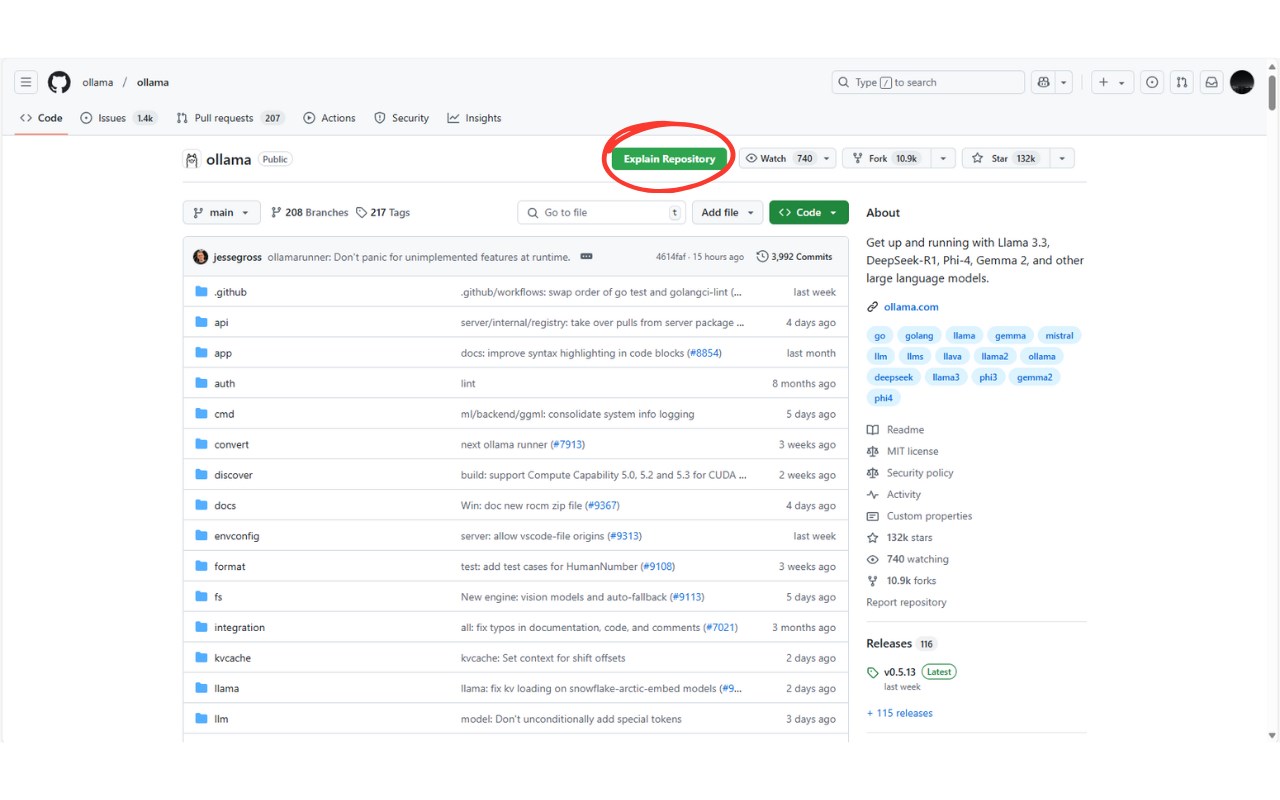
When browsing any GitHub repository, a green "Explain Repository" button appears next to the Watch button. One click opens explaingithub.com in a new tab with an AI-powered explanation interface for that repository.
PERFECT FOR:
• Developers exploring unfamiliar codebases
• Students learning from open-source projects
• Teams onboarding new members to projects
• Code reviewers needing quick context
• Anyone trying to understand complex repositories
Save hours of code reading time with intelligent, interactive explanations for any GitHub repository!
NOTE: This extension only adds a navigation button to GitHub's interface and doesn't collect any user data.
Explaingithub – Turn Hours of Code Reading into Minutes of Understanding! 是做什么的
Explaingithub – Turn Hours of Code Reading into Minutes of Understanding! 是一款面向 Edge 的实用工具类扩展,主要用来解决浏览器里某类具体的小问题。官方对它的介绍是:Adds a convenient button to GitHub repositories for quick AI-powered explanations在微软 Edge 加载项商店上,它当前版本 1.0,评分 5(1 人评价),约 150 名用户。
适合什么人用
从功能定位看,Explaingithub – Turn Hours of Code Reading into Minutes of Understanding! 更适合想补上浏览器原生缺失功能的用户。如果你平时只是偶尔遇到相关需求,用浏览器自带功能也能凑合;但如果这件事每天都发生,装一个专门处理它的扩展通常比手动操作省事得多。
怎么安装 Explaingithub – Turn Hours of Code Reading into Minutes of Understanding!
- 打开微软 Edge 加载项商店上的官方页面;
- 点「添加到浏览器」并确认权限提示;
- 装好后在扩展列表里固定图标,方便随时开关。
本站只做索引与介绍,安装包来自官方商店。如果商店页面提示当前地区不可用,说明该扩展未在你所在区域上架。
常见问题
Explaingithub – Turn Hours of Code Reading into Minutes of Understanding! 是免费的吗?
Explaingithub – Turn Hours of Code Reading into Minutes of Understanding! 在微软 Edge 加载项商店免费提供下载。它是浏览器扩展,装上就能直接用,不需要注册账号。
Explaingithub – Turn Hours of Code Reading into Minutes of Understanding! 安全吗?
它只申请了 0 项权限,范围比较克制,没有申请「读取所有网站数据」这种大权限。
Explaingithub – Turn Hours of Code Reading into Minutes of Understanding! 支持哪些浏览器?
当前收录的版本来自微软 Edge 加载项商店,适用于 Edge。同一个扩展在其他商店可能有对应版本,但功能与版本号不一定相同。
怎么卸载 Explaingithub – Turn Hours of Code Reading into Minutes of Understanding!?
在扩展管理页找到 Explaingithub – Turn Hours of Code Reading into Minutes of Understanding!,点移除即可。它在本地保存的设置会一起清掉,不会残留数据。
权限清单 来自 manifest.json 原文
未解析到权限条目。