
EPUB Reader & Viewer: Open .epub Files EN
Arkay Software · EEdge MV3
Read EPUB e-books right in your browser. Highlights, notes, bookmarks, dictionary and dark mode. Offline, no upload.
截图
简介
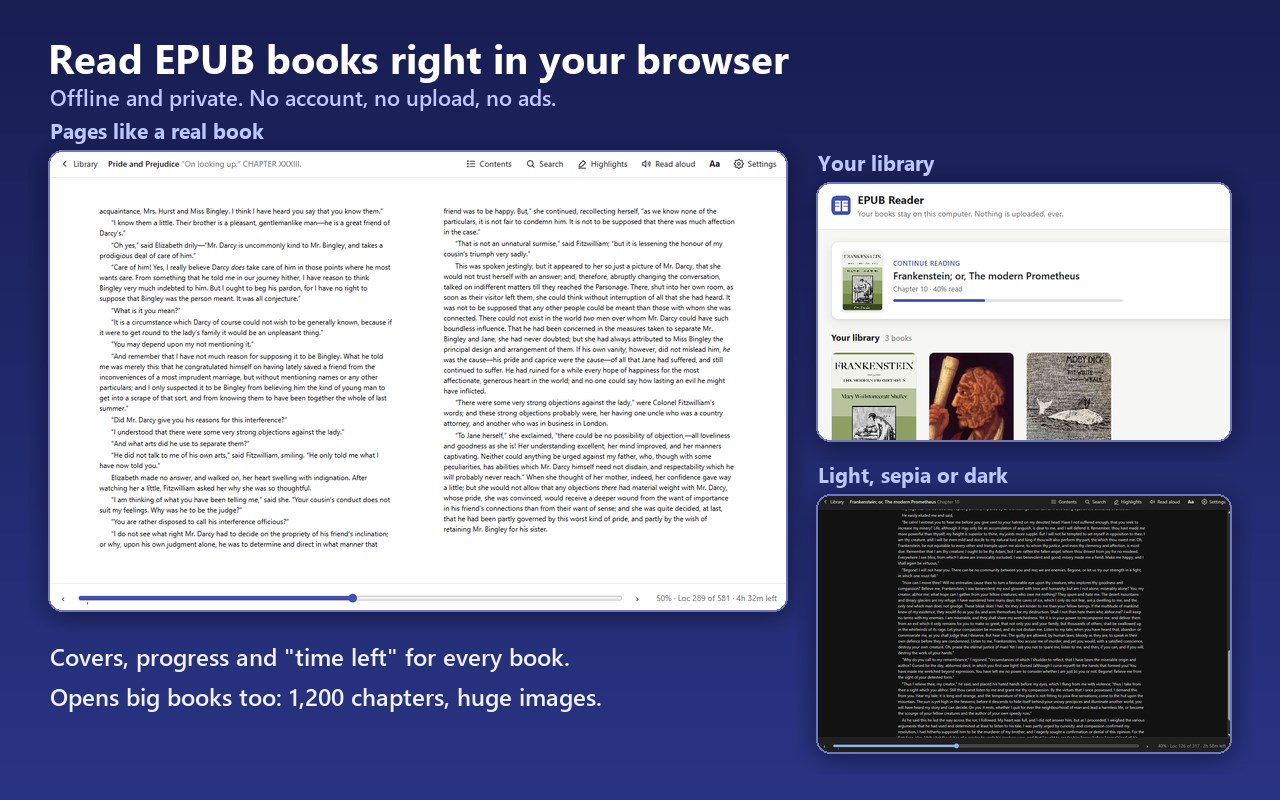
A free EPUB reader and viewer that lives entirely inside your browser: open .epub files and .epub links and read them right away, offline and private.
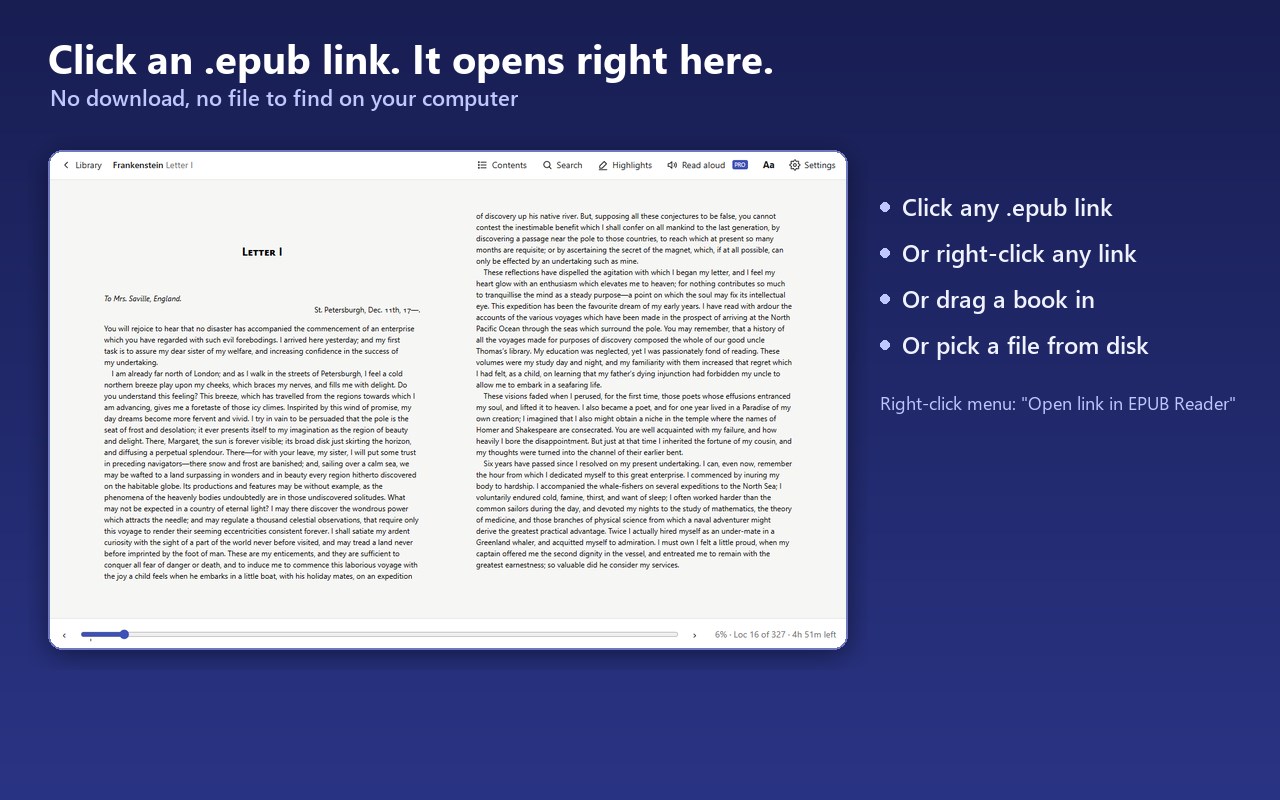
Open any .epub file — drag it onto the reader, pick it from disk, or just click an .epub link on the web — and read it with a clean two-page or continuous-scroll layout. Your books are stored in the browser's own database on your computer. There is no account, no upload, no ads and no tracking.
FREE
• Library with covers, authors and reading progress, and your current book one click away
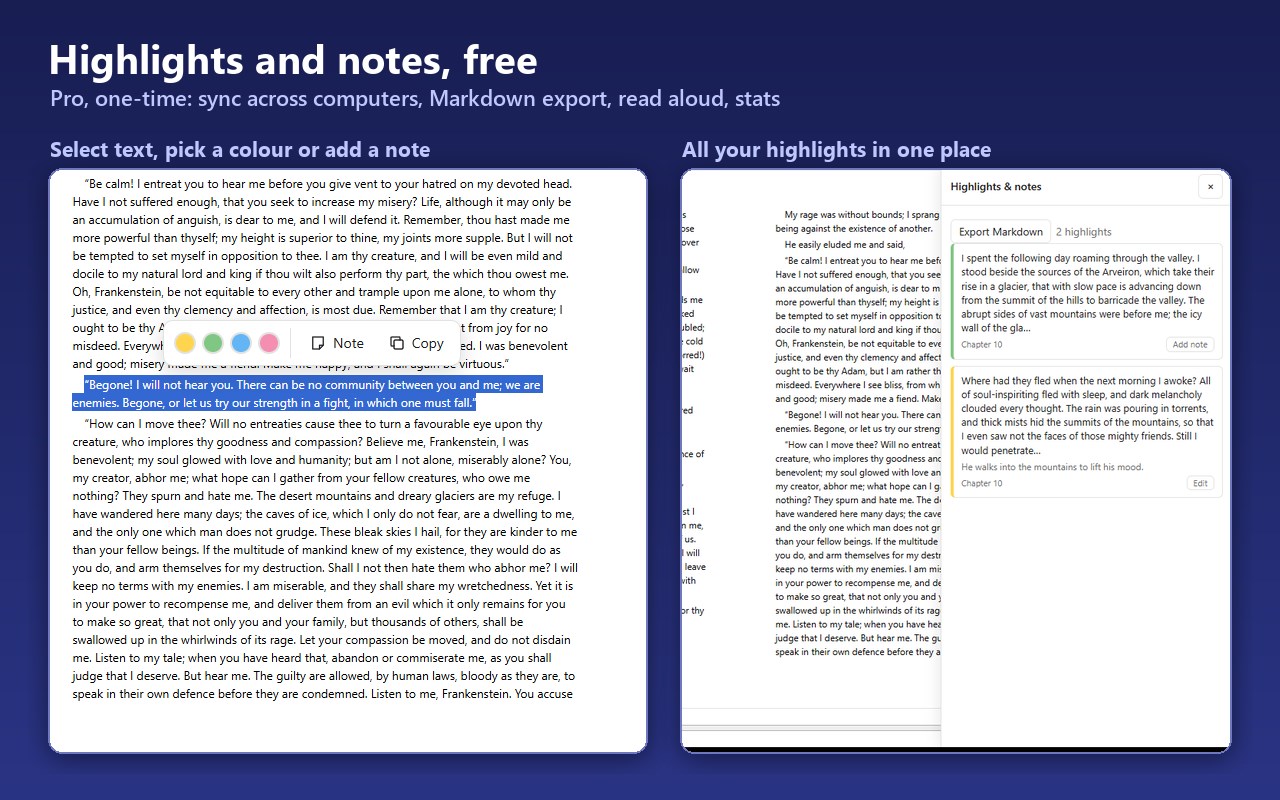
• Highlights in four colours and notes, right where you select the text
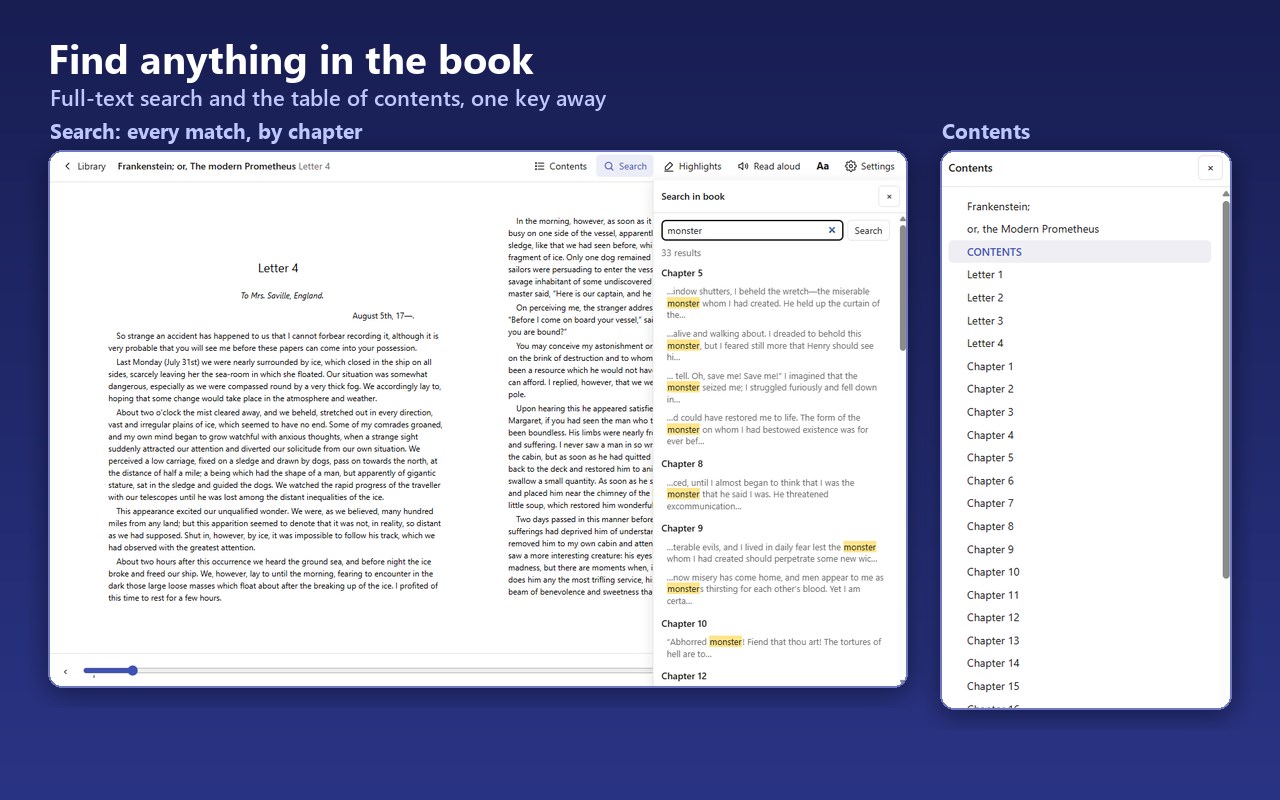
• Table of contents, progress slider, "time left" estimate
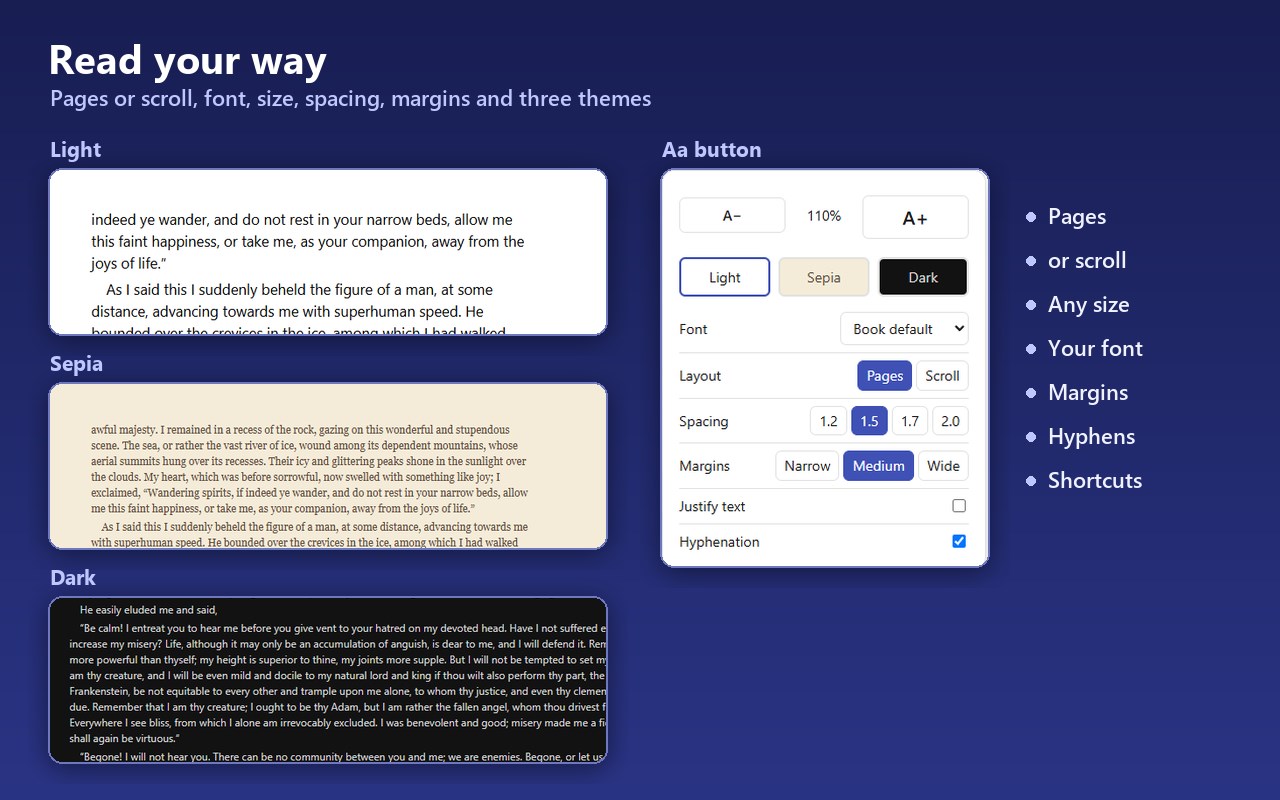
• Two layouts: pages (like a book) or continuous scroll
• Font size, font family, line height, margins, justification, hyphenation
• Light, sepia and dark themes (dark mode also recolours the book text)
• Full-text search inside the current book, with highlighted results
• Remembers where you stopped in every book
• Aa button for size, theme, font, spacing and layout, with the page visible while you change them
• Keyboard shortcuts for everything (arrows / space for pages, t for contents, / for search, a for display, s for settings)
• Handles very large books: tested with a 1,200-chapter EPUB and 4000×3000 pixel images
• Works completely offline
PRO (one-time purchase, no subscription)
• Sync across your computers: your place in every book, your highlights, notes and settings follow you through your browser's own sync (your Microsoft account in Edge). No account with us, no server of ours.
• Export highlights and notes to Markdown (Notion, Obsidian, any notes app)
• Read aloud that follows along: the word being spoken is highlighted (or the sentence, with voices that do not report words), and the page turns by itself; speed, volume and voice right in the read-aloud bar
• Reading statistics per book: total time, sessions, pages turned, daily history
OPENING .EPUB LINKS
By default the browser downloads .epub links. If you allow the optional "website access" permission (a single click in Settings or when you first open a link), EPUB Reader opens the book directly instead of saving a file. You can also right-click any link and choose "Open link in EPUB Reader". Both are optional — the reader works fully without them.
PRIVACY
Everything runs in the extension page. Books, positions, highlights and statistics are stored in IndexedDB in your browser profile. The extension makes no network requests of its own. The only exceptions are things you start yourself: Pro sync, which hands your reading positions, highlights, notes and settings (never the books) to your browser's own sync storage, so they travel with your browser account like your bookmarks do; fetching an .epub link you clicked, the Pro checkout page, which is Lemon Squeezy's own site (the extension only sends the license key you paste to Lemon Squeezy's license API to check that it is valid), and, if you choose an online voice for read-aloud, the browser sends that text to its speech service to synthesise it. Local voices stay local.
Built on the open-source foliate-js rendering engine (MIT).
EPUB Reader & Viewer: Open .epub Files 是做什么的
EPUB Reader & Viewer: Open .epub Files 是一款面向 Edge 的效率工具类扩展,主要用来管住注意力、屏蔽干扰站点、记录时间。官方对它的介绍是:Read EPUB e-books right in your browser. Highlights, notes, bookmarks, dictionary and dark mode. Offline, no upload.在微软 Edge 加载项商店上,它当前版本 0.4.4,约 13 名用户。
适合什么人用
从功能定位看,EPUB Reader & Viewer: Open .epub Files 更适合想专注工作学习、减少无效刷网页的用户。如果你平时只是偶尔遇到相关需求,用浏览器自带功能也能凑合;但如果这件事每天都发生,装一个专门处理它的扩展通常比手动操作省事得多。
怎么安装 EPUB Reader & Viewer: Open .epub Files
- 打开微软 Edge 加载项商店上的官方页面;
- 点「添加到浏览器」并确认权限提示;
- 装好后在扩展列表里固定图标,方便随时开关。
本站只做索引与介绍,安装包来自官方商店。如果商店页面提示当前地区不可用,说明该扩展未在你所在区域上架。
常见问题
EPUB Reader & Viewer: Open .epub Files 是免费的吗?
EPUB Reader & Viewer: Open .epub Files 在微软 Edge 加载项商店免费提供下载。它是浏览器扩展,装上就能直接用,不需要注册账号。
EPUB Reader & Viewer: Open .epub Files 安全吗?
它只申请了 0 项权限,范围比较克制,没有申请「读取所有网站数据」这种大权限。
EPUB Reader & Viewer: Open .epub Files 支持哪些浏览器?
当前收录的版本来自微软 Edge 加载项商店,适用于 Edge。同一个扩展在其他商店可能有对应版本,但功能与版本号不一定相同。
怎么卸载 EPUB Reader & Viewer: Open .epub Files?
在扩展管理页找到 EPUB Reader & Viewer: Open .epub Files,点移除即可。它在本地保存的设置会一起清掉,不会残留数据。
权限清单 来自 manifest.json 原文
接口权限 6
contextMenusdeclarativeNetRequestWithHostAccessdownloadsstoragettsunlimitedStorage