
Edit Page — Visual Website Editor & Developer Toolkit EN
SessionManager.net · EEdge MV3
Edit webpages visually, inspect HTML/CSS, customize styles, test responsive layouts, capture screenshots, and export code.
截图
简介
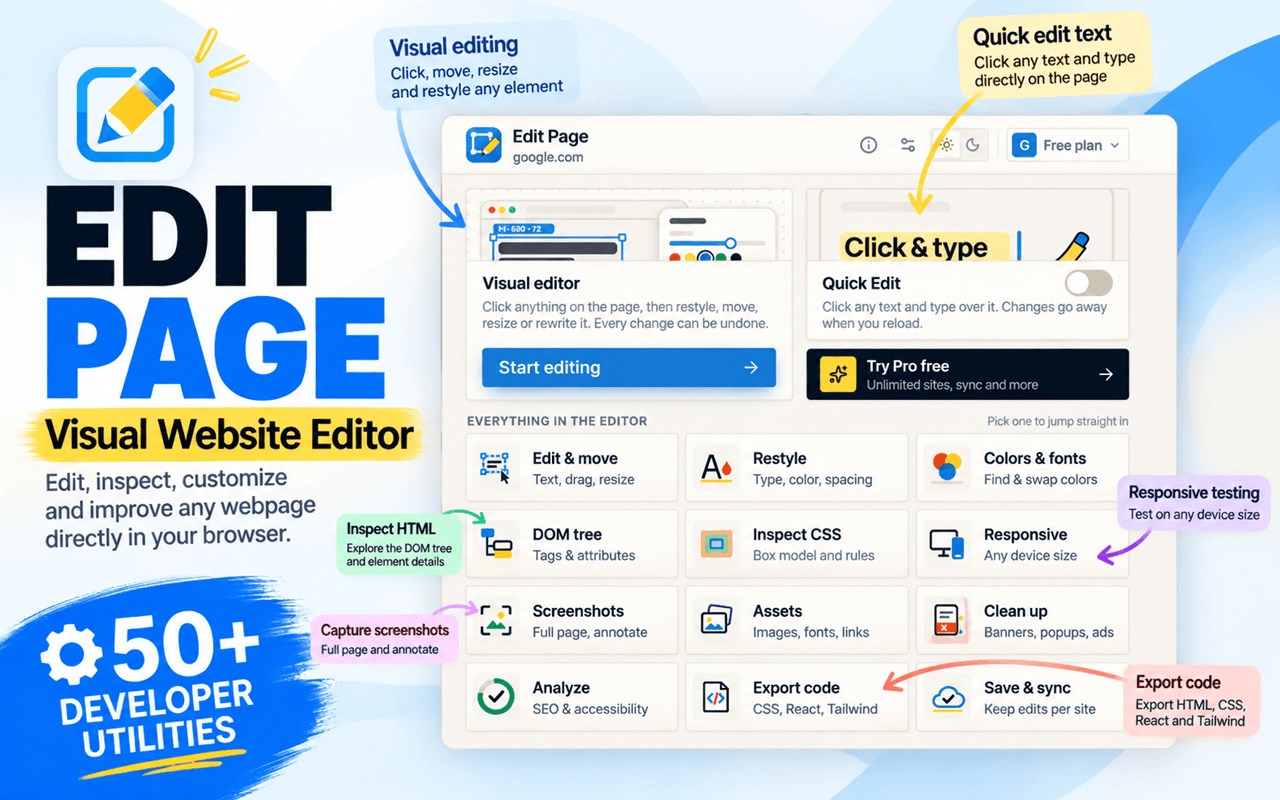
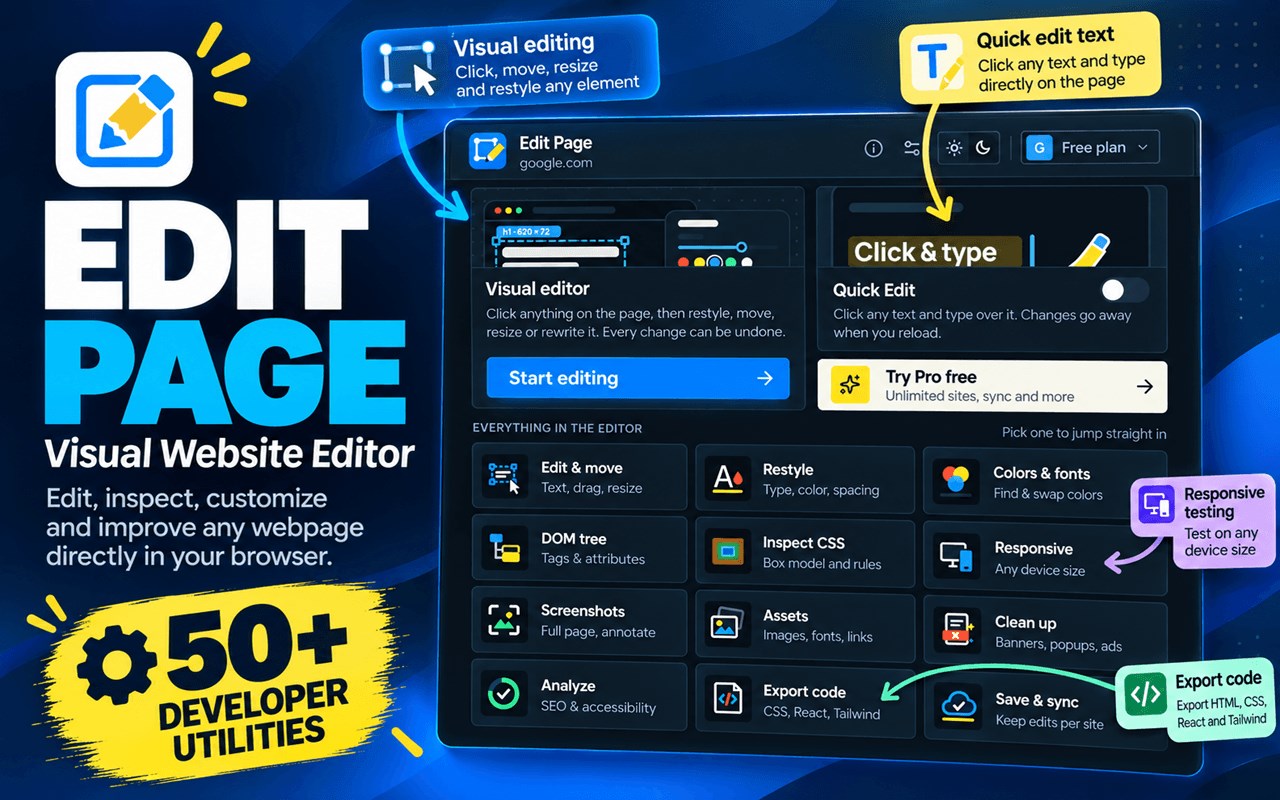
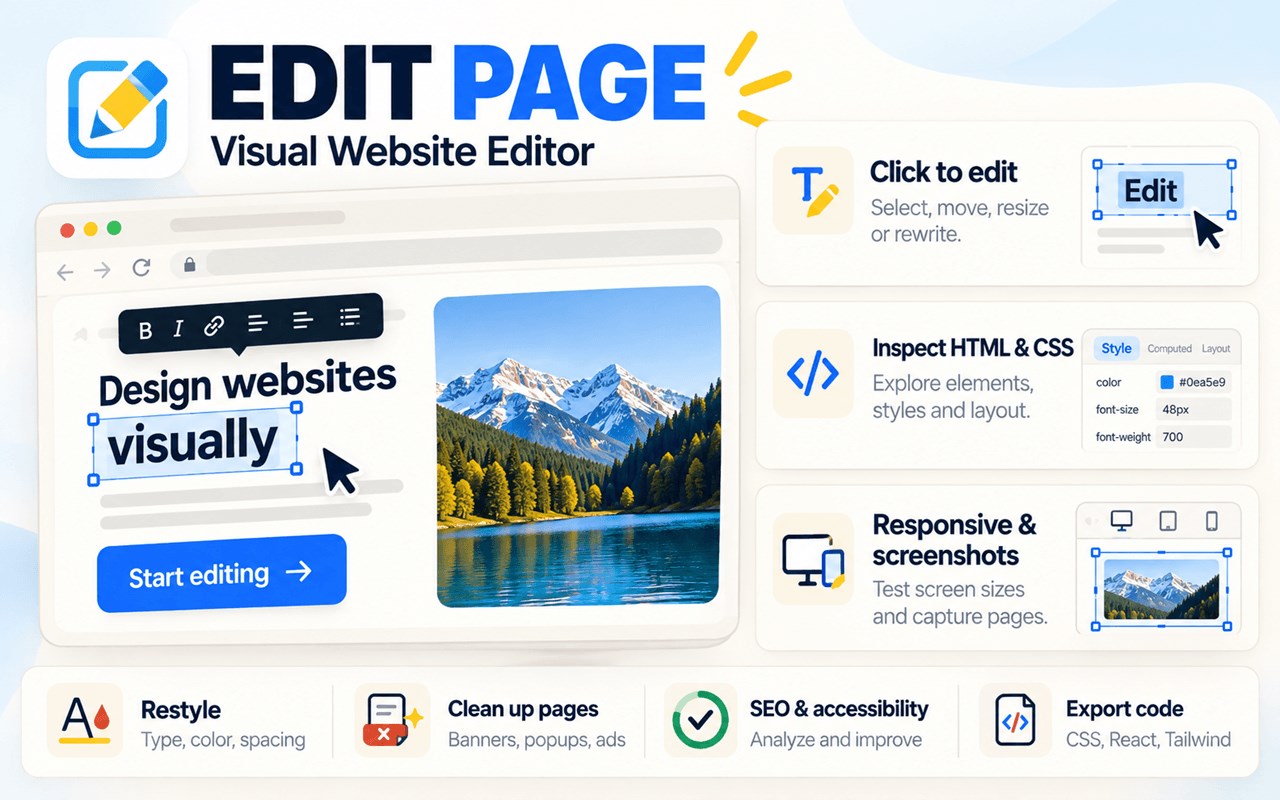
Edit webpages visually, customize styles, inspect HTML and CSS, and explore website layouts directly in your browser. Edit Page combines visual editing, developer tools, responsive testing, screenshots, and website analysis in one extension.
🎨 VISUAL EDITOR
• Edit text and HTML, add elements, and move, resize, duplicate, hide, or remove page elements.
• Customize fonts, colors, spacing, borders, dimensions, and positioning.
• Undo, redo, and revert individual changes.
🔍 HTML & CSS INSPECTOR
• Explore the DOM tree, HTML elements, classes, and attributes.
• Inspect CSS rules, computed styles, specificity, inheritance, and the box model.
• Copy HTML, CSS selectors, XPath, and element paths.
• Review page colors, fonts, and color contrast.
💾 SAVE WEBSITE CHANGES
• Save custom styles and automatically reapply supported changes when revisiting a website.
• Pro: Unlimited saved websites, profiles, page conditions, checkpoints, configuration import/export, and optional cloud sync.
🖌️ ADVANCED CSS DESIGN
• Pro: Flexbox, Grid, gradients, shadows, filters, transforms, CSS variables, bulk styling, and color or font replacement.
📱 RESPONSIVE TESTING
• Preview layouts using phone, tablet, laptop, and desktop presets.
• Pro: Custom viewport sizes, orientation, zoom, device screenshots, and side-by-side comparison.
📸 SCREENSHOTS
• Capture visible pages, selected regions, and cropped images.
• Pro: Full-page and element screenshots, annotations, redaction tools, device frames, and JPG/WebP export.
⚛️ DEVELOPER TOOLS
• Preview CSS and HTML exports and explore website assets.
• Pro: Copy/download code, export React JSX, Vue components, and Tailwind HTML/JSX, replace local images, download available assets in bulk, and run custom JavaScript on saved websites.
• Record editing macros for free and replay them with Pro.
🔎 SEO & ACCESSIBILITY
• Run 11 SEO checks and 8 accessibility checks.
• Review headings, page statistics, detected technologies, and color contrast.
• Pro: Export analysis reports in JSON or Markdown.
🧹 ONE-CLICK CLEANUP
Remove supported cookie banners, pop-ups, overlays, sticky bars, chat widgets, app banners, push prompts, ads, and scroll locks. Pro adds automatic cleanup with configurable categories and per-site opt-outs.
🆓 FREE & PRO
Free includes visual editing, HTML/CSS inspection, basic screenshots, responsive presets, saved edits for one website, website analysis, and cleanup tools. Pro unlocks advanced design, unlimited saved websites, enhanced screenshots, code export, and additional automation.
🎁 Try Pro free for 7 days. Sign in with Google and start your trial when ready. No payment card is required. One trial is available per eligible Google account. It's built for anyone who wants to edit and inspect webpages visually.
Note: Edits change the page as rendered in your browser; they do not directly modify the original website or publish changes to its server.
Edit Page — Visual Website Editor & Developer Toolkit 是做什么的
Edit Page — Visual Website Editor & Developer Toolkit 是一款面向 Edge 的实用工具类扩展,主要用来解决浏览器里某类具体的小问题。官方对它的介绍是:Edit webpages visually, inspect HTML/CSS, customize styles, test responsive layouts, capture screenshots, and export code.在微软 Edge 加载项商店上,它当前版本 3.0.0。
适合什么人用
从功能定位看,Edit Page — Visual Website Editor & Developer Toolkit 更适合想补上浏览器原生缺失功能的用户。如果你平时只是偶尔遇到相关需求,用浏览器自带功能也能凑合;但如果这件事每天都发生,装一个专门处理它的扩展通常比手动操作省事得多。
怎么安装 Edit Page — Visual Website Editor & Developer Toolkit
- 打开微软 Edge 加载项商店上的官方页面;
- 点「添加到浏览器」并确认权限提示;
- 装好后在扩展列表里固定图标,方便随时开关。
本站只做索引与介绍,安装包来自官方商店。如果商店页面提示当前地区不可用,说明该扩展未在你所在区域上架。
常见问题
Edit Page — Visual Website Editor & Developer Toolkit 是免费的吗?
Edit Page — Visual Website Editor & Developer Toolkit 在微软 Edge 加载项商店免费提供下载。它是浏览器扩展,装上就能直接用,不需要注册账号。
Edit Page — Visual Website Editor & Developer Toolkit 安全吗?
它只申请了 0 项权限,范围比较克制,没有申请「读取所有网站数据」这种大权限。
Edit Page — Visual Website Editor & Developer Toolkit 支持哪些浏览器?
当前收录的版本来自微软 Edge 加载项商店,适用于 Edge。同一个扩展在其他商店可能有对应版本,但功能与版本号不一定相同。
怎么卸载 Edit Page — Visual Website Editor & Developer Toolkit?
在扩展管理页找到 Edit Page — Visual Website Editor & Developer Toolkit,点移除即可。它在本地保存的设置会一起清掉,不会残留数据。
权限清单 来自 manifest.json 原文
接口权限 4
activeTabscriptingsidePanelstorage
接口权限(可选) 2
declarativeNetRequestWithHostAccessuserScripts