
Easy Screen Recorder EN
Chintan Rana · EEdge MV3
Easy Screen Recorder - Capture your screen, webcam & audio in HD with smart tools, seamless sharing, and zero lag.
<all_urls>),意味着它可以读取你在任意站点的页面内容,包括已登录的页面。这是许多扩展正常工作的必要条件,但也值得你确认来源可信。
截图


简介
Easy Screen Recorder – Effortless Screen, Webcam, and Audio Capture for Everyone
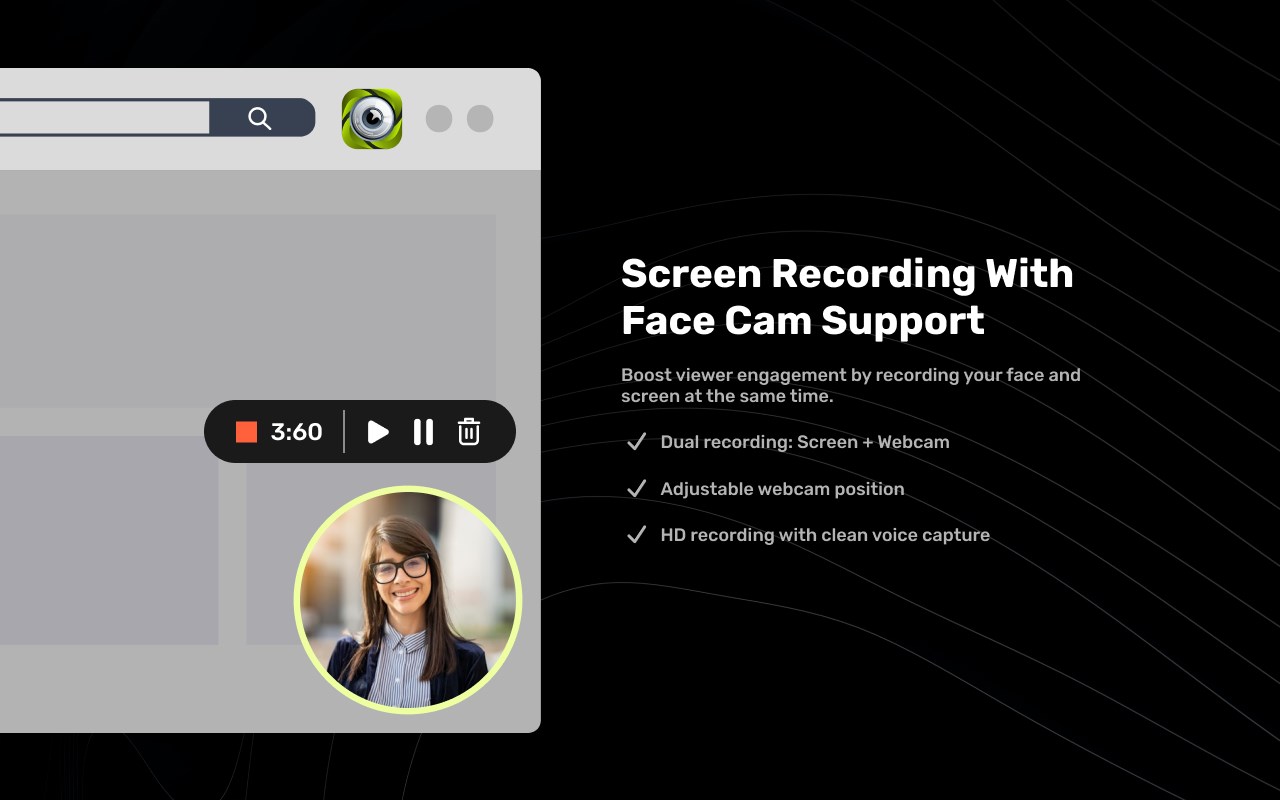
Easy Screen Recorder is a smart, intuitive browser extension designed to bring seamless screen, webcam, and audio recording capabilities directly to your browser. Whether you’re a professional creating tutorials, a student preparing presentations, or simply wish to capture memorable moments, Easy Screen Recorder empowers you with advanced tools to make capturing, editing, and sharing content fast, efficient, and effortless.
With version 3.5.6, Easy Screen Recorder harnesses HD recording technologies alongside a robust suite of editing tools, privacy-conscious sharing features, and easy access from your browser toolbar. Its clean interface and versatile options allow you to take screenshots, record the entire screen or custom areas, capture webcam video, and include system and microphone audio—all with zero lag and high fidelity.
This extension lets you annotate screenshots, blur sensitive areas, crop, draw, add text, and then save, download, or generate shareable links for your captures. Recordings are stored locally with options to upload securely, manage via a dedicated portal, or share instantly using temporary links. Smart keyboard shortcuts, area selection overlays, and instant preview ensure your workflow is streamlined, making recording and sharing as simple as a click or keystroke.
Easy Screen Recorder is built for Microsoft Edge and other Chromium-based browsers, integrating into your workflow with minimal setup while supporting offscreen content, desktop capture, and tab capture. It also features authentication support for cloud storage and collaborates with Google and Edge APIs, ensuring your files are safe and accessible when needed.
Key Features:
- Screen, webcam, and audio capture: Record the entire desktop, a specific tab, custom area, or webcam with HD quality and include system and microphone audio.
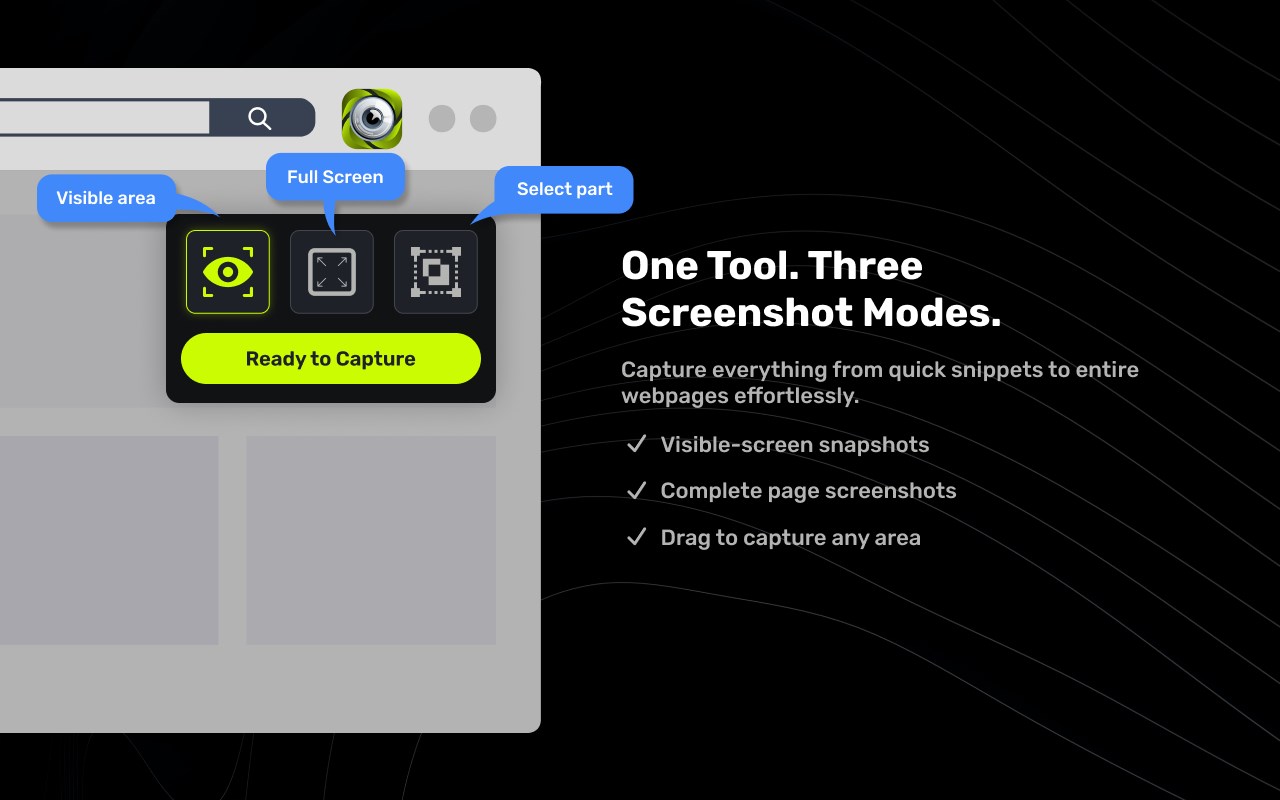
- Rich screenshot editing: Annotate, crop, blur, draw, and add text directly to screenshots prior to saving or sharing.
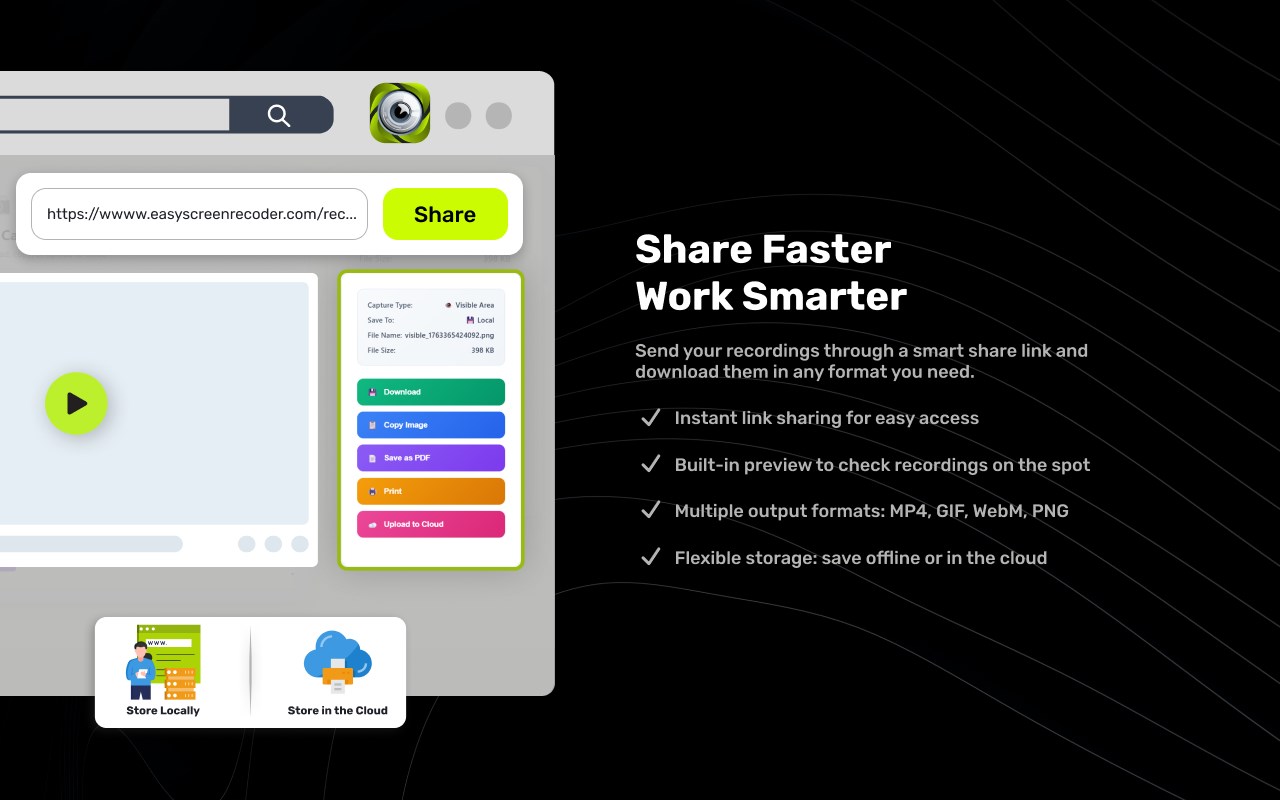
- Smart sharing options: Generate secure, temporary share links or download recordings and screenshots in preferred formats (webm, mp4, png, pdf).
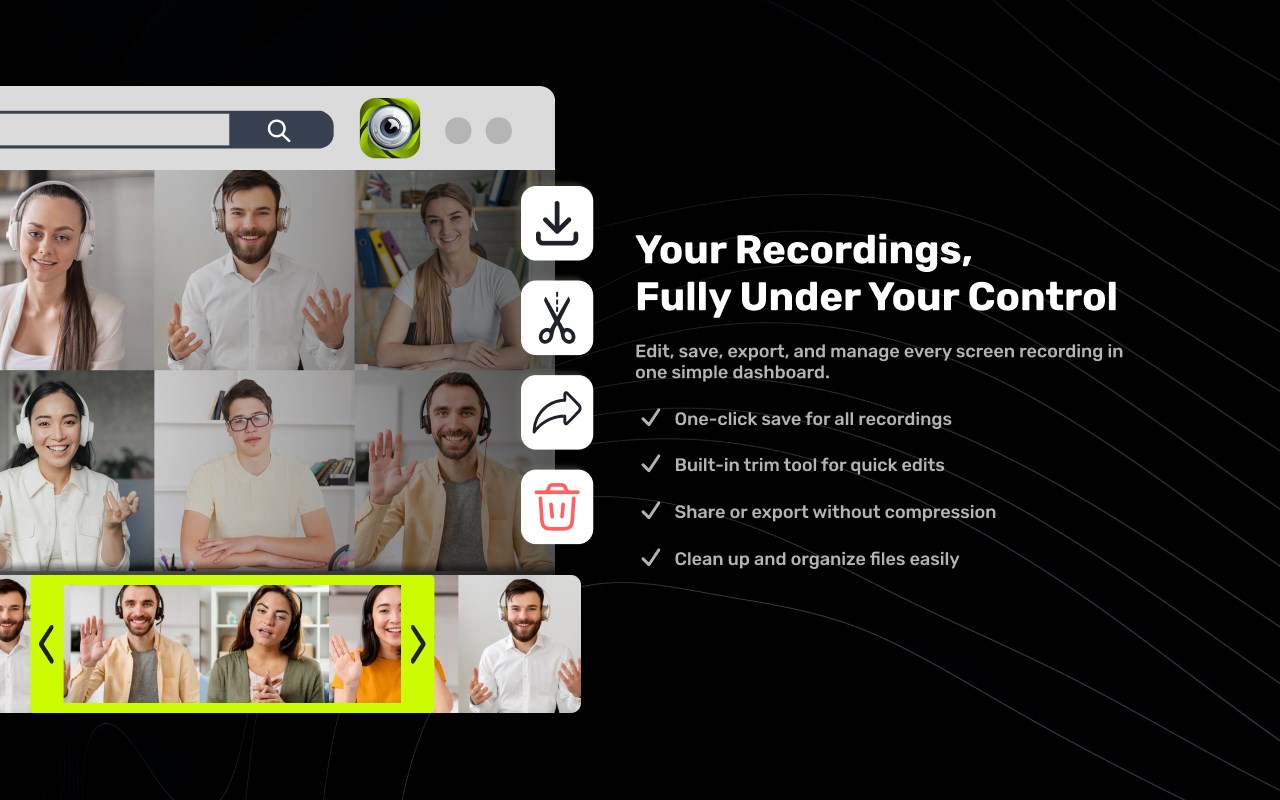
- Instant preview and editing: View and edit screenshots immediately after capture with robust manipulation tools.
- Custom area selection: Easily select specific regions for recording or screenshots using an intuitive overlay.
- Keyboard shortcut commands: Use customizable shortcuts to start, stop, and capture quickly from anywhere in your browser.
- Multi-platform integration: Supports Edge and Google APIs for authentication, cloud uploads, and sharing.
- Secure temporary storage: Optionally upload files to a secure server, with access management and quick retrieval.
How It Works:
1. Install Easy Screen Recorder from the browser extension store and access it via the toolbar icon.
2. Open the extension’s popup; select recording mode—screen, tab, area, webcam, or screenshot.
3. Choose audio preferences (system audio, microphone, both, or none).
4. Use keyboard shortcuts (e.g., Ctrl+Shift+1 for screenshots, Ctrl+Shift+4/5 to start/stop recording) or click buttons in the interface.
5. For custom area recording or screenshots, use the overlay tool to select the exact region you wish to capture.
6. After capture, instantly preview and edit with annotation, blur, crop, draw, and text tools; save changes or discard as necessary.
7. Download files locally, generate share links, or upload to secure cloud—all managed directly from the extension.
Privacy: - This extension collects minimal data to facilitate temporary sharing and authentication. See our privacy policy at https://easyscreenrecorder.com/privacy-policy for full details.
Easy Screen Recorder 是做什么的
Easy Screen Recorder 是一款面向 Edge 的效率工具类扩展,主要用来管住注意力、屏蔽干扰站点、记录时间。官方对它的介绍是:Easy Screen Recorder - Capture your screen, webcam & audio in HD with smart tools, seamless sharing, and zero lag.在微软 Edge 加载项商店上,它当前版本 3.5.9,评分 5(3 人评价),约 47 名用户。
适合什么人用
从功能定位看,Easy Screen Recorder 更适合想专注工作学习、减少无效刷网页的用户。如果你平时只是偶尔遇到相关需求,用浏览器自带功能也能凑合;但如果这件事每天都发生,装一个专门处理它的扩展通常比手动操作省事得多。需要注意的是它作用于所有网站,装上后建议先观察一两天,确认不影响常用站点的正常使用。
怎么安装 Easy Screen Recorder
- 打开微软 Edge 加载项商店上的官方页面;
- 点「添加到浏览器」并确认权限提示;
- 装好后在扩展列表里固定图标,方便随时开关。
本站只做索引与介绍,安装包来自官方商店。如果商店页面提示当前地区不可用,说明该扩展未在你所在区域上架。
常见问题
Easy Screen Recorder 是免费的吗?
Easy Screen Recorder 在微软 Edge 加载项商店免费提供下载。它是浏览器扩展,装上就能直接用,不需要注册账号。
Easy Screen Recorder 安全吗?
它只申请了 0 项权限,范围比较克制,没有申请「读取所有网站数据」这种大权限。
Easy Screen Recorder 支持哪些浏览器?
当前收录的版本来自微软 Edge 加载项商店,适用于 Edge。同一个扩展在其他商店可能有对应版本,但功能与版本号不一定相同。
怎么卸载 Easy Screen Recorder?
在扩展管理页找到 Easy Screen Recorder,点移除即可。它在本地保存的设置会一起清掉,不会残留数据。
权限清单 来自 manifest.json 原文
站点访问(可选) 1
<all_urls>
接口权限 9
activeTabdesktopCapturedownloadsidentityoffscreenscriptingstoragetabCapturetabs