Downright — Copy Any Page as Markdown for AI EN
intrine · EEdge MV3
Copy any page as clean Markdown in one keystroke — correct tables, code fences, and math. No tracking. No network. Ever.
截图
简介
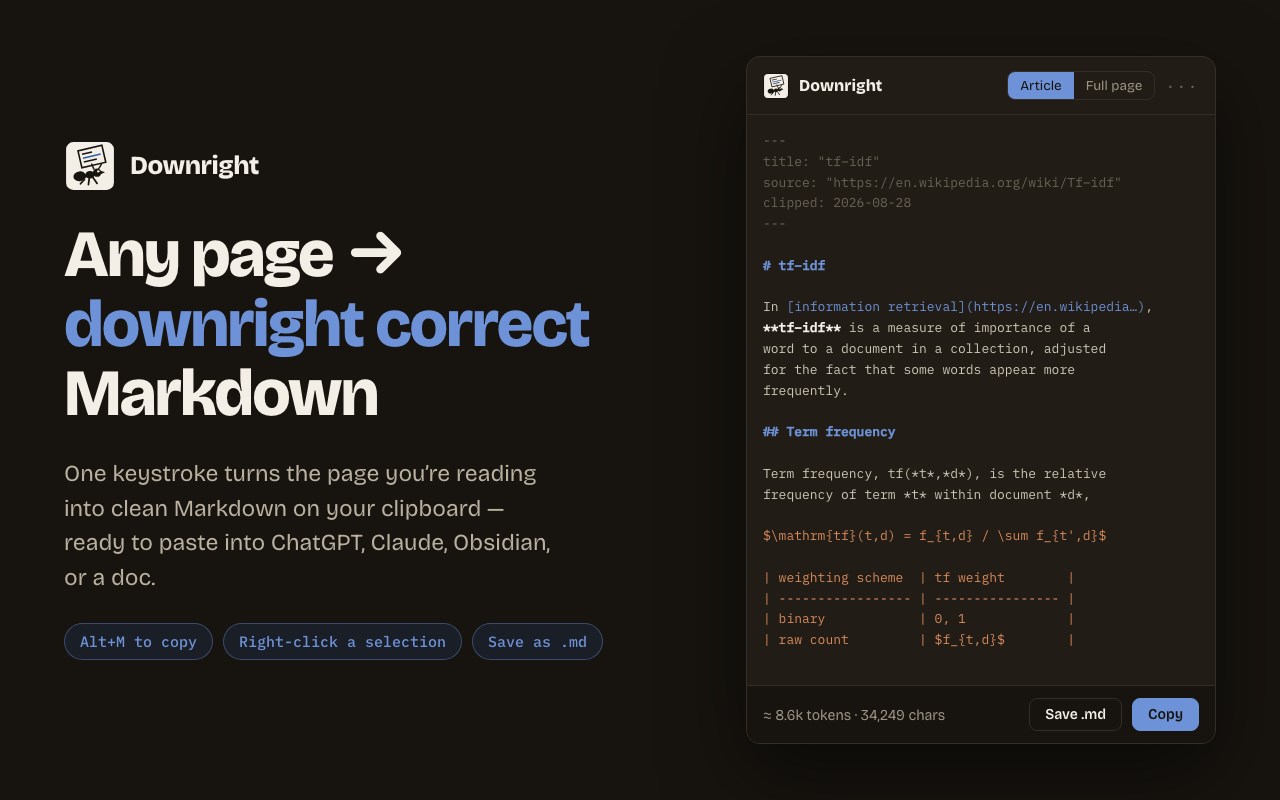
Press Alt+M and the page you're reading becomes clean, correct Markdown on your clipboard — ready to paste into ChatGPT, Claude, Copilot, Obsidian, Notion, or a doc.
Downright is a markdown clipper built around one idea: the Markdown must be RIGHT.
WHAT COMES OUT CORRECT
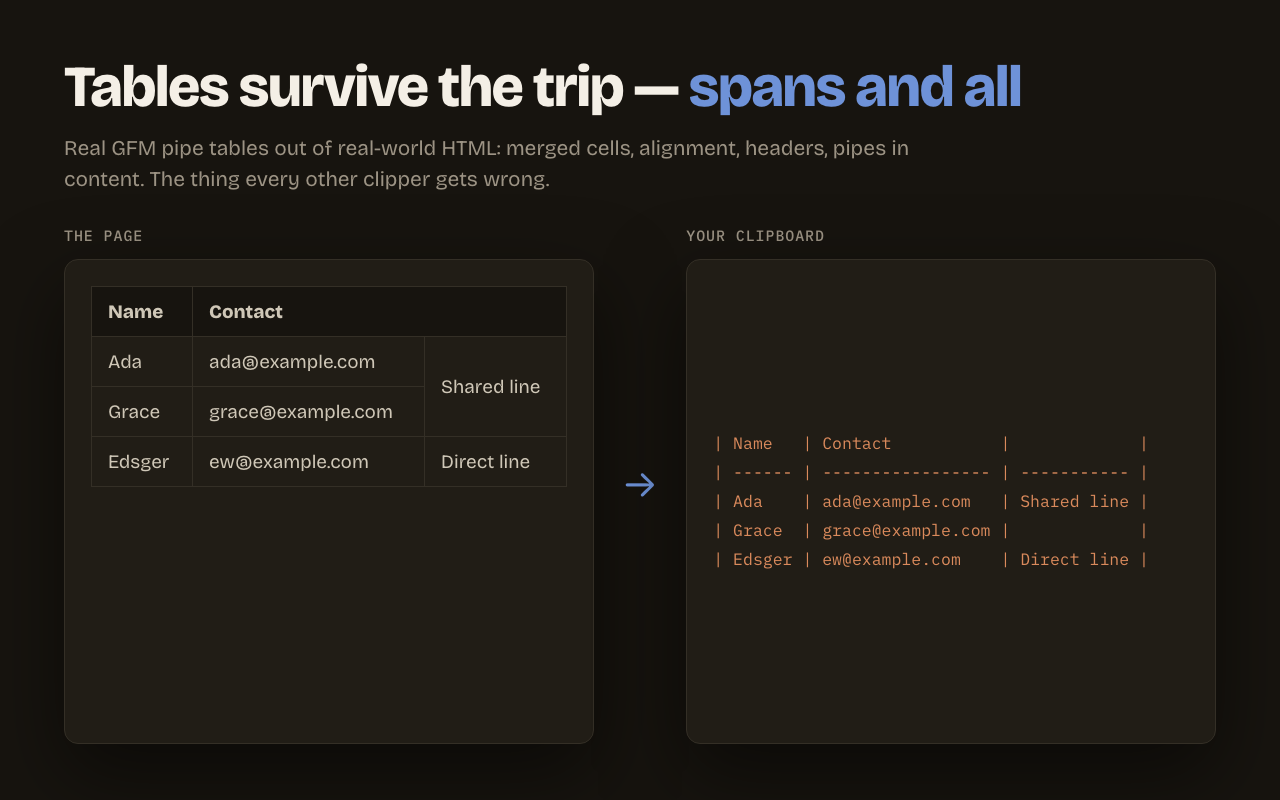
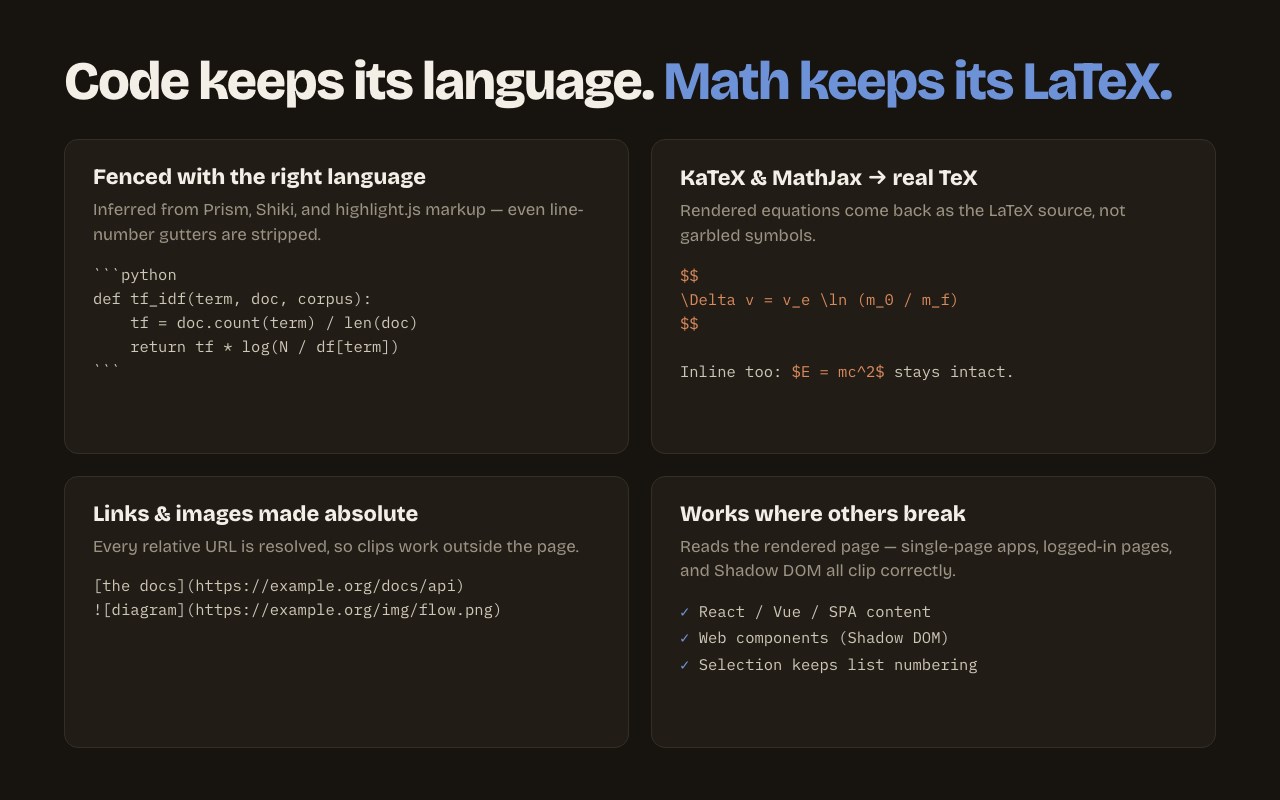
• Tables — real Markdown pipe tables, including merged cells (colspan/rowspan), alignment, and pipes inside cells. The thing most converters silently mangle. • Code — fenced blocks that keep their language (Prism, Shiki, highlight.js, GitHub markup all recognized), with line-number gutters stripped.
• Math — KaTeX and MathJax equations come back as their original LaTeX, not garbled symbols. Wikipedia formulas extract perfectly.
• Links & images — every URL resolved to an absolute address, including lazy-loaded images. Clips work outside the page they came from.
• Modern sites — Downright reads the rendered page, so single-page apps, logged-in pages, and web components (Shadow DOM) all clip correctly.
THREE WAYS TO CLIP
• Alt+M (Option+M on Mac) — copy the article as Markdown. Select text first and the same keystroke clips just the selection, keeping list numbering and table headers. • Right-click — copy the selection or page, or save the page as a .md file. • Toolbar popup — preview the Markdown before you copy, switch between Article and Full-page capture, and see a token estimate for AI context windows.
Optional YAML front matter (title, source URL, author, date) makes clips land in Obsidian and Notion ready to file.
PRIVATE BY CONSTRUCTION
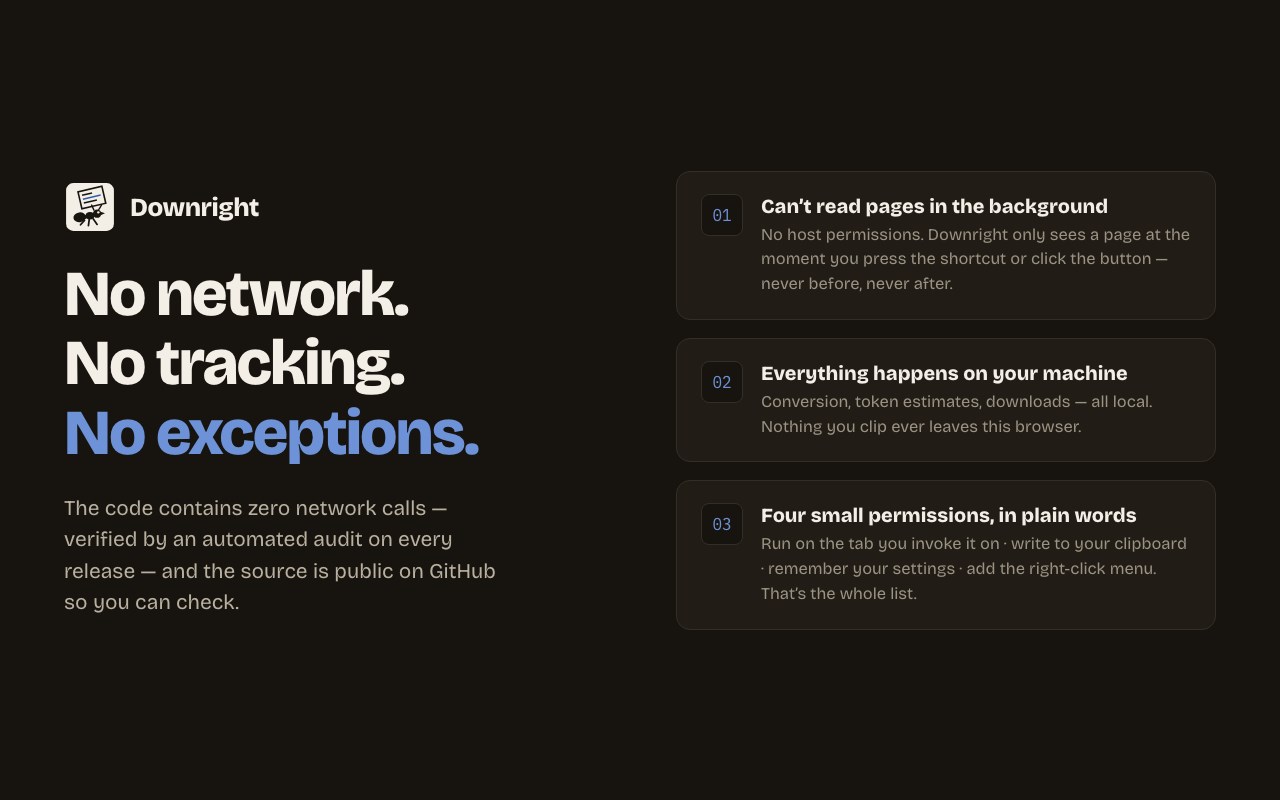
• No network requests, ever — verified by an automated audit on every release. • No host permissions — Downright cannot read any page until the moment you invoke it, and never in the background. • No accounts, no analytics, no tracking. Free, and open source on GitHub so you can check all of the above. • Text a page hides from you — off-screen, zero-opacity, or written in invisible Unicode — is dropped, not clipped. What you can read is what you get.
Downright — Copy Any Page as Markdown for AI 是做什么的
Downright — Copy Any Page as Markdown for AI 是一款面向 Edge 的效率工具类扩展,主要用来管住注意力、屏蔽干扰站点、记录时间。官方对它的介绍是:Copy any page as clean Markdown in one keystroke — correct tables, code fences, and math. No tracking. No network. Ever.在微软 Edge 加载项商店上,它当前版本 1.0.1,评分 4.2(4 人评价),约 37 名用户。
适合什么人用
从功能定位看,Downright — Copy Any Page as Markdown for AI 更适合想专注工作学习、减少无效刷网页的用户。如果你平时只是偶尔遇到相关需求,用浏览器自带功能也能凑合;但如果这件事每天都发生,装一个专门处理它的扩展通常比手动操作省事得多。
怎么安装 Downright — Copy Any Page as Markdown for AI
- 打开微软 Edge 加载项商店上的官方页面;
- 点「添加到浏览器」并确认权限提示;
- 装好后在扩展列表里固定图标,方便随时开关。
本站只做索引与介绍,安装包来自官方商店。如果商店页面提示当前地区不可用,说明该扩展未在你所在区域上架。
常见问题
Downright — Copy Any Page as Markdown for AI 是免费的吗?
Downright — Copy Any Page as Markdown for AI 在微软 Edge 加载项商店免费提供下载。它是浏览器扩展,装上就能直接用,不需要注册账号。
Downright — Copy Any Page as Markdown for AI 安全吗?
它只申请了 0 项权限,范围比较克制,没有申请「读取所有网站数据」这种大权限。
Downright — Copy Any Page as Markdown for AI 支持哪些浏览器?
当前收录的版本来自微软 Edge 加载项商店,适用于 Edge。同一个扩展在其他商店可能有对应版本,但功能与版本号不一定相同。
怎么卸载 Downright — Copy Any Page as Markdown for AI?
在扩展管理页找到 Downright — Copy Any Page as Markdown for AI,点移除即可。它在本地保存的设置会一起清掉,不会残留数据。
权限清单 来自 manifest.json 原文
接口权限 5
activeTabclipboardWritecontextMenusscriptingstorage