
Dark mode for Edge EN
Dark Mode Cat · EEdge MV3
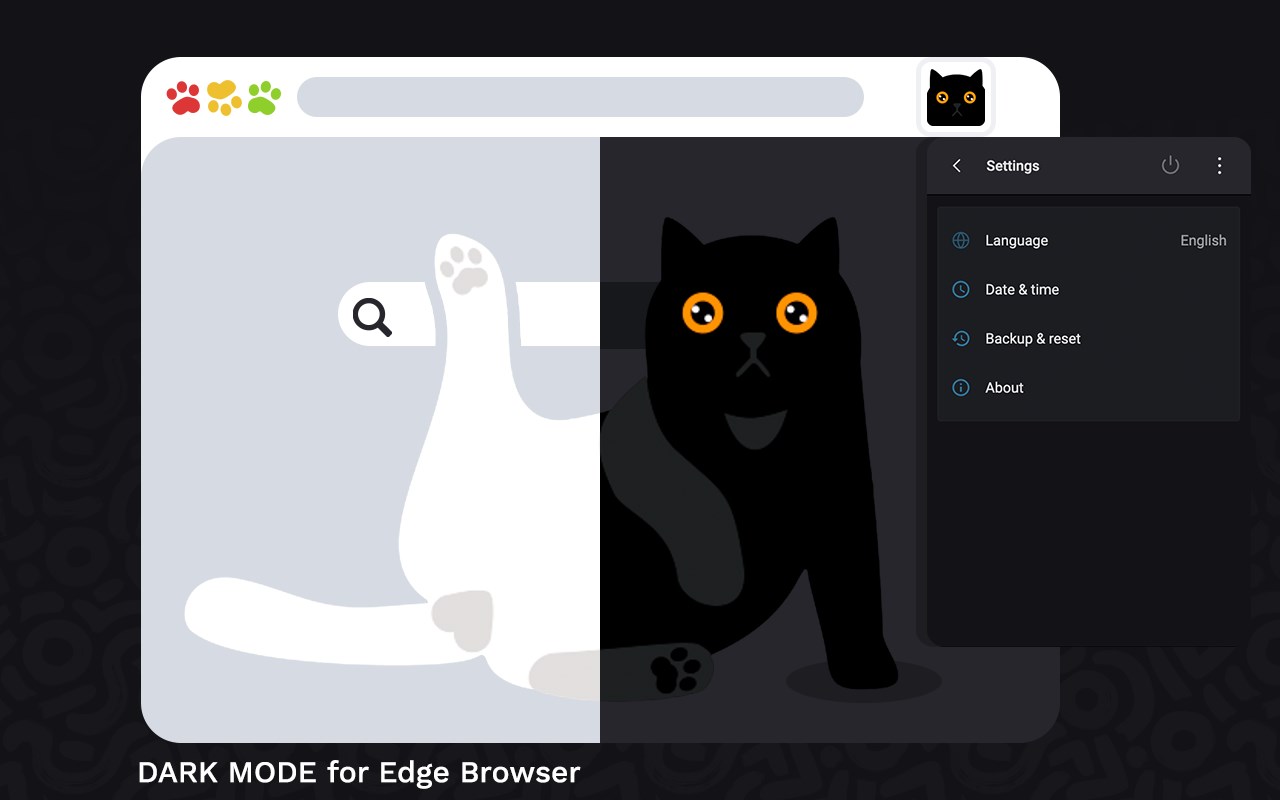
Dark Mode, read at night. Bluelight filter for every website. Relax your eyes at night and day.
<all_urls>),意味着它可以读取你在任意站点的页面内容,包括已登录的页面。这是许多扩展正常工作的必要条件,但也值得你确认来源可信。
截图
简介
Dark Mode helps you quickly turn the browser to dark at night time. Dark Mode for night reading provide a comfortable view.
Introducing Dark Mode - Dark Reader for Chrome, the ultimate extension that brings a sleek dark theme to all websites, revolutionizing your browsing experience, especially during nighttime or when you prefer a darker aesthetic. With its powerful features and customization options, Dark Mode - Dark Reader for Edge is the perfect companion for night owls, avid readers, and those seeking eye-friendly browsing.
Key Features of Dark Mode - Dark Reader for Chrome:
Effortless Dark Mode: With a simple click on the extension icon, you can instantly enable or disable the dark mode, adapting your browsing environment to your preferences.
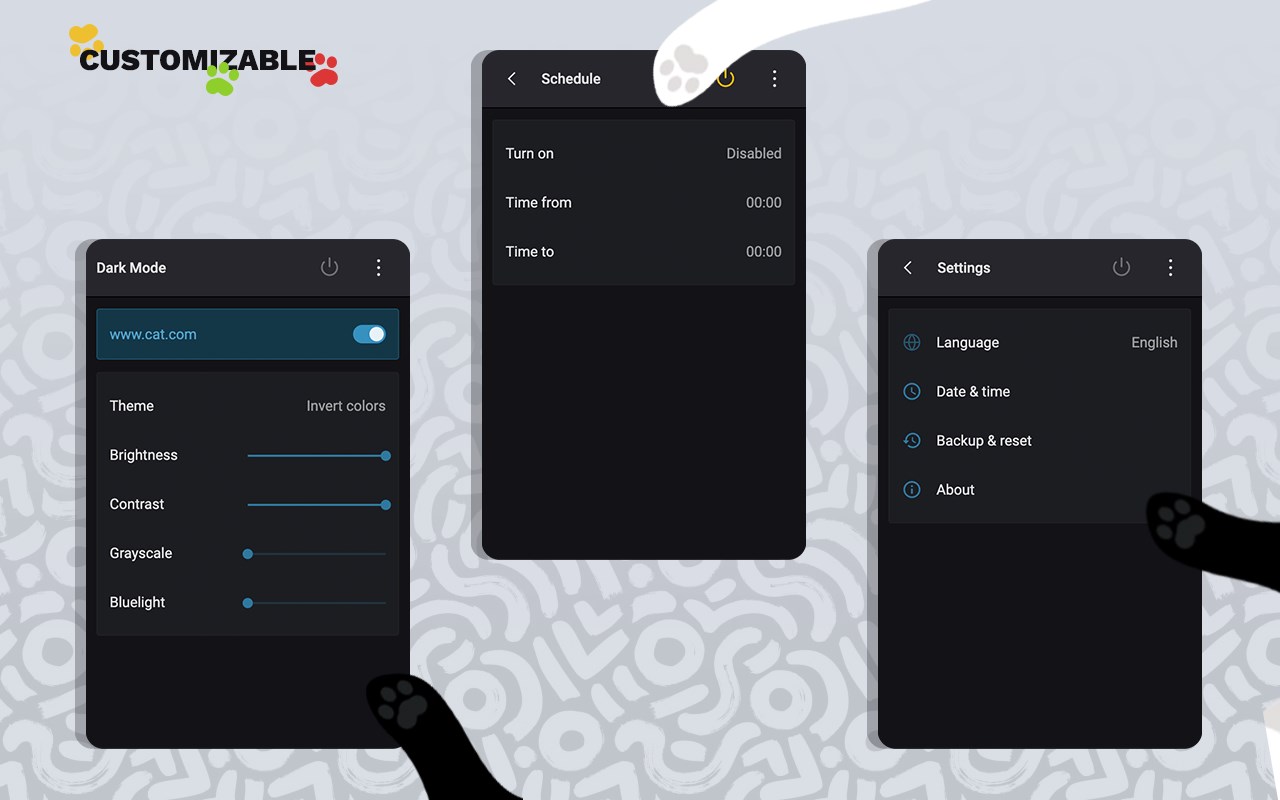
Site-specific Control: Take control of the dark mode by excluding or including specific websites. Just navigate to "Dark Mode" and choose "Disable/Enable Dark Mode for this site" to tailor your experience on a per-site basis.
Automatic Schedule: Seamlessly integrate Dark Mode into your daily routine by enabling the "Auto ON/OFF" feature. This automatically activates or deactivates the dark mode based on your preferred schedule.
Experience the Magic of Unified Dark Mode:
No longer do you need to tediously adjust settings for individual websites. Dark Mode - Dark Reader for Edge brings the enchanting darkness across the entire web with a single installation, ensuring a consistent and immersive dark theme wherever you go.
Explore the Enhanced Option Page:
Our enhanced option page offers an array of valuable features to enrich your browsing experience:
Site Exclusion: Tailor the dark theme by excluding specific web addresses, allowing you to maintain a light theme for preferred pages while reveling in darkness elsewhere.
Page Exclusion: Fine-tune your experience by adding domains that you wish to exempt from the dark theme, ensuring optimal visibility and readability.
Theme Customization: Unleash your imagination and create fully personalized themes that reflect your style. Save, rename, and apply them effortlessly, immersing yourself in a browsing experience that is truly your own.
Discover Night Shift for Eye Care:
Introducing Night Shift, a remarkable feature that transforms the screen's usual brightness into a soothing, warmer tone. This transition helps protect your eyes and enhance your comfort. With Night Shift, you can easily toggle the feature on or off with a single click, providing immediate relief when desired.
Dark Reader for Ultimate Reading Pleasure:
Prepare to indulge in the ultimate reading experience with Dark Reader. This exceptional eye-care extension dynamically creates dark themes for websites, making bright colors contrast beautifully and facilitating effortless reading at night. Dark Reader brings a touch of elegance to all websites, making it perfect for nocturnal browsing, online news consumption, and devouring your favorite books digitally.
Dark Theme for YouTube:
As an added bonus, Dark Mode - Dark Reader for Edge offers the Dark Theme for YouTube extension. Seamlessly transforming the default YouTube theme into a highly customizable, dark charcoal/blue theme, this lightweight extension ensures optimal performance without the bloat of injected themes from other sources. Experience YouTube in a new light, or rather, darkness.
We Value Your Feedback:
Your satisfaction is our top priority. Feel free to ask questions, share your thoughts, or leave comments about the Dark Mode - Dark Reader for Edge extension.
Your feedback is invaluable to us as we strive to deliver the best browsing experience tailored to your needs. Install the extension today and embark on a journey through the web in captivating darkness!
Dark mode for Edge 是做什么的
Dark mode for Edge 是一款面向 Edge 的效率工具类扩展,主要用来管住注意力、屏蔽干扰站点、记录时间。官方对它的介绍是:Dark Mode, read at night. Bluelight filter for every website. Relax your eyes at night and day.在微软 Edge 加载项商店上,它当前版本 0.0.1,评分 3.3(3 人评价),约 737 名用户。
适合什么人用
从功能定位看,Dark mode for Edge 更适合想专注工作学习、减少无效刷网页的用户。如果你平时只是偶尔遇到相关需求,用浏览器自带功能也能凑合;但如果这件事每天都发生,装一个专门处理它的扩展通常比手动操作省事得多。需要注意的是它作用于所有网站,装上后建议先观察一两天,确认不影响常用站点的正常使用。
怎么安装 Dark mode for Edge
- 打开微软 Edge 加载项商店上的官方页面;
- 点「添加到浏览器」并确认权限提示;
- 装好后在扩展列表里固定图标,方便随时开关。
本站只做索引与介绍,安装包来自官方商店。如果商店页面提示当前地区不可用,说明该扩展未在你所在区域上架。
常见问题
Dark mode for Edge 是免费的吗?
Dark mode for Edge 在微软 Edge 加载项商店免费提供下载。它是浏览器扩展,装上就能直接用,不需要注册账号。
Dark mode for Edge 安全吗?
它只申请了 0 项权限,范围比较克制,没有申请「读取所有网站数据」这种大权限。
Dark mode for Edge 支持哪些浏览器?
当前收录的版本来自微软 Edge 加载项商店,适用于 Edge。同一个扩展在其他商店可能有对应版本,但功能与版本号不一定相同。
怎么卸载 Dark mode for Edge?
在扩展管理页找到 Dark mode for Edge,点移除即可。它在本地保存的设置会一起清掉,不会残留数据。
权限清单 来自 manifest.json 原文
站点访问(可选) 1
<all_urls>
接口权限 3
scriptingstoragetabs
接口权限(可选) 1
downloads