CSV to XML EN
Extninja · EEdge MV3
The easiest way to convert CSV data into a structured XML file.
<all_urls>),意味着它可以读取你在任意站点的页面内容,包括已登录的页面。这是许多扩展正常工作的必要条件,但也值得你确认来源可信。
截图
简介
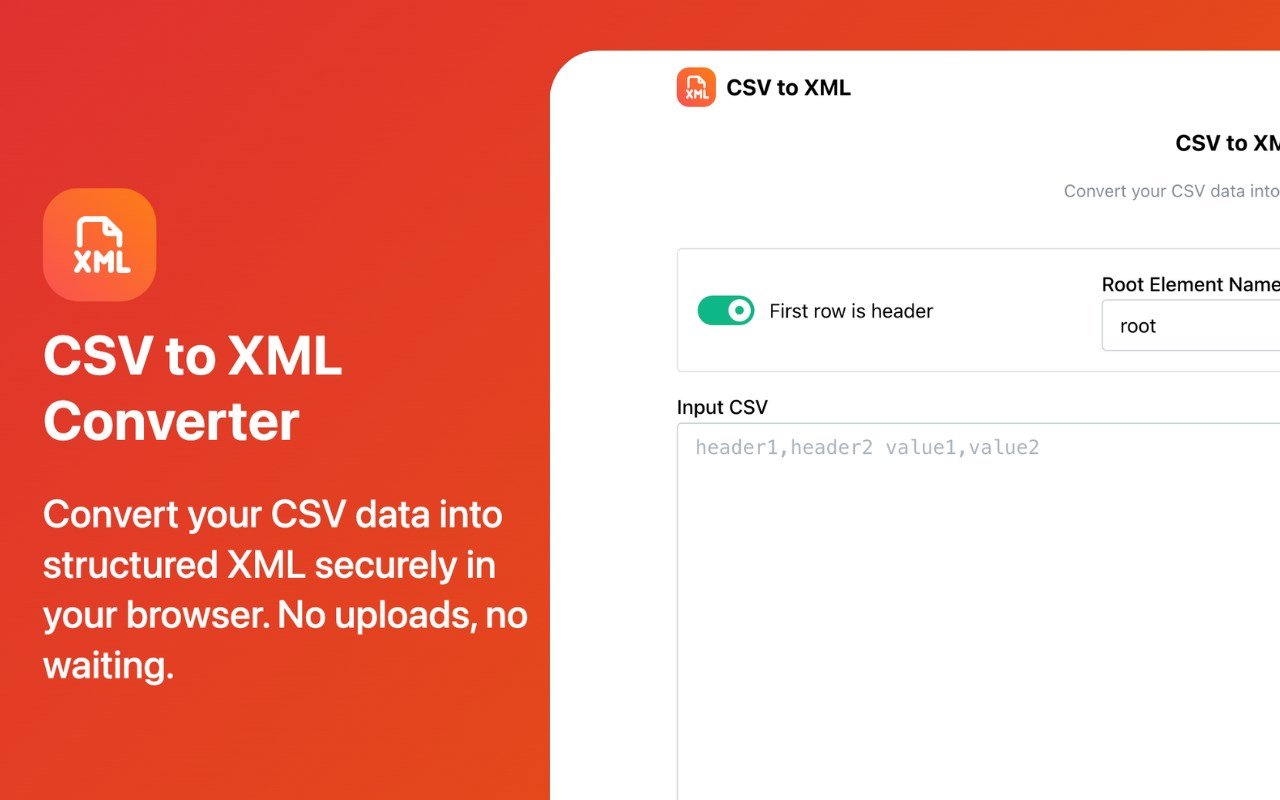
Tired of unreliable online tools to convert your data? With CSV to XML Converter, you can transform comma-separated values into a structured XML format with just a few clicks. Best of all, it works entirely offline in your browser, ensuring your data remains secure and private.
✨ Key Features
Effortless Conversion: Simply paste your CSV data to get started.
Flexible Options:
Header Support: Toggle whether the first row of your CSV should be used as the tags for the XML elements.
Custom Element Names: Define custom names for the root and row elements to fit your required XML schema.
Auto-Generated Tags: If no header is present, tags are automatically generated for you (field1, field2, etc.).
100% Secure & Private: Your data stays local, never uploaded to a server, guaranteeing privacy.
Fast & Lightweight: No more waiting for files to upload or download. Conversion is almost instantaneous.
Built for Developers: A clean, simple interface designed for efficiency. Copy the output with a single click.
👩💻 Who Is This For?
Developers & Programmers: Quickly generate XML data from a CSV file for your projects.
Data Analysts & Scientists: Easily convert data sets for use in various applications and scripts.
Students & Educators: A simple, secure tool for learning about data structures and formats.
Anyone Needing to Convert Data: A straightforward tool for anyone who wants to manage and reformat their data without privacy concerns.
🚀 Upgrade your workflow today. Stop relying on insecure online tools and take control of your data!
CSV to XML 是做什么的
CSV to XML 是一款面向 Edge 的实用工具类扩展,主要用来解决浏览器里某类具体的小问题。官方对它的介绍是:The easiest way to convert CSV data into a structured XML file.在微软 Edge 加载项商店上,它当前版本 1.0.0,约 37 名用户。
适合什么人用
从功能定位看,CSV to XML 更适合想补上浏览器原生缺失功能的用户。如果你平时只是偶尔遇到相关需求,用浏览器自带功能也能凑合;但如果这件事每天都发生,装一个专门处理它的扩展通常比手动操作省事得多。需要注意的是它作用于所有网站,装上后建议先观察一两天,确认不影响常用站点的正常使用。
怎么安装 CSV to XML
- 打开微软 Edge 加载项商店上的官方页面;
- 点「添加到浏览器」并确认权限提示;
- 装好后在扩展列表里固定图标,方便随时开关。
本站只做索引与介绍,安装包来自官方商店。如果商店页面提示当前地区不可用,说明该扩展未在你所在区域上架。
常见问题
CSV to XML 是免费的吗?
CSV to XML 在微软 Edge 加载项商店免费提供下载。它是浏览器扩展,装上就能直接用,不需要注册账号。
CSV to XML 安全吗?
它只申请了 0 项权限,范围比较克制,没有申请「读取所有网站数据」这种大权限。
CSV to XML 支持哪些浏览器?
当前收录的版本来自微软 Edge 加载项商店,适用于 Edge。同一个扩展在其他商店可能有对应版本,但功能与版本号不一定相同。
怎么卸载 CSV to XML?
在扩展管理页找到 CSV to XML,点移除即可。它在本地保存的设置会一起清掉,不会残留数据。
权限清单 来自 manifest.json 原文
站点访问(可选) 1
<all_urls>
接口权限 2
declarativeNetRequestWithHostAccessstorage