
Critique: Autonomous Search Assistant EN
Critique AI · EEdge MV3
Chat with your pages, get tooltips on unverified information, automatic fact-checks, and more.
<all_urls>),意味着它可以读取你在任意站点的页面内容,包括已登录的页面。这是许多扩展正常工作的必要条件,但也值得你确认来源可信。
截图


简介
🚀 Critique: AI Browser Companion – Public Beta
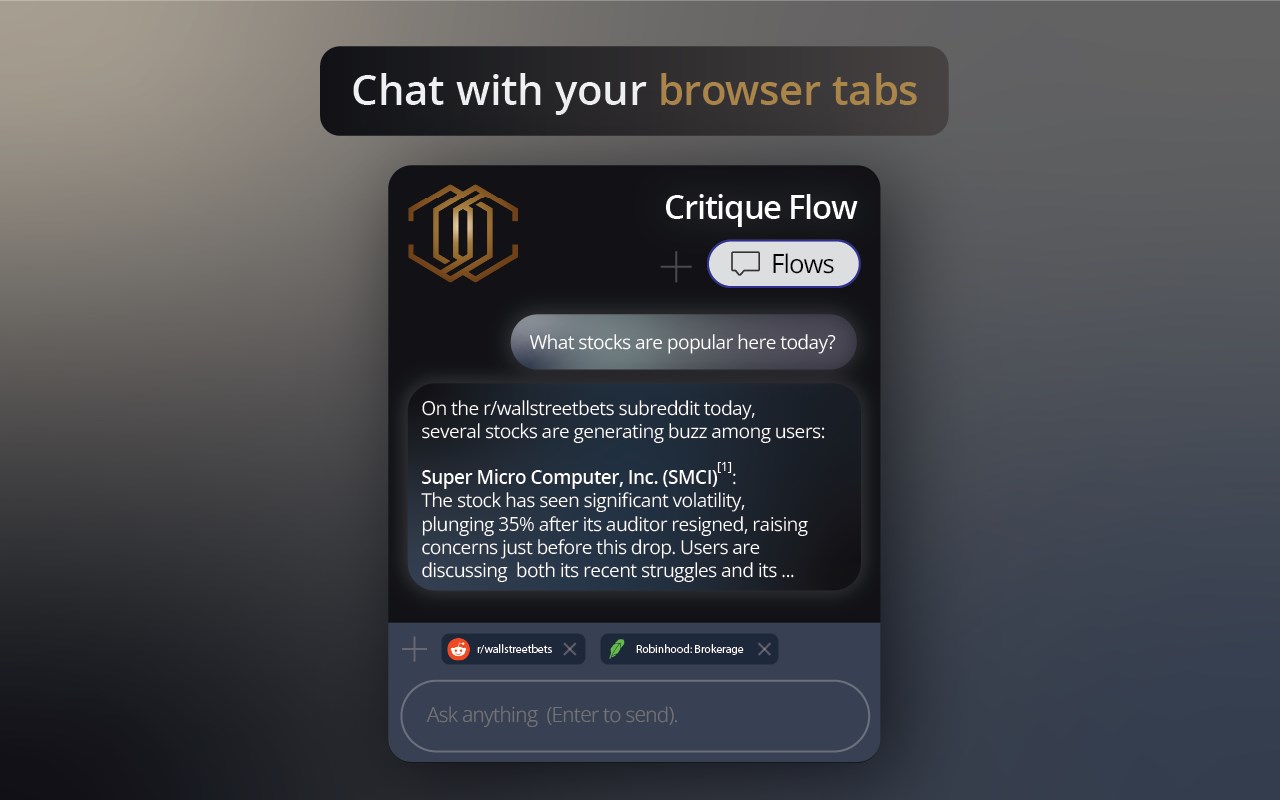
- AI chat SidePanel with Cmd/Ctrl+Shift+K, uses browser tabs as context
- Automatically pops up fact checking tooltips on X, Reddit, LinkedIn, Youtube, Threads, Bluesky
- Right-Click any image or text and ask questions about it, retrieve cited, AI search responses.
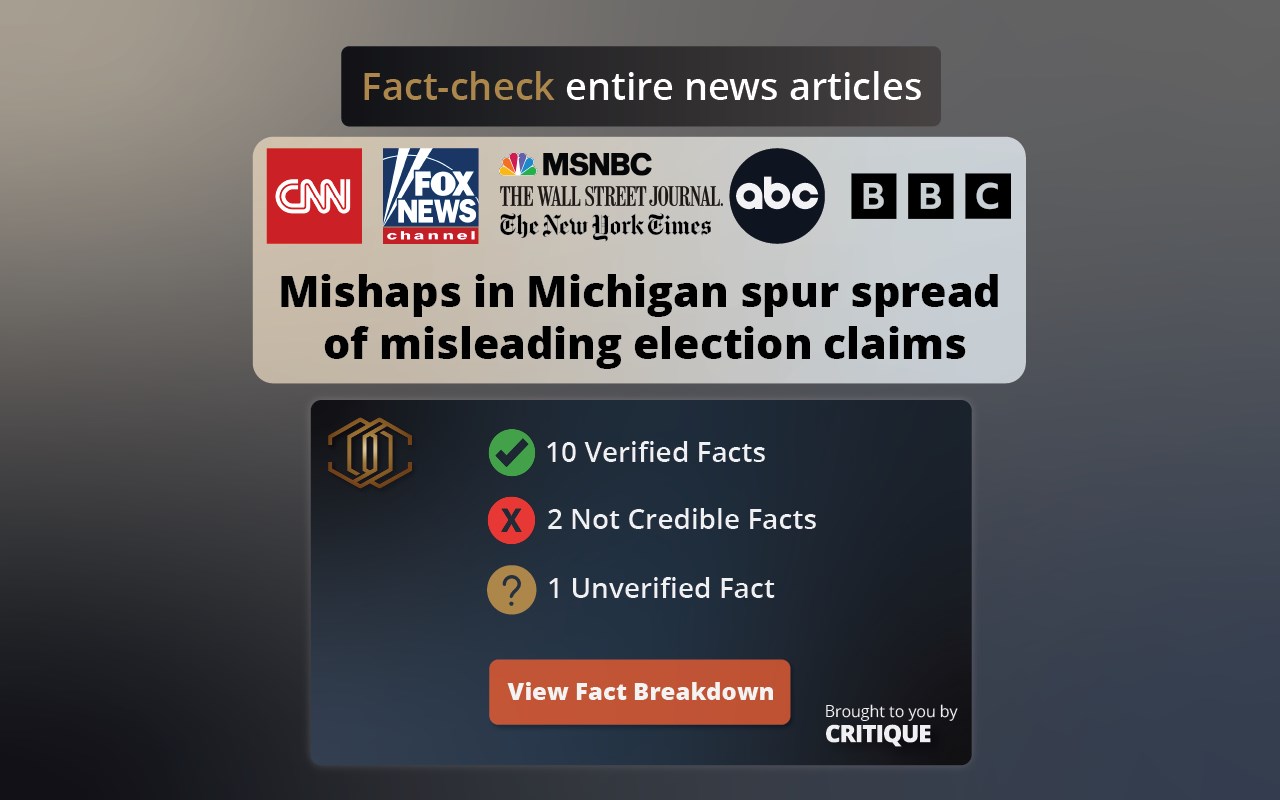
- Article Breakdown: parses the facts in an article, assesses their reliability and gives you a breakdown + reliability score for the article.
Welcome to Critique, your new browser extension that enhances your web experience with smart fact-checking and real-time insights.
Key Features:
🔍 Real-Time Fact-Checking: Instantly verifies the accuracy of comments and content as you browse.
🤖 Autonomous Insights: Automatic alerts for both accurate and inaccurate info with easy-to-understand tooltips.
🌟 Enhanced Browsing: Get extra insights and improvements on the content you view.
🧩 User-Friendly: Seamlessly integrates into your browsing without disrupting your workflow.
How to Use:
- Highlight any text on your web page.
Right-click and select "Critique This".
- See critiques automatically pop up on Reddit and YouTube.
Public Beta:
Critique is currently available with the pro version available for a free trial and supports Reddit, YouTube, X, and LinkedIn. Download now and give us feedback if you'd like early access!
Why Critique?
In a sea of information, Critique helps you stay informed and accurate. Perfect for fact-checking debates on Reddit or verifying YouTube tutorials.
🔗 Join the Public Beta for free today! Download Critique now and help us build a smarter, more reliable web.
Learn more and visit us at: critiquebrowser.app
IMPORTANT:
Please follow these steps upon install.
1. Pin Critique browser extension
2. Open the browser extension popup, follow the directions to login
3. restart browser upon Login and you are ready to go!
Critique: Autonomous Search Assistant 是做什么的
Critique: Autonomous Search Assistant 是一款面向 Edge 的搜索增强类扩展,主要用来补充搜索结果、切换搜索引擎、过滤无效结果。官方对它的介绍是:Chat with your pages, get tooltips on unverified information, automatic fact-checks, and more.在微软 Edge 加载项商店上,它当前版本 1.1.13,评分 5(1 人评价),约 21 名用户。
适合什么人用
从功能定位看,Critique: Autonomous Search Assistant 更适合每天大量搜索、希望结果更干净准确的用户。如果你平时只是偶尔遇到相关需求,用浏览器自带功能也能凑合;但如果这件事每天都发生,装一个专门处理它的扩展通常比手动操作省事得多。需要注意的是它作用于所有网站,装上后建议先观察一两天,确认不影响常用站点的正常使用。
怎么安装 Critique: Autonomous Search Assistant
- 打开微软 Edge 加载项商店上的官方页面;
- 点「添加到浏览器」并确认权限提示;
- 装好后在扩展列表里固定图标,方便随时开关。
本站只做索引与介绍,安装包来自官方商店。如果商店页面提示当前地区不可用,说明该扩展未在你所在区域上架。
常见问题
Critique: Autonomous Search Assistant 是免费的吗?
Critique: Autonomous Search Assistant 在微软 Edge 加载项商店免费提供下载。它是浏览器扩展,装上就能直接用,不需要注册账号。
Critique: Autonomous Search Assistant 安全吗?
它只申请了 0 项权限,范围比较克制,没有申请「读取所有网站数据」这种大权限。
Critique: Autonomous Search Assistant 支持哪些浏览器?
当前收录的版本来自微软 Edge 加载项商店,适用于 Edge。同一个扩展在其他商店可能有对应版本,但功能与版本号不一定相同。
怎么卸载 Critique: Autonomous Search Assistant?
在扩展管理页找到 Critique: Autonomous Search Assistant,点移除即可。它在本地保存的设置会一起清掉,不会残留数据。
权限清单 来自 manifest.json 原文
站点访问(可选) 1
*://*/*
接口权限 8
activeTabalarmscommandscontextMenusscriptingsidePanelstoragetabs