
Crispy VPN EN
HYPERSE LLC · EEdge MV3
One-tap VPN: encrypted browsing, hidden IP, zero logs. Blocks ads & phishing. 10 locations worldwide. Free to start.
<all_urls>),意味着它可以读取你在任意站点的页面内容,包括已登录的页面。这是许多扩展正常工作的必要条件,但也值得你确认来源可信。
截图
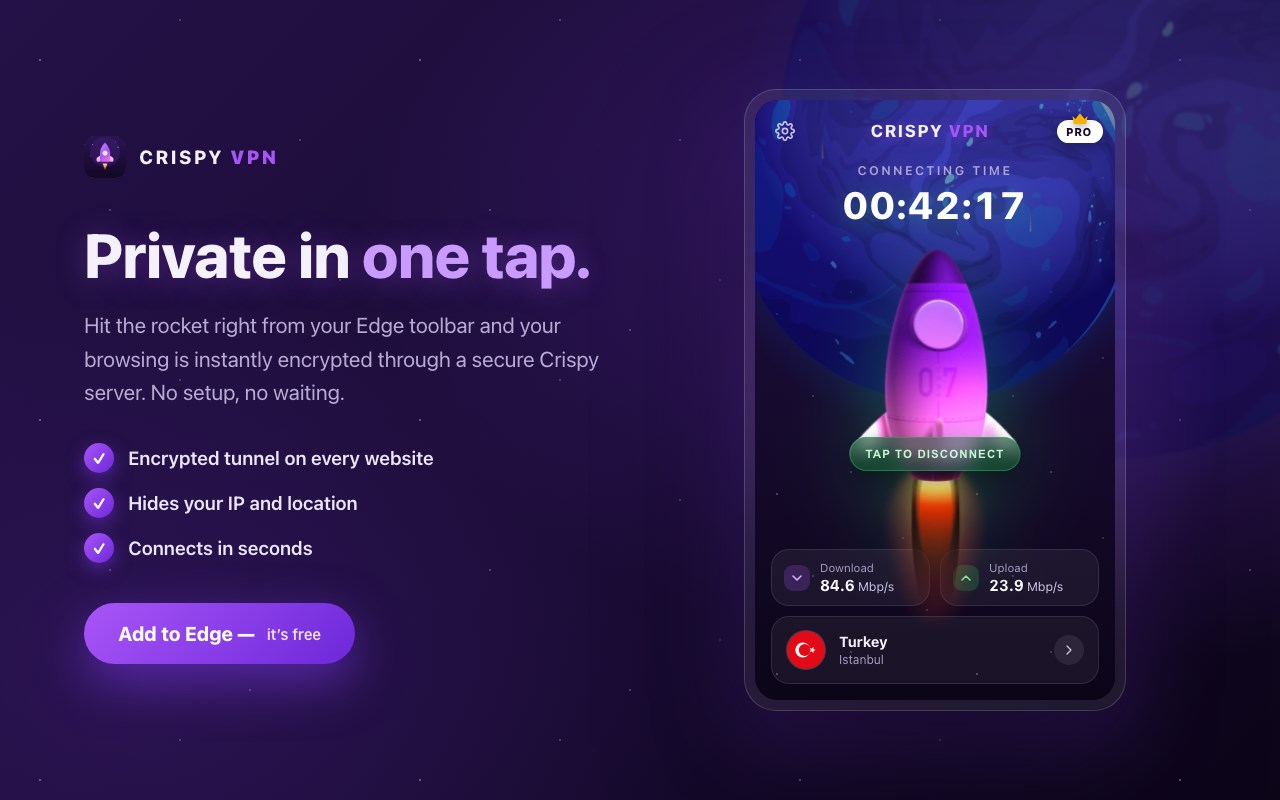
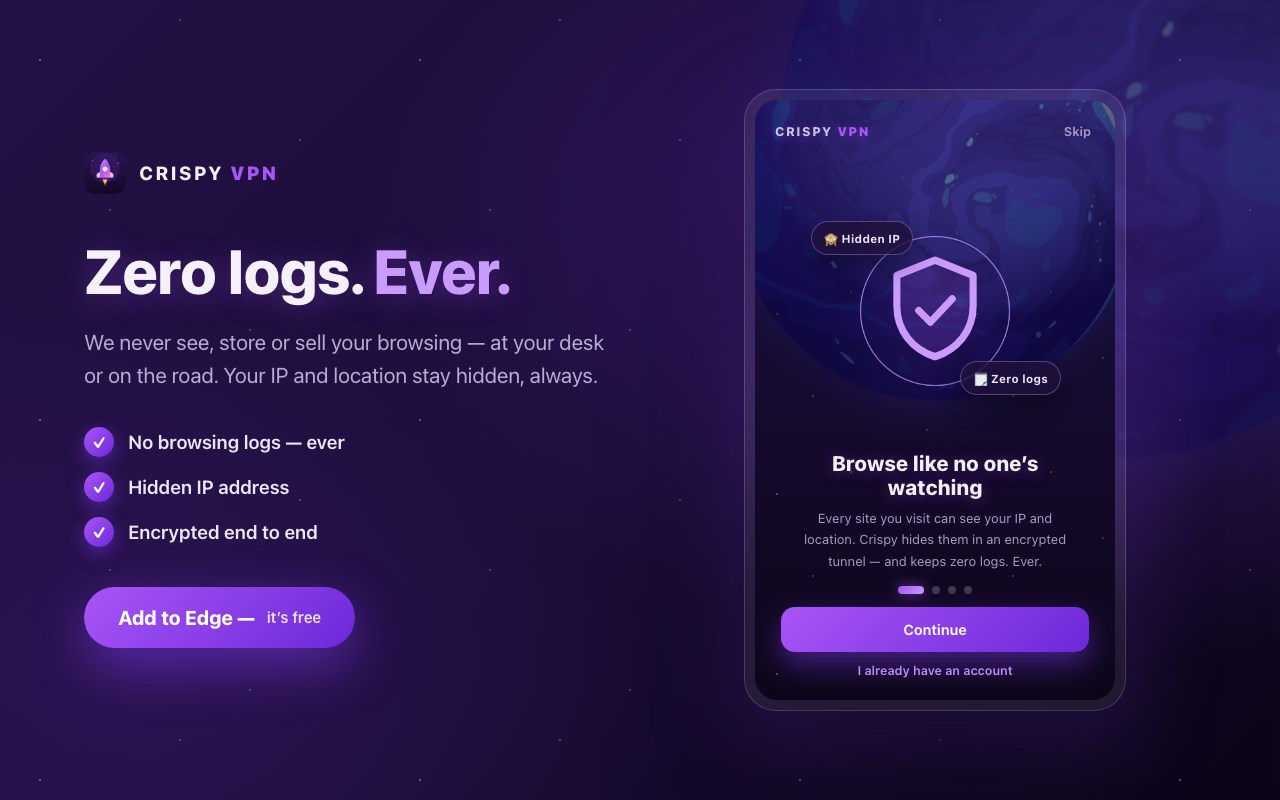
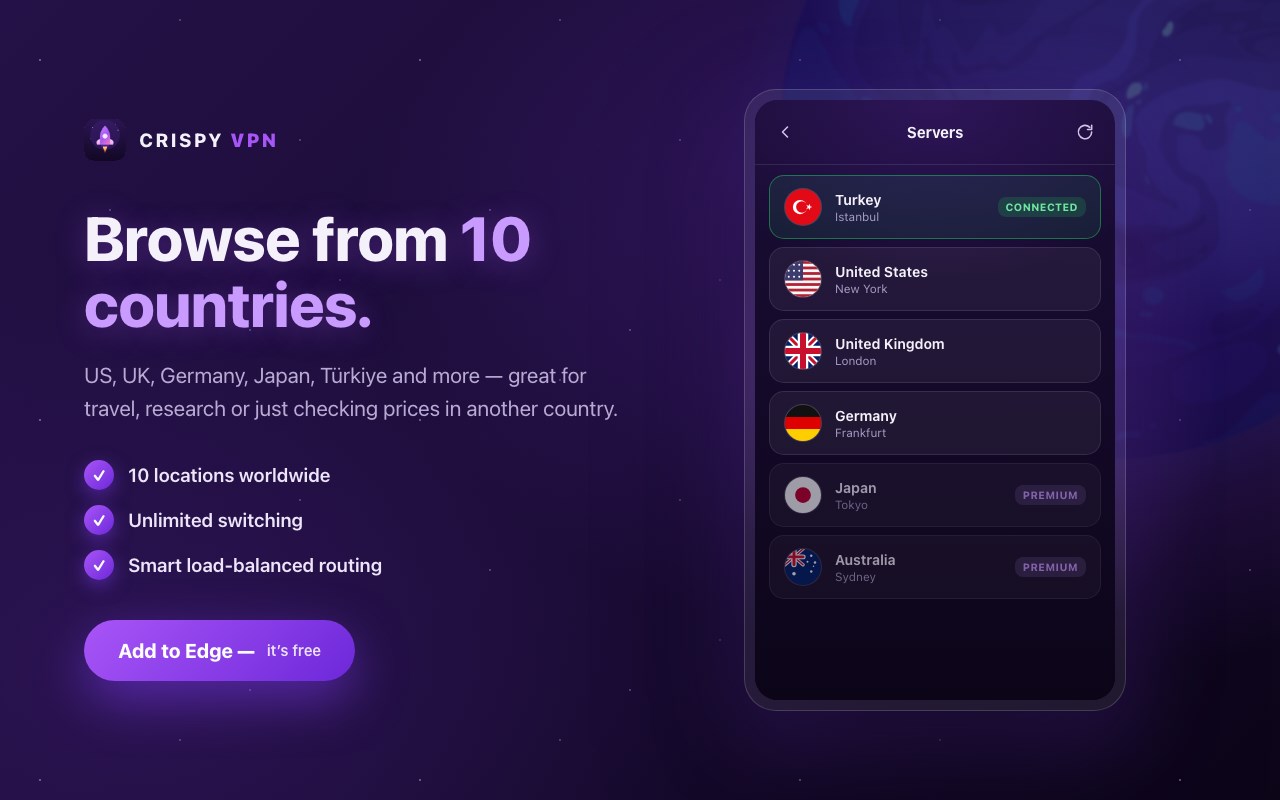
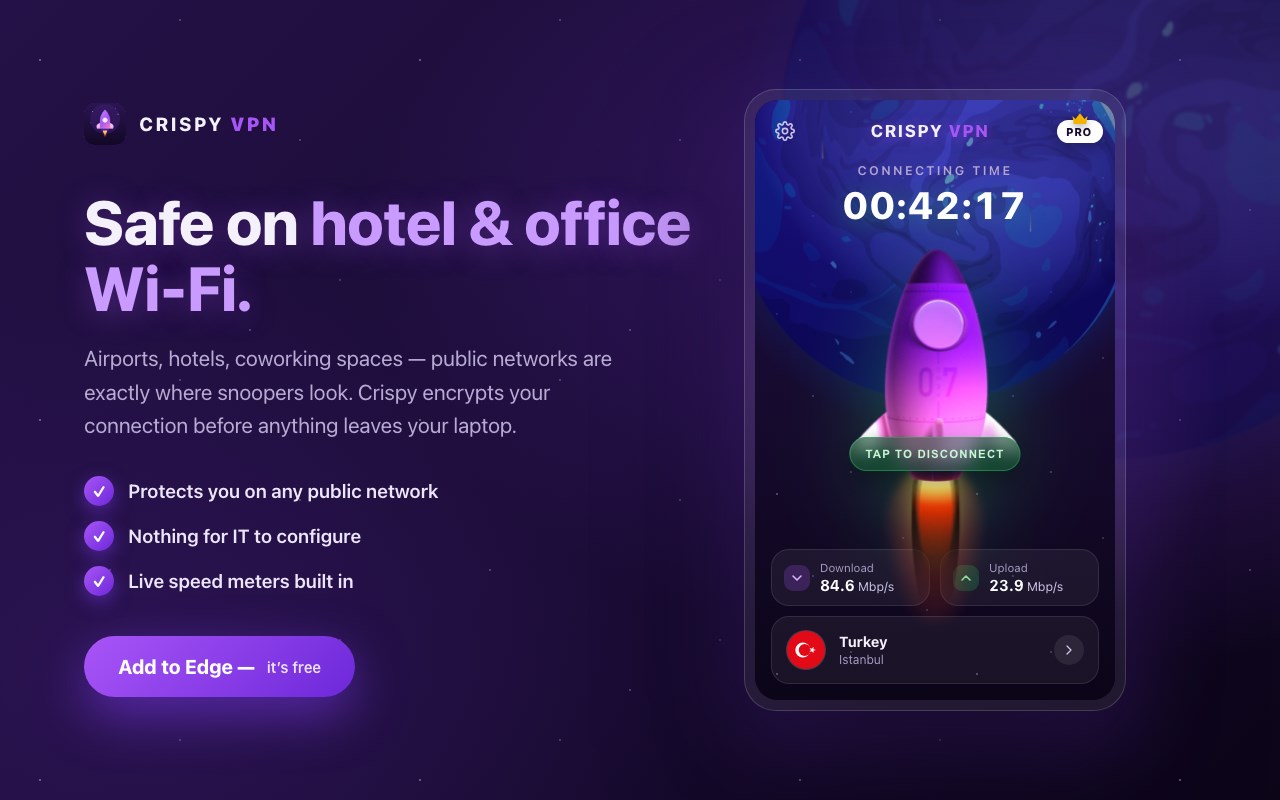
简介
Go invisible in one tap 🚀
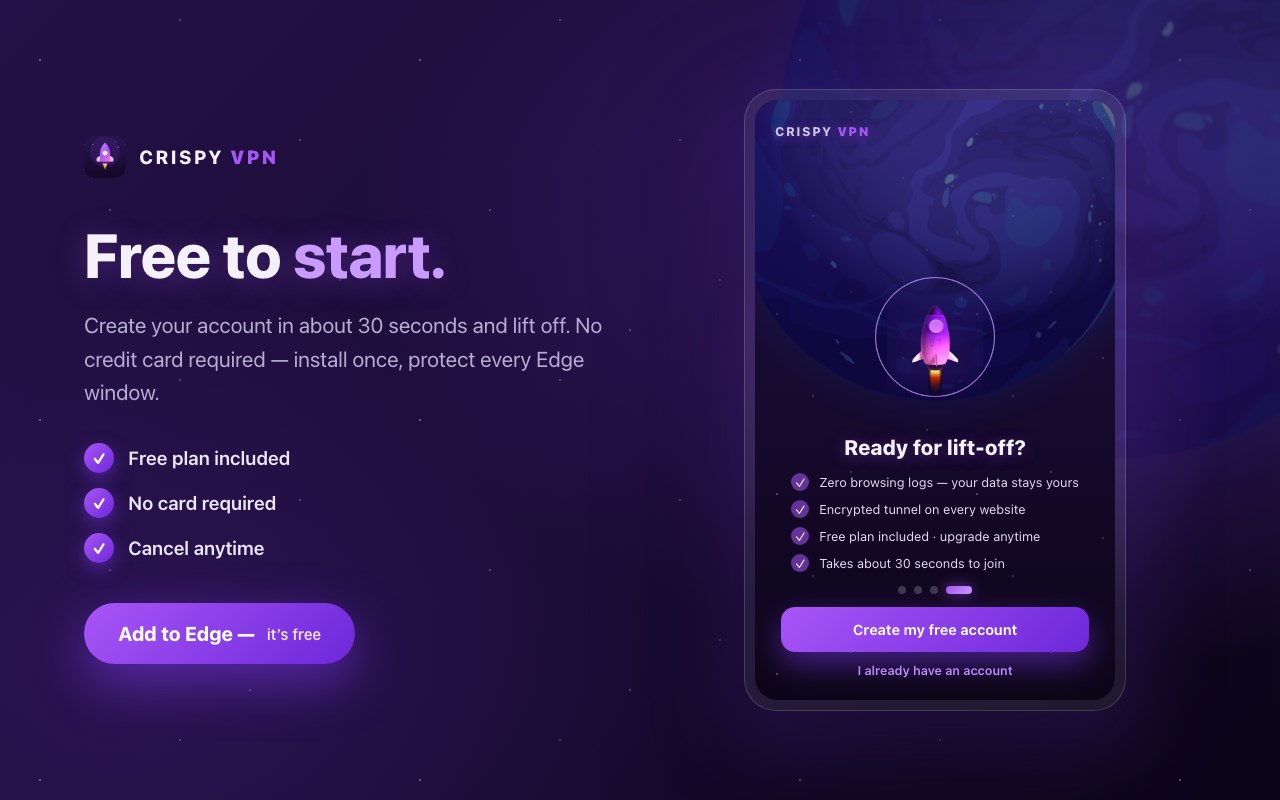
Crispy VPN is a fast, free VPN proxy for Edge. It wraps your browsing in an encrypted tunnel, hides your IP address and keeps ZERO logs. Free to start — no credit card required.
WHY PEOPLE CHOOSE CRISPY VPN ✔ Private in one tap — hit the rocket and you're encrypted. No setup, no configuration, no waiting. ✔ Zero browsing logs — we never see, store or sell what you do online. ✔ Built-in ad & tracker blocking — pages load cleaner and faster. ✔ Phishing protection — known scam domains are blocked before they load. ✔ 10 locations worldwide — United States, United Kingdom, Germany, France, Netherlands, Spain, Türkiye, Japan, South Korea and Australia. ✔ Smart routing — you're automatically connected to the least-loaded server. ✔ Live speed meters — watch your download and upload speeds in real time.
HOW IT WORKS
Add Crispy VPN to Edge
Create your free account (takes about 30 seconds)
Tap the rocket — you're private
PERFECT FOR
Securing public Wi-Fi at cafés, airports and hotels
Hiding your IP address from trackers and data brokers
Browsing like a local while travelling
Keeping your ISP out of your browsing habits
FREE & PREMIUM The free plan gives you full encryption, ad & phishing blocking and a set of free locations — no card needed. Upgrade to Premium from $3.33/month to unlock every location, unlimited speed and priority routing. Cancel anytime.
PRIVACY FIRST Your traffic is routed through encrypted tunnels to our servers. We keep zero browsing logs — the only thing we store is the email address you sign up with. Read the full policy: https://crispyvpn.com/privacy
QUESTIONS? We're at https://crispyvpn.com — we'd love to hear from you.
Crispy VPN 是做什么的
Crispy VPN 是一款面向 Edge 的效率工具类扩展,主要用来管住注意力、屏蔽干扰站点、记录时间。官方对它的介绍是:One-tap VPN: encrypted browsing, hidden IP, zero logs. Blocks ads & phishing. 10 locations worldwide. Free to start.在微软 Edge 加载项商店上,它当前版本 1.1.4,约 98 名用户。
适合什么人用
从功能定位看,Crispy VPN 更适合想专注工作学习、减少无效刷网页的用户。如果你平时只是偶尔遇到相关需求,用浏览器自带功能也能凑合;但如果这件事每天都发生,装一个专门处理它的扩展通常比手动操作省事得多。需要注意的是它作用于所有网站,装上后建议先观察一两天,确认不影响常用站点的正常使用。
怎么安装 Crispy VPN
- 打开微软 Edge 加载项商店上的官方页面;
- 点「添加到浏览器」并确认权限提示;
- 装好后在扩展列表里固定图标,方便随时开关。
本站只做索引与介绍,安装包来自官方商店。如果商店页面提示当前地区不可用,说明该扩展未在你所在区域上架。
常见问题
Crispy VPN 是免费的吗?
Crispy VPN 在微软 Edge 加载项商店免费提供下载。它是浏览器扩展,装上就能直接用,不需要注册账号。
Crispy VPN 安全吗?
它只申请了 0 项权限,范围比较克制,没有申请「读取所有网站数据」这种大权限。
Crispy VPN 支持哪些浏览器?
当前收录的版本来自微软 Edge 加载项商店,适用于 Edge。同一个扩展在其他商店可能有对应版本,但功能与版本号不一定相同。
怎么卸载 Crispy VPN?
在扩展管理页找到 Crispy VPN,点移除即可。它在本地保存的设置会一起清掉,不会残留数据。
权限清单 来自 manifest.json 原文
站点访问(可选) 1
<all_urls>
接口权限 12
alarmsbrowsingDatacontextMenusdeclarativeNetRequestdeclarativeNetRequestFeedbacknotificationsprivacyproxystoragetabswebRequestwebRequestAuthProvider
其他商店也有这款
同一款扩展在不同浏览器下的版本,权限与更新节奏可能不同
