
Confetti! Confetti all over... What else? EN
Dennis van Kooijk · EEdge MV3
Confetti! Confetti all over... What else?
<all_urls>),意味着它可以读取你在任意站点的页面内容,包括已登录的页面。这是许多扩展正常工作的必要条件,但也值得你确认来源可信。
截图

简介
Confetti! Confetti all over... What else?
Celebrate on any webpage! Click the icon, use a keyboard shortcut, or set up automatic triggers. Fully customizable with shapes, emojis, colors, and animation directions.
== FEATURES ==
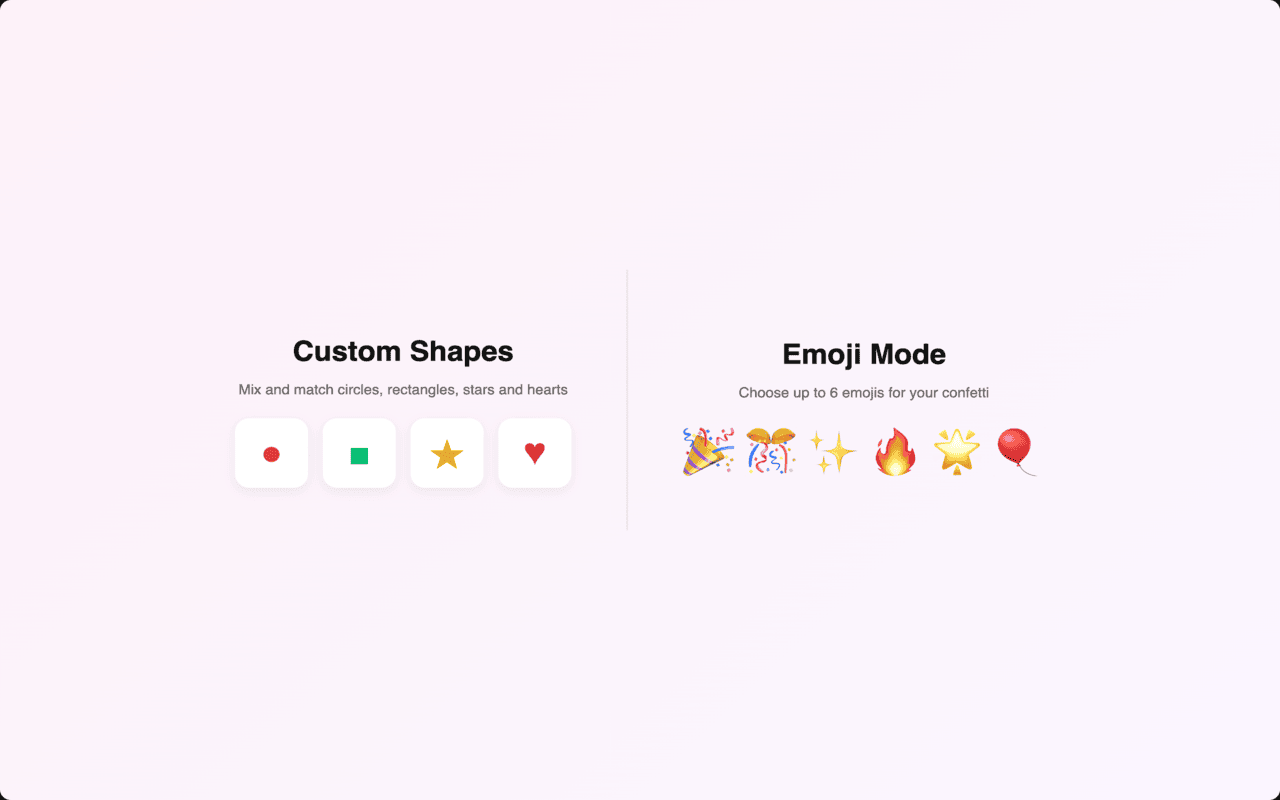
Shapes & Emojis
- Choose from circles, rectangles, stars, and hearts
- Or switch to Emoji mode and pick up to 6 of your favorite emojis
- Mix and match shapes for unique confetti styles
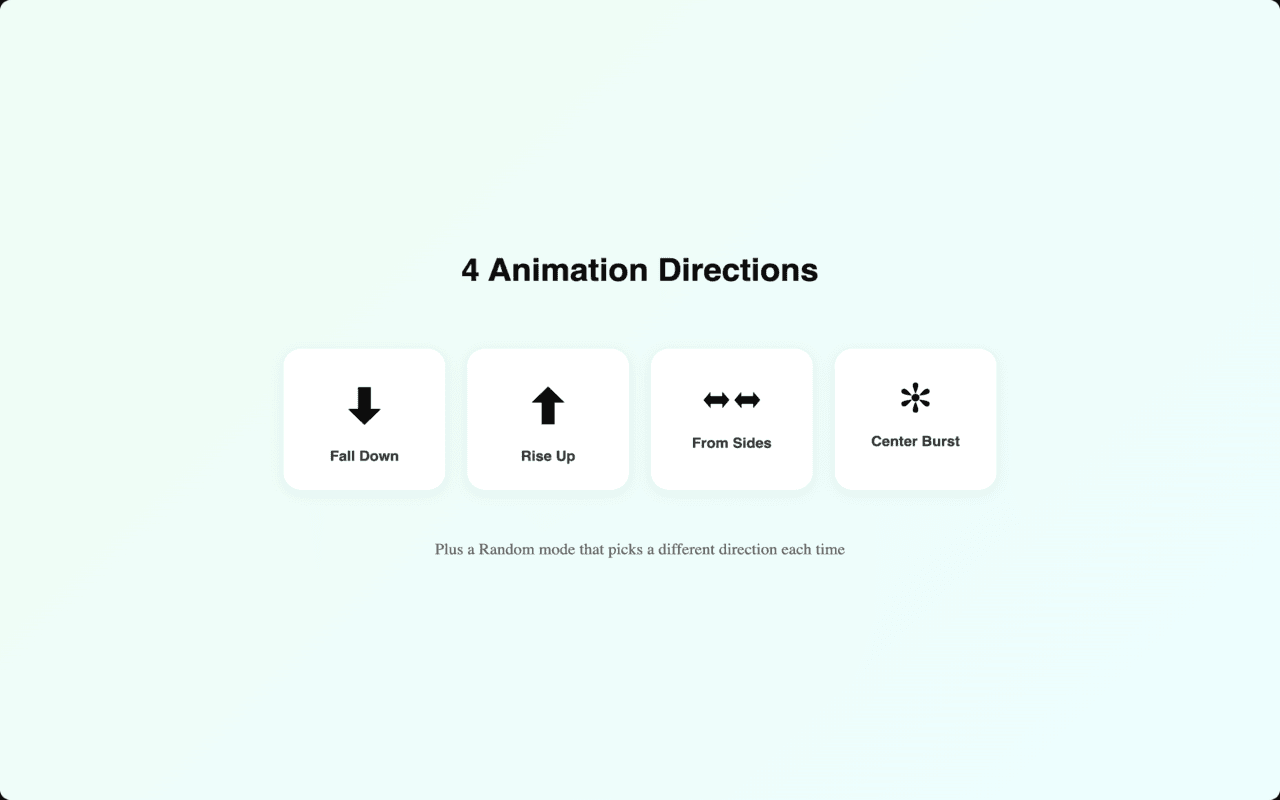
4 Animation Directions
- Fall Down: Classic confetti rain from the top
- Rise Up: Fireworks-style burst from below
- From Sides: Confetti streams in from both edges
- Center Burst: Explosion from the center of the screen
- Random: A different direction every time
Custom Colors
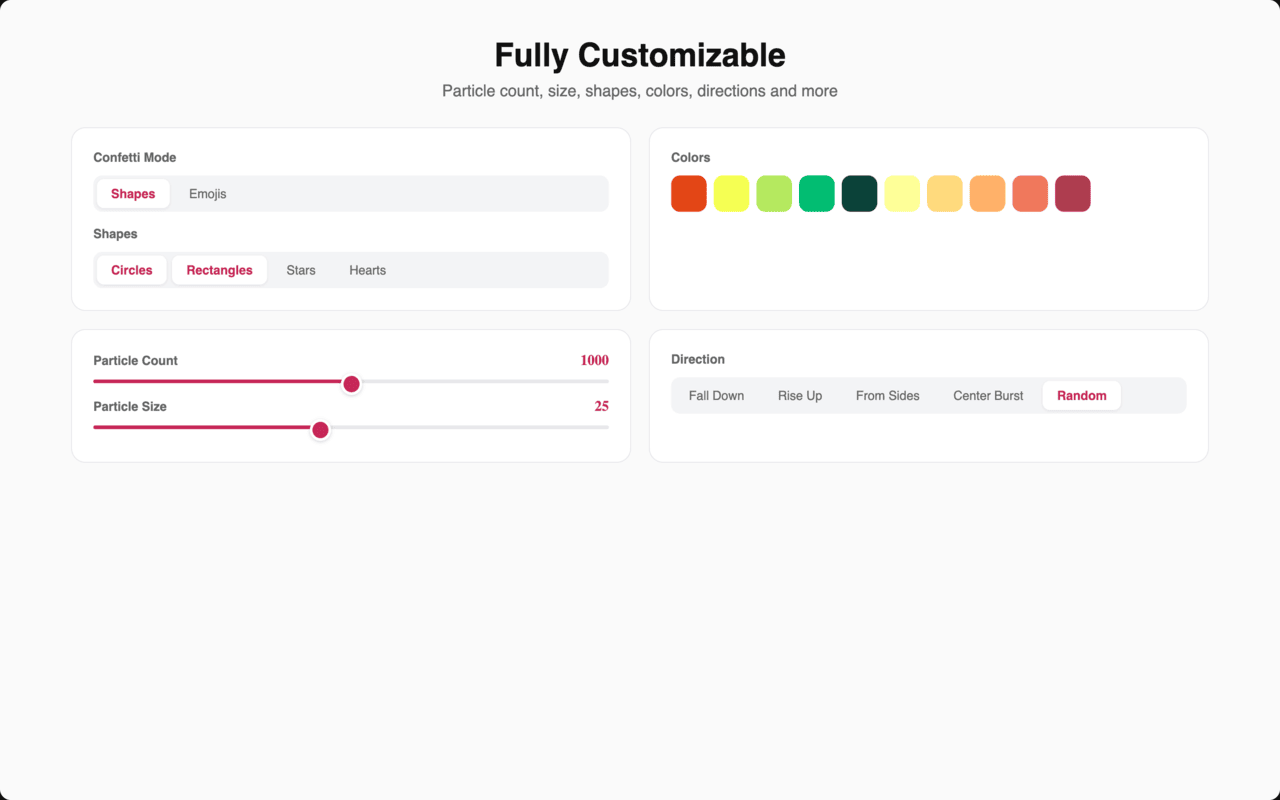
- Create your own color palette with unlimited colors
- Click any color to change it, hover to remove
- Reset to defaults anytime
Fine-Tune Your Confetti
- Adjust particle count (5 to 2000)
- Control particle size
- Enable repeated confetti with custom repeat count
- Live preview of your settings
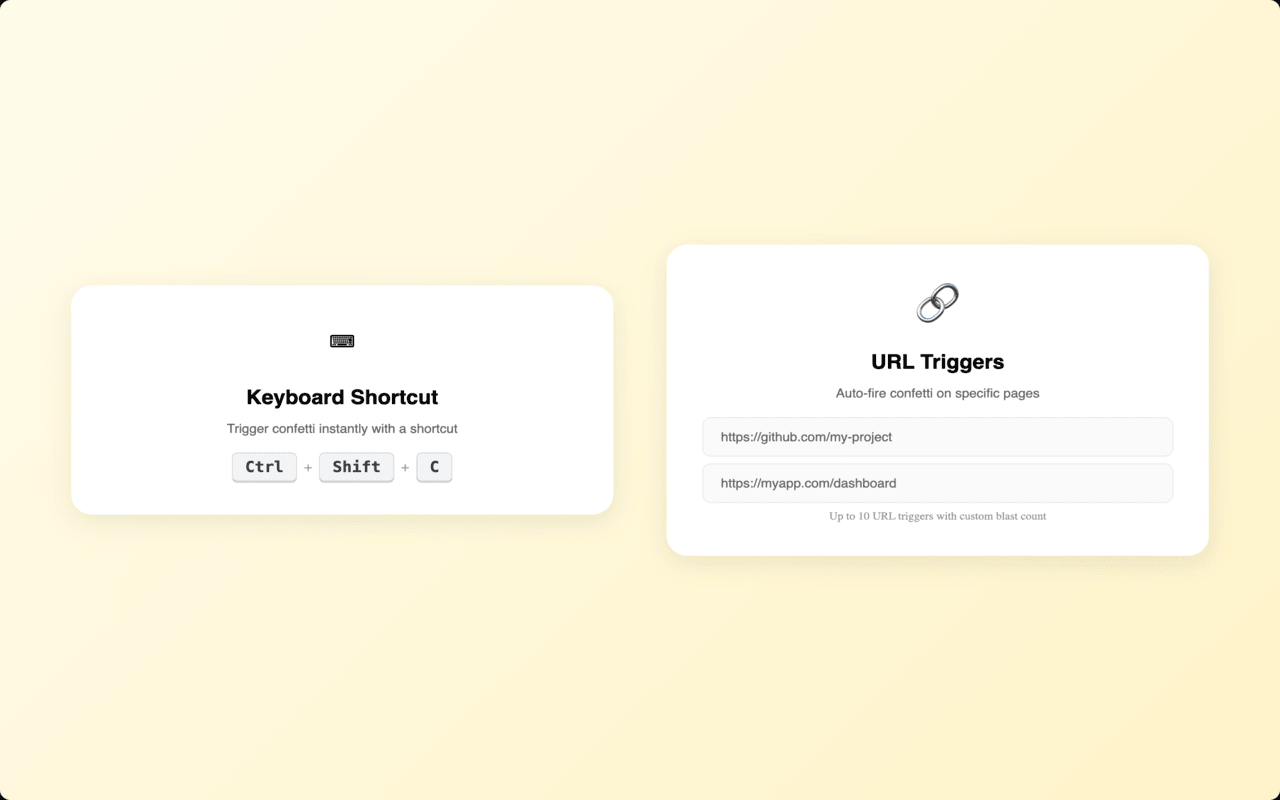
URL Triggers
- Automatically fire confetti when visiting specific URLs
- Set up to 10 triggers with custom blast count and delay
- Celebrate every deploy, every PR merge, every milestone
Keyboard Shortcut
- Default: Ctrl+Shift+C (Cmd+Shift+C on Mac)
- Customizable in your browser's extension shortcuts settings
== MORE ==
- Settings sync across all your browsers
- Dark and light theme in the settings page
- Lightweight and fast
- No data collection beyond anonymous usage analytics
- Free and always will be
== NOTES ==
- Some websites may block extensions for security reasons
- To stop confetti early, simply reload the page
- Visit confetti-ce.web.app for more info
Have fun!
Dennis
Confetti! Confetti all over... What else? 是做什么的
Confetti! Confetti all over... What else? 是一款面向 Edge 的实用工具类扩展,主要用来解决浏览器里某类具体的小问题。官方对它的介绍是:Confetti! Confetti all over... What else?在微软 Edge 加载项商店上,它当前版本 6.0.1,评分 3.8(16 人评价),约 761 名用户。
适合什么人用
从功能定位看,Confetti! Confetti all over... What else? 更适合想补上浏览器原生缺失功能的用户。如果你平时只是偶尔遇到相关需求,用浏览器自带功能也能凑合;但如果这件事每天都发生,装一个专门处理它的扩展通常比手动操作省事得多。需要注意的是它作用于所有网站,装上后建议先观察一两天,确认不影响常用站点的正常使用。
怎么安装 Confetti! Confetti all over... What else?
- 打开微软 Edge 加载项商店上的官方页面;
- 点「添加到浏览器」并确认权限提示;
- 装好后在扩展列表里固定图标,方便随时开关。
本站只做索引与介绍,安装包来自官方商店。如果商店页面提示当前地区不可用,说明该扩展未在你所在区域上架。
常见问题
Confetti! Confetti all over... What else? 是免费的吗?
Confetti! Confetti all over... What else? 在微软 Edge 加载项商店免费提供下载。它是浏览器扩展,装上就能直接用,不需要注册账号。
Confetti! Confetti all over... What else? 安全吗?
它只申请了 0 项权限,范围比较克制,没有申请「读取所有网站数据」这种大权限。
Confetti! Confetti all over... What else? 支持哪些浏览器?
当前收录的版本来自微软 Edge 加载项商店,适用于 Edge。同一个扩展在其他商店可能有对应版本,但功能与版本号不一定相同。
怎么卸载 Confetti! Confetti all over... What else??
在扩展管理页找到 Confetti! Confetti all over... What else?,点移除即可。它在本地保存的设置会一起清掉,不会残留数据。
权限清单 来自 manifest.json 原文
站点访问(可选) 2
http://*/*https://*/*
接口权限 2
activeTabstorage