
Code Verify EN
Meta Platforms, Inc. · Edge MV3
An extension to verify the code running in your browser matches what was published.
截图
简介
An extension to verify that the code running in your browser matches what was published.
VERIFY AUTHENTICITY OF YOUR CLIENT
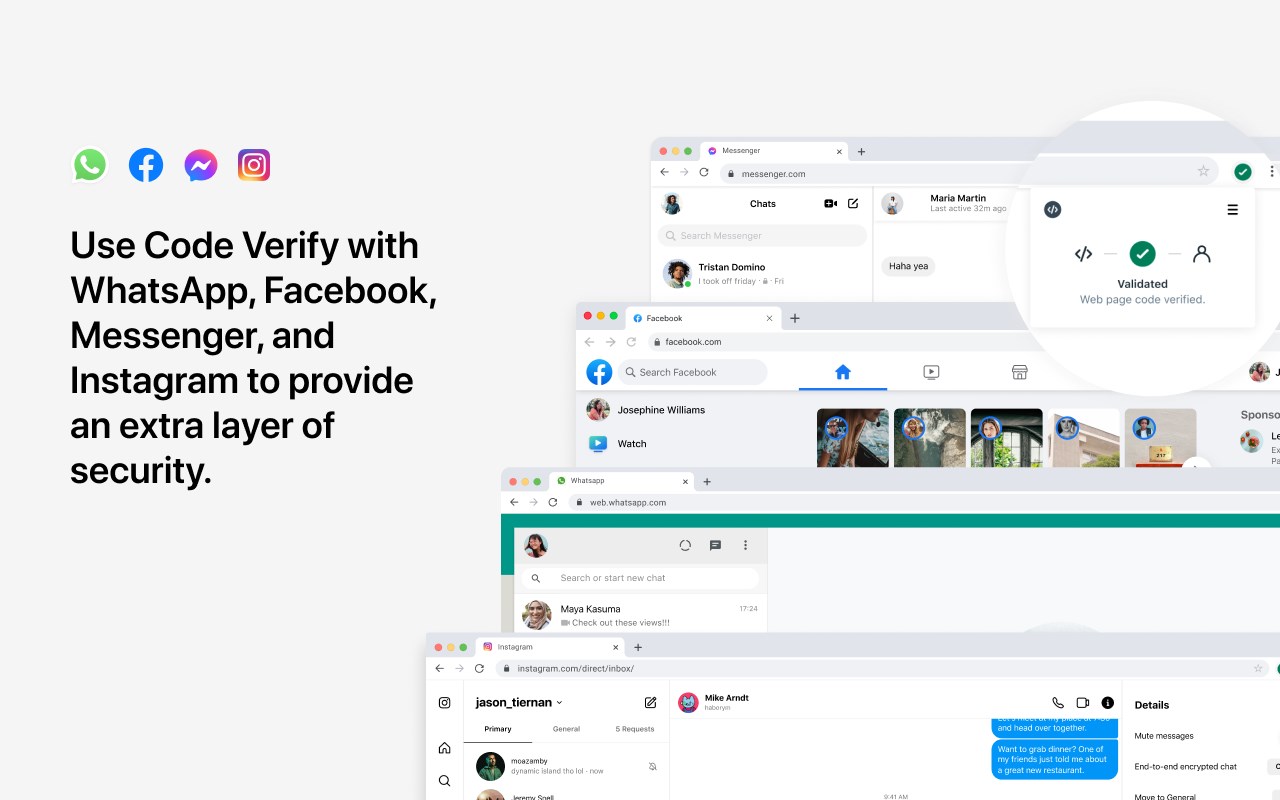
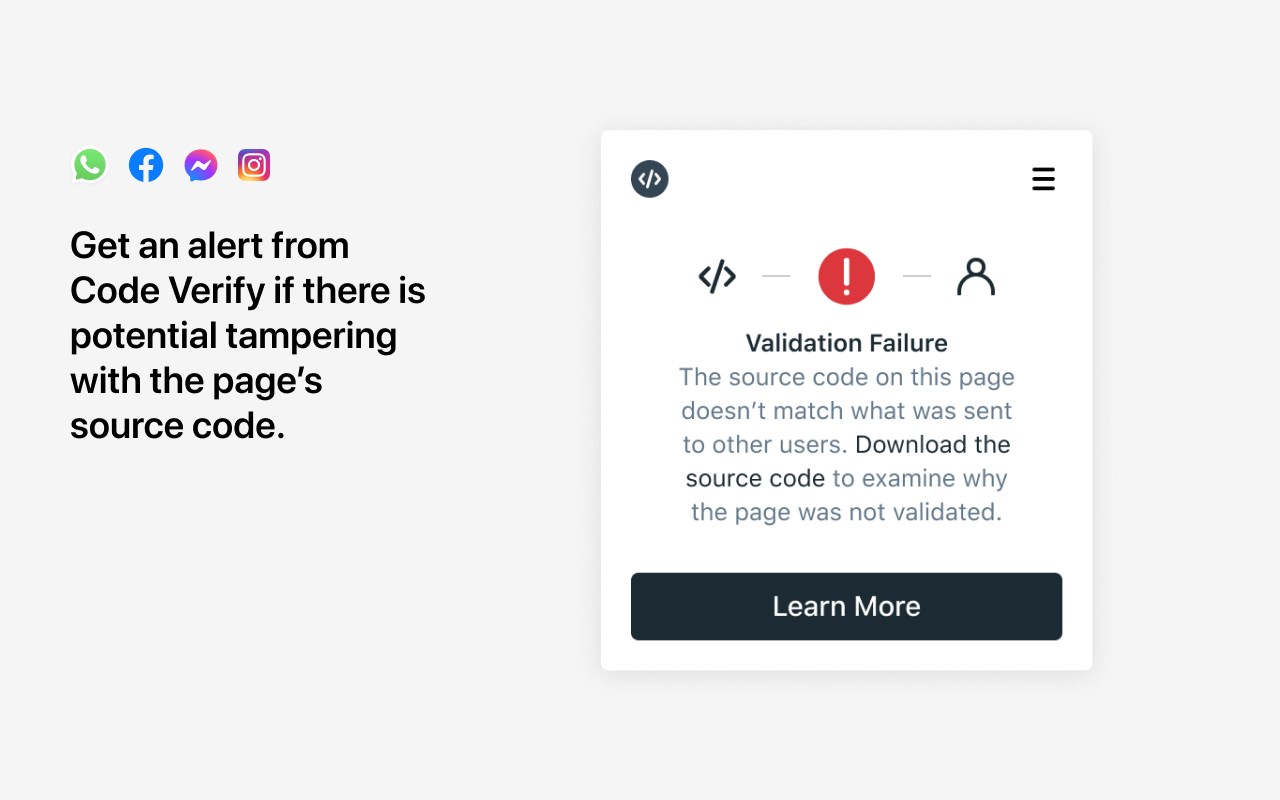
The new Code Verify is an open-source browser extension that lets you verify the authenticity of the WhatsApp, Facebook, Instagram, or Messenger client that you are being served when you use them on the web. Code Verify will immediately alert you if your web version is inauthentic or has been modified.
NEED FOR WEB TRANSPARENCY
Mobile phones have security verification protocols in place to ensure that the client you’re downloading is authentic and hasn’t been modified. Unfortunately, those assurances haven’t existed for web-based implementations of apps (those that run on web browsers). Code Verify was created as a solution.
When people use messaging apps via the web, they’re being served Javascript rather than a binary application. This means it's technically possible to serve people a different experience than what they were expecting.
We know that bad actors may want to alter an app and distribute that app to unsuspecting targets. For example, a bad actor could serve someone a version that was created to spy on them – without them ever knowing the difference.
DESIGNED FOR SECURITY-CONSCIOUS USERS
Code Verify was designed with our most security-conscious users in mind — those who might want additional peace of mind about their message security. Millions of people use WhatsApp, Facebook, Instagram, and Messenger on the web each month, and this type of independent verification and redundancy (also known as binary transparency) on the web is a huge step forward for online privacy.
HOW DOES IT WORK?
We've partnered with Cloudflare, a secure web content delivery service, to enable us to verify that everyone using WhatsApp, Facebook, Instagram, and Messenger on the web is accessing the same code, and we built a browser extension for you to independently verify that's the case.
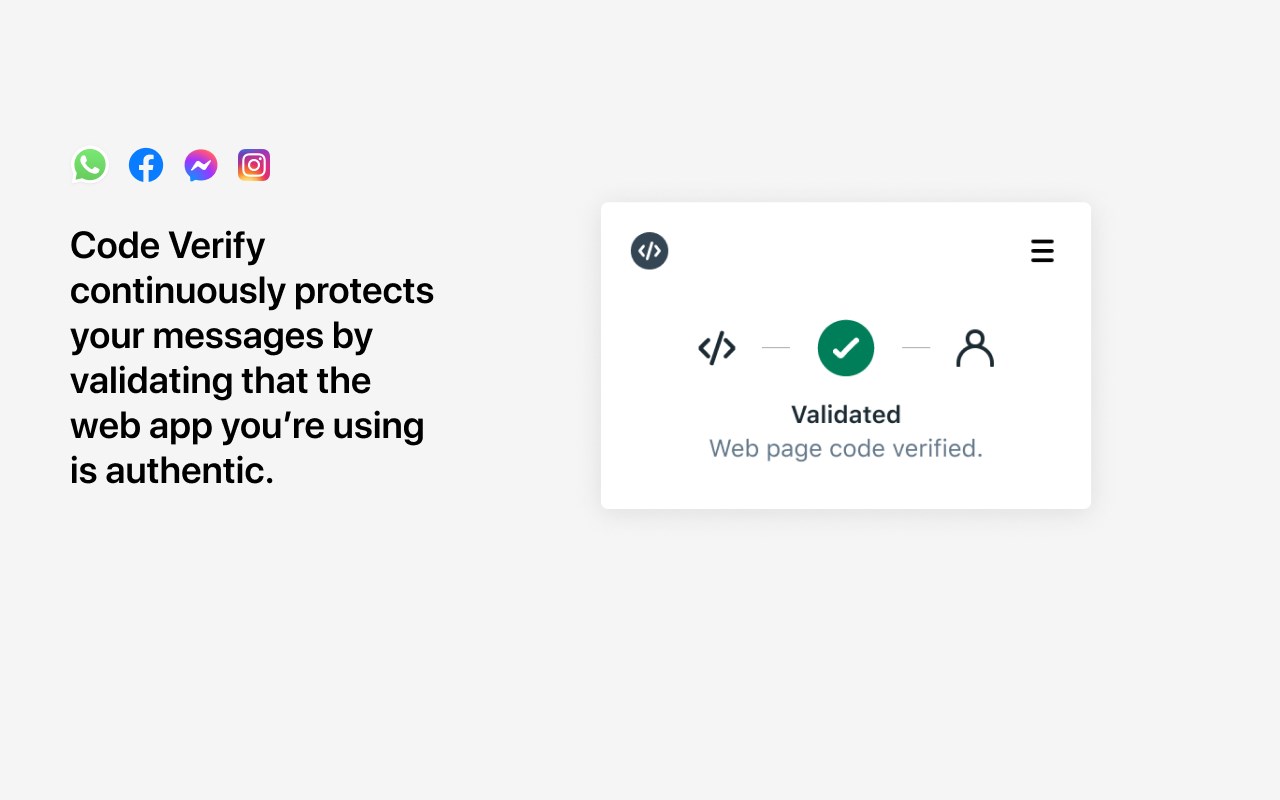
The Code Verify browser extension brings the same protections that mobile apps have to the web. The extension scans the Javascript code of the web-based app and ensures it matches the source of truth that has been publicly posted on Cloudflare. If there are inconsistencies, the extension will immediately alert you.
When the WhatsApp, Facebook, Instagram, or Messenger clients are updated, the extension will also automatically update with a new source of truth so people are continuously assured that the version they’re running is the same version that other users are running.
BENEFITS OF OPEN SOURCING
We’re not just doing this for WhatsApp, Facebook, Instagram, and Messenger. Open sourcing the Code Verify extension means that other companies will be able to apply web binary transparency to their web-based apps as well.
As a browser extension that is independent of Meta products and their infrastructure, people can be assured that the extension itself hasn’t been secretly modified by third parties. Since the extension exists in the public eye, it will be more difficult to modify it for any sort of nefarious purpose without people noticing.
Now you can have the power of transparency directly in your hands. Use the Code Verify extension to provide confidence that the web app you’re using is authentic.
Learn more about Code Verify at:
https://faq.whatsapp.com/web/security-and-privacy/about-code-verify
https://www.facebook.com/help/728172628487328
https://www.messenger.com/help/799550494558955
By downloading or using this extension, you agree to Meta’s terms of service available at https://www.facebook.com/terms.php. Learn how your data is processed for this extension by visiting the Meta Data Policy: https://www.facebook.com/about/privacy/.
Code Verify 是做什么的
Code Verify 是一款面向 Edge 的实用工具类扩展,主要用来解决浏览器里某类具体的小问题。官方对它的介绍是:An extension to verify the code running in your browser matches what was published.在微软 Edge 加载项商店上,它当前版本 4.2.0,评分 3.4(7 人评价),约 8,033 名用户。
适合什么人用
从功能定位看,Code Verify 更适合想补上浏览器原生缺失功能的用户。如果你平时只是偶尔遇到相关需求,用浏览器自带功能也能凑合;但如果这件事每天都发生,装一个专门处理它的扩展通常比手动操作省事得多。
怎么安装 Code Verify
- 打开微软 Edge 加载项商店上的官方页面;
- 点「添加到浏览器」并确认权限提示;
- 装好后在扩展列表里固定图标,方便随时开关。
本站只做索引与介绍,安装包来自官方商店。如果商店页面提示当前地区不可用,说明该扩展未在你所在区域上架。
常见问题
Code Verify 是免费的吗?
Code Verify 在微软 Edge 加载项商店免费提供下载。它是浏览器扩展,装上就能直接用,不需要注册账号。
Code Verify 安全吗?
它只申请了 0 项权限,范围比较克制,没有申请「读取所有网站数据」这种大权限。
Code Verify 支持哪些浏览器?
当前收录的版本来自微软 Edge 加载项商店,适用于 Edge。同一个扩展在其他商店可能有对应版本,但功能与版本号不一定相同。
怎么卸载 Code Verify?
在扩展管理页找到 Code Verify,点移除即可。它在本地保存的设置会一起清掉,不会残留数据。
权限清单 来自 manifest.json 原文
接口权限 2
storagewebRequest