Clipive - AI Auto-Zoom Screen Recorder EN
XMSUMI · EEdge MV3
Free, AI-powered screen recorder. Auto-zoom, smooth cursors, and beautiful window frames. Record your flow, not just your screen.
<all_urls>),意味着它可以读取你在任意站点的页面内容,包括已登录的页面。这是许多扩展正常工作的必要条件,但也值得你确认来源可信。
截图
简介
🎥 Clipive: The Free, AI-Powered Screen Recorder Built for Developers
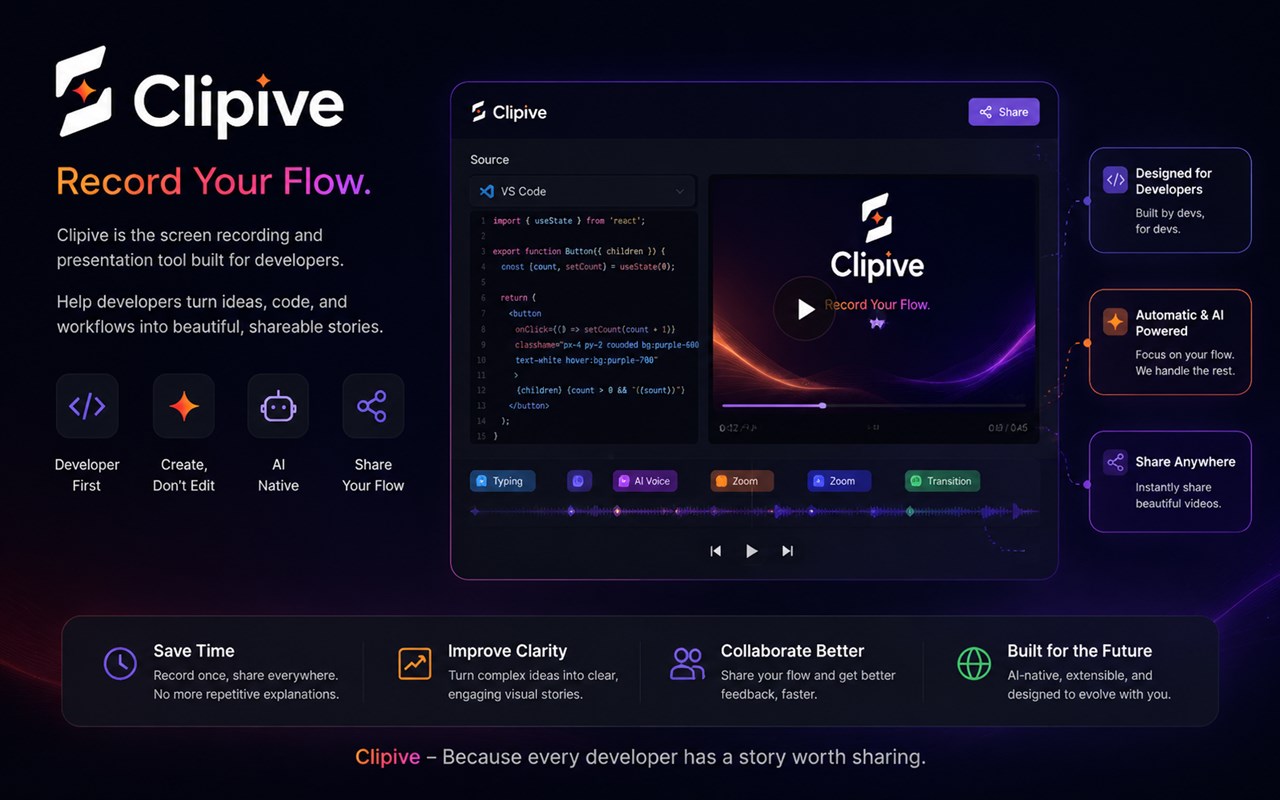
Record your flow, not just your screen. Clipive is a 100% FREE, modern screen recorder that turns your code, ideas, and workflows into beautiful, TikTok-viral stories instantly—with zero manual editing required.
Designed specifically for AI builders, indie hackers, and technical creators, Clipive embraces a "Minimal Dev" creator style, ensuring your demos look stunning and professional by default.
🚀 Why Clipive?
Traditional screen recorders capture a static view, forcing you into hours of post-production. Clipive is an AI-Native Technical Content Studio. It acts as your personal cameraman, automatically zooming into the action, highlighting your cursor, and packaging your demo in beautiful mockups. Create, Don't Edit.
✨ Features That Make You Go Viral
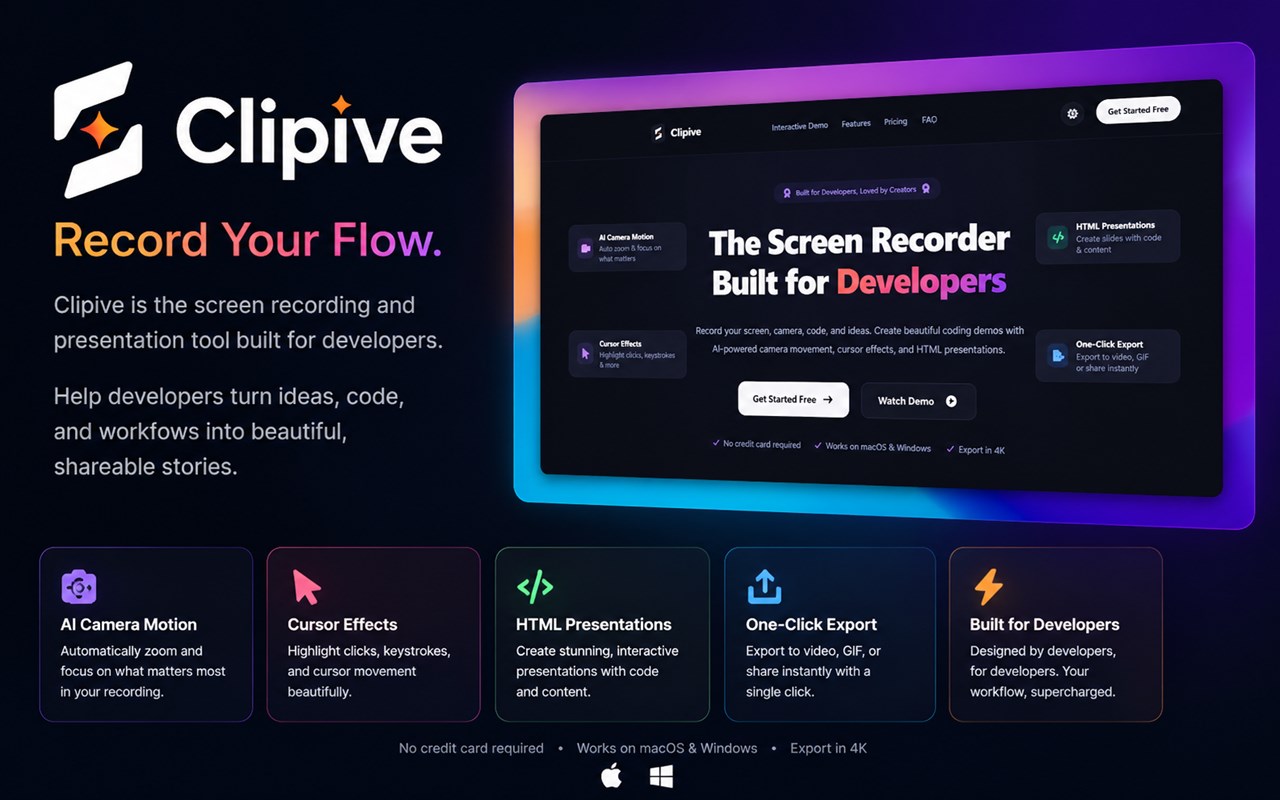
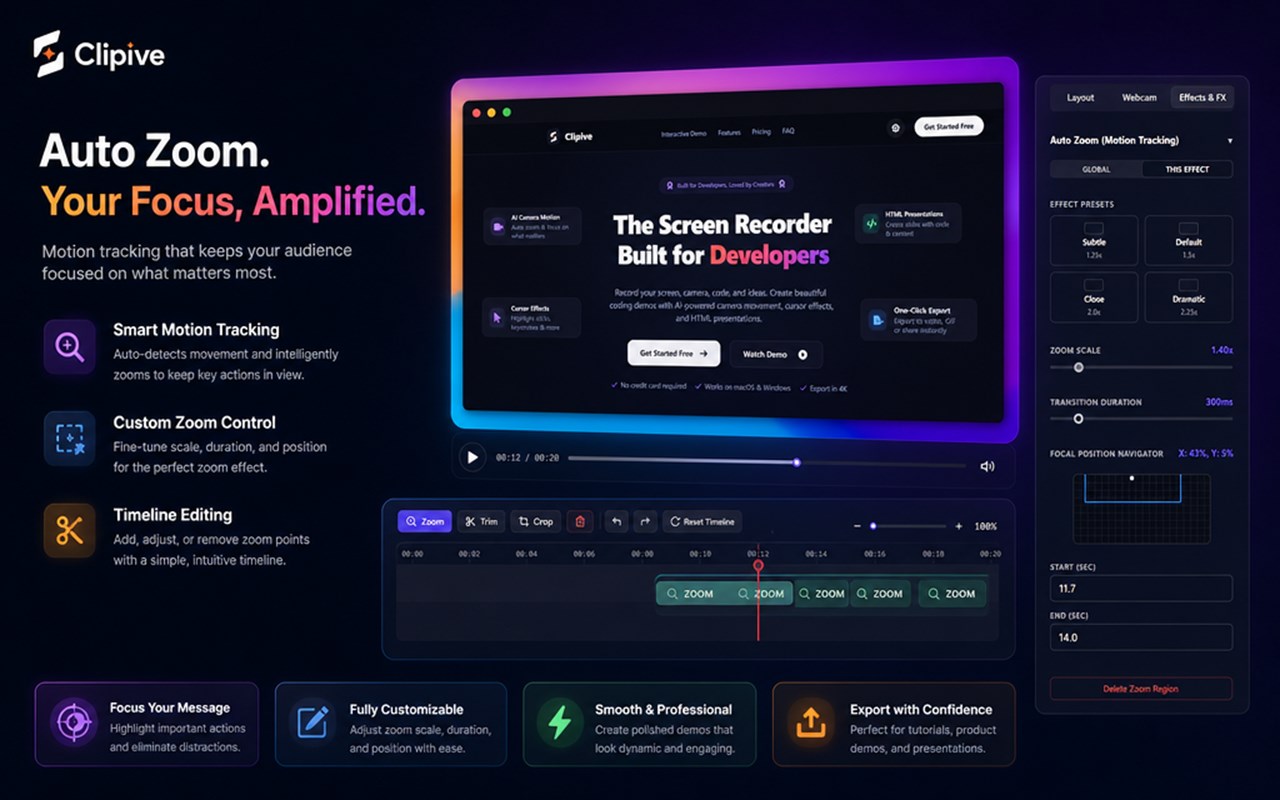
🎬 AI Camera Motion & Auto-Zoom
- Intelligent Tracking: Automatically follows your cursor and active windows.
- Cinematic Panning: Smooth, non-jittery camera transitions that keep viewers focused.
- No Keyframes Needed: Record naturally, and let the AI handle the camera work.
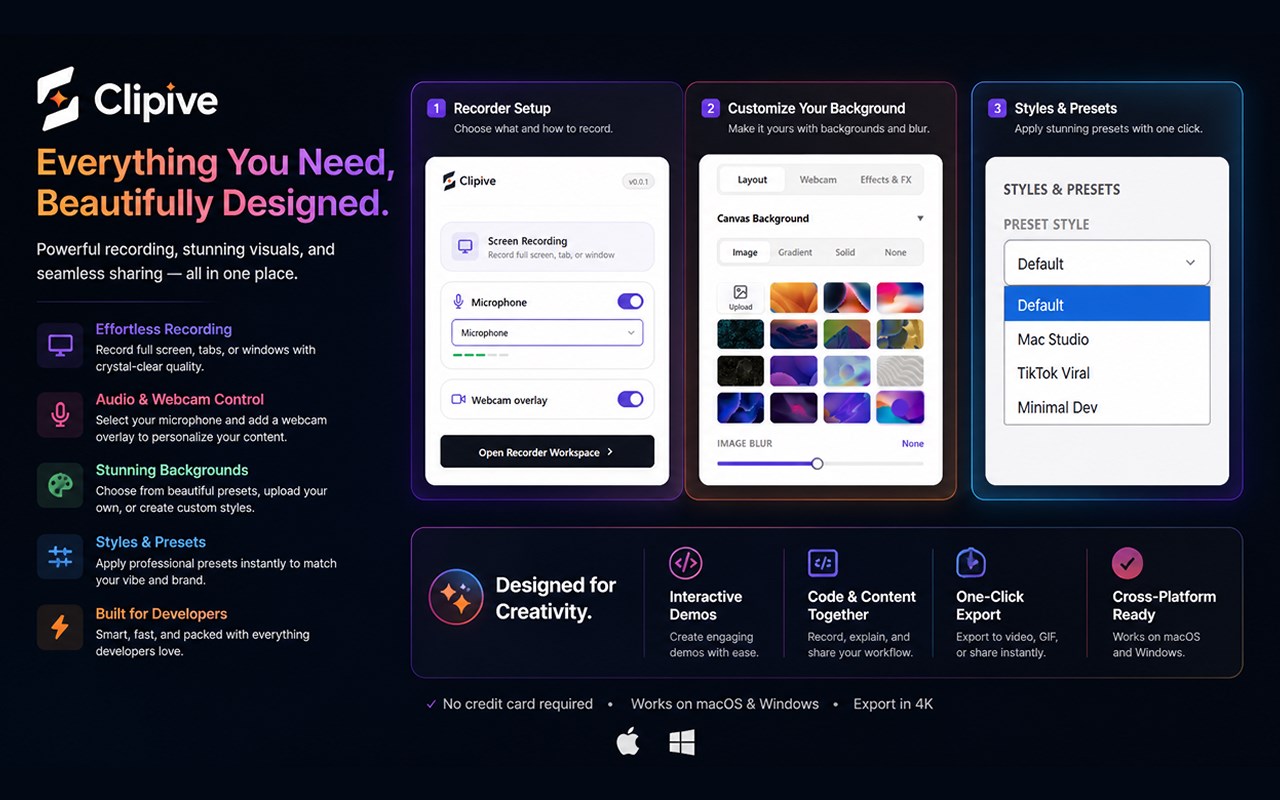
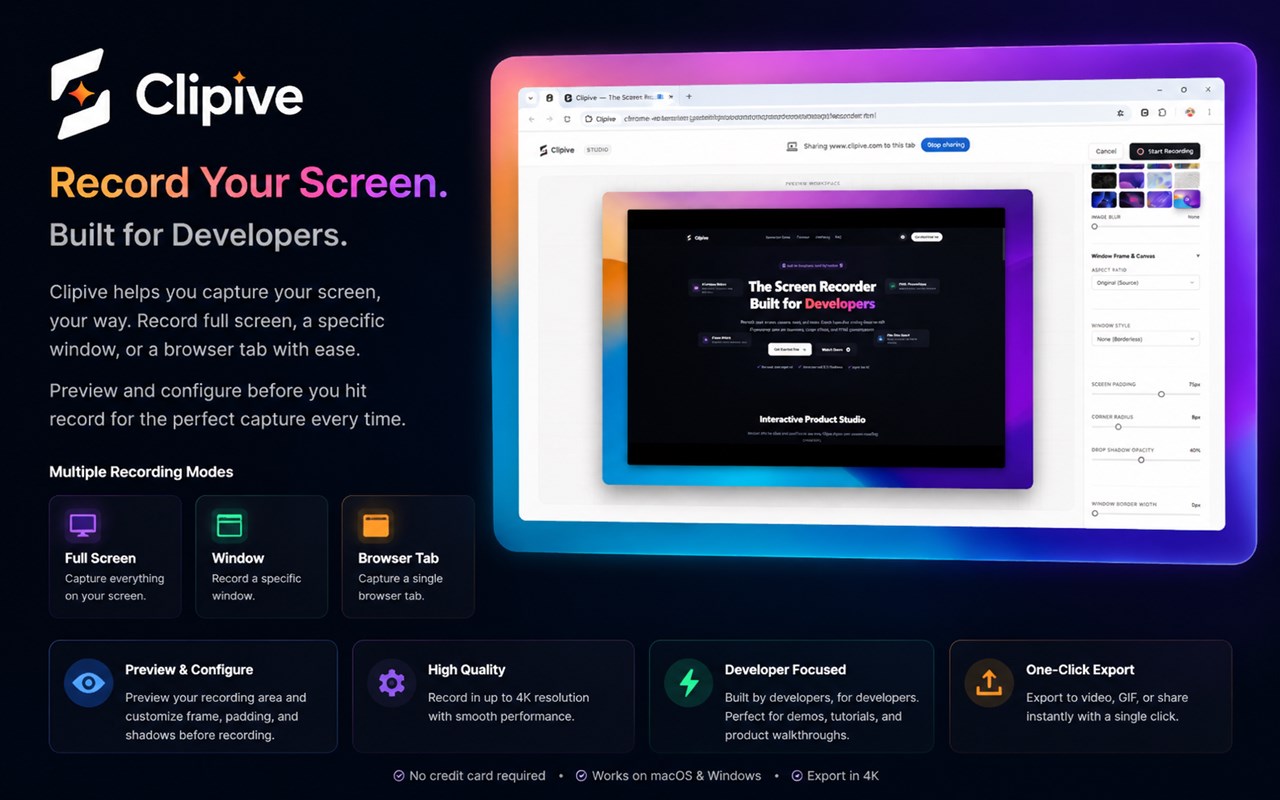
🎨 "Built-in Mac Studio" Styling & Window Frames
- Sleek Window Styles: Instantly wrap your recording in beautiful macOS, Windows 11, or modern Neon Glass window frames.
- Minimal Dev Aesthetic: Add gorgeous drop shadows, rounded corners, and curated gradient or image backgrounds.
- Clean UI: Hide messy browser toolbars and bookmarks with one click for a pristine presentation.
✂️ WYSIWYG Editing & Deep Parameter Tweaks
- What You See Is What You Get: A powerful, non-destructive built-in editor that provides instant real-time previews.
- Parameter Control: Tweak zoom depth, adjust transition speed timing, customize background blur, or modify cursor highlight sizes *after* you finish recording.
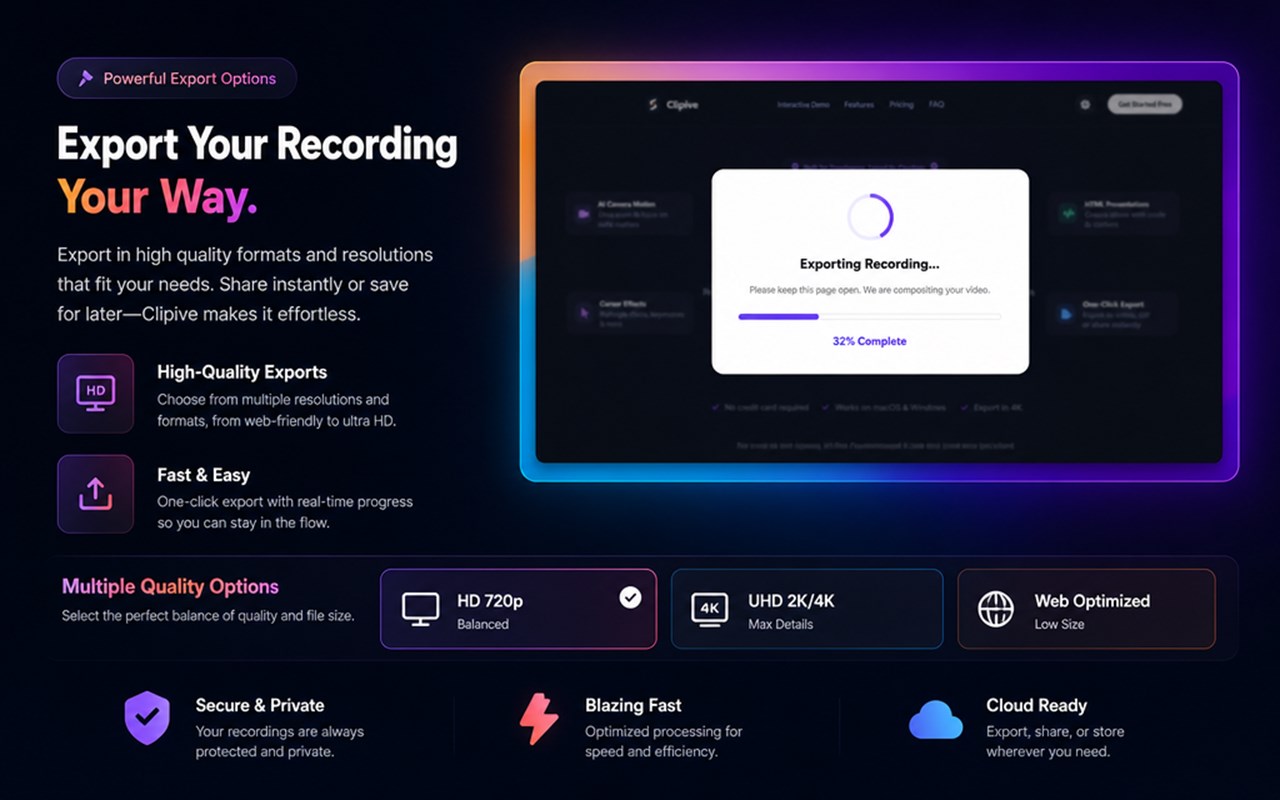
📱 Multi-Aspect Ratio Export (TikTok Viral Ready)
- Export the exact same recording to multiple platforms with a single click:
- 16:9 (Landscape): Perfect for YouTube & online courses.
- 9:16 (Vertical): Optimized for TikTok, YouTube Shorts, and Instagram Reels to maximize virality.
- 1:1 (Square): Ideal for X (Twitter) and LinkedIn.
- 4:3 (Classic): Great for standard presentations.
- High Quality: Export up to crisp 4K at 60FPS.
💻 AI Coding Mode & Smart Cursor Effects
- Developer First: Automatically identifies code editing areas and terminal windows, zooming in on what matters.
- Visual Clicks: Highlight every action with smooth cursor animations, click ripples, and automatic magnification.
- Keystroke Display: Show your keyboard shortcuts in real-time, perfect for coding tutorials.
🎙️ Dual Recording & HTML Slides
- Picture-in-Picture: Record your screen, system audio, webcam, and microphone all at once. Adjust your facecam layout (circle, square) dynamically.
- HTML Presentations: Present with markdown and HTML instead of boring slides. Embed live code and interactive demos directly into your recording workflow.
🔒 100% Free, Private & Secure
- Local Rendering: Your video data is processed entirely offline on your machine.
- No Limits: Absolutely free to use, no sign-up required, and no watermarks.
🎯 Perfect For:
- AI Developers & Indie Hackers: Demo AI agents, MCP tools, and new SaaS features.
- Technical Content Creators: Produce engaging, high-retention coding tutorials for YouTube and Bilibili.
- DevRel & Product Managers: Create sleek SDK guides, API tutorials, and changelog updates.
Transform your everyday coding sessions into polished educational content. Install Clipive today and share your flow!
Clipive - AI Auto-Zoom Screen Recorder 是做什么的
Clipive - AI Auto-Zoom Screen Recorder 是一款面向 Edge 的实用工具类扩展,主要用来解决浏览器里某类具体的小问题。官方对它的介绍是:Free, AI-powered screen recorder. Auto-zoom, smooth cursors, and beautiful window frames. Record your flow, not just your screen.在微软 Edge 加载项商店上,它当前版本 0.0.2,约 3 名用户。
适合什么人用
从功能定位看,Clipive - AI Auto-Zoom Screen Recorder 更适合想补上浏览器原生缺失功能的用户。如果你平时只是偶尔遇到相关需求,用浏览器自带功能也能凑合;但如果这件事每天都发生,装一个专门处理它的扩展通常比手动操作省事得多。需要注意的是它作用于所有网站,装上后建议先观察一两天,确认不影响常用站点的正常使用。
怎么安装 Clipive - AI Auto-Zoom Screen Recorder
- 打开微软 Edge 加载项商店上的官方页面;
- 点「添加到浏览器」并确认权限提示;
- 装好后在扩展列表里固定图标,方便随时开关。
本站只做索引与介绍,安装包来自官方商店。如果商店页面提示当前地区不可用,说明该扩展未在你所在区域上架。
常见问题
Clipive - AI Auto-Zoom Screen Recorder 是免费的吗?
Clipive - AI Auto-Zoom Screen Recorder 在微软 Edge 加载项商店免费提供下载。它是浏览器扩展,装上就能直接用,不需要注册账号。
Clipive - AI Auto-Zoom Screen Recorder 安全吗?
它只申请了 0 项权限,范围比较克制,没有申请「读取所有网站数据」这种大权限。
Clipive - AI Auto-Zoom Screen Recorder 支持哪些浏览器?
当前收录的版本来自微软 Edge 加载项商店,适用于 Edge。同一个扩展在其他商店可能有对应版本,但功能与版本号不一定相同。
怎么卸载 Clipive - AI Auto-Zoom Screen Recorder?
在扩展管理页找到 Clipive - AI Auto-Zoom Screen Recorder,点移除即可。它在本地保存的设置会一起清掉,不会残留数据。
权限清单 来自 manifest.json 原文
站点访问(可选) 1
<all_urls>
接口权限 4
activeTabstoragetabsunlimitedStorage