
Clipboard History Manager EN
Reactix Studios · EEdge MV3
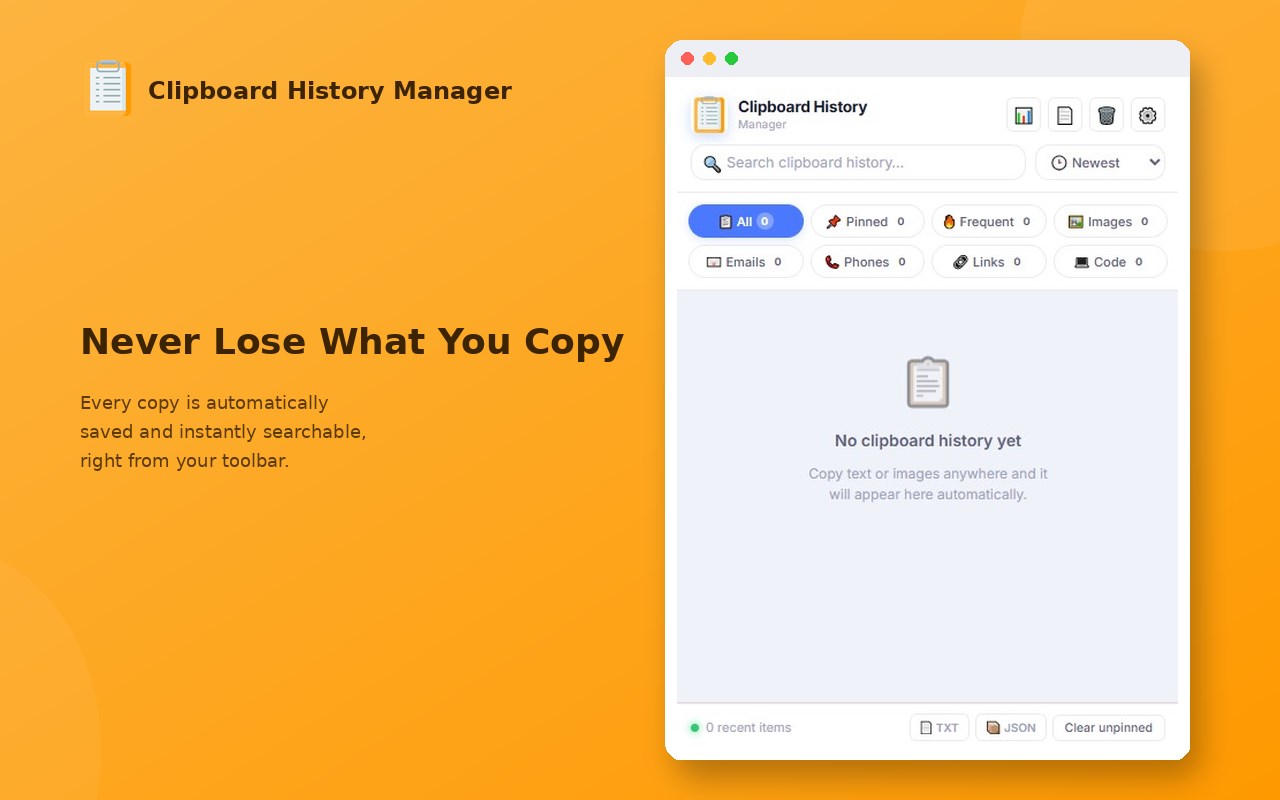
Automatically saves your clipboard history with search, pin, and quick-copy features.
<all_urls>),意味着它可以读取你在任意站点的页面内容,包括已登录的页面。这是许多扩展正常工作的必要条件,但也值得你确认来源可信。
截图
简介
Clipboard History Manager is a modern, feature-rich, and privacy-focused extension that automatically keeps track of everything you copy. Say goodbye to losing important links, code snippets, or text selections—everything is saved locally and securely inside a beautiful, glassmorphic dashboard.
Key Features:
★ Automatic Local History
Never lose copied items again. Every text, link, or image you copy is automatically saved. Everything runs 100% offline and stays strictly on your device.
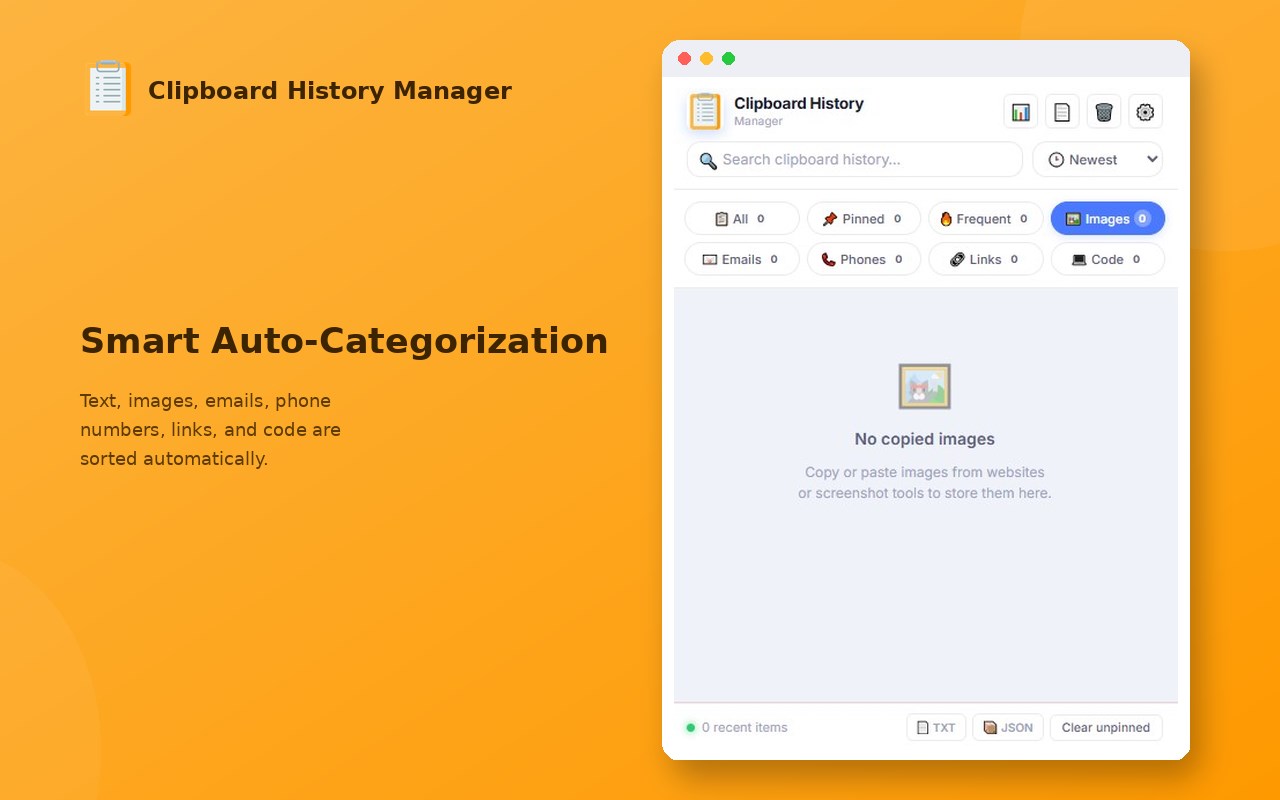
★ Smart Categorization & Filtering
Instantly filter your clipboard items with smart tags:
- 🖼️ Images: Captures copied images and native screenshots.
- 🔗 Links & URLs: Quick filter for URLs with embedded links extraction.
- 📧 Emails: Instantly isolates email addresses.
- 📞 Phones: Automatically group phone numbers.
- 💻 Code Snippets: Strict syntax detection for HTML, CSS, JavaScript, Python, etc.
★ Secure Notes Sharing
Quickly send any clipboard item directly to your favorite notes editor in a new tab:
- Google Keep
- Notion
- OneNote
- Evernote
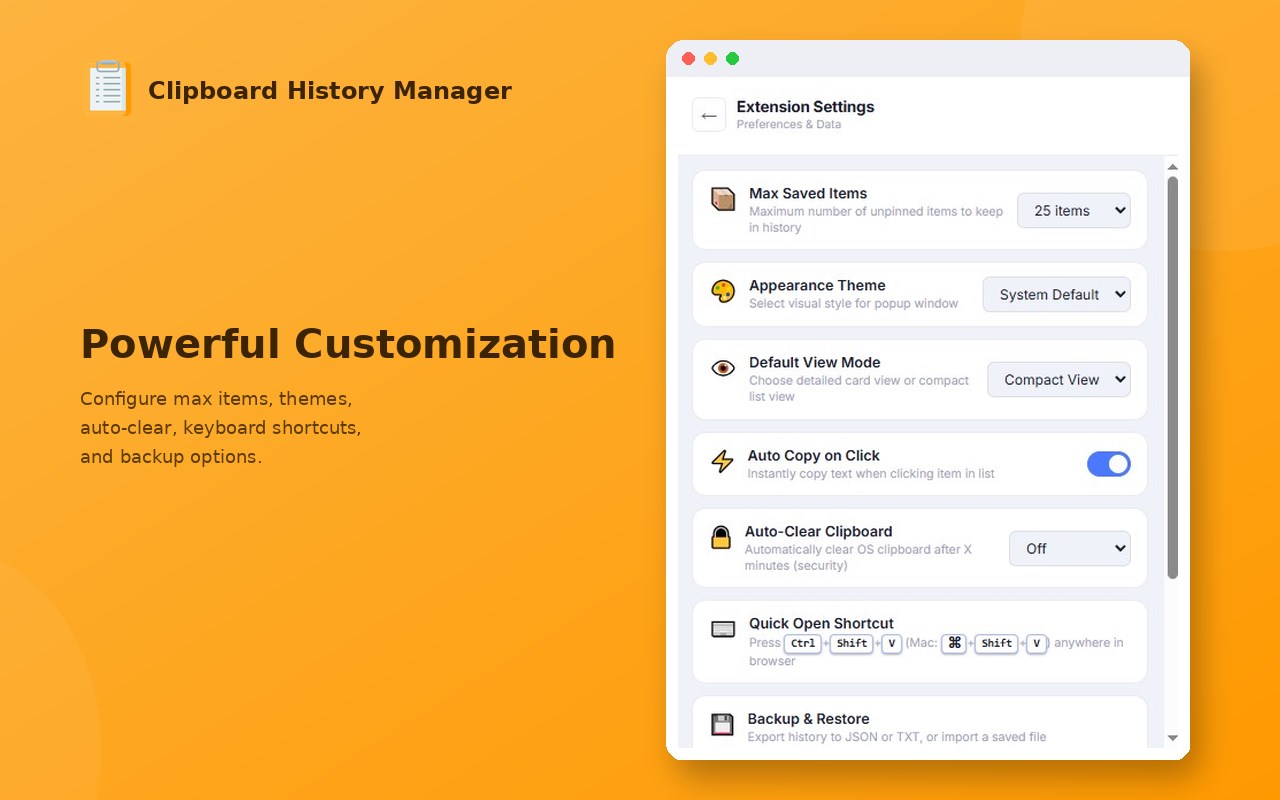
★ Customizable Auto-Clear & Security
Protect your sensitive data. Set an auto-clear countdown timer (1, 5, or 10 minutes) that automatically wipes your unpinned clipboard history and clear the system clipboard cache. Keep important items permanently by Pinning them!
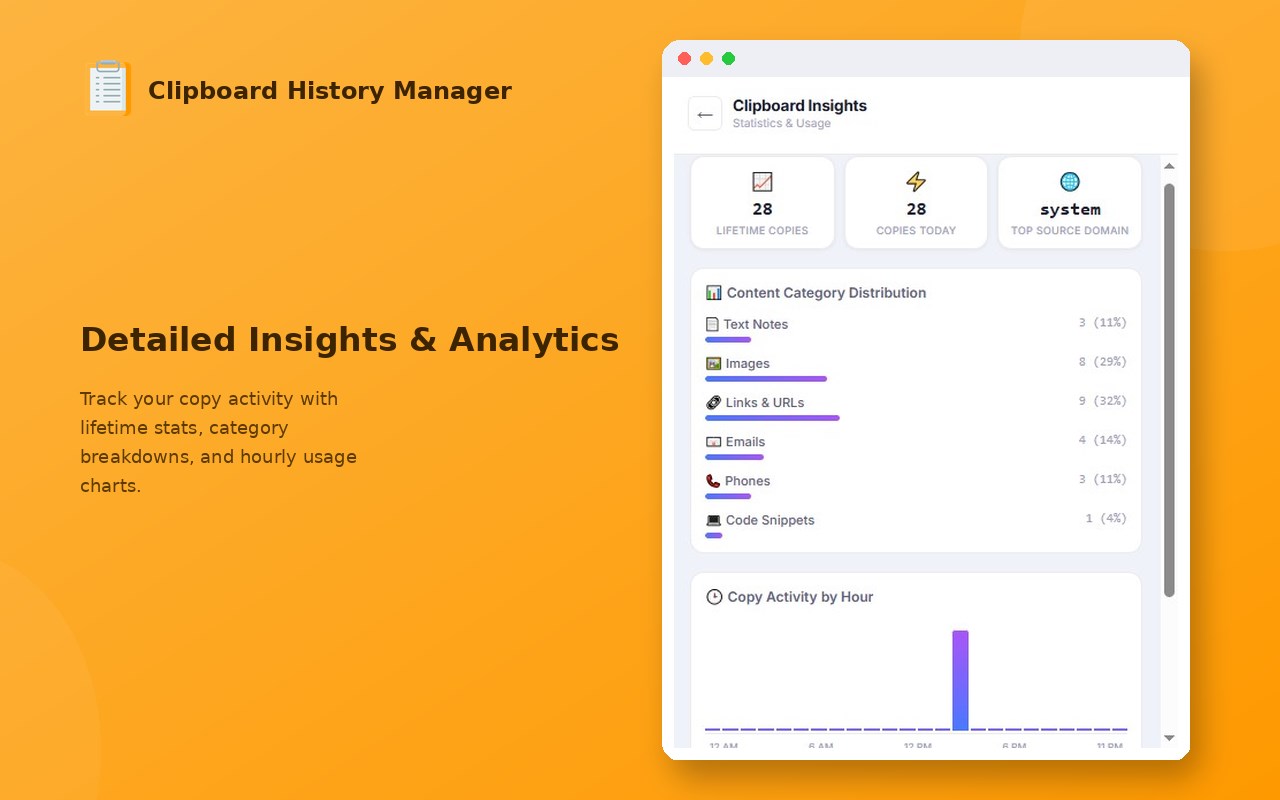
★ Clipboard Insights & Statistics
Explore your copy trends! Features a stunning visual dashboard showing your total copies, top copy sources/domains, category distribution, and a 24-hour copy frequency column chart.
★ High-Performance Search & Sort
- Instantly search your history with highlight tags.
- Sort items by Newest first, Oldest first, Most Used (Frequent), or Alphabetically (A-Z).
- Toggle between "Detailed View" and "Compact View" layout.
- Copy any item back to your clipboard instantly with a single click (flash feedback).
★ Export & Import
Easily back up your clipboard history or migrate your items by exporting/importing them as JSON or Plain Text files.
Clipboard History Manager 是做什么的
Clipboard History Manager 是一款面向 Edge 的效率工具类扩展,主要用来管住注意力、屏蔽干扰站点、记录时间。官方对它的介绍是:Automatically saves your clipboard history with search, pin, and quick-copy features.在微软 Edge 加载项商店上,它当前版本 2.1.7,约 2 名用户。
适合什么人用
从功能定位看,Clipboard History Manager 更适合想专注工作学习、减少无效刷网页的用户。如果你平时只是偶尔遇到相关需求,用浏览器自带功能也能凑合;但如果这件事每天都发生,装一个专门处理它的扩展通常比手动操作省事得多。需要注意的是它作用于所有网站,装上后建议先观察一两天,确认不影响常用站点的正常使用。
怎么安装 Clipboard History Manager
- 打开微软 Edge 加载项商店上的官方页面;
- 点「添加到浏览器」并确认权限提示;
- 装好后在扩展列表里固定图标,方便随时开关。
本站只做索引与介绍,安装包来自官方商店。如果商店页面提示当前地区不可用,说明该扩展未在你所在区域上架。
常见问题
Clipboard History Manager 是免费的吗?
Clipboard History Manager 在微软 Edge 加载项商店免费提供下载。它是浏览器扩展,装上就能直接用,不需要注册账号。
Clipboard History Manager 安全吗?
它只申请了 0 项权限,范围比较克制,没有申请「读取所有网站数据」这种大权限。
Clipboard History Manager 支持哪些浏览器?
当前收录的版本来自微软 Edge 加载项商店,适用于 Edge。同一个扩展在其他商店可能有对应版本,但功能与版本号不一定相同。
怎么卸载 Clipboard History Manager?
在扩展管理页找到 Clipboard History Manager,点移除即可。它在本地保存的设置会一起清掉,不会残留数据。
权限清单 来自 manifest.json 原文
站点访问(可选) 1
<all_urls>
接口权限 8
activeTabalarmsclipboardReadclipboardWritecontextMenusscriptingstoragetabs