ChatGPT Sidebar EN
ChatGPT Buddy · EEdge MV3
Chat instantly with ChatGPT, now accessible from the Edge browser sidebar.
<all_urls>),意味着它可以读取你在任意站点的页面内容,包括已登录的页面。这是许多扩展正常工作的必要条件,但也值得你确认来源可信。
截图
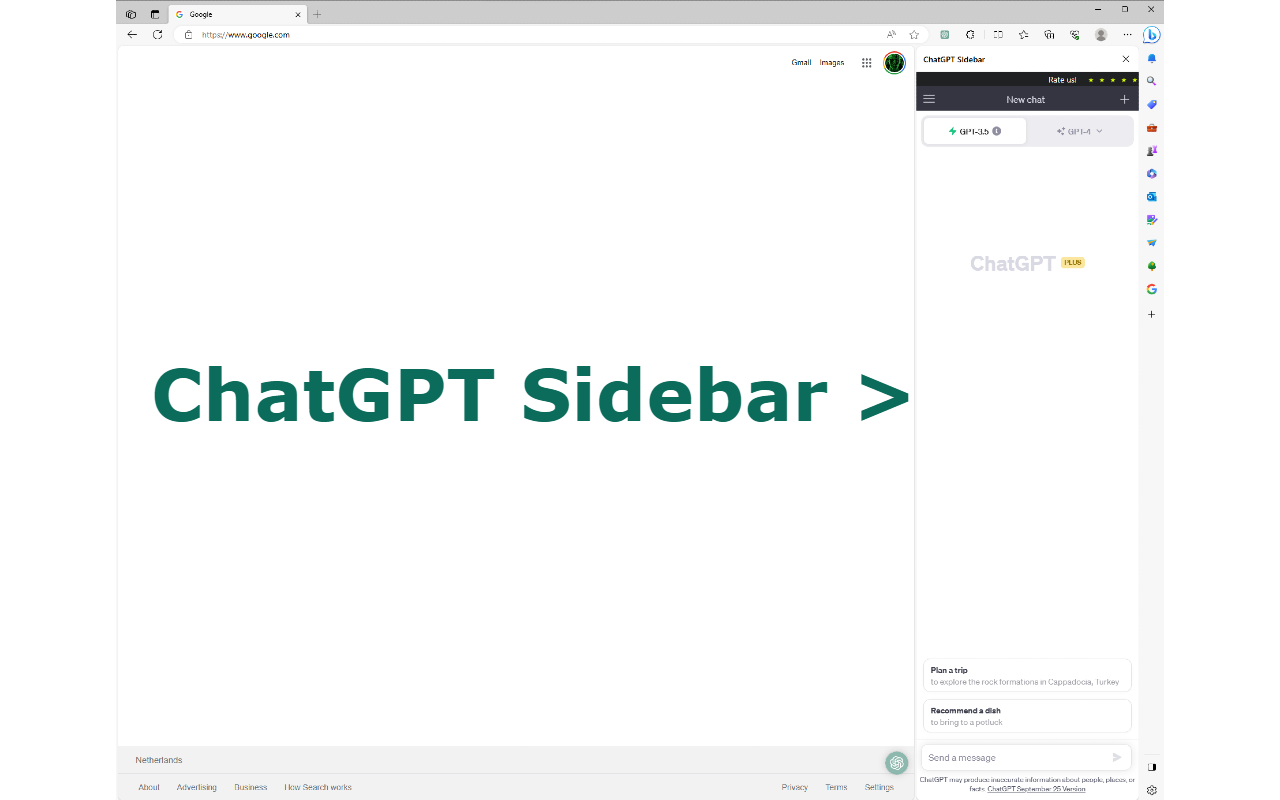
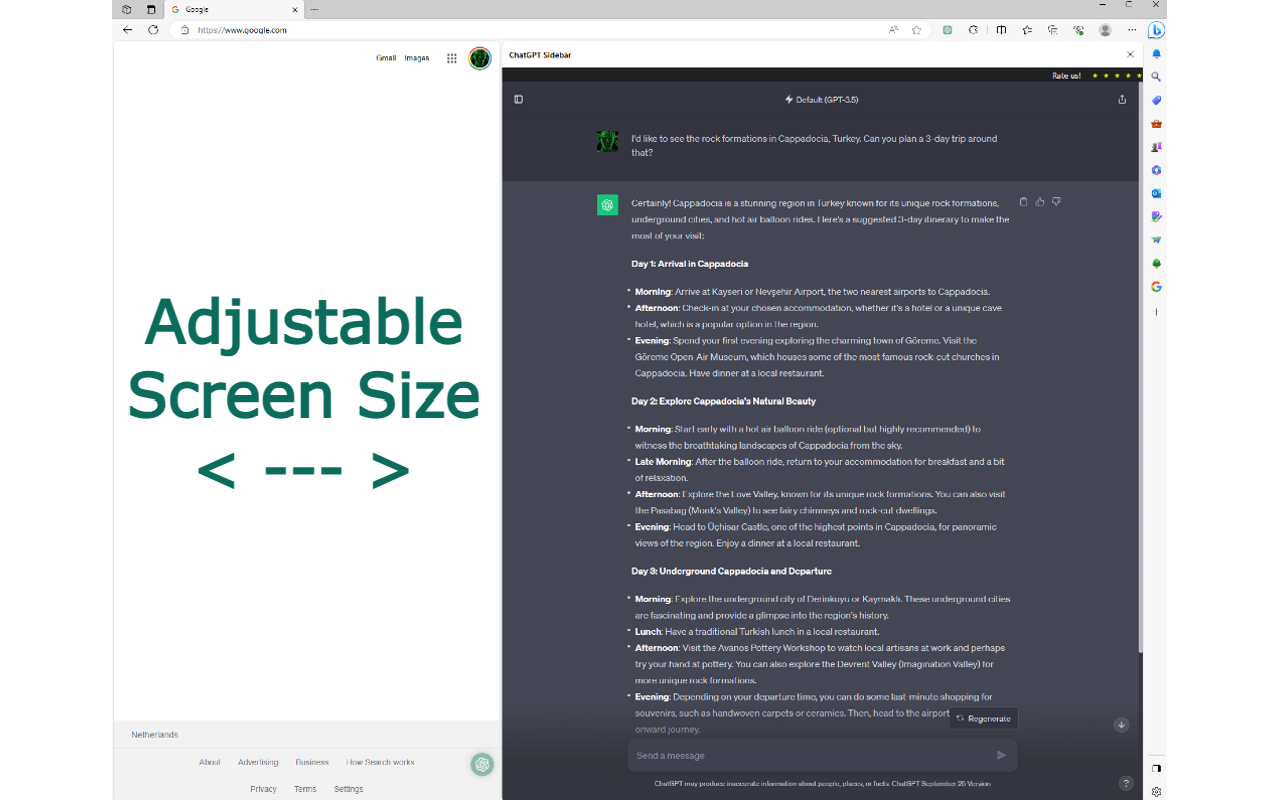
简介
Introducing the ChatGPT Sidebar for Edge: Your Digital Assistant
Quick Access Tip:
You can press the "Alt" and "C" keys together to instantly activate the ChatGPT Sidebar – super useful for quick clarifications!
The internet is vast and finding quick, relevant information can be challenging. Enter the ChatGPT Sidebar for the Edge browser – a handy tool that brings the power of conversational AI right into your browser.
What is ChatGPT?
If you're new to ChatGPT, here's a brief overview: What is ChatGPT: https://help.openai.com/en/articles/6783457-what-is-chatgpt
Why You'll Love the ChatGPT Sidebar:
Convenience: No need to open extra tabs or go to other websites. Start a chat, get insights, and go back to what you were doing smoothly.
Key Features:
Sleek Design: Fits right into your Edge without being intrusive.
Easy Access: A simple click on the ChatGPT icon gives you answers on the go.
Smart and Adaptable: Helps everyone, from students to professionals, with research, questions, and insights. The more you chat, the better it understands your needs.
Your Personal Guide: Got a tough article or confusing terms? ChatGPT Sidebar offers immediate explanations.
User Feedback
"It's transformed my browsing. Feels like having an expert right beside me." - Alex R.
Setting Up is Easy:
Just go to the Edge Store, find the ChatGPT Sidebar extension, and you're a click away from a smarter browsing experience.
How it Works:
Built on OpenAI's cutting-edge GPT technology, this AI tool processes information at lightning speed, crafting answers that feel almost human.
Safety First:
Your chats are encrypted from start to finish. We value your privacy, so your interactions aren't stored or used elsewhere.
Customization:
Want a different look or need offline drafting? The ChatGPT Sidebar adjusts to your needs.
Always Getting Better:
We're constantly updating, making sure you have the best features and performance.
Join the Community:
By using ChatGPT Sidebar, you join a worldwide user base. Share experiences and learn new ways to utilize this tool.
Great for Teamwork:
Professionals will love its collaboration features – from team sessions to integration with tools like Google Workspace.
A Blessing for Students:
Need detailed explanations or help with languages? ChatGPT Sidebar is a game-changer in the academic world.
Want More? Try ChatGPT Sidebar Plus:
For an elevated experience, our premium version offers faster responses and exclusive perks.
Final Thoughts:
The ChatGPT Sidebar for Edge is more than just an add-on. It's a revolution in how we interact online. Merging state-of-the-art AI with user-friendly design, it's not just a tool – it's your digital companion. As the digital world grows, we're here to make your journey easier and more insightful. Dive into a smarter browsing experience with the ChatGPT Sidebar.
ChatGPT Sidebar 是做什么的
ChatGPT Sidebar 是一款面向 Edge 的效率工具类扩展,主要用来管住注意力、屏蔽干扰站点、记录时间。官方对它的介绍是:Chat instantly with ChatGPT, now accessible from the Edge browser sidebar.在微软 Edge 加载项商店上,它当前版本 1.0.0,评分 2(4 人评价),约 5,454 名用户。
适合什么人用
从功能定位看,ChatGPT Sidebar 更适合想专注工作学习、减少无效刷网页的用户。如果你平时只是偶尔遇到相关需求,用浏览器自带功能也能凑合;但如果这件事每天都发生,装一个专门处理它的扩展通常比手动操作省事得多。需要注意的是它作用于所有网站,装上后建议先观察一两天,确认不影响常用站点的正常使用。
怎么安装 ChatGPT Sidebar
- 打开微软 Edge 加载项商店上的官方页面;
- 点「添加到浏览器」并确认权限提示;
- 装好后在扩展列表里固定图标,方便随时开关。
本站只做索引与介绍,安装包来自官方商店。如果商店页面提示当前地区不可用,说明该扩展未在你所在区域上架。
常见问题
ChatGPT Sidebar 是免费的吗?
ChatGPT Sidebar 在微软 Edge 加载项商店免费提供下载。它是浏览器扩展,装上就能直接用,不需要注册账号。
ChatGPT Sidebar 安全吗?
它只申请了 0 项权限,范围比较克制,没有申请「读取所有网站数据」这种大权限。
ChatGPT Sidebar 支持哪些浏览器?
当前收录的版本来自微软 Edge 加载项商店,适用于 Edge。同一个扩展在其他商店可能有对应版本,但功能与版本号不一定相同。
怎么卸载 ChatGPT Sidebar?
在扩展管理页找到 ChatGPT Sidebar,点移除即可。它在本地保存的设置会一起清掉,不会残留数据。
权限清单 来自 manifest.json 原文
站点访问(可选) 1
<all_urls>
接口权限 6
backgroundcontextMenusdeclarativeNetRequestsidePanelstorageunlimitedStorage
其他商店也有这款
同一款扩展在不同浏览器下的版本,权限与更新节奏可能不同