
ChatGPT 图库导出器 - 下载 ChatGPT 图片数据
Jianping Liu · EEdge MV3
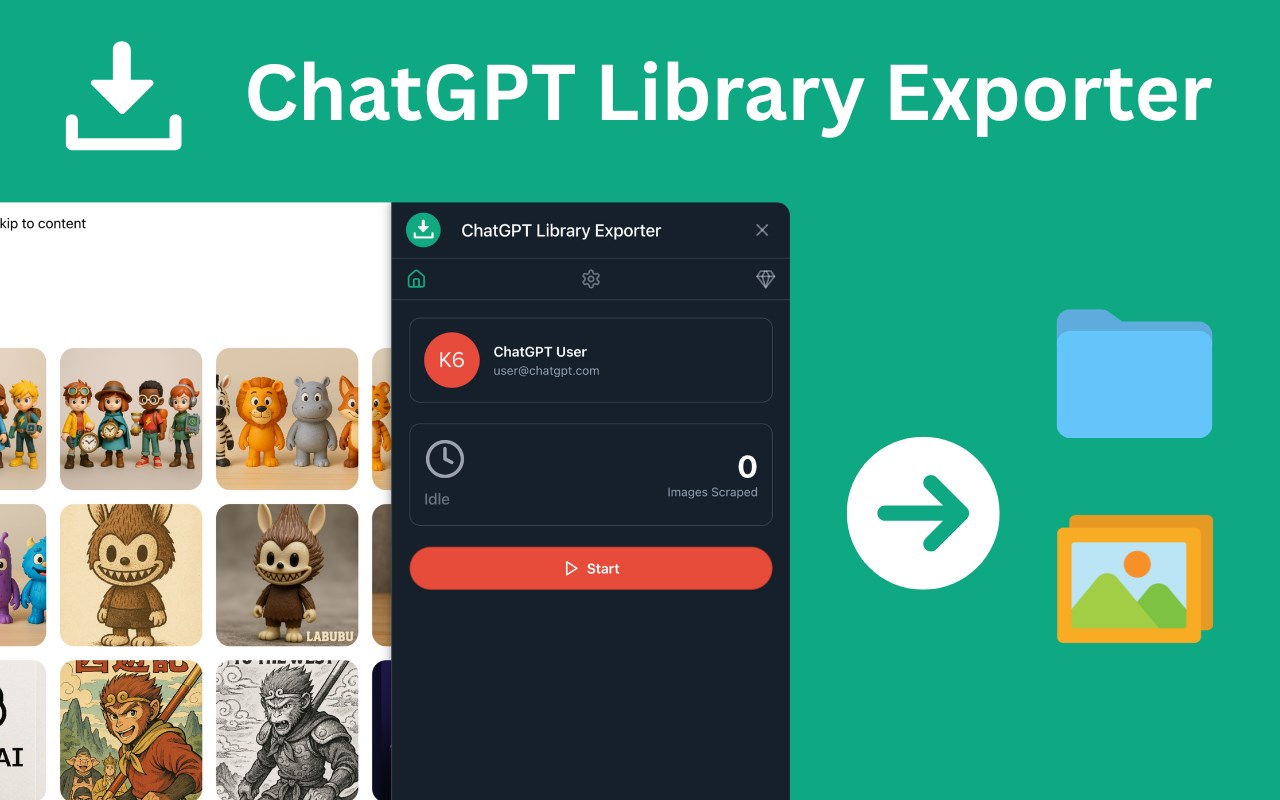
下载所有 ChatGPT 生成的高质量图片并导出元数据,便于整理——快速、简单、安全。
截图
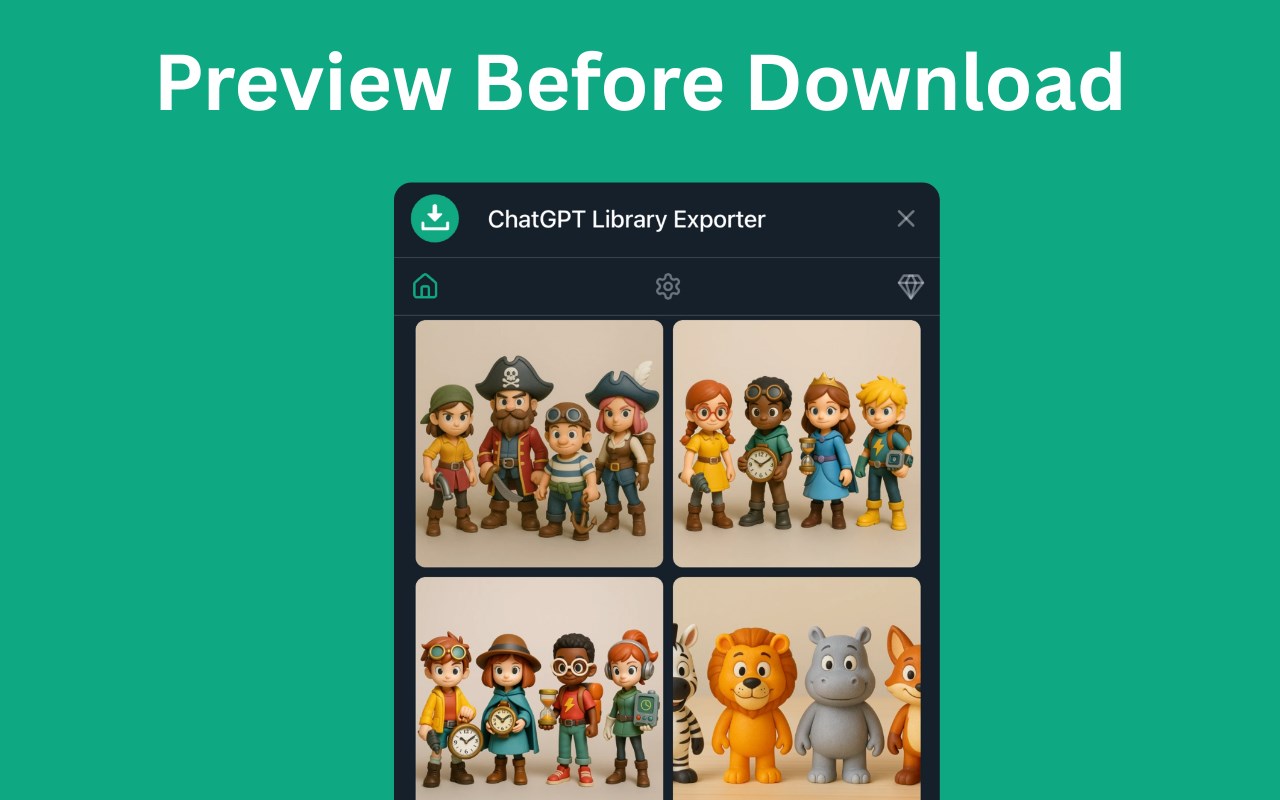
简介
🔽 ChatGPT Library Image Downloader & Metadata Exporter
Save All Your AI-Generated Images — Fast, Organized & High-Quality
🚀 Overview
Easily download all your AI-generated images from ChatGPT in just one click! Whether you’re a content creator, designer, educator, or hobbyist, this extension helps you save, store, and organize your entire AI image library — all in high resolution and with complete metadata.
🔑 Key Features
1️⃣ Bulk Image Download
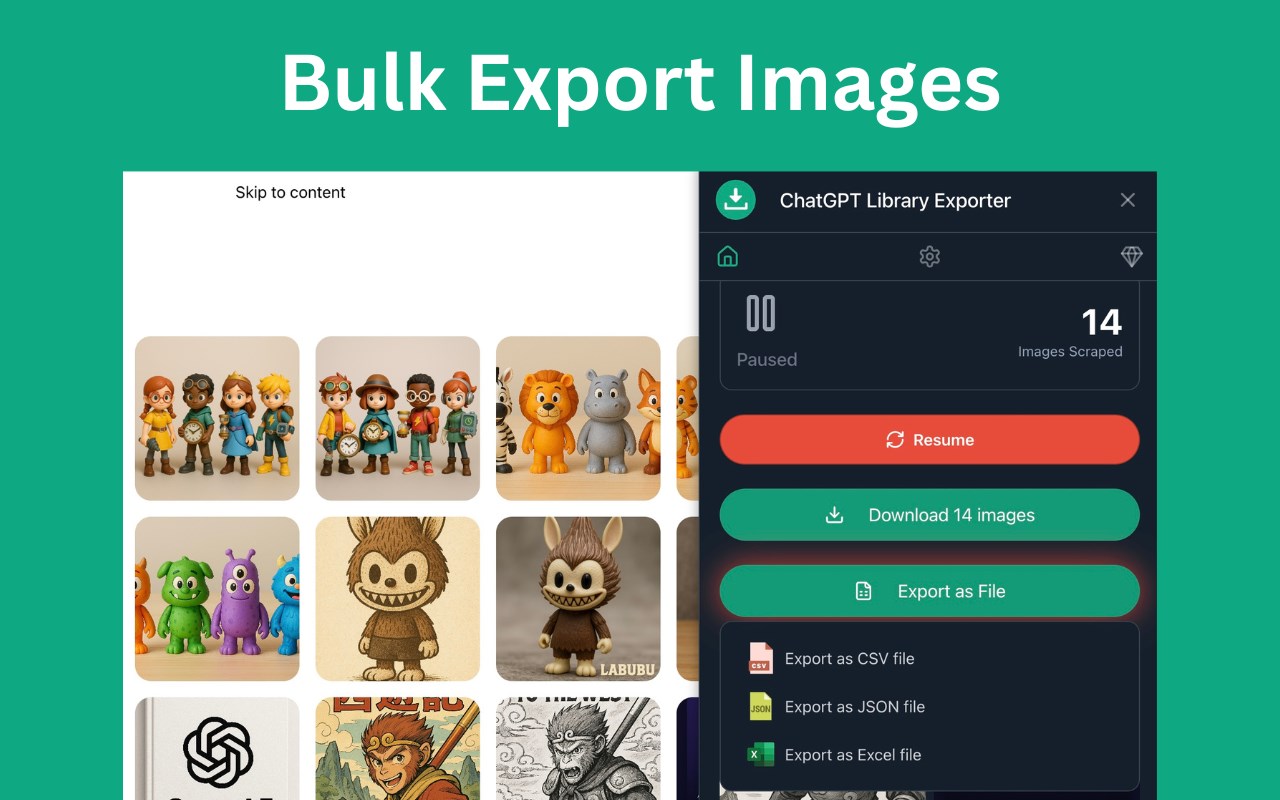
📥 Instantly download all ChatGPT-generated images from your Library — no need to save them one by one. All images are downloaded in their highest available quality, making it easy to preserve your creative work forever.
2️⃣ Auto-Organized Folder Creation
📁 Images are automatically grouped into folders based on the ChatGPT account from which they were downloaded, keeping your files tidy and easy to navigate.
3️⃣ Export Complete Metadata
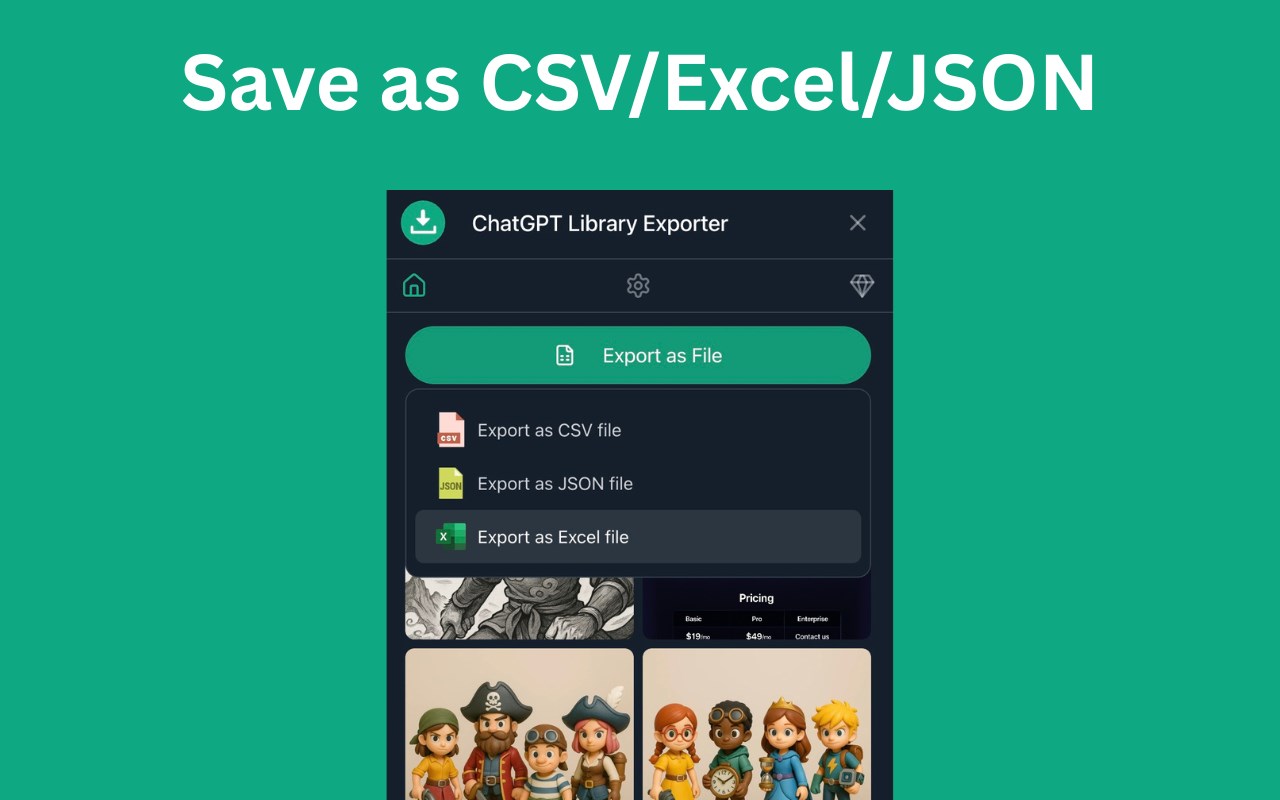
🗂️ Export essential details about each image — including dimensions, URLs, conversation info, and more — in formats like CSV, JSON, or Excel. Perfect for cataloging, archiving, or referencing.
🧑🏫 How It Works
1. 🔓 Open ChatGPT in your browser and go to the Library page
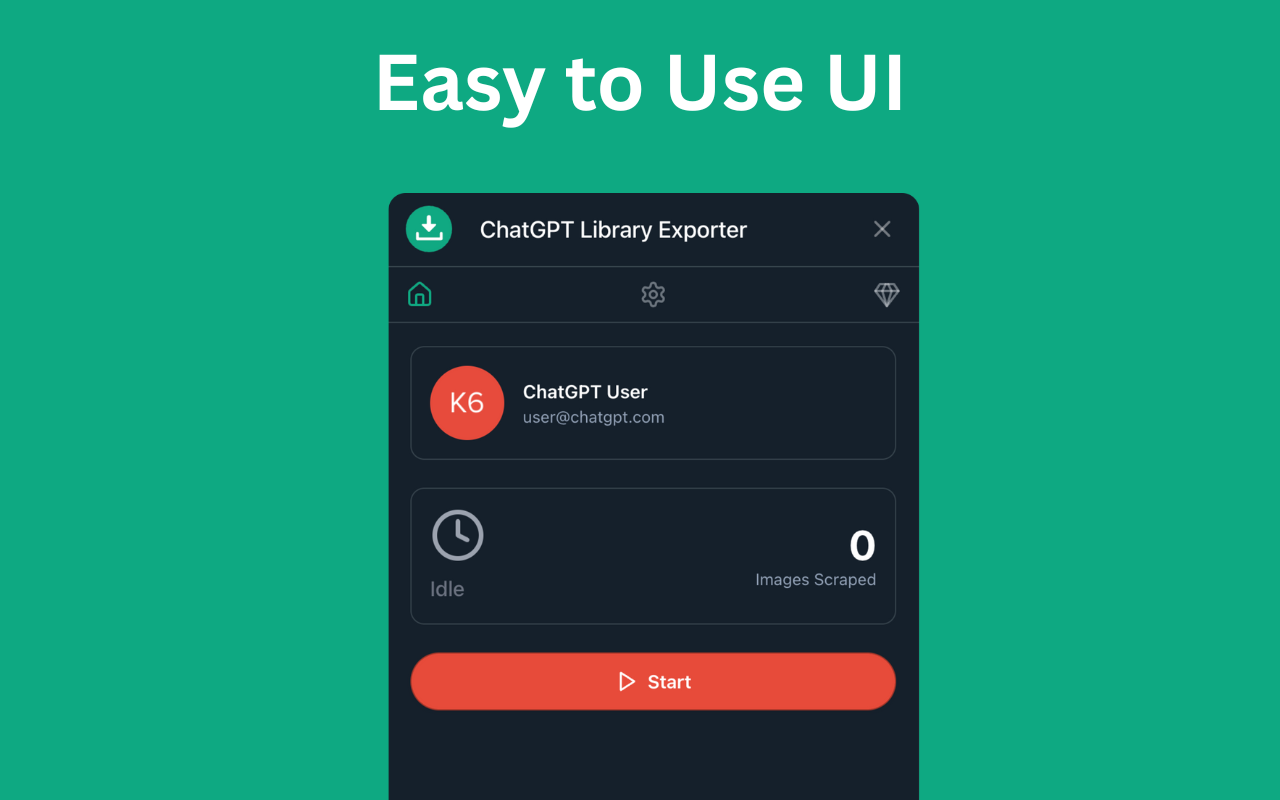
2. 🎯 Click the export button at the top
3. 🖼️ Choose to download all images or export image metadata
4. ✅ Let the extension handle the rest — files are saved and organized automatically
💡 Who It’s For
This tool is ideal for:
• 🎨 Digital artists building AI portfolios
• ✍️ Content creators saving visual assets
• 🧑🏫 Educators compiling image-based learning materials
• 🤖 Researchers archiving AI-generated visual content
• 🧑💻 Everyday users who just want to keep their creations safe
💎 Go Pro – Unlock Unlimited Exports
Upgrade to Pro for just $9.9 and get access to:
• 🔓 Unlimited image exports
• 🛠️ Priority support
🔒 Data Privacy
Your data stays 100% local. Nothing is stored or shared with external servers. Your privacy and security are our top priorities.
⚠️ Disclaimer
This is an independent third-party extension and is not affiliated with or endorsed by OpenAI Inc.
ChatGPT 图库导出器 - 下载 ChatGPT 图片数据 是做什么的
ChatGPT 图库导出器 - 下载 ChatGPT 图片数据 是一款面向 Edge 的效率工具类扩展,主要用来管住注意力、屏蔽干扰站点、记录时间。官方对它的介绍是:下载所有 ChatGPT 生成的高质量图片并导出元数据,便于整理——快速、简单、安全。在微软 Edge 加载项商店上,它当前版本 2.5.1,约 54 名用户。
适合什么人用
从功能定位看,ChatGPT 图库导出器 - 下载 ChatGPT 图片数据 更适合想专注工作学习、减少无效刷网页的用户。如果你平时只是偶尔遇到相关需求,用浏览器自带功能也能凑合;但如果这件事每天都发生,装一个专门处理它的扩展通常比手动操作省事得多。
怎么安装 ChatGPT 图库导出器 - 下载 ChatGPT 图片数据
- 打开微软 Edge 加载项商店上的官方页面;
- 点「添加到浏览器」并确认权限提示;
- 装好后在扩展列表里固定图标,方便随时开关。
本站只做索引与介绍,安装包来自官方商店。如果商店页面提示当前地区不可用,说明该扩展未在你所在区域上架。
常见问题
ChatGPT 图库导出器 - 下载 ChatGPT 图片数据 是免费的吗?
ChatGPT 图库导出器 - 下载 ChatGPT 图片数据 在微软 Edge 加载项商店免费提供下载。它是浏览器扩展,装上就能直接用,不需要注册账号。
ChatGPT 图库导出器 - 下载 ChatGPT 图片数据 安全吗?
它只申请了 0 项权限,范围比较克制,没有申请「读取所有网站数据」这种大权限。
ChatGPT 图库导出器 - 下载 ChatGPT 图片数据 支持哪些浏览器?
当前收录的版本来自微软 Edge 加载项商店,适用于 Edge。同一个扩展在其他商店可能有对应版本,但功能与版本号不一定相同。
怎么卸载 ChatGPT 图库导出器 - 下载 ChatGPT 图片数据?
在扩展管理页找到 ChatGPT 图库导出器 - 下载 ChatGPT 图片数据,点移除即可。它在本地保存的设置会一起清掉,不会残留数据。
权限清单 来自 manifest.json 原文
接口权限 4
activeTabdownloadsstoragewebRequest