BuyerBot Social Shopping Polls EN
HourNexus · EEdge MV3
Create product polls for your shopping decisions
截图
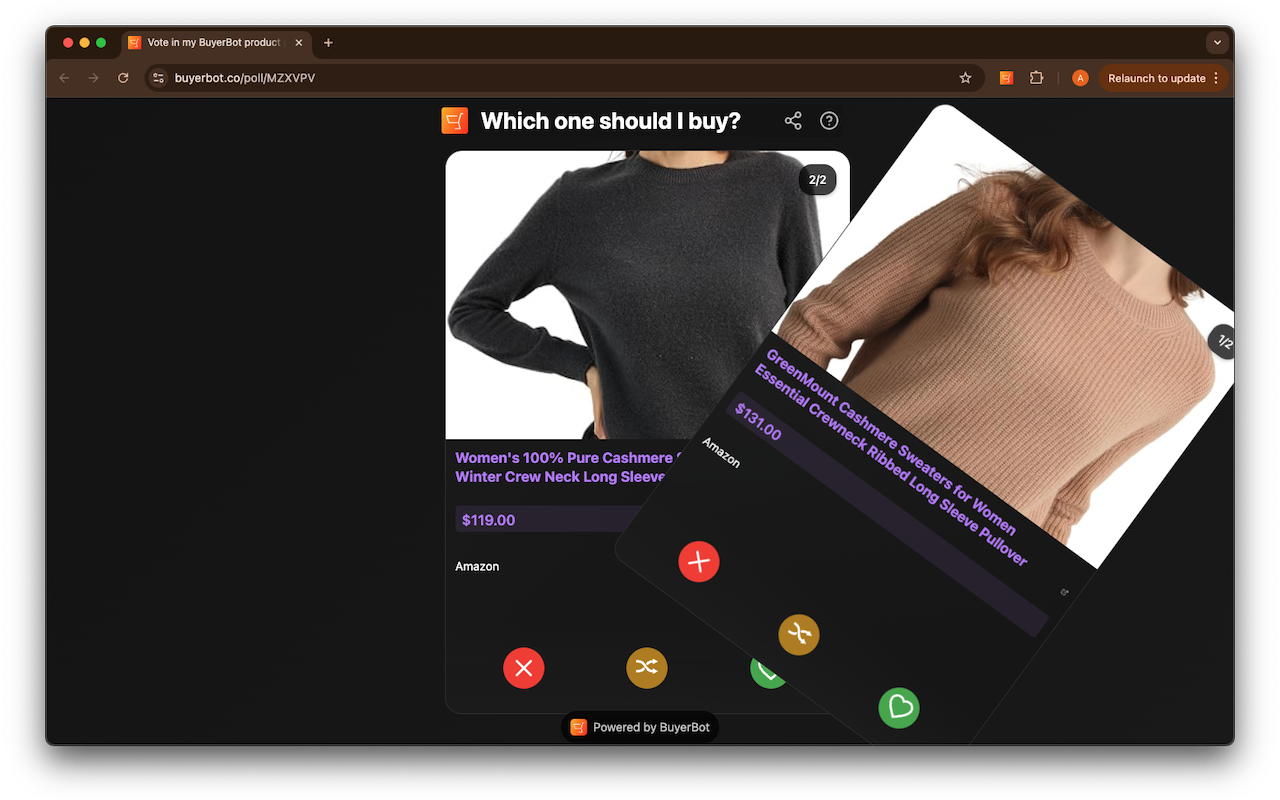
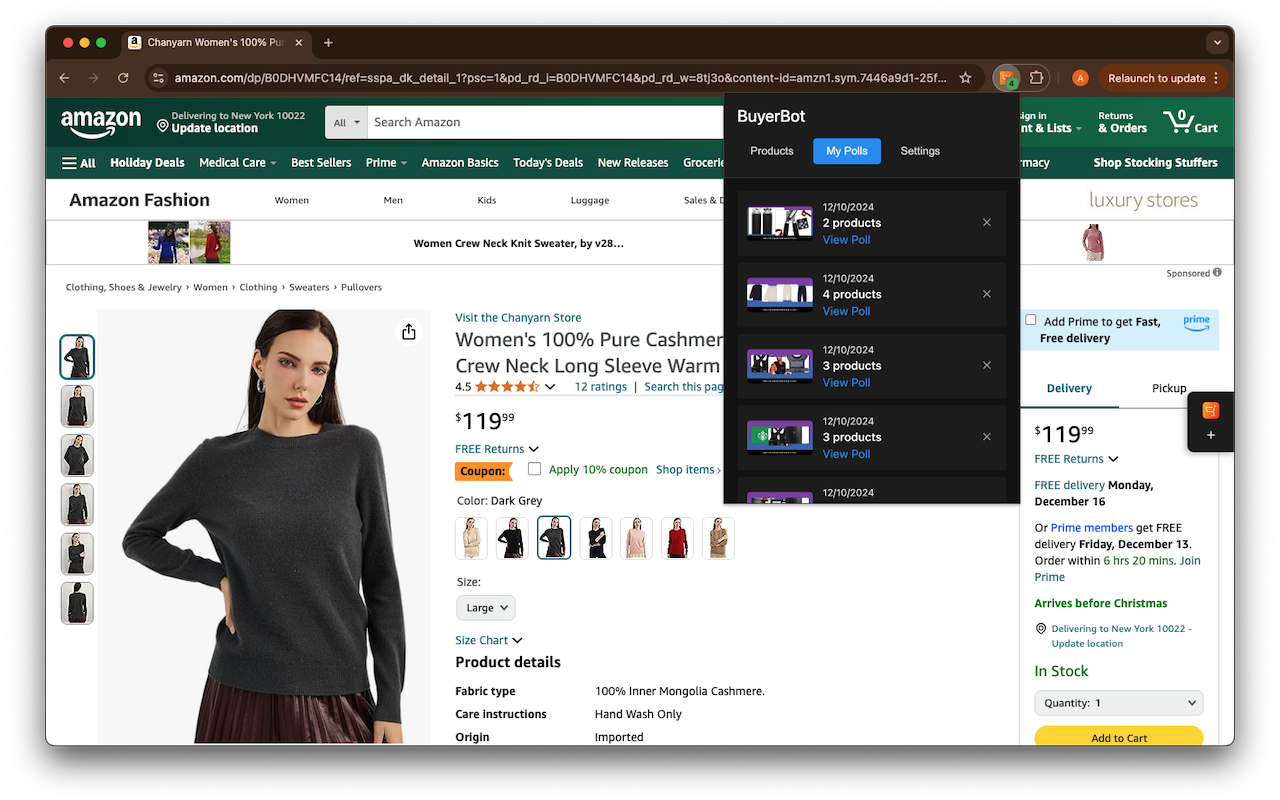
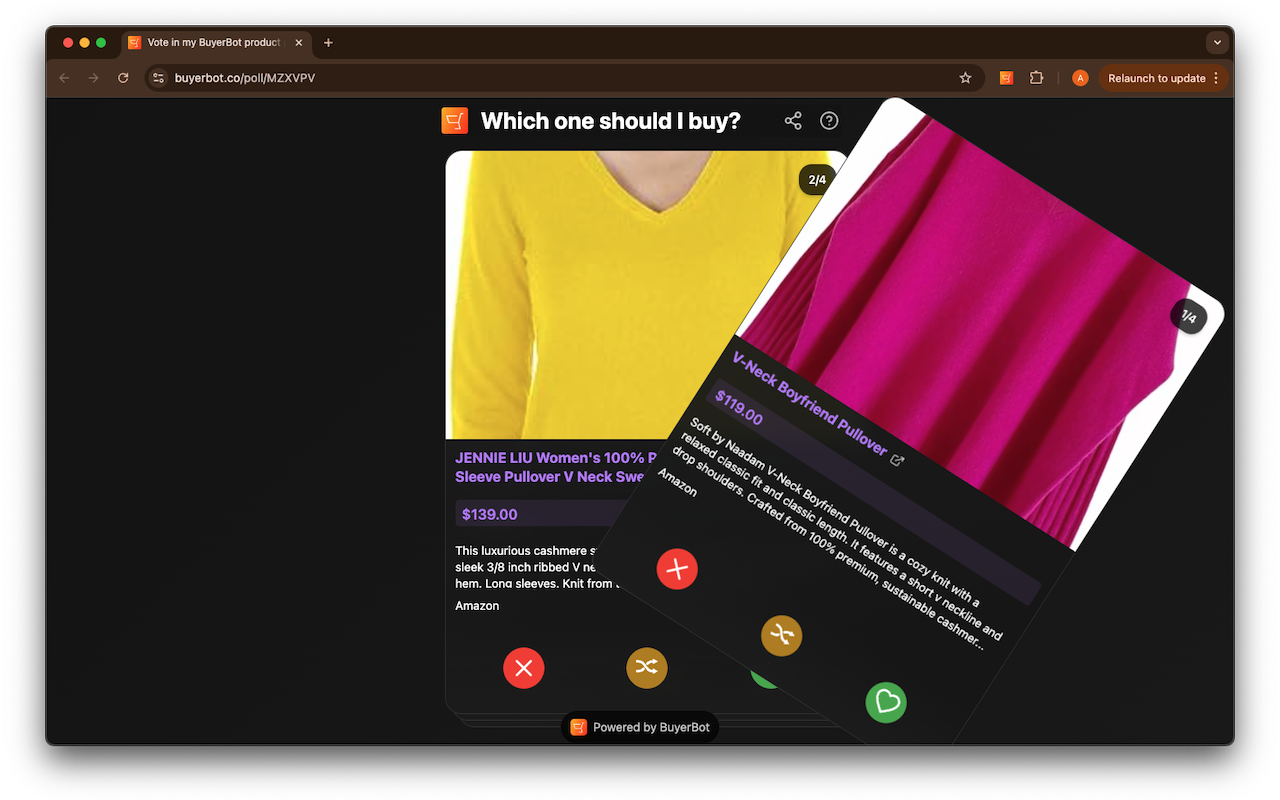
简介
Create product polls for your shopping decisions
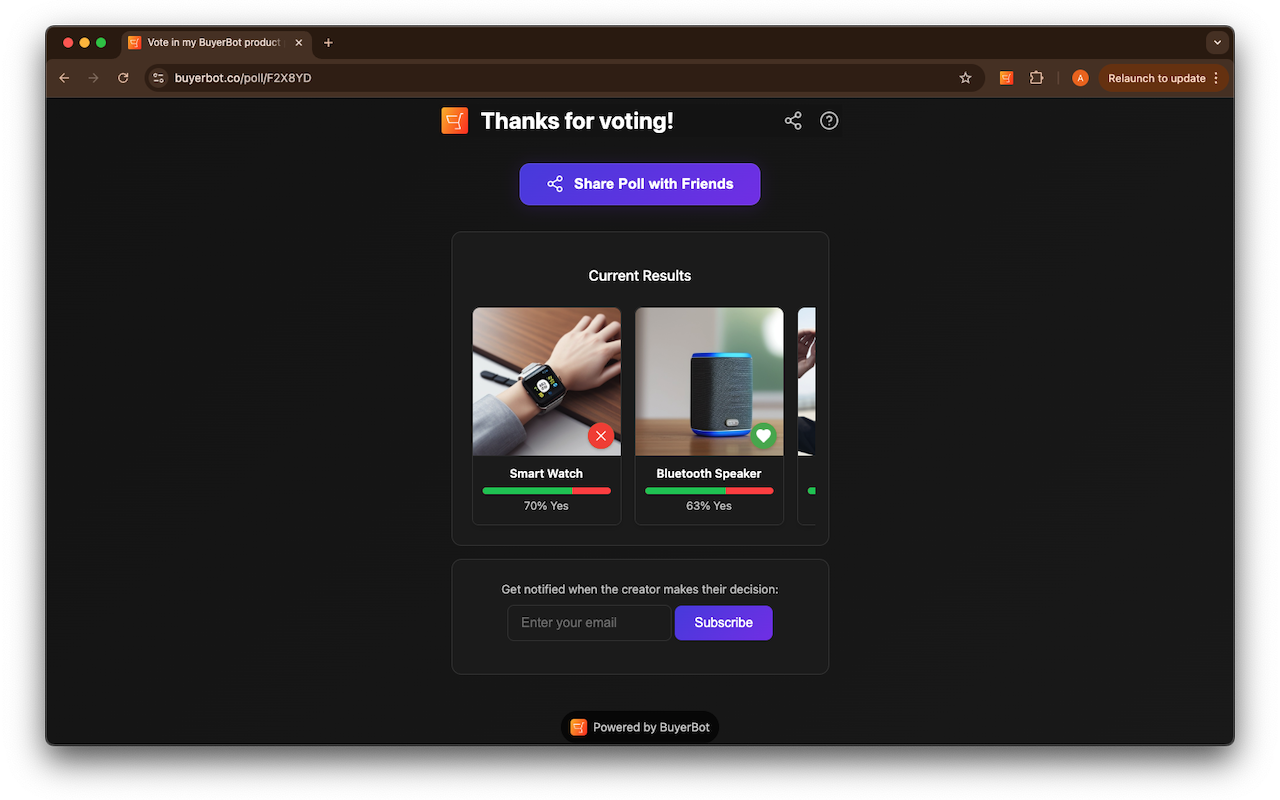
🛍️ Struggling to choose between products? BuyerBot turns shopping decisions into fun, interactive polls! Create a poll from any products online and your friends can vote with a swipe!
Key Features:
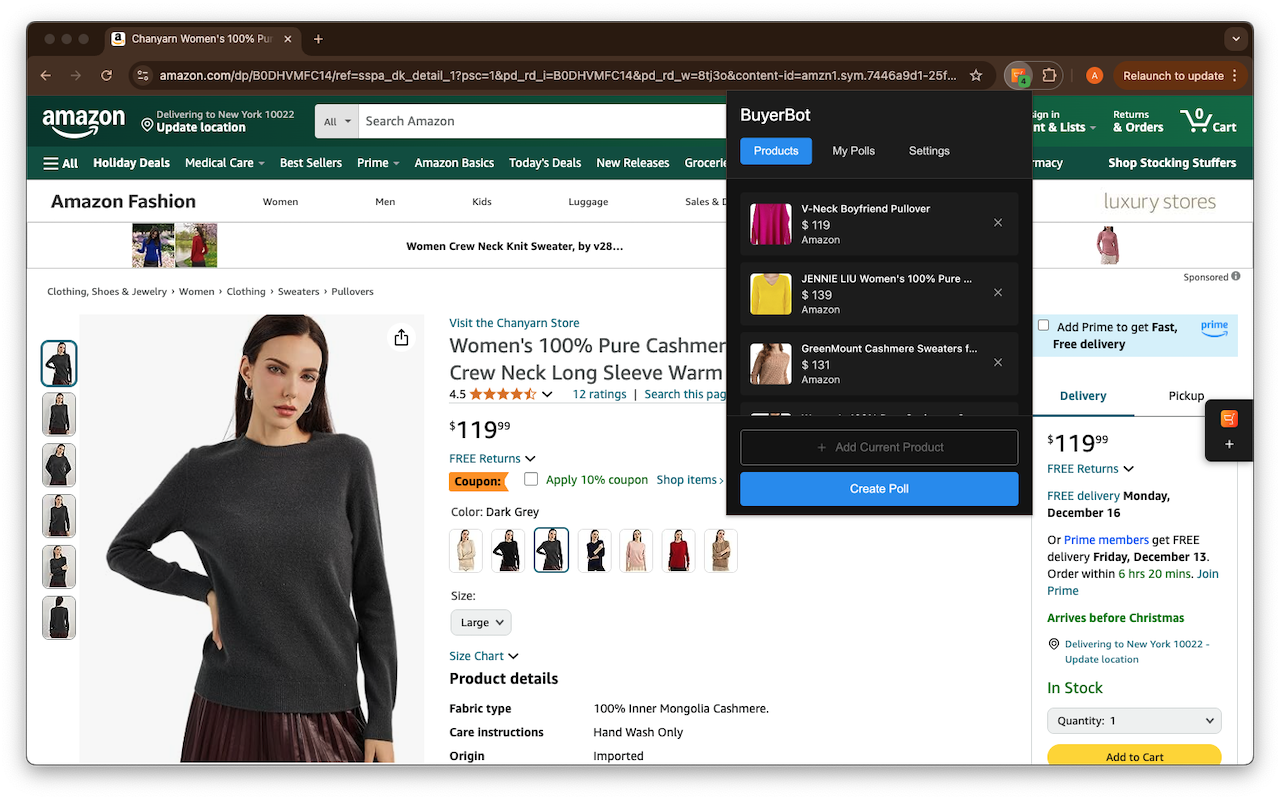
💥 Add products from ANY website to your decision list
💥 Create engaging Tinder-style swipe polls
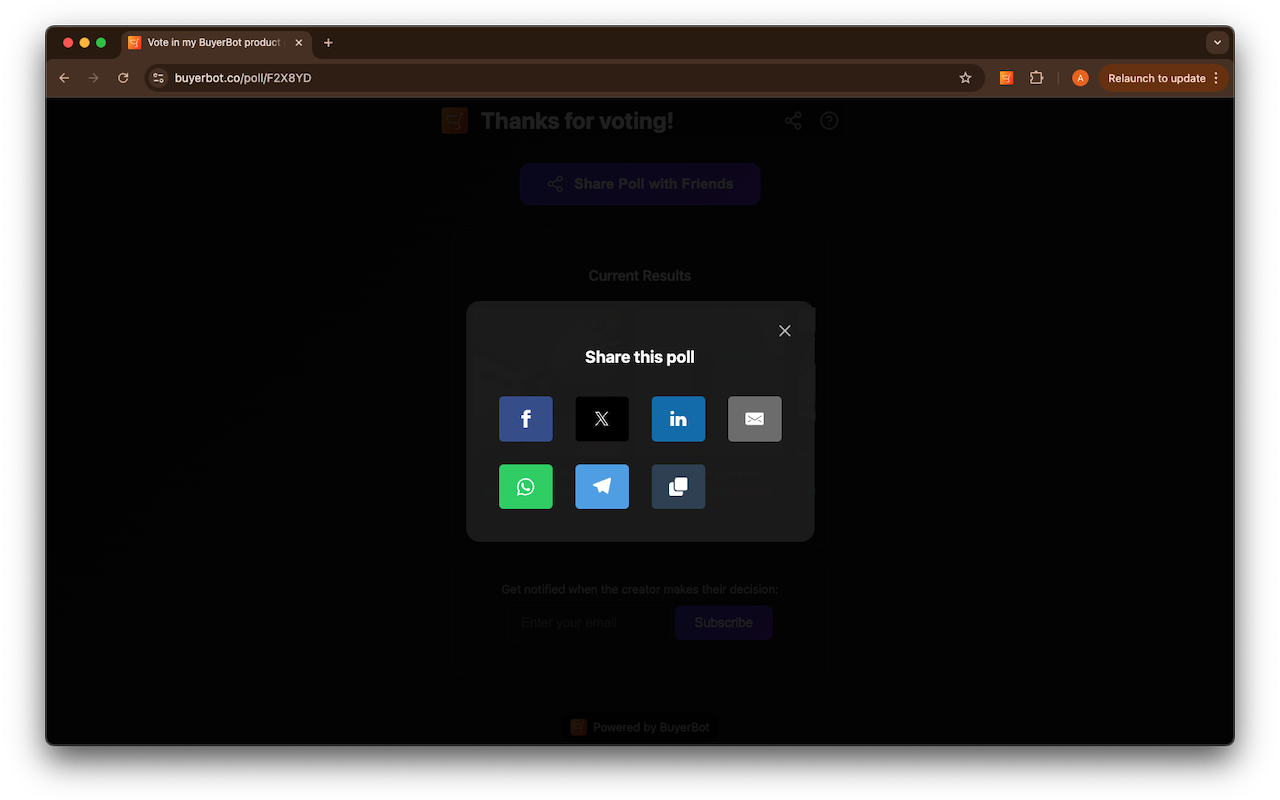
💥 Share polls easily with friends and family
💥 Get instant feedback on your shopping choices
💥 Track voting results in real-time
💥 Organize products by category or occasion
Perfect For:
⚡️ Shopping for big purchases
⚡️ Gift selection
⚡️ Fashion choices
⚡️ Home decor decisions
⚡️ Tech gadget comparisons
⚡️ Group buying decisions
How It Works:
🌟 Browse any online store and add products to your list
🌟 Create a swipe poll in seconds
🌟 Share your poll link with friends
🌟 Watch as votes help you make the perfect choice!
Why BuyerBot?
✓ Universal Compatibility - Works with all major shopping sites
✓ Quick Setup - Install and start creating polls in 48 seconds
✓ User-Friendly Interface - Simple, intuitive design
✓ Zero Ads - Clean, distraction-free experience
Never make a shopping decision alone again! Install BuyerBot and turn shopping into a social experience.
BuyerBot Social Shopping Polls 是做什么的
BuyerBot Social Shopping Polls 是一款面向 Edge 的购物比价类扩展,主要用来比价、查历史价格、自动套用优惠券、返现。官方对它的介绍是:Create product polls for your shopping decisions在微软 Edge 加载项商店上,它当前版本 1.1。
适合什么人用
从功能定位看,BuyerBot Social Shopping Polls 更适合经常网购、想在下单前确认是否真便宜的用户。如果你平时只是偶尔遇到相关需求,用浏览器自带功能也能凑合;但如果这件事每天都发生,装一个专门处理它的扩展通常比手动操作省事得多。
怎么安装 BuyerBot Social Shopping Polls
- 打开微软 Edge 加载项商店上的官方页面;
- 点「添加到浏览器」并确认权限提示;
- 装好后在扩展列表里固定图标,方便随时开关。
本站只做索引与介绍,安装包来自官方商店。如果商店页面提示当前地区不可用,说明该扩展未在你所在区域上架。
常见问题
BuyerBot Social Shopping Polls 是免费的吗?
BuyerBot Social Shopping Polls 在微软 Edge 加载项商店免费提供下载。它是浏览器扩展,装上就能直接用,不需要注册账号。
BuyerBot Social Shopping Polls 安全吗?
它只申请了 0 项权限,范围比较克制,没有申请「读取所有网站数据」这种大权限。
BuyerBot Social Shopping Polls 支持哪些浏览器?
当前收录的版本来自微软 Edge 加载项商店,适用于 Edge。同一个扩展在其他商店可能有对应版本,但功能与版本号不一定相同。
怎么卸载 BuyerBot Social Shopping Polls?
在扩展管理页找到 BuyerBot Social Shopping Polls,点移除即可。它在本地保存的设置会一起清掉,不会残留数据。
权限清单 来自 manifest.json 原文
接口权限 2
activeTabstorage