
Brain Rest – Screen Time Tracker EN
Stevie658jjh · EEdge MV3
Track your screen time on every website and build healthier habits with focus mode, Pomodoro, daily limits, and site blocking.
<all_urls>),意味着它可以读取你在任意站点的页面内容,包括已登录的页面。这是许多扩展正常工作的必要条件,但也值得你确认来源可信。
截图


简介
Brain Rest helps you understand and take control of how much time you spend online. It tracks your screen time on every website, turns it into a clear daily dashboard, and gives you real tools to build healthier browsing habits.
★ SEE WHERE YOUR TIME GOES
• Automatic, accurate per‑website time tracking — only the active tab in the focused window is counted
• Smart idle detection pauses tracking after 60 seconds away or when your screen is locked, so idle time never inflates your stats
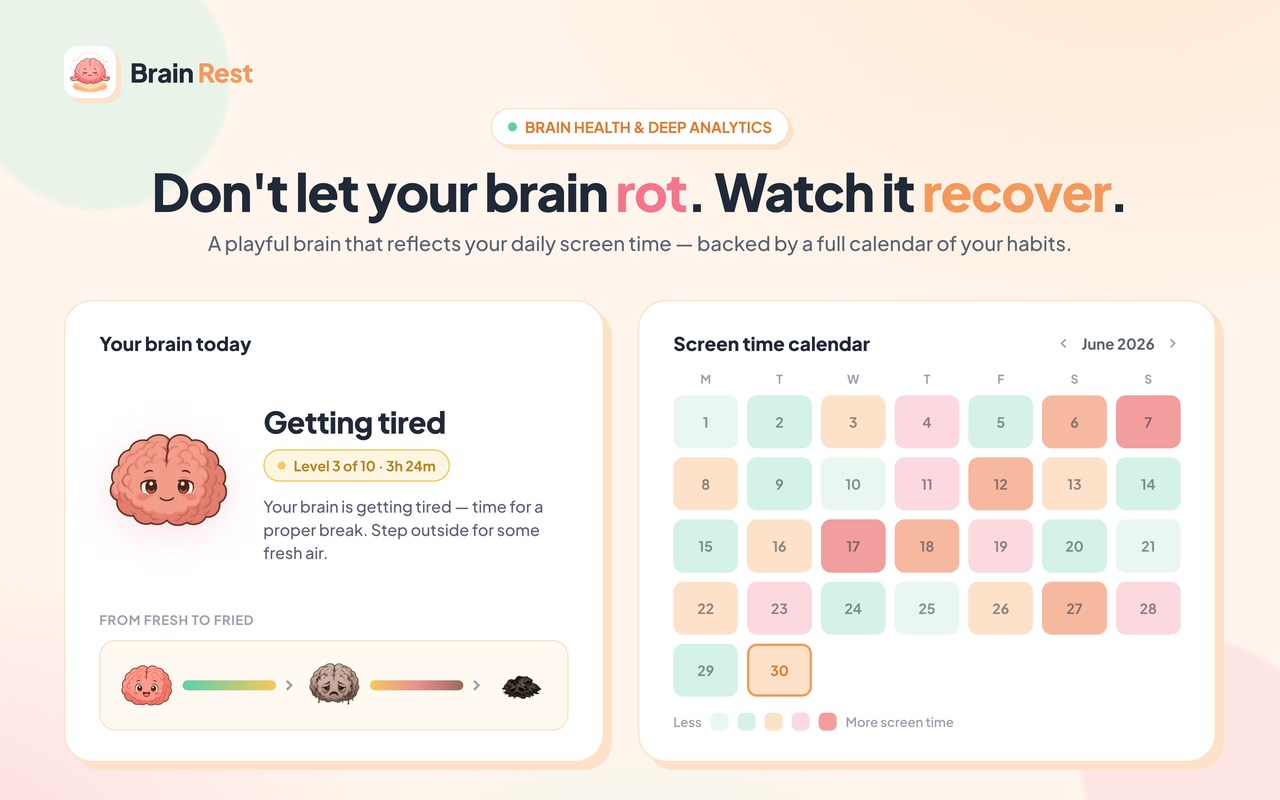
• A clean daily dashboard with per‑site breakdowns, plus trend and calendar analytics
★ BUILD HEALTHIER HABITS
• Playful "brain levels" (Fresh → Dead) that reflect how long you've been online, with friendly nudges to take a break
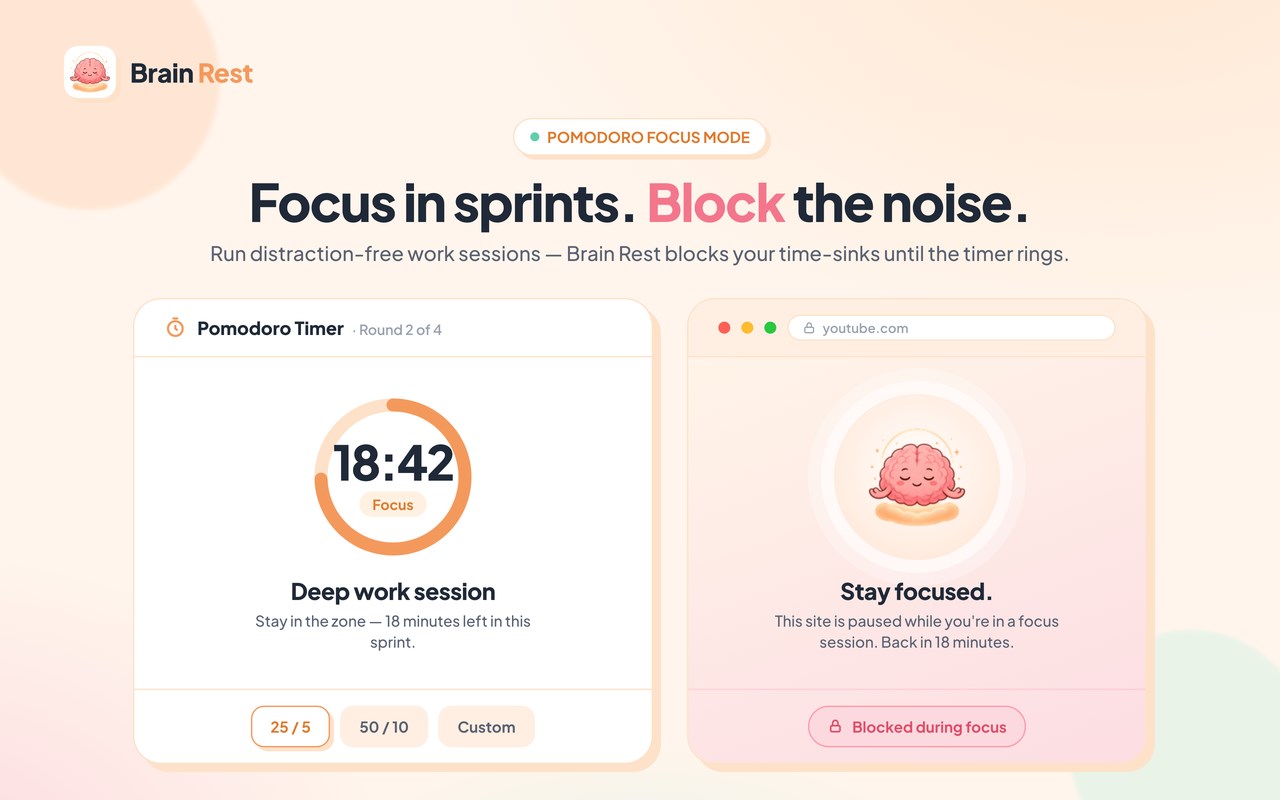
• Focus Mode — block distracting sites for a set time so you can get things done
• Pomodoro timer — work/break cycles that block distraction categories during focus sessions
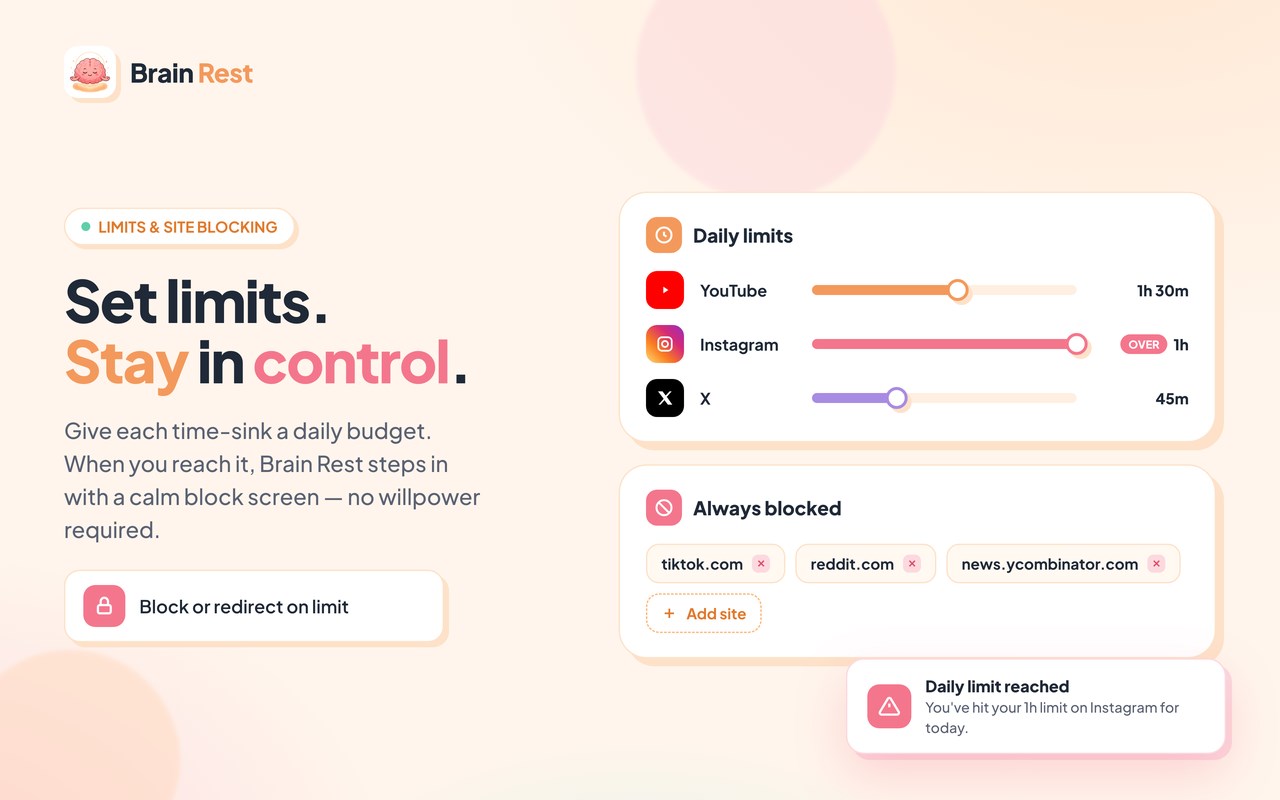
• Daily limits — set a time budget per day (or per site) and get warned, blocked, or redirected when you hit it
• Site blocking & Break Mode — step away from the sites that pull you in
★ YOUR DATA, ACROSS YOUR DEVICES
Brain Rest uses a free account so your stats and settings stay in sync across the devices where you're signed in. Detailed, session‑level data stays on your device; only day‑level summaries (per‑domain time per day) are synced to your private account. Your raw browsing history is never uploaded.
★ FREE & PRO
Brain Rest is free to use. Brain Rest Pro unlocks full history beyond 7 days, calendar analytics, block & redirect enforcement on daily limits, unlimited blocked sites and categories, and custom Pomodoro presets.
Payments are processed securely by Polar (our merchant of record). Manage or cancel anytime from the Polar customer portal.
★ PRIVACY FIRST
We never sell your data. We collect only what's needed to run the service: your email (for your account), your per‑domain daily screen‑time, and your settings. Optional, pseudonymous usage analytics help us improve the extension — they never include the websites you visit and can be turned off anytime in Settings. Read the full policy at https://brainrest.pro/privacy
Questions?
support@brainrest.pro
Brain Rest – Screen Time Tracker 是做什么的
Brain Rest – Screen Time Tracker 是一款面向 Edge 的效率工具类扩展,主要用来管住注意力、屏蔽干扰站点、记录时间。官方对它的介绍是:Track your screen time on every website and build healthier habits with focus mode, Pomodoro, daily limits, and site blocking.在微软 Edge 加载项商店上,它当前版本 1.0.3,约 14 名用户。
适合什么人用
从功能定位看,Brain Rest – Screen Time Tracker 更适合想专注工作学习、减少无效刷网页的用户。如果你平时只是偶尔遇到相关需求,用浏览器自带功能也能凑合;但如果这件事每天都发生,装一个专门处理它的扩展通常比手动操作省事得多。需要注意的是它作用于所有网站,装上后建议先观察一两天,确认不影响常用站点的正常使用。
怎么安装 Brain Rest – Screen Time Tracker
- 打开微软 Edge 加载项商店上的官方页面;
- 点「添加到浏览器」并确认权限提示;
- 装好后在扩展列表里固定图标,方便随时开关。
本站只做索引与介绍,安装包来自官方商店。如果商店页面提示当前地区不可用,说明该扩展未在你所在区域上架。
常见问题
Brain Rest – Screen Time Tracker 是免费的吗?
Brain Rest – Screen Time Tracker 在微软 Edge 加载项商店免费提供下载。它是浏览器扩展,装上就能直接用,不需要注册账号。
Brain Rest – Screen Time Tracker 安全吗?
它只申请了 0 项权限,范围比较克制,没有申请「读取所有网站数据」这种大权限。
Brain Rest – Screen Time Tracker 支持哪些浏览器?
当前收录的版本来自微软 Edge 加载项商店,适用于 Edge。同一个扩展在其他商店可能有对应版本,但功能与版本号不一定相同。
怎么卸载 Brain Rest – Screen Time Tracker?
在扩展管理页找到 Brain Rest – Screen Time Tracker,点移除即可。它在本地保存的设置会一起清掉,不会残留数据。
权限清单 来自 manifest.json 原文
站点访问(可选) 1
<all_urls>
接口权限 6
alarmsidentityidlestoragetabswebNavigation
接口权限(可选) 2
contextMenusnotifications