
BlurPage 网页与图片
blur page · EEdge MV3
网页及页面内图片/内容打码:模糊、马赛克,刷新可恢复,拖拽区域截图
<all_urls>),意味着它可以读取你在任意站点的页面内容,包括已登录的页面。这是许多扩展正常工作的必要条件,但也值得你确认来源可信。
截图
简介
BlurPage: Webpages & Images helps you redact sensitive information on live webpages—and images, avatars, and content on those pages—before you take screenshots, share your screen, or post online.
Official site: https://blurpage.online
WHO IT'S FOR
• Developers hiding API keys in bug report screenshots
• Support teams pixelating customer emails and PII before Slack or tickets
• Creators blurring personal info for safe social media posts
• Anyone preparing Zoom, Meet, or Loom demos on real dashboards
WHAT YOU CAN DO
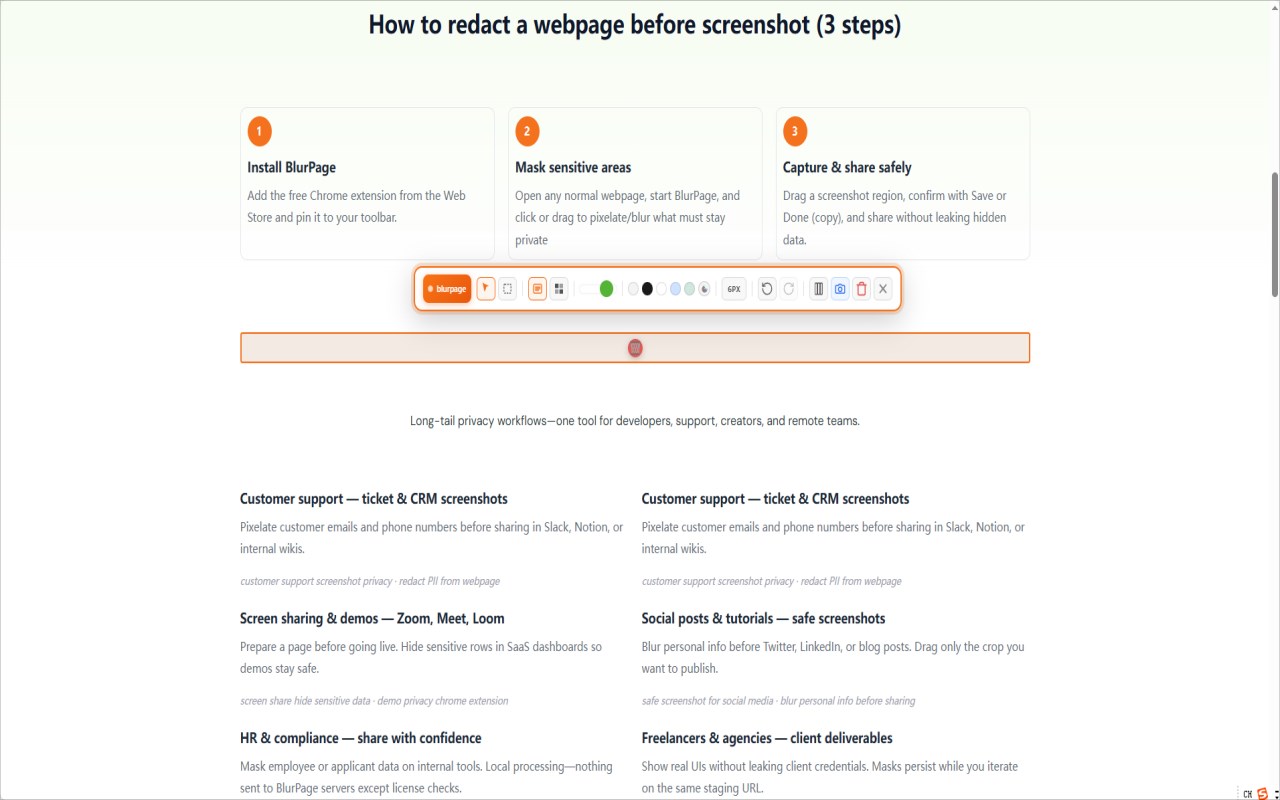
• Click any element to blur or pixelate it
• Drag a rectangle to mask mixed areas on support tickets and admin panels
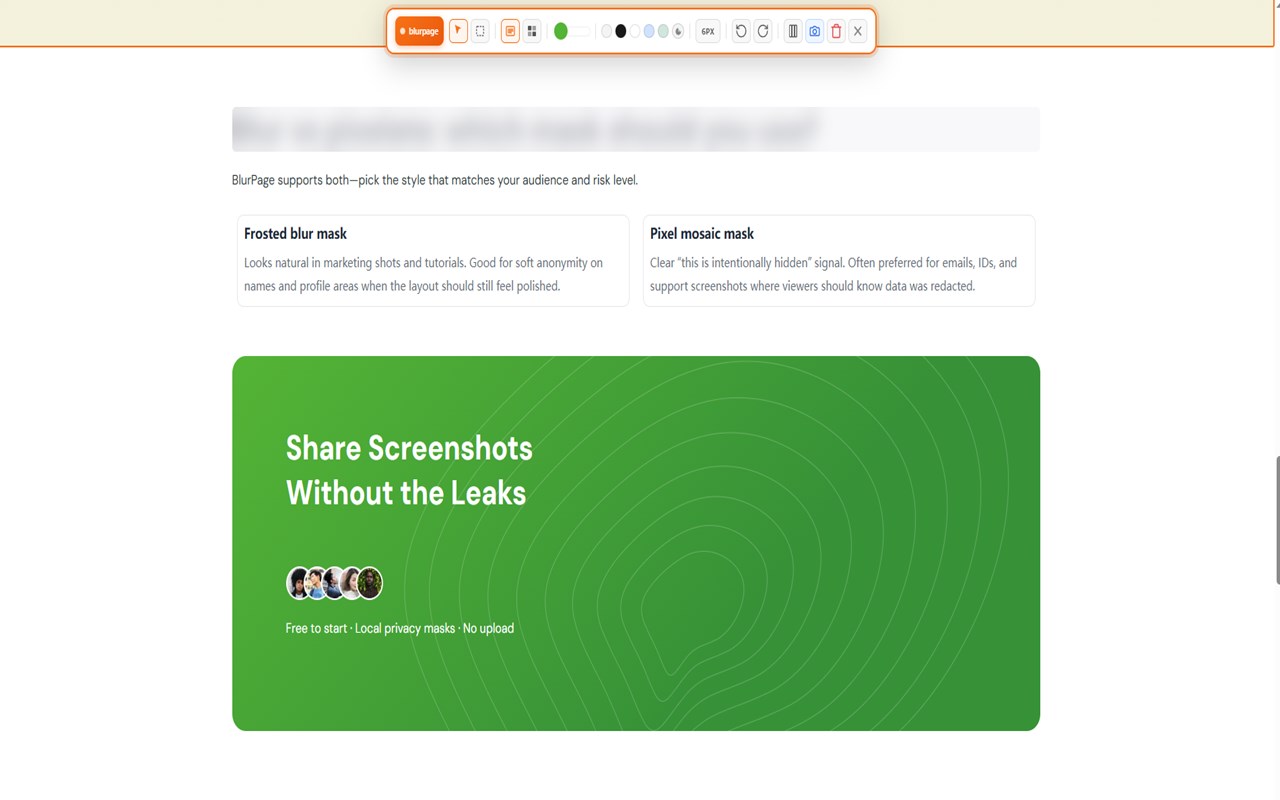
• Choose frosted blur or pixel mosaic; adjust color and intensity
• Masks persist after reload on the same URL
• Drag to capture a region—Save, Cancel, or copy to clipboard—with redactions baked in
PLANS
• Free: 3 click redactions + 1 area mask per page
• Pro (Professional / Startup): unlimited masks via license key from https://blurpage.online/shop/
PRIVACY
• Masking and screenshots run on your device
• We only contact blurpage.online when you activate or validate a Pro license key
• We do not upload your webpage content or screenshots to our servers
Support: support@blurpage.online
Privacy: https://blurpage.online/privacy-policy/
Terms: https://blurpage.online/terms-of-use/
BlurPage 网页与图片 是做什么的
BlurPage 网页与图片 是一款面向 Edge 的效率工具类扩展,主要用来管住注意力、屏蔽干扰站点、记录时间。官方对它的介绍是:网页及页面内图片/内容打码:模糊、马赛克,刷新可恢复,拖拽区域截图在微软 Edge 加载项商店上,它当前版本 2.2.0,约 19 名用户。
适合什么人用
从功能定位看,BlurPage 网页与图片 更适合想专注工作学习、减少无效刷网页的用户。如果你平时只是偶尔遇到相关需求,用浏览器自带功能也能凑合;但如果这件事每天都发生,装一个专门处理它的扩展通常比手动操作省事得多。需要注意的是它作用于所有网站,装上后建议先观察一两天,确认不影响常用站点的正常使用。
怎么安装 BlurPage 网页与图片
- 打开微软 Edge 加载项商店上的官方页面;
- 点「添加到浏览器」并确认权限提示;
- 装好后在扩展列表里固定图标,方便随时开关。
本站只做索引与介绍,安装包来自官方商店。如果商店页面提示当前地区不可用,说明该扩展未在你所在区域上架。
常见问题
BlurPage 网页与图片 是免费的吗?
BlurPage 网页与图片 在微软 Edge 加载项商店免费提供下载。它是浏览器扩展,装上就能直接用,不需要注册账号。
BlurPage 网页与图片 安全吗?
它只申请了 0 项权限,范围比较克制,没有申请「读取所有网站数据」这种大权限。
BlurPage 网页与图片 支持哪些浏览器?
当前收录的版本来自微软 Edge 加载项商店,适用于 Edge。同一个扩展在其他商店可能有对应版本,但功能与版本号不一定相同。
怎么卸载 BlurPage 网页与图片?
在扩展管理页找到 BlurPage 网页与图片,点移除即可。它在本地保存的设置会一起清掉,不会残留数据。
权限清单 来自 manifest.json 原文
站点访问(可选) 1
<all_urls>
接口权限 3
activeTabscriptingstorage