
Blockr – Free Website & Distraction Blocker EN
Omar Samir · EEdge MV3
Free website and distraction blocker to help you focus, study, work, and block distracting websites.
<all_urls>),意味着它可以读取你在任意站点的页面内容,包括已登录的页面。这是许多扩展正常工作的必要条件,但也值得你确认来源可信。
截图
简介
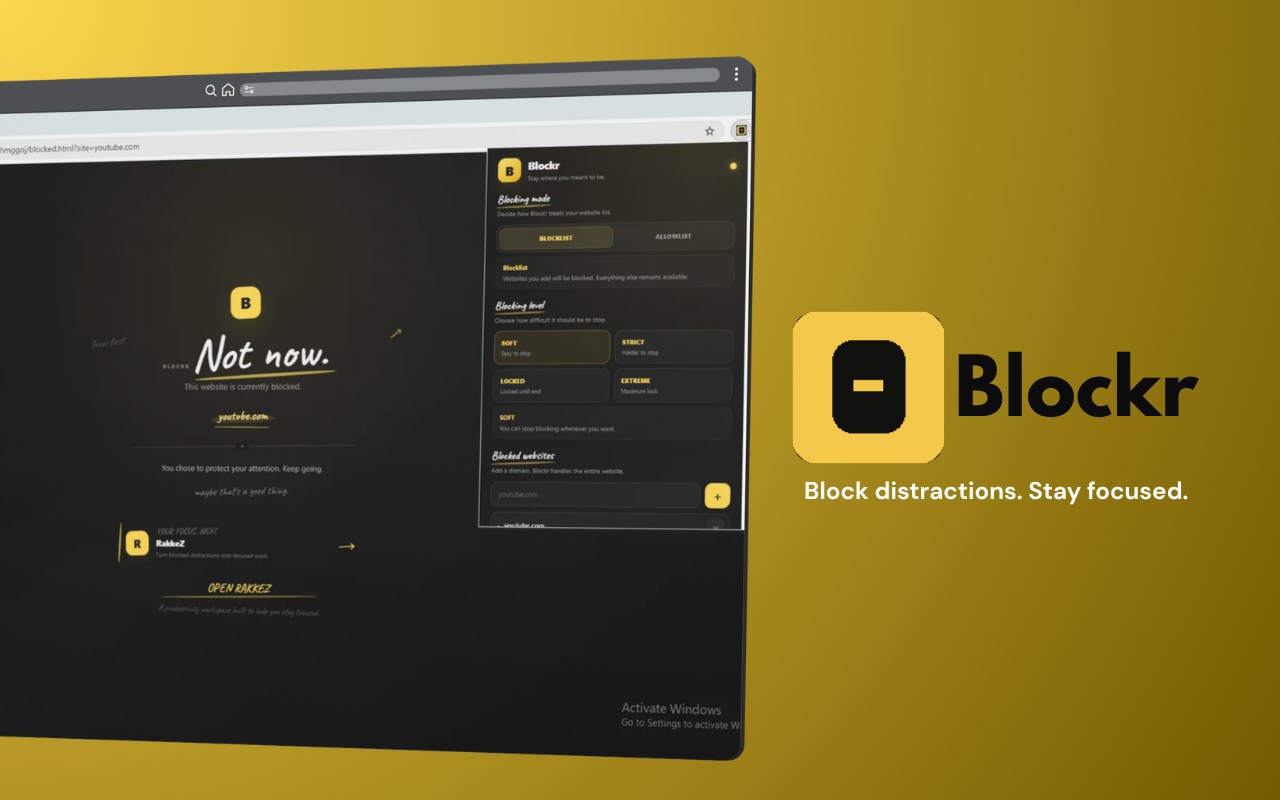
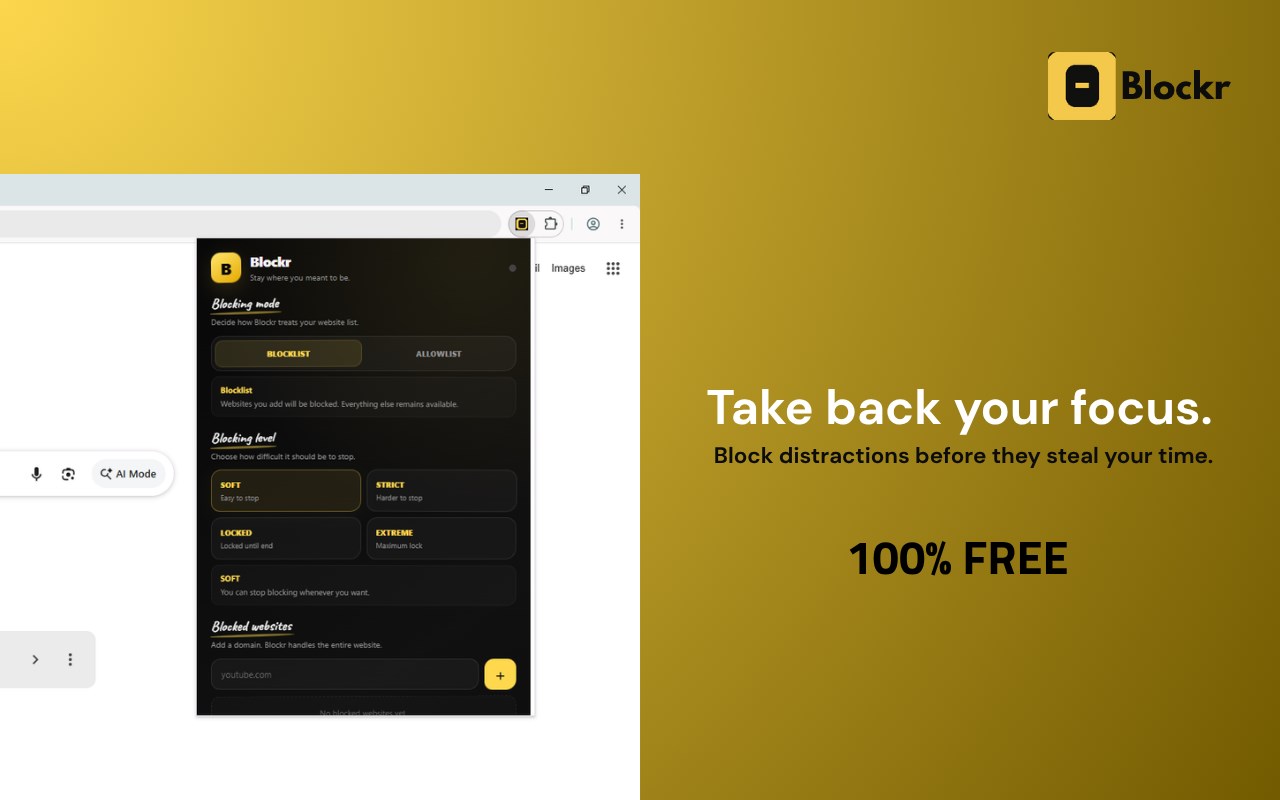
Blockr is a free website blocker and distraction blocker designed to help you stay focused, improve productivity, study without distractions, and take control of your time online.
Block distracting websites, social media, entertainment, gaming, video platforms, news websites, shopping sites, forums, and other time-wasting websites. Create a personalized block list and use timed website blocking sessions whenever you need to concentrate.
Whether you are a student preparing for exams, a professional working from home, a developer writing code, or simply trying to spend less time scrolling, Blockr helps create a cleaner and more focused browsing experience.
WEBSITE BLOCKER
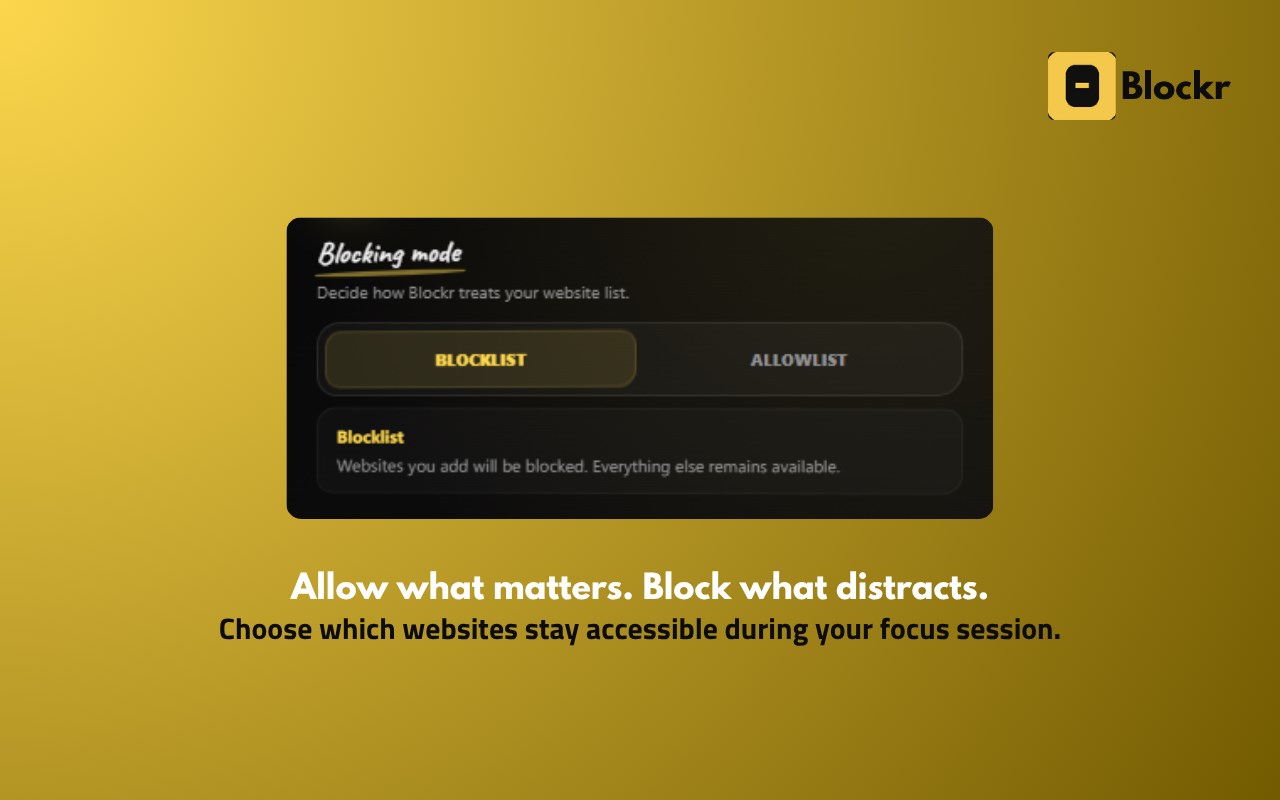
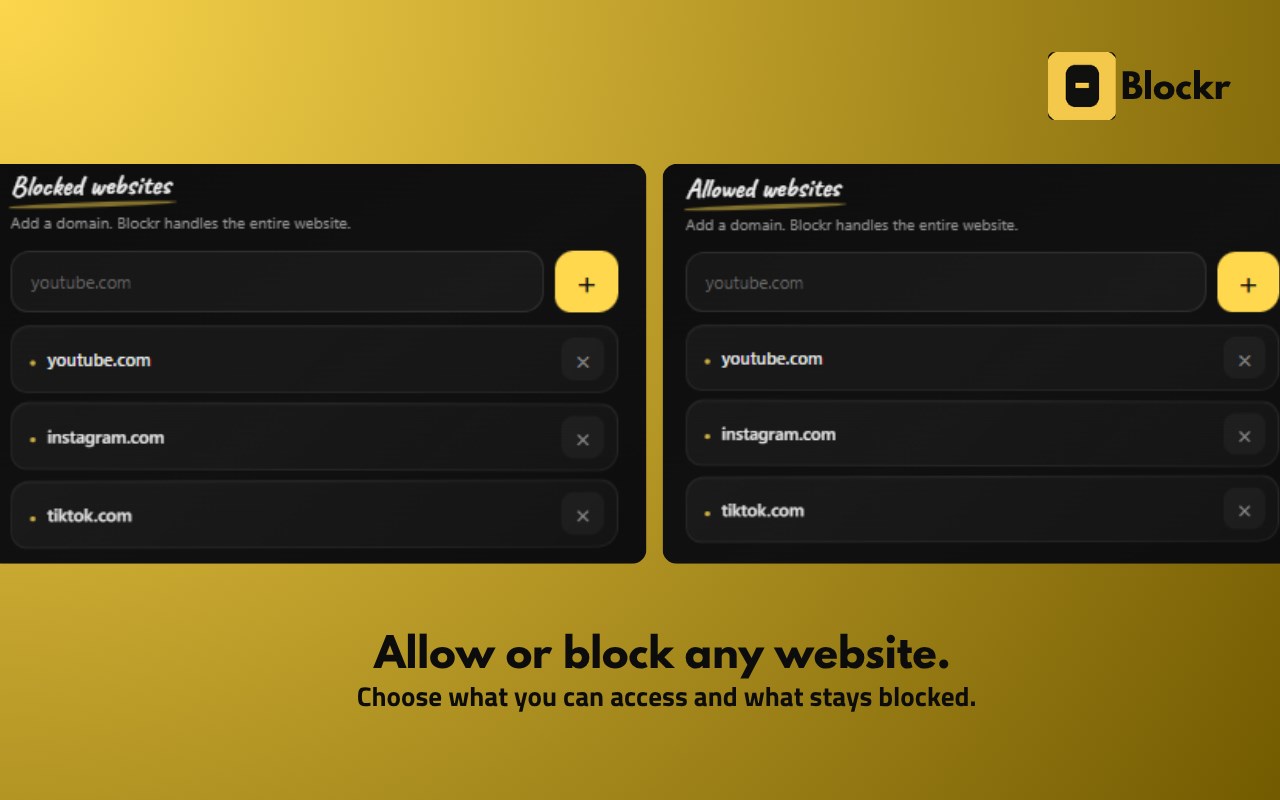
Block websites that interrupt your focus and waste your time. Add any distracting website to your block list and prevent access during your focus sessions.
Use Blockr as a:
• Free website blocker
• Website blocking extension
• Site blocker
• Distraction blocker
• Free distraction blocker
• Social media blocker
• Productivity blocker
• Focus tool
• Productivity extension
• Study productivity tool
• Digital distraction blocker
• Time-wasting website blocker
FOCUS AND PRODUCTIVITY
Stay focused while working, studying, reading, researching, coding, writing, or completing important tasks.
Blockr helps reduce common online distractions such as endless scrolling, social media feeds, entertainment websites, gaming, videos, news, shopping, and random browsing.
Use it for deep work, focused work sessions, productivity sessions, online learning, homework, exam preparation, research, programming, and everyday tasks.
STUDY WITHOUT DISTRACTIONS
Blockr is a free productivity tool for students who want a more focused study environment.
Use website blocking during:
• Studying
• Homework
• Exam preparation
• Online classes
• Online courses
• Research
• Reading
• Revision
• Test preparation
• Learning
Block social media, entertainment, gaming, videos, and other distracting websites while you study so you can spend more time learning and less time browsing.
WORK AND DEEP FOCUS
Use Blockr while working from home, working remotely, programming, coding, writing, designing, researching, managing projects, or completing important work.
Create a distraction-free workspace by blocking the websites that usually break your concentration.
SOCIAL MEDIA BLOCKER
Social media can make it easy to lose track of time. Blockr lets you block distracting social media websites when you need to focus.
Reduce distractions from social networks, short-form content, feeds, notifications, videos, and endless scrolling.
Use Blockr when you want to focus instead of checking social media.
ENTERTAINMENT AND GAMING BLOCKER
Block entertainment and gaming websites during work or study sessions.
Reduce distractions from:
• Gaming websites
• Video platforms
• Streaming websites
• Entertainment websites
• News websites
• Meme websites
• Forums
• Shopping websites
• Other websites that waste your time
TIMED WEBSITE BLOCKING
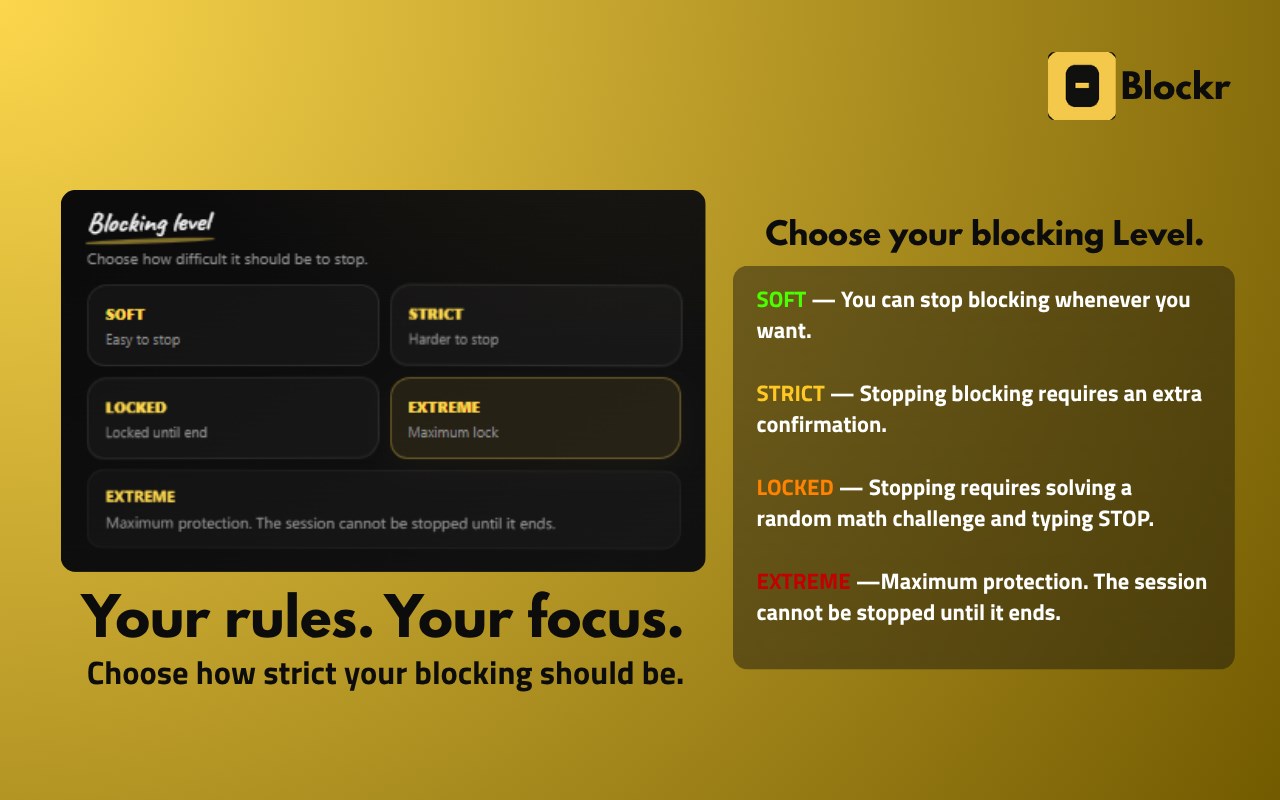
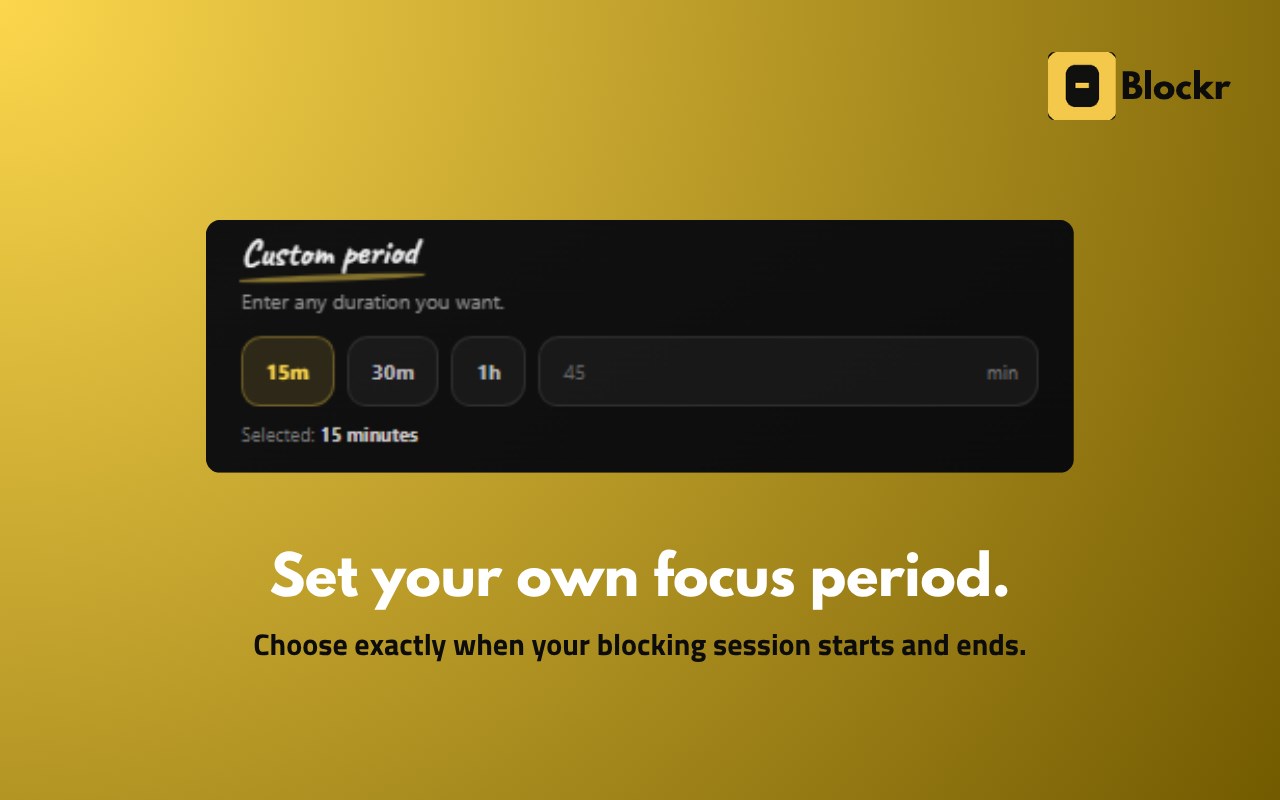
Blockr includes timed blocking modes that let you focus for a specific period of time.
Start a blocking session, focus on your task, and let Blockr help keep distracting websites out of the way.
Timed blocking can be useful for Pomodoro-style workflows, study sessions, work sessions, deep work, reading, coding, and focused productivity.
FOCUS TIMER AND PRODUCTIVITY
Combine website blocking with focused work sessions and productivity routines.
Block distractions while you work through a focus session instead of relying entirely on willpower.
Blockr can be used alongside Pomodoro-style productivity, time management, study routines, deep work sessions, and other focus techniques.
FOR STUDENTS
A free website blocker for students who want to study with fewer online distractions.
Block distracting websites during study time and create a browser environment designed for concentration and learning.
FOR DEVELOPERS AND PROGRAMMERS
Stay focused while coding, debugging, building websites, learning programming, working on software projects, or researching technical problems.
Block websites that interrupt your development workflow and create dedicated coding and deep-work sessions.
FOR PROFESSIONALS
Improve concentration during office work, remote work, freelancing, writing, research, meetings, planning, and important projects.
Block distracting websites during working hours and create a more productive browsing environment.
FOR EVERYDAY PRODUCTIVITY
You do not have to be a student or professional to use Blockr.
Use it whenever you want to:
• Stop wasting time online
• Reduce digital distractions
• Stay focused
• Improve concentration
• Work more efficiently
• Study more effectively
• Spend less time scrolling
• Avoid distracting websites
• Create better browsing habits
• Protect your focus time
• Get more important tasks done
SIMPLE AND EASY TO USE
Blockr is designed to be simple and straightforward.
Choose the websites you want to block, start a timed blocking session, and focus on what matters.
No complicated productivity system is required.
FREE WEBSITE BLOCKER
Blockr is 100% free to use.
No subscription is required to use the core website blocking experience. Block distractions, create focus sessions, and improve your productivity without paying for another monthly productivity service.
PRIVACY
Blockr is designed with a focus on privacy and a simple browsing experience.
We believe a productivity extension should not make your browsing experience more complicated than necessary.
Always check the extension's current privacy practices and permissions in the Edge Add-ons listing before installing.
WHO IS BLOCKR FOR?
Blockr is useful for students, teachers, developers, programmers, designers, writers, researchers, professionals, remote workers, freelancers, creators, entrepreneurs, gamers who want to control gaming time, and anyone who wants to reduce online distractions.
USE BLOCKR TO BLOCK
Website distractions…
Blockr – Free Website & Distraction Blocker 是做什么的
Blockr – Free Website & Distraction Blocker 是一款面向 Edge 的效率工具类扩展,主要用来管住注意力、屏蔽干扰站点、记录时间。官方对它的介绍是:Free website and distraction blocker to help you focus, study, work, and block distracting websites.在微软 Edge 加载项商店上,它当前版本 1.0.4,评分 5(2 人评价),约 16 名用户。
适合什么人用
从功能定位看,Blockr – Free Website & Distraction Blocker 更适合想专注工作学习、减少无效刷网页的用户。如果你平时只是偶尔遇到相关需求,用浏览器自带功能也能凑合;但如果这件事每天都发生,装一个专门处理它的扩展通常比手动操作省事得多。需要注意的是它作用于所有网站,装上后建议先观察一两天,确认不影响常用站点的正常使用。
怎么安装 Blockr – Free Website & Distraction Blocker
- 打开微软 Edge 加载项商店上的官方页面;
- 点「添加到浏览器」并确认权限提示;
- 装好后在扩展列表里固定图标,方便随时开关。
本站只做索引与介绍,安装包来自官方商店。如果商店页面提示当前地区不可用,说明该扩展未在你所在区域上架。
常见问题
Blockr – Free Website & Distraction Blocker 是免费的吗?
Blockr – Free Website & Distraction Blocker 在微软 Edge 加载项商店免费提供下载。它是浏览器扩展,装上就能直接用,不需要注册账号。
Blockr – Free Website & Distraction Blocker 安全吗?
它只申请了 0 项权限,范围比较克制,没有申请「读取所有网站数据」这种大权限。
Blockr – Free Website & Distraction Blocker 支持哪些浏览器?
当前收录的版本来自微软 Edge 加载项商店,适用于 Edge。同一个扩展在其他商店可能有对应版本,但功能与版本号不一定相同。
怎么卸载 Blockr – Free Website & Distraction Blocker?
在扩展管理页找到 Blockr – Free Website & Distraction Blocker,点移除即可。它在本地保存的设置会一起清掉,不会残留数据。
权限清单 来自 manifest.json 原文
站点访问(可选) 1
<all_urls>
接口权限 5
alarmsdeclarativeNetRequestdeclarativeNetRequestWithHostAccessstoragetabs