
BlockMe MotherFocus: Website Blocker & Habit Tracker EN
Aperca LLC · EEdge MV3
Block distracting sites, track browsing time, and stay focused with a private, lightweight blocker.
<all_urls>),意味着它可以读取你在任意站点的页面内容,包括已登录的页面。这是许多扩展正常工作的必要条件,但也值得你确认来源可信。
截图
简介
Stop scrolling. Start shipping.
BlockMe MotherFocus is the only Edge extension that combines powerful site blocking, honest web-time analytics, smart habit insights, and a built-in Pomodoro timer — all without sending a single byte to a server.
━━━━━━━━━━━━━━━━━━━━━━━━━━━━
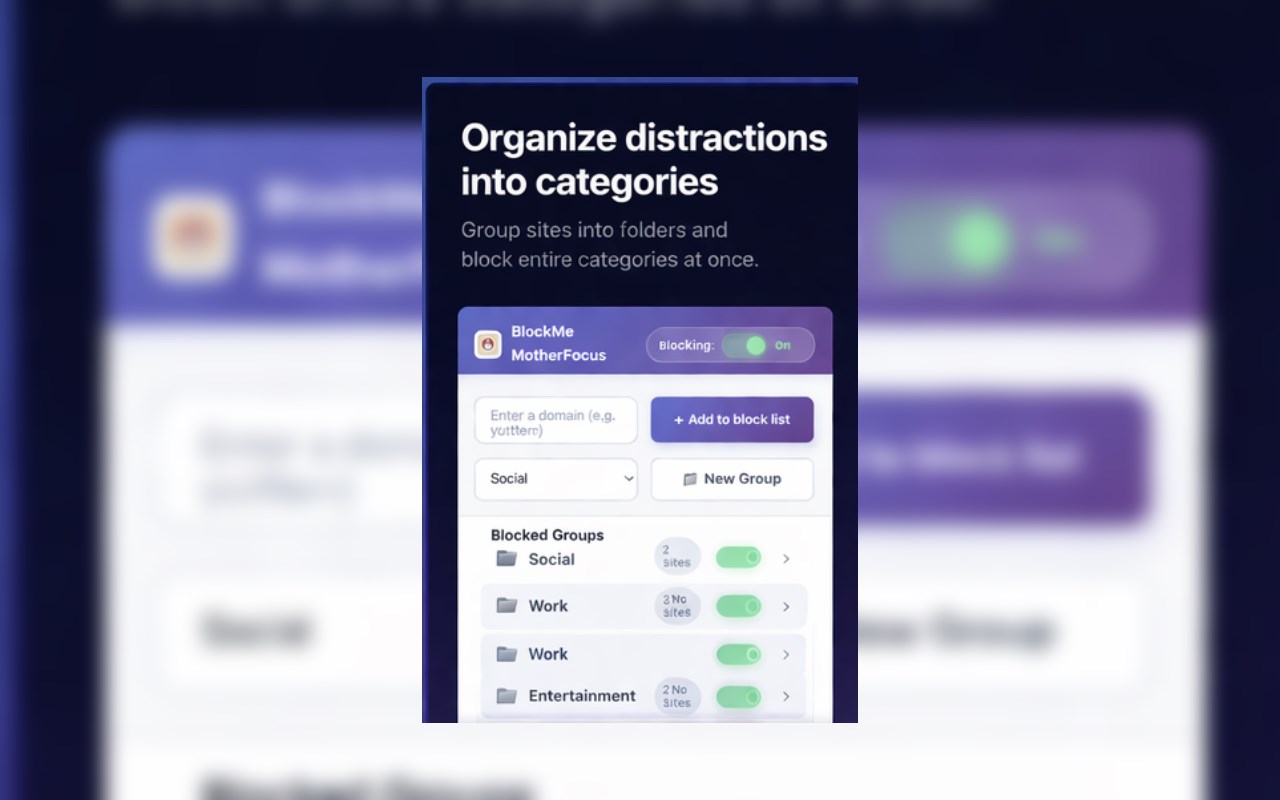
🚫 SITE BLOCKING — BUILT FOR REAL WORK
━━━━━━━━━━━━━━━━━━━━━━━━━━━━
• One-click toggle — enable or kill blocking directly from the popup header
• Block Current Site instantly with a single tap
• Organize sites into named groups — flip a whole group on/off at once
• Drag & drop sites between groups to reorganize in seconds
• Live search/filter across your entire block list
• Strict mode: block exact domains only, keep subdomains accessible
• Whitelist: protect trusted domains from ever being blocked
• Uses Edge's declarativeNetRequest API — blocking is instant and battery-friendly
━━━━━━━━━━━━━━━━━━━━━━━━━━━━
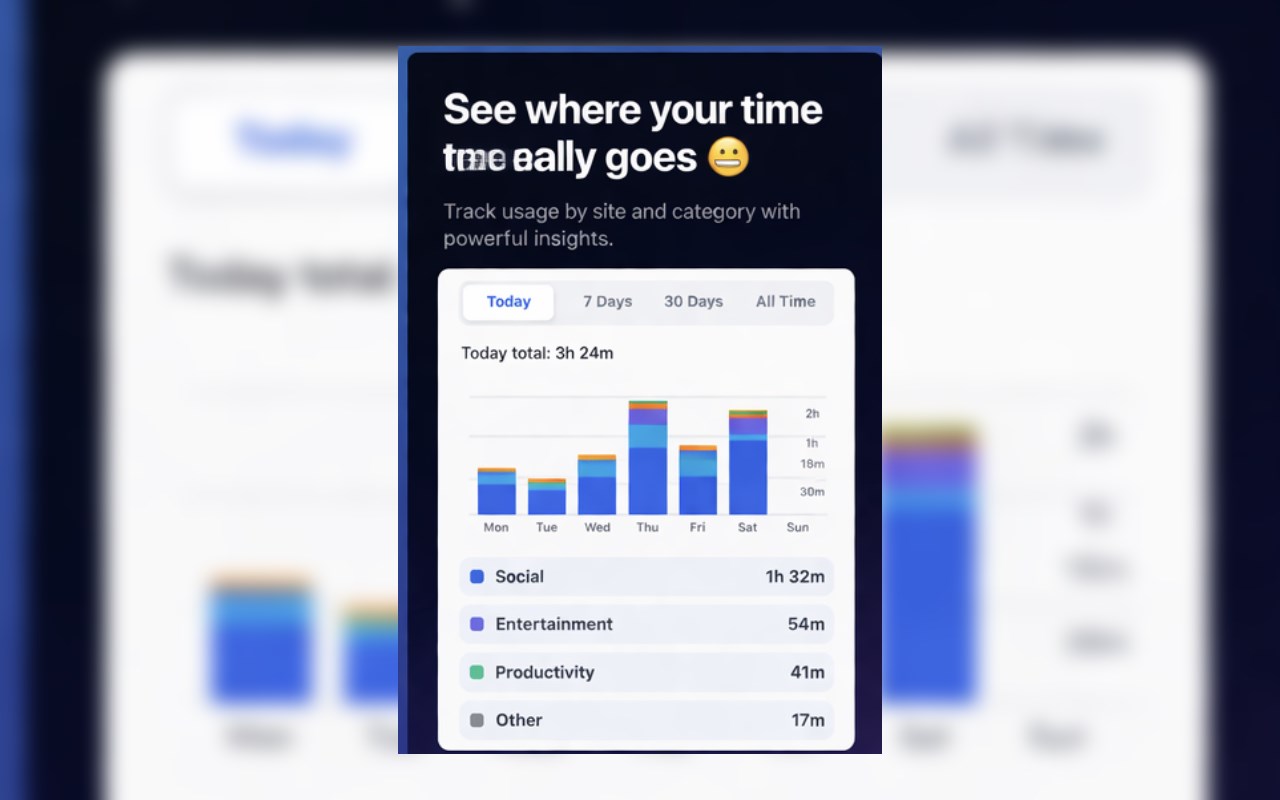
📊 WEB-TIME TRACKER — KNOW WHERE YOUR TIME ACTUALLY GOES
━━━━━━━━━━━━━━━━━━━━━━━━━━━━
Tracking runs even when blocking is off — because awareness is the first step.
• Today / Last 7 Days / Last 30 Days / All Time views
• Interactive bar & line charts with a live legend
• Top sites list: hours spent + % of your total browsing time
• Auto-categorized into 17 categories: Productivity, Development, AI, Social, Entertainment, Gaming, Shopping, Finance, Education, Design, Cloud, Communication, News, Health, Travel, Forums, and Other
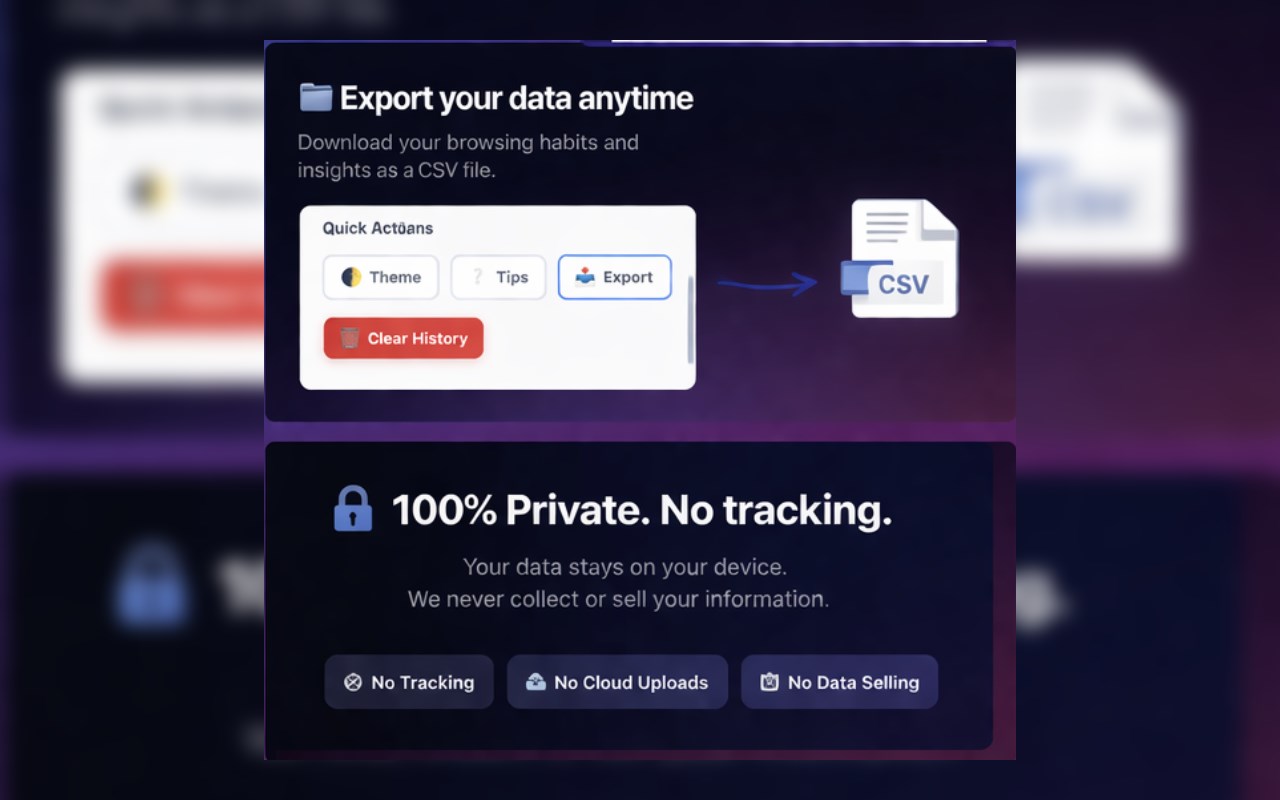
• CSV export — full domain × date spreadsheet with category subtotals
• Data repair tool — caps inflated totals so your stats stay accurate
• 90-day history, stored only on your device. Clear it anytime.
━━━━━━━━━━━━━━━━━━━━━━━━━━━━
💡 SMART INSIGHTS — PERSONALIZED, ZERO SETUP
━━━━━━━━━━━━━━━━━━━━━━━━━━━━
BlockMe surfaces nudges automatically based on your actual behavior:
• Distracting-site warnings when patterns emerge
• Productivity streak recognition
• Focus session encouragement
• Usage anomaly alerts when something's off
• Dismiss any card; it won't reappear for 30 days
━━━━━━━━━━━━━━━━━━━━━━━━━━━━
🍅 POMODORO FOCUS TIMER — BUILT IN, NOT BOLTED ON
━━━━━━━━━━━━━━━━━━━━━━━━━━━━
• Configurable Focus (25 min), Short Break (5 min), and Long Break (15 min)
• Live countdown with color-coded session phase
• Progress dots track your completed sessions per cycle
• Auto-start breaks when your focus session ends
• Auto-enables blocking when a session starts — and restores your prior state when it ends
• Timer survives browser restarts and service-worker sleep (persisted + alarm-backed)
━━━━━━━━━━━━━━━━━━━━━━━━━━━━
🔐 PRIVACY-FIRST. ALWAYS.
━━━━━━━━━━━━━━━━━━━━━━━━━━━━
• Zero data collection — no servers, no telemetry, no accounts required
• Everything lives in your local browser storage (10 MB quota)
• CSV export goes straight to your Downloads folder — never uploaded
• Import/export uses strict schema validation — no silent data corruption
• No ads. No upsells. No subscriptions.
━━━━━━━━━━━━━━━━━━━━━━━━━━━━
⚙️ MORE POWER FEATURES
━━━━━━━━━━━━━━━━━━━━━━━━━━━━
• Dark / Light mode
• Keyboard shortcut: ⌘+Shift+B (Mac) / Ctrl+Shift+B (Windows/Linux) — toggle blocking without opening the popup
• Import / Export full settings & usage data as a JSON backup
• Storage quota monitor — warns at 80%, alerts at 95% with auto-pruning
• Interactive onboarding tour (re-launchable anytime from Settings)
━━━━━━━━━━━━━━━━━━━━━━━━━━━━
🏆 WHY BLOCKME MOTHERFOCUS BEATS THE REST
━━━━━━━━━━━━━━━━━━━━━━━━━━━━
Most blockers just block. Most time trackers just track. BlockMe MotherFocus does both — and connects them. When a Pomodoro session starts, blocking turns on automatically. When time tracking shows you're leaking hours on a site, you can block it in one click. The insight loop is built in.
No other free extension in this category combines all five: blocking + groups + time tracking + Pomodoro + smart insights — with full privacy.
━━━━━━━━━━━━━━━━━━━━━━━━━━━━
PERMISSIONS — AND WHY WE NEED THEM
━━━━━━━━━━━━━━━━━━━━━━━━━━━━
storage — Save your block lists, stats, and preferences locally
tabs — Detect the active tab for time tracking and blocking
declarativeNetRequest — Fast, rule-based site blocking (MV3 standard)
idle — Pause time tracking when you step away
alarms — Keep the Pomodoro timer alive during service-worker sleep
host permissions () — Required to block any site you choose
No scripting. No history. No webNavigation. No reading your page content.
━━━━━━━━━━━━━━━━━━━━━━━━━━━━
Support: https://apercallc.com
BlockMe MotherFocus: Website Blocker & Habit Tracker 是做什么的
BlockMe MotherFocus: Website Blocker & Habit Tracker 是一款面向 Edge 的效率工具类扩展,主要用来管住注意力、屏蔽干扰站点、记录时间。官方对它的介绍是:Block distracting sites, track browsing time, and stay focused with a private, lightweight blocker.在微软 Edge 加载项商店上,它当前版本 1.11.20,约 8 名用户。
适合什么人用
从功能定位看,BlockMe MotherFocus: Website Blocker & Habit Tracker 更适合想专注工作学习、减少无效刷网页的用户。如果你平时只是偶尔遇到相关需求,用浏览器自带功能也能凑合;但如果这件事每天都发生,装一个专门处理它的扩展通常比手动操作省事得多。需要注意的是它作用于所有网站,装上后建议先观察一两天,确认不影响常用站点的正常使用。
怎么安装 BlockMe MotherFocus: Website Blocker & Habit Tracker
- 打开微软 Edge 加载项商店上的官方页面;
- 点「添加到浏览器」并确认权限提示;
- 装好后在扩展列表里固定图标,方便随时开关。
本站只做索引与介绍,安装包来自官方商店。如果商店页面提示当前地区不可用,说明该扩展未在你所在区域上架。
常见问题
BlockMe MotherFocus: Website Blocker & Habit Tracker 是免费的吗?
BlockMe MotherFocus: Website Blocker & Habit Tracker 在微软 Edge 加载项商店免费提供下载。它是浏览器扩展,装上就能直接用,不需要注册账号。
BlockMe MotherFocus: Website Blocker & Habit Tracker 安全吗?
它只申请了 0 项权限,范围比较克制,没有申请「读取所有网站数据」这种大权限。
BlockMe MotherFocus: Website Blocker & Habit Tracker 支持哪些浏览器?
当前收录的版本来自微软 Edge 加载项商店,适用于 Edge。同一个扩展在其他商店可能有对应版本,但功能与版本号不一定相同。
怎么卸载 BlockMe MotherFocus: Website Blocker & Habit Tracker?
在扩展管理页找到 BlockMe MotherFocus: Website Blocker & Habit Tracker,点移除即可。它在本地保存的设置会一起清掉,不会残留数据。
权限清单 来自 manifest.json 原文
站点访问(可选) 1
<all_urls>
接口权限 5
alarmsdeclarativeNetRequestidlestoragetabs