Bitwarden Password Manager
Bitwarden Inc · Edge MV3
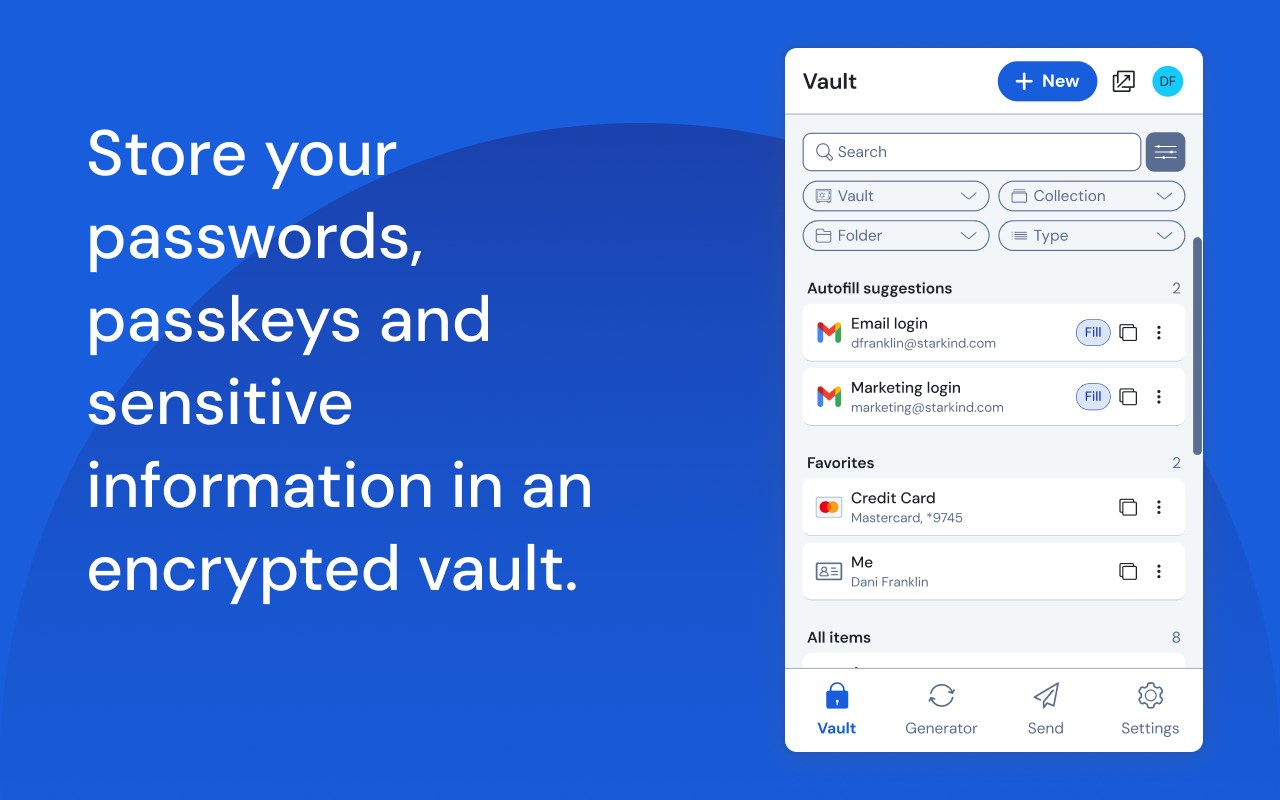
无论是在家中、工作中还是在旅途中,Bitwarden 都可以轻松地保护您的所有密码、通行密钥和敏感信息。
<all_urls>),意味着它可以读取你在任意站点的页面内容,包括已登录的页面。这是许多扩展正常工作的必要条件,但也值得你确认来源可信。
截图


简介
Recognized as the best password manager by PCMag, WIRED, The Verge, CNET, G2, and more!
SECURE YOUR DIGITAL LIFE
Secure your digital life and protect against data breaches by generating and saving unique, strong passwords for every account. Maintain everything in an end-to-end encrypted password vault that only you can access.
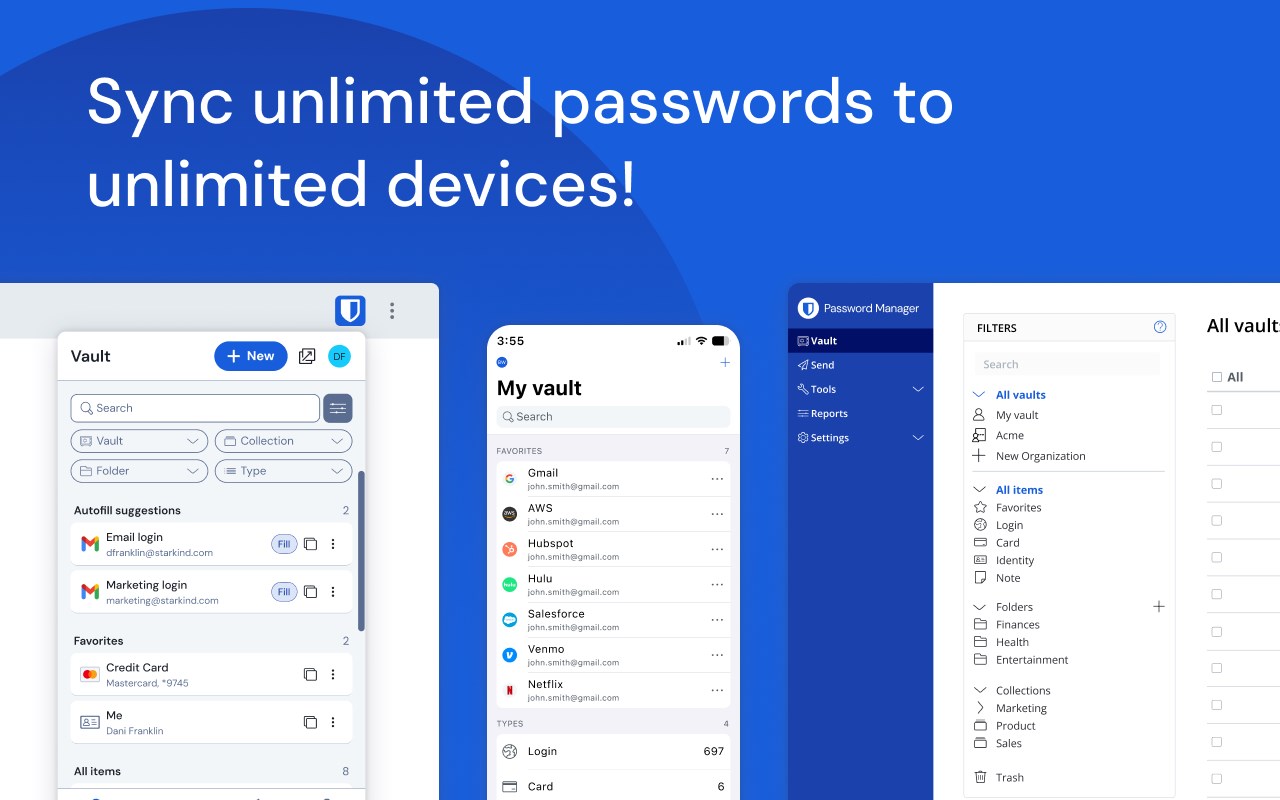
ACCESS YOUR DATA, ANYWHERE, ANYTIME, ON ANY DEVICE
Easily manage, store, secure, and share unlimited passwords across unlimited devices without restrictions.
EVERYONE SHOULD HAVE THE TOOLS TO STAY SAFE ONLINE
Utilize Bitwarden for free with no ads or selling data. Bitwarden believes everyone should have the ability to stay safe online. Premium plans offer access to advanced features.
EMPOWER YOUR TEAMS WITH BITWARDEN
Plans for Teams and Enterprise come with professional business features. Some examples include SSO integration, self-hosting, directory integration and SCIM provisioning, global policies, API access, event logs, and more.
Use Bitwarden to secure your workforce and share sensitive information with colleagues.
More reasons to choose Bitwarden:
World-Class Encryption
Passwords are protected with advanced end-to-end encryption (AES-256 bit, salted hashing, and PBKDF2 SHA-256) so your data stays secure and private.
3rd-party Audits
Bitwarden regularly conducts comprehensive third-party security audits with notable security firms. These annual audits include source code assessments and penetration testing across Bitwarden IPs, servers, and web applications.
Advanced 2FA
Secure your login with a third-party authenticator, emailed codes, or FIDO2 WebAuthn credentials such as a hardware security key or passkey.
Bitwarden Send
Transmit data directly to others while maintaining end-to-end encrypted security and limiting exposure.
Built-in Generator
Create long, complex, and distinct passwords and unique usernames for every site you visit. Integrate with email alias providers for additional privacy.
Global Translations
Bitwarden translations exist for more than 50 languages.
Cross-Platform Applications
Secure and share sensitive data within your Bitwarden Vault from any browser, mobile device, or desktop OS, and more.
Bitwarden secures more than just passwords
End-to-end encrypted credential management solutions from Bitwarden empower organizations to secure everything, including developer secrets and passkey experiences. Visit Bitwarden.com to learn more about Bitwarden Secrets Manager and Bitwarden Passwordless.dev!
Bitwarden Password Manager 是做什么的
Bitwarden Password Manager 是一款面向 Edge 的效率工具类扩展,主要用来管住注意力、屏蔽干扰站点、记录时间。官方对它的介绍是:无论是在家中、工作中还是在旅途中,Bitwarden 都可以轻松地保护您的所有密码、通行密钥和敏感信息。在微软 Edge 加载项商店上,它当前版本 2026.10.2,评分 4.1(1473 人评价),约 3,119,057 名用户。
适合什么人用
从功能定位看,Bitwarden Password Manager 更适合想专注工作学习、减少无效刷网页的用户。如果你平时只是偶尔遇到相关需求,用浏览器自带功能也能凑合;但如果这件事每天都发生,装一个专门处理它的扩展通常比手动操作省事得多。需要注意的是它作用于所有网站,装上后建议先观察一两天,确认不影响常用站点的正常使用。
怎么安装 Bitwarden Password Manager
- 打开微软 Edge 加载项商店上的官方页面;
- 点「添加到浏览器」并确认权限提示;
- 装好后在扩展列表里固定图标,方便随时开关。
本站只做索引与介绍,安装包来自官方商店。如果商店页面提示当前地区不可用,说明该扩展未在你所在区域上架。
常见问题
Bitwarden Password Manager 是免费的吗?
Bitwarden Password Manager 在微软 Edge 加载项商店免费提供下载。它是浏览器扩展,装上就能直接用,不需要注册账号。
Bitwarden Password Manager 安全吗?
它只申请了 0 项权限,范围比较克制,没有申请「读取所有网站数据」这种大权限。
Bitwarden Password Manager 支持哪些浏览器?
当前收录的版本来自微软 Edge 加载项商店,适用于 Edge。同一个扩展在其他商店可能有对应版本,但功能与版本号不一定相同。
怎么卸载 Bitwarden Password Manager?
在扩展管理页找到 Bitwarden Password Manager,点移除即可。它在本地保存的设置会一起清掉,不会残留数据。
权限清单 来自 manifest.json 原文
站点访问(可选) 2
http://*/*https://*/*
接口权限 16
activeTabalarmsclipboardReadclipboardWritecontextMenusidlenotificationsoffscreenscriptingsidePanelstoragetabsunlimitedStoragewebNavigationwebRequestwebRequestAuthProvider
接口权限(可选) 2
nativeMessagingprivacy