
Behance Image Downloader EN
Piolez · EEdge MV3
Download Behance images and animated GIFs. Select on-page, save in batches, and choose from 11 interface languages.
截图
简介
Behance Image Downloader by Piolez helps you save available images and animated GIFs from Behance, with download and selection controls right on the page.
CHOOSE EXACTLY WHAT YOU NEED
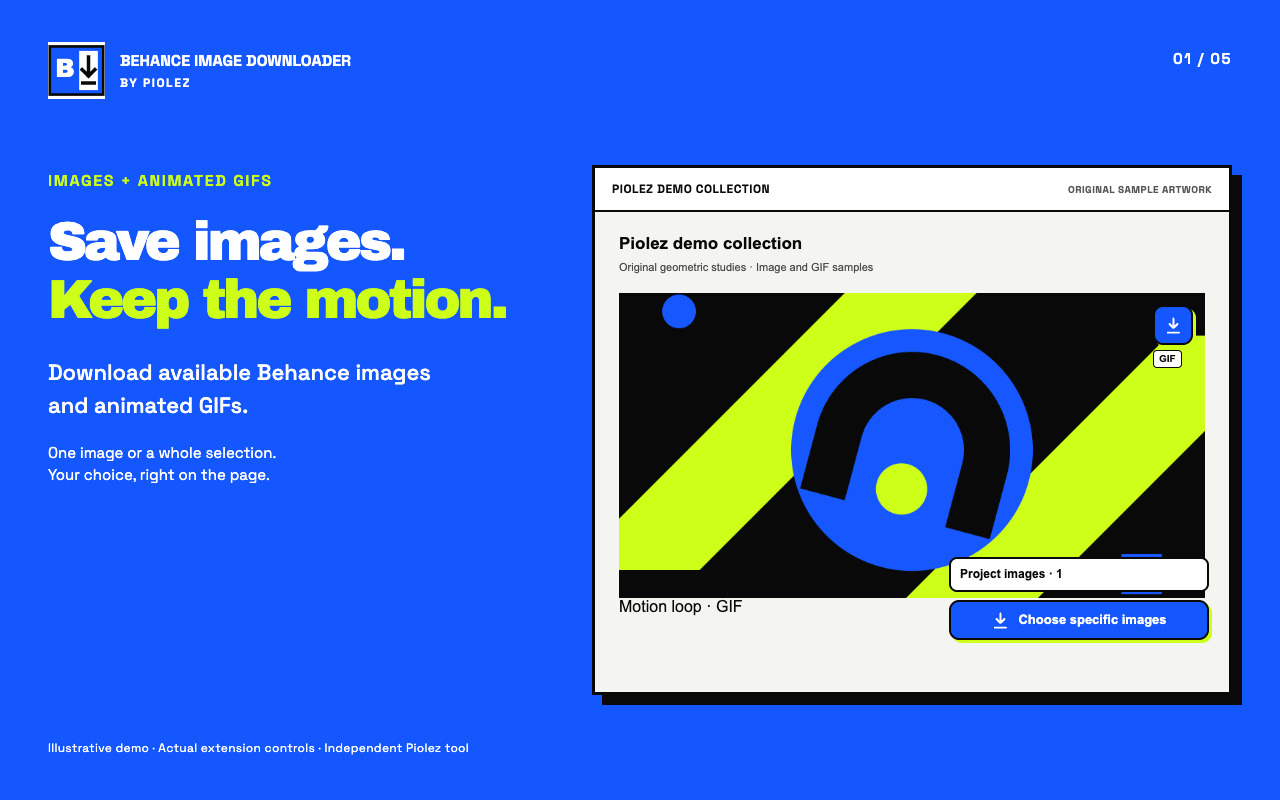
• Save an individual image using its download icon.
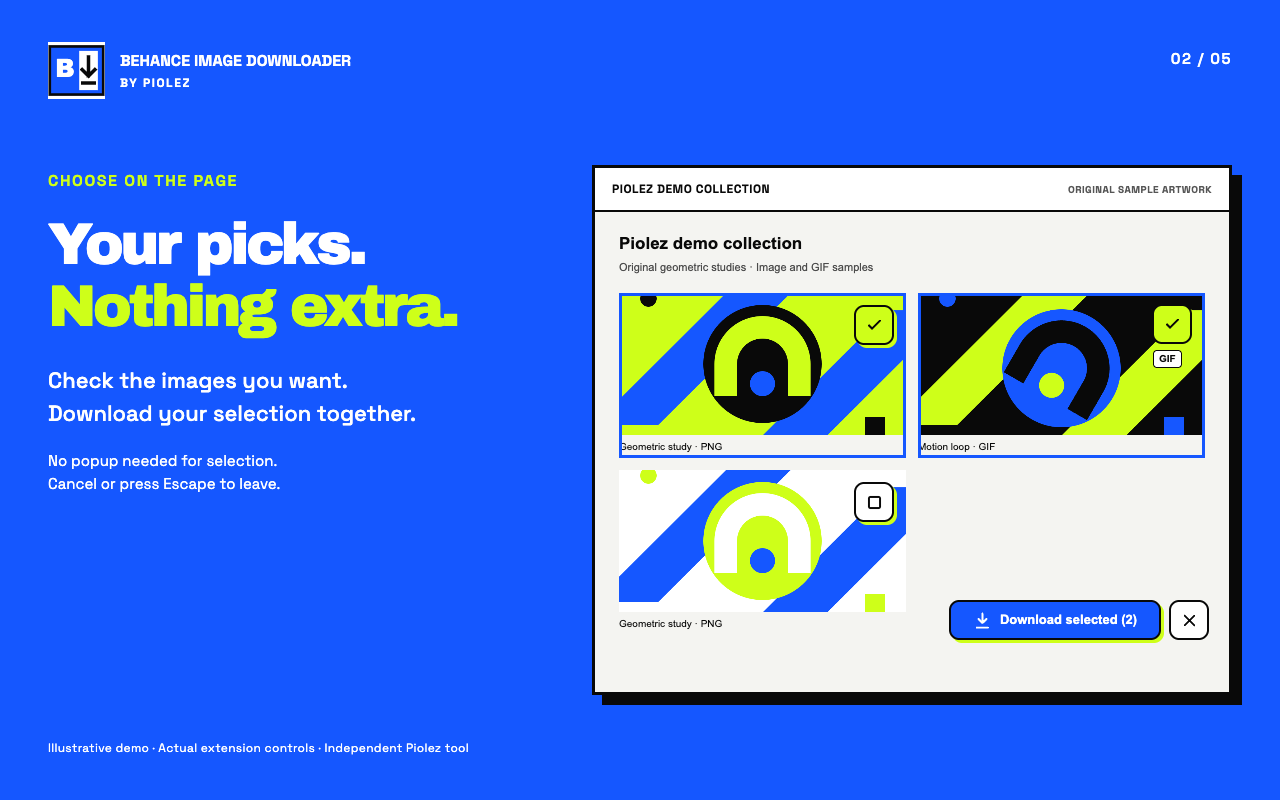
• Click “Choose specific images” and check the images you want directly on the page.
• Download your selection together, then leave selection mode with Cancel or Escape.
• Recent project selections are remembered on your device, including an empty selection.
IMAGES AND ANIMATED GIFS
• Save available Behance-hosted image and GIF files.
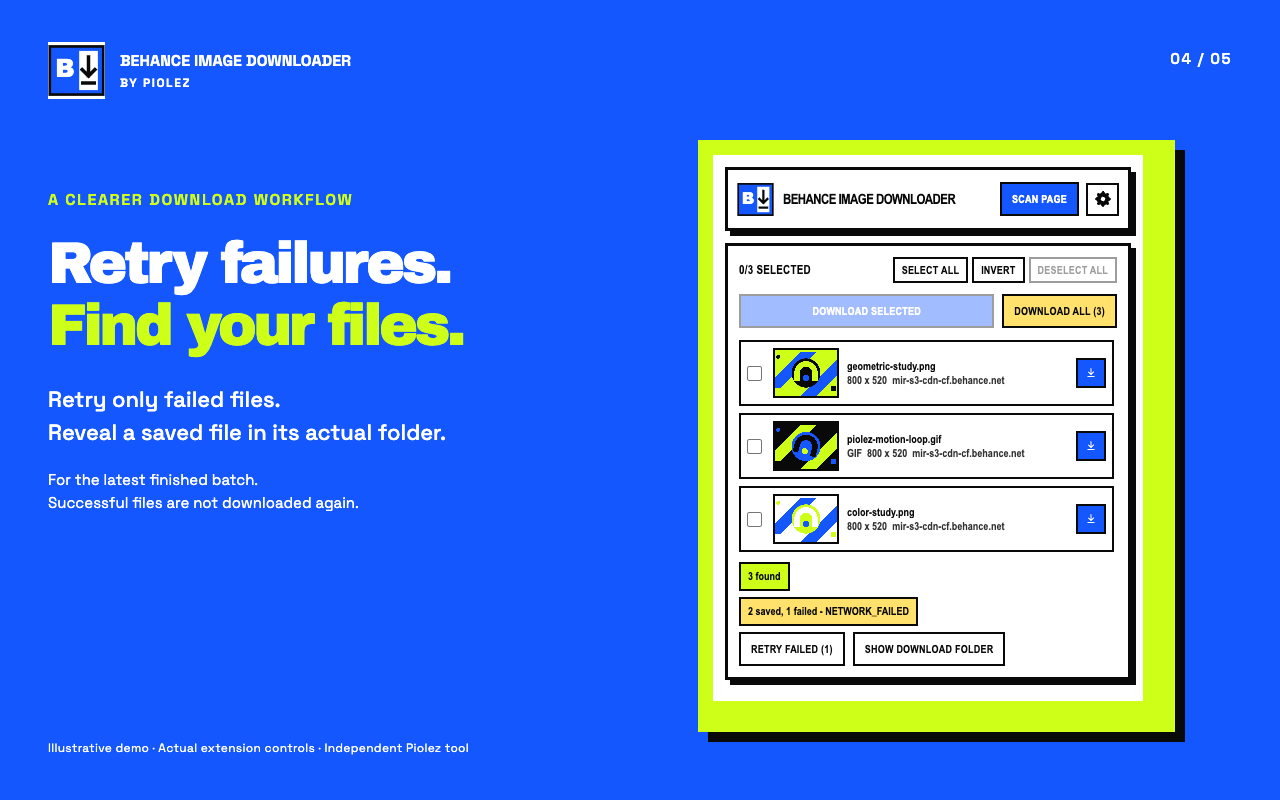
• Available animated GIF sources are preferred over still previews and saved without conversion.
• GIF badges identify animations before downloading.
• Feed, search and profile images are previews. Open a project to access its full image collection.
A MORE RELIABLE DOWNLOAD WORKFLOW
• Follow progress and cancel a batch from the toolbar popup.
• A persistent queue can recover when Microsoft Edge restarts the extension’s background worker.
• Interrupted files can resume when the browser reports them as resumable, with configurable retries.
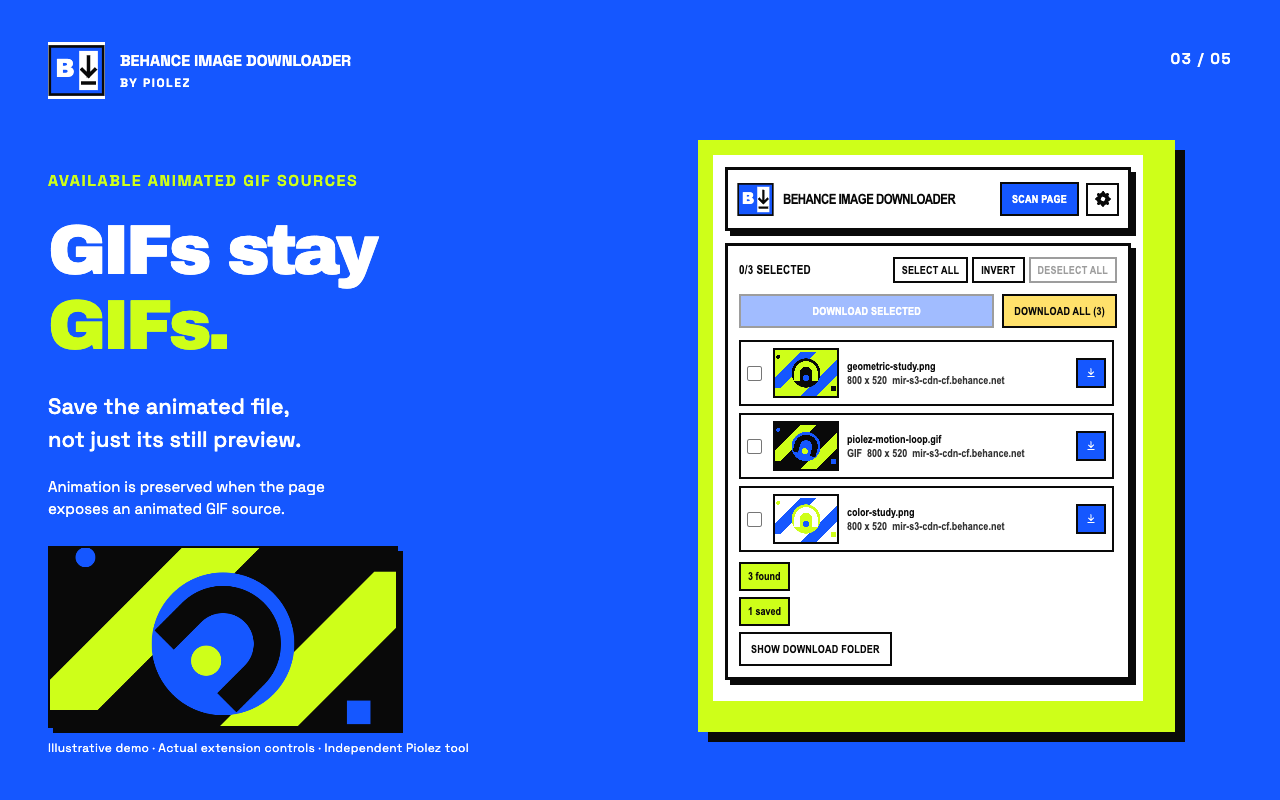
• Retry failed files from the latest batch without downloading successful files again.
• “Show download folder” reveals a saved file in its actual location.
• Choose a subfolder inside Downloads, or ask where to save each file.
• Fresh scans include newly loaded images. Download results stay visible separately from scan results.
11 INTERFACE LANGUAGES
English, Spanish, Brazilian Portuguese, French, German, Indonesian, Turkish, Russian, Japanese, Korean and Arabic.
Follow your browser’s display language or choose a language in Options. Arabic uses a right-to-left layout.
GET STARTED
1. Open a Behance page and review the copyright notice before your first download.
2. Use an image’s download icon or click “Choose specific images”.
3. Select images and click “Download selected”. You can also scan and manage downloads from the toolbar popup.
PRIVACY
No developer analytics, advertising trackers or telemetry. Settings, project selections and download recovery records stay in local extension storage. Image previews and downloads connect directly to Behance and its CDN; those servers receive the requested URLs and normal network information, including your IP address. No image URLs or project data are sent to Piolez by the extension.
PLEASE NOTE
This extension saves images and animated GIFs, not video. Downloads are restricted to supported HTTPS files hosted on Behance and its CDN. Quality depends on the files exposed by the page; a feed preview is not the full project image. Animation is preserved only when an animated GIF source is available.
Downloading does not grant permission to reuse someone else’s work. Respect creator rights, permissions and licensing.
Behance Image Downloader is an independent Piolez tool, not affiliated with or endorsed by Behance or Adobe.
Behance Image Downloader 是做什么的
Behance Image Downloader 是一款面向 Edge 的效率工具类扩展,主要用来管住注意力、屏蔽干扰站点、记录时间。官方对它的介绍是:Download Behance images and animated GIFs. Select on-page, save in batches, and choose from 11 interface languages.在微软 Edge 加载项商店上,它当前版本 0.2.0,约 9 名用户。
适合什么人用
从功能定位看,Behance Image Downloader 更适合想专注工作学习、减少无效刷网页的用户。如果你平时只是偶尔遇到相关需求,用浏览器自带功能也能凑合;但如果这件事每天都发生,装一个专门处理它的扩展通常比手动操作省事得多。
怎么安装 Behance Image Downloader
- 打开微软 Edge 加载项商店上的官方页面;
- 点「添加到浏览器」并确认权限提示;
- 装好后在扩展列表里固定图标,方便随时开关。
本站只做索引与介绍,安装包来自官方商店。如果商店页面提示当前地区不可用,说明该扩展未在你所在区域上架。
常见问题
Behance Image Downloader 是免费的吗?
Behance Image Downloader 在微软 Edge 加载项商店免费提供下载。它是浏览器扩展,装上就能直接用,不需要注册账号。
Behance Image Downloader 安全吗?
它只申请了 0 项权限,范围比较克制,没有申请「读取所有网站数据」这种大权限。
Behance Image Downloader 支持哪些浏览器?
当前收录的版本来自微软 Edge 加载项商店,适用于 Edge。同一个扩展在其他商店可能有对应版本,但功能与版本号不一定相同。
怎么卸载 Behance Image Downloader?
在扩展管理页找到 Behance Image Downloader,点移除即可。它在本地保存的设置会一起清掉,不会残留数据。
权限清单 来自 manifest.json 原文
接口权限 5
alarmsdownloadsscriptingstoragetabs