
Auto Accept Salesforce EN
Ahmad Sayed · EEdge MV3
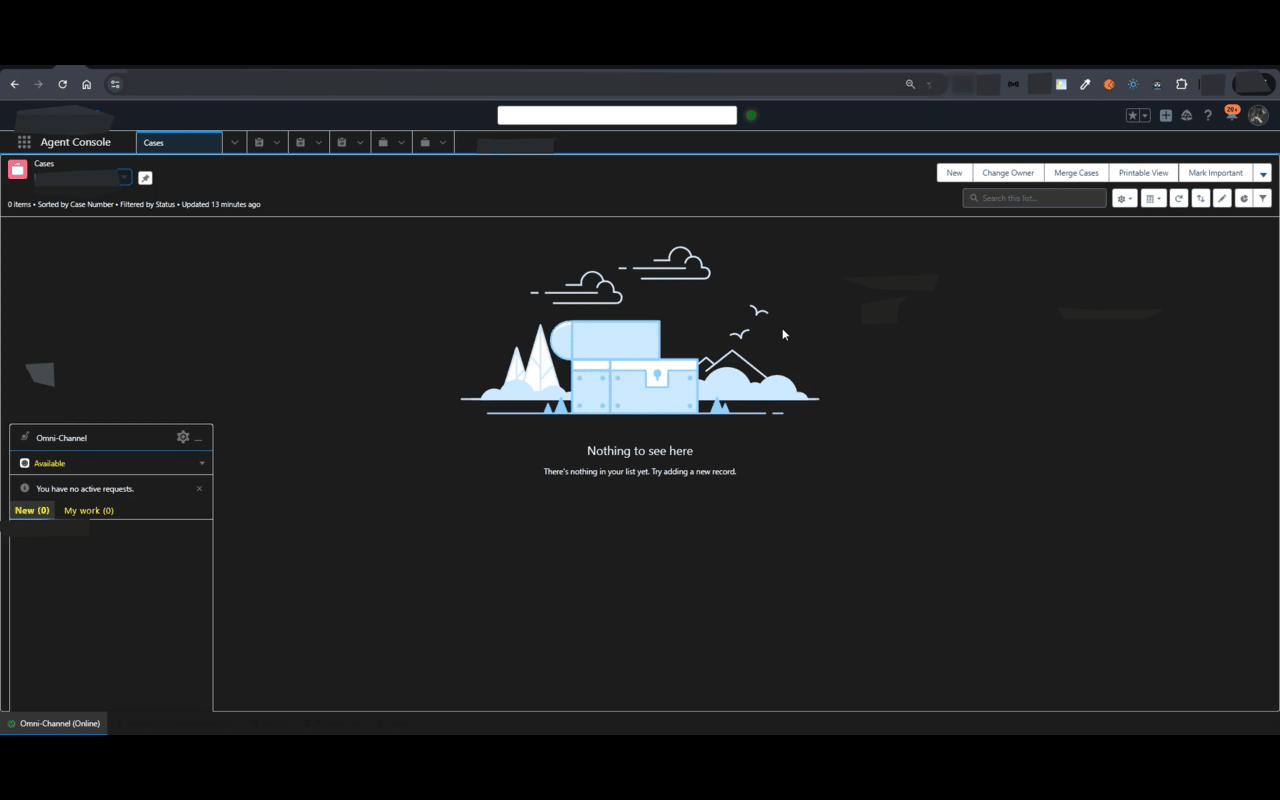
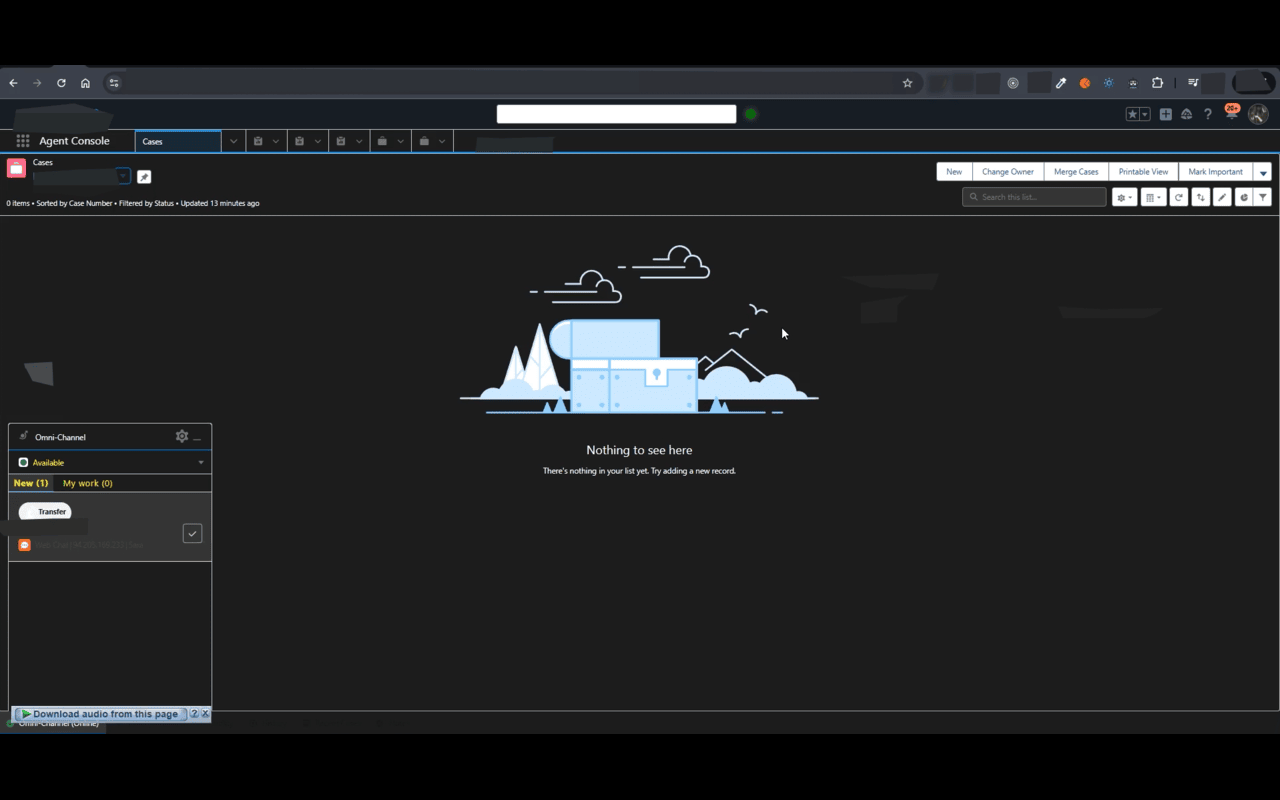
Automatically clicks a button on Salesforce and plays a sound when detected.
截图
简介
Smart automation tool that simplifies repetitive actions in Salesforce. Detects and clicks key interface buttons automatically to help you save time and focus on what matters most.
Auto Accept for Salesforce intelligently automates routine clicks while maintaining full control and system efficiency.
## What Auto Accept does:
★ Automatically clicks specific buttons in Salesforce based on smart detection logic;
★ Works seamlessly with dynamic content that loads after interaction;
★ Plays an optional sound alert when actions are performed;
★ Instantly start or stop automation with a single click;
★ Saves your preferences across sessions for a consistent experience.
## Why choose Auto Accept for Salesforce?
★ Purpose-built for Salesforce: Focused automation that avoids unnecessary interference with other sites;
★ Lightweight and efficient: Designed to minimize CPU and memory usage while monitoring DOM changes intelligently;
★ Smart monitoring: Detects when multiple tabs are active and automatically pauses to prevent redundant clicks;
★ Secure and private: Runs locally without collecting or transmitting user data;
★ User-friendly interface: Clear visual indicators show when auto-clicking is active or paused.
## How Auto Accept keeps your workflow smooth?
Auto Accept uses advanced DOM observation and timed monitoring to ensure reliable performance, even when Salesforce dynamically updates its interface. It reacts instantly when new actionable buttons appear so you can stay productive without constant manual input.
## Why permissions are required
“Access to Salesforce pages” — Required to detect and interact with specific UI elements for automation.
“Access to storage” — Used only to save your personal settings (such as sound preferences).
Auto Accept Salesforce 是做什么的
Auto Accept Salesforce 是一款面向 Edge 的实用工具类扩展,主要用来解决浏览器里某类具体的小问题。官方对它的介绍是:Automatically clicks a button on Salesforce and plays a sound when detected.在微软 Edge 加载项商店上,它当前版本 0.9,约 20 名用户。
适合什么人用
从功能定位看,Auto Accept Salesforce 更适合想补上浏览器原生缺失功能的用户。如果你平时只是偶尔遇到相关需求,用浏览器自带功能也能凑合;但如果这件事每天都发生,装一个专门处理它的扩展通常比手动操作省事得多。
怎么安装 Auto Accept Salesforce
- 打开微软 Edge 加载项商店上的官方页面;
- 点「添加到浏览器」并确认权限提示;
- 装好后在扩展列表里固定图标,方便随时开关。
本站只做索引与介绍,安装包来自官方商店。如果商店页面提示当前地区不可用,说明该扩展未在你所在区域上架。
常见问题
Auto Accept Salesforce 是免费的吗?
Auto Accept Salesforce 在微软 Edge 加载项商店免费提供下载。它是浏览器扩展,装上就能直接用,不需要注册账号。
Auto Accept Salesforce 安全吗?
它只申请了 0 项权限,范围比较克制,没有申请「读取所有网站数据」这种大权限。
Auto Accept Salesforce 支持哪些浏览器?
当前收录的版本来自微软 Edge 加载项商店,适用于 Edge。同一个扩展在其他商店可能有对应版本,但功能与版本号不一定相同。
怎么卸载 Auto Accept Salesforce?
在扩展管理页找到 Auto Accept Salesforce,点移除即可。它在本地保存的设置会一起清掉,不会残留数据。
权限清单 来自 manifest.json 原文
接口权限 4
activeTabalarmsstoragetabs