
Augmented Steam EN
IsThereAnyDeal · Edge MV3
Augments your Steam Experience
截图
简介
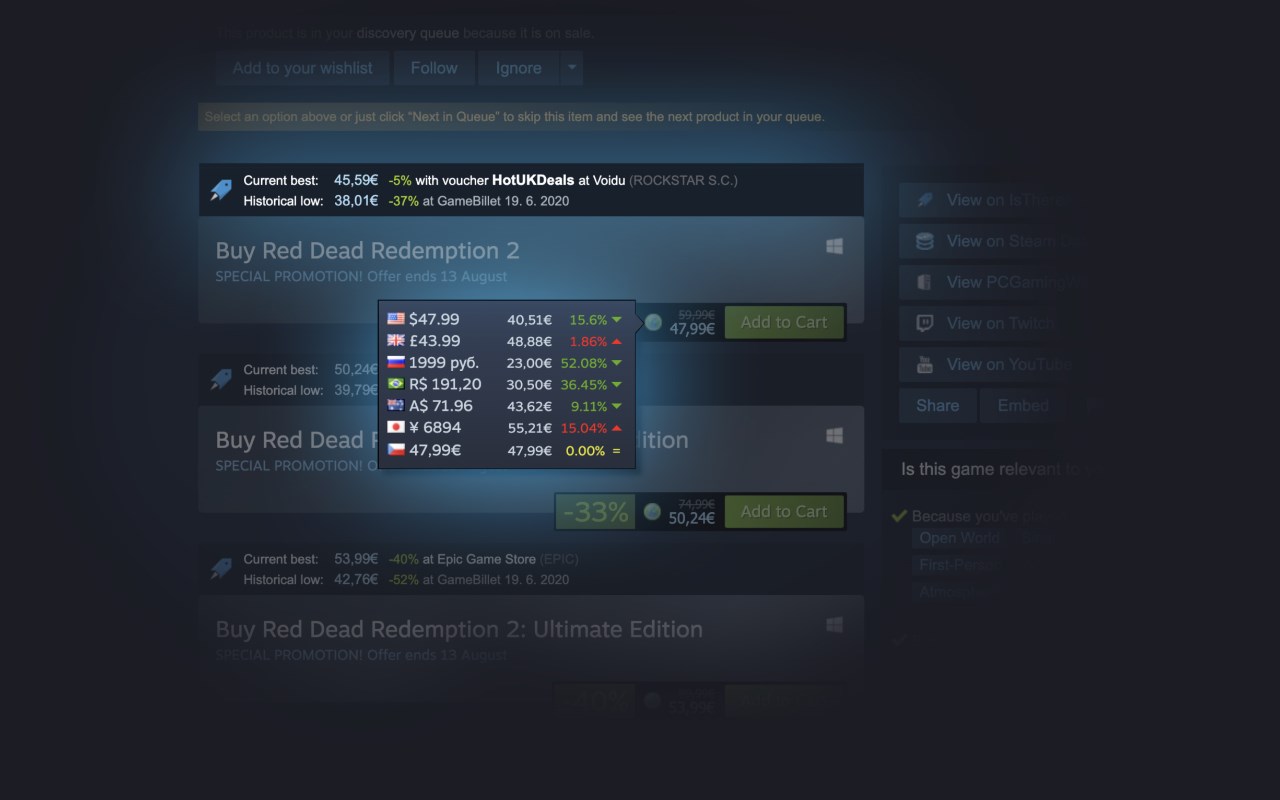
Augmented Steam is a browser extension by IsThereAnyDeal that improves your experience on the Steam platform by providing helpful information and tons of customization options.
Some selected features:
- Price details (current best, historical low) for any game or DLC sourced from many authorized stores
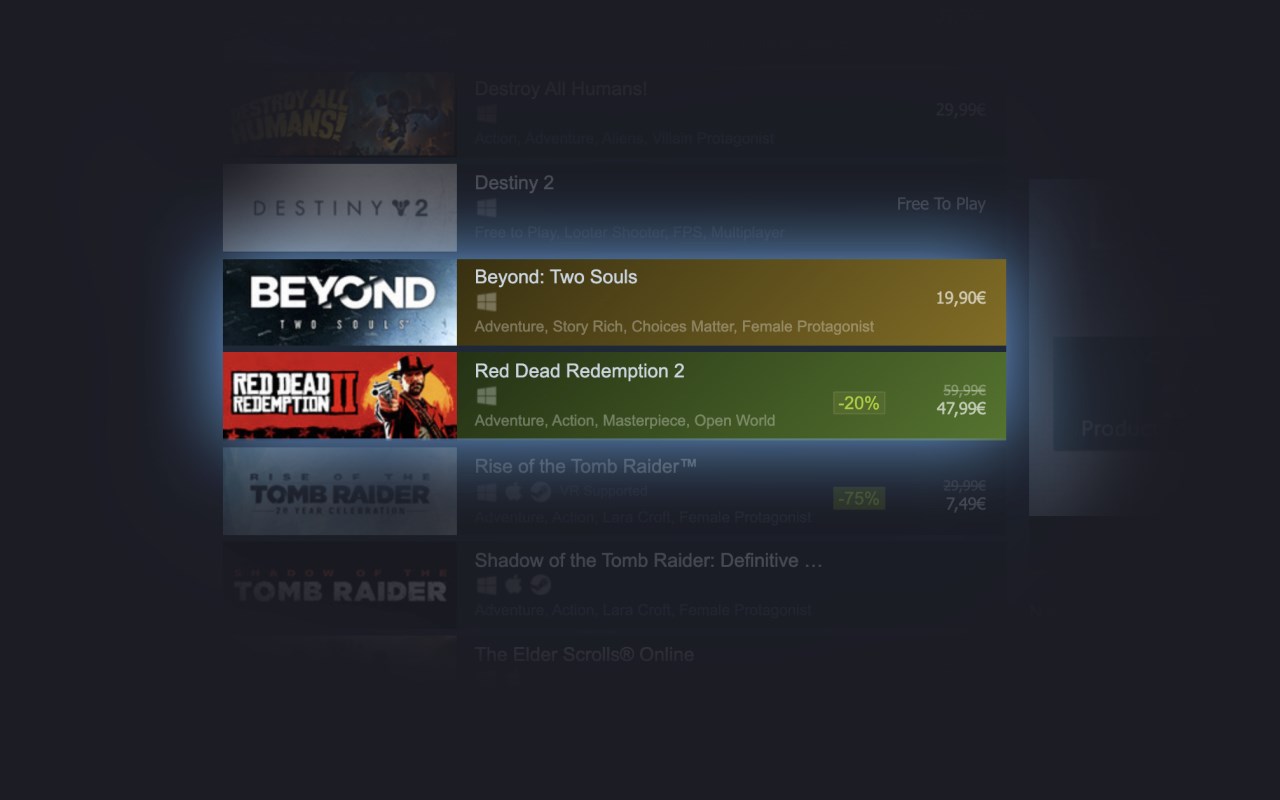
- More visible highlighting of games you own or have wishlisted or ignored (also works with your IsThereAnyDeal Waitlist and Collection!)
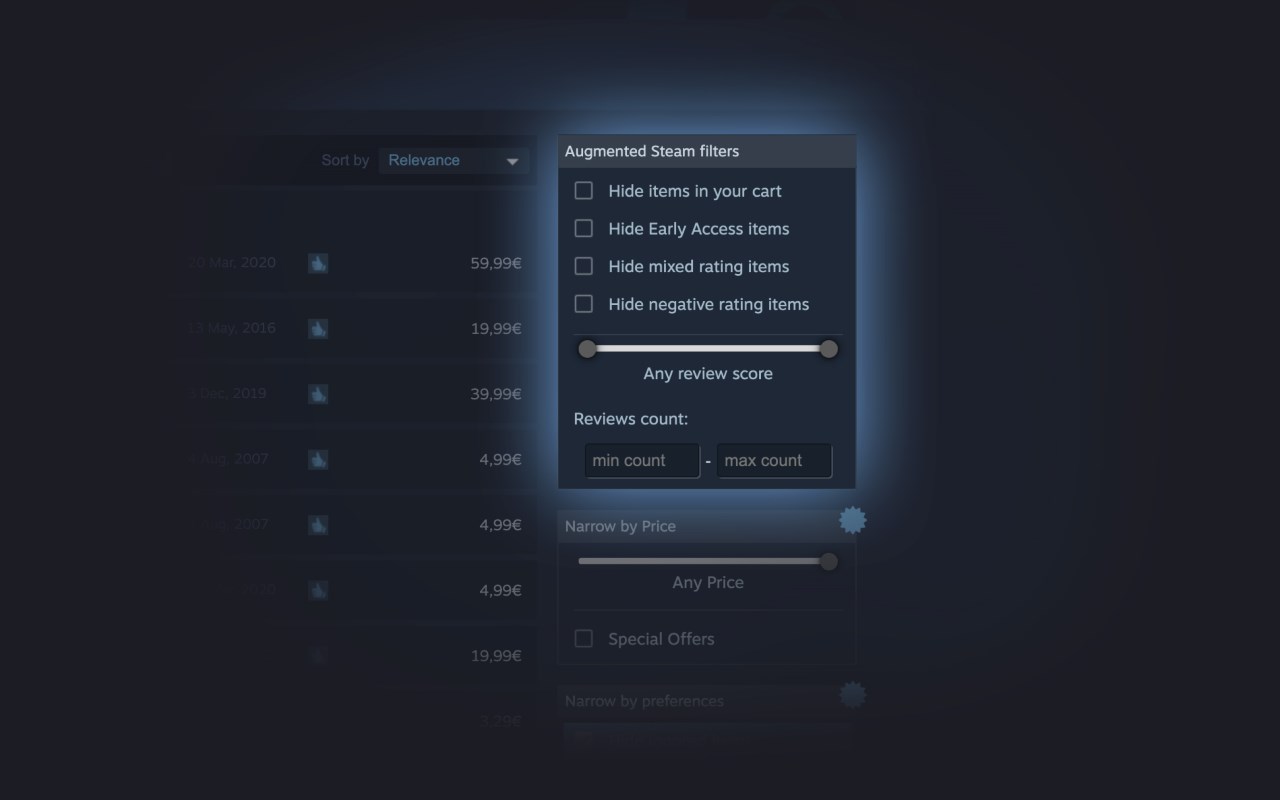
- Fine-tuned product search with search filters such as review count / score and Early Access
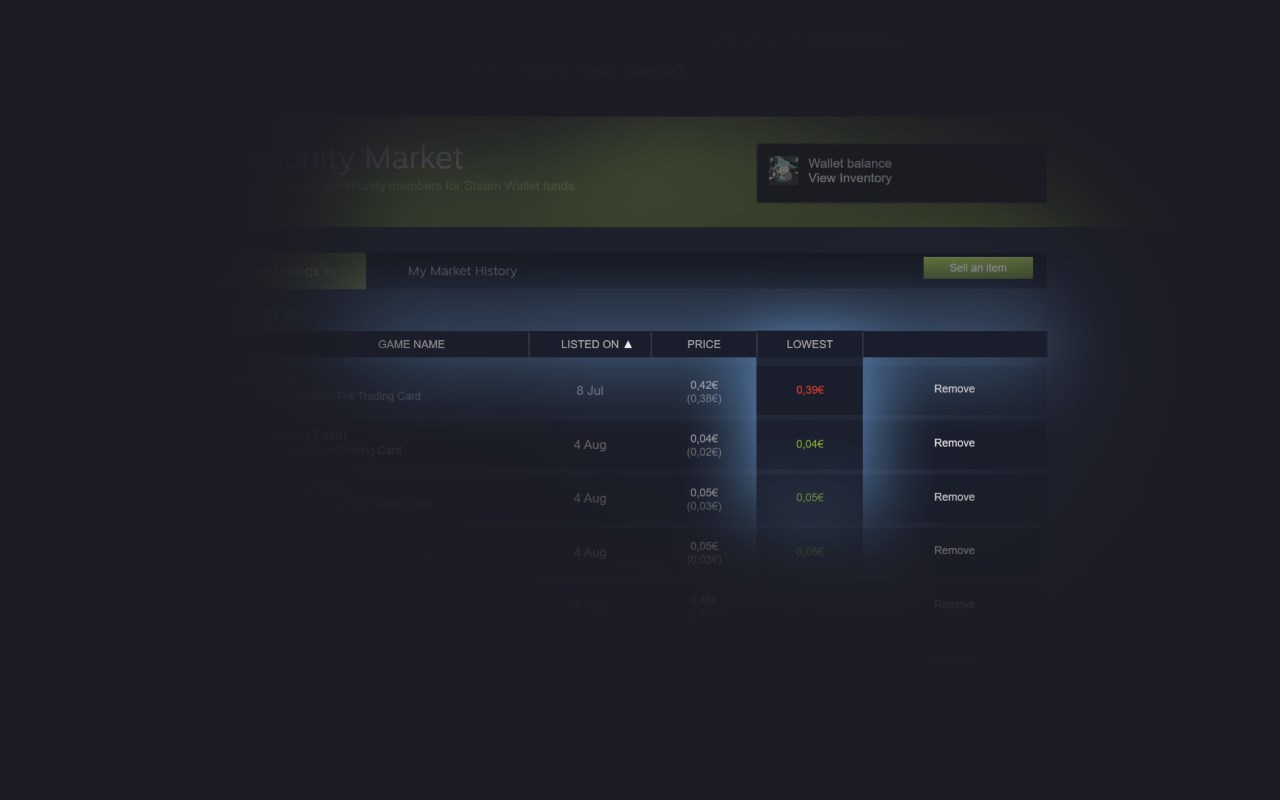
- Sort and filter options for the market, games, friends, groups, achievements, badges and reviews
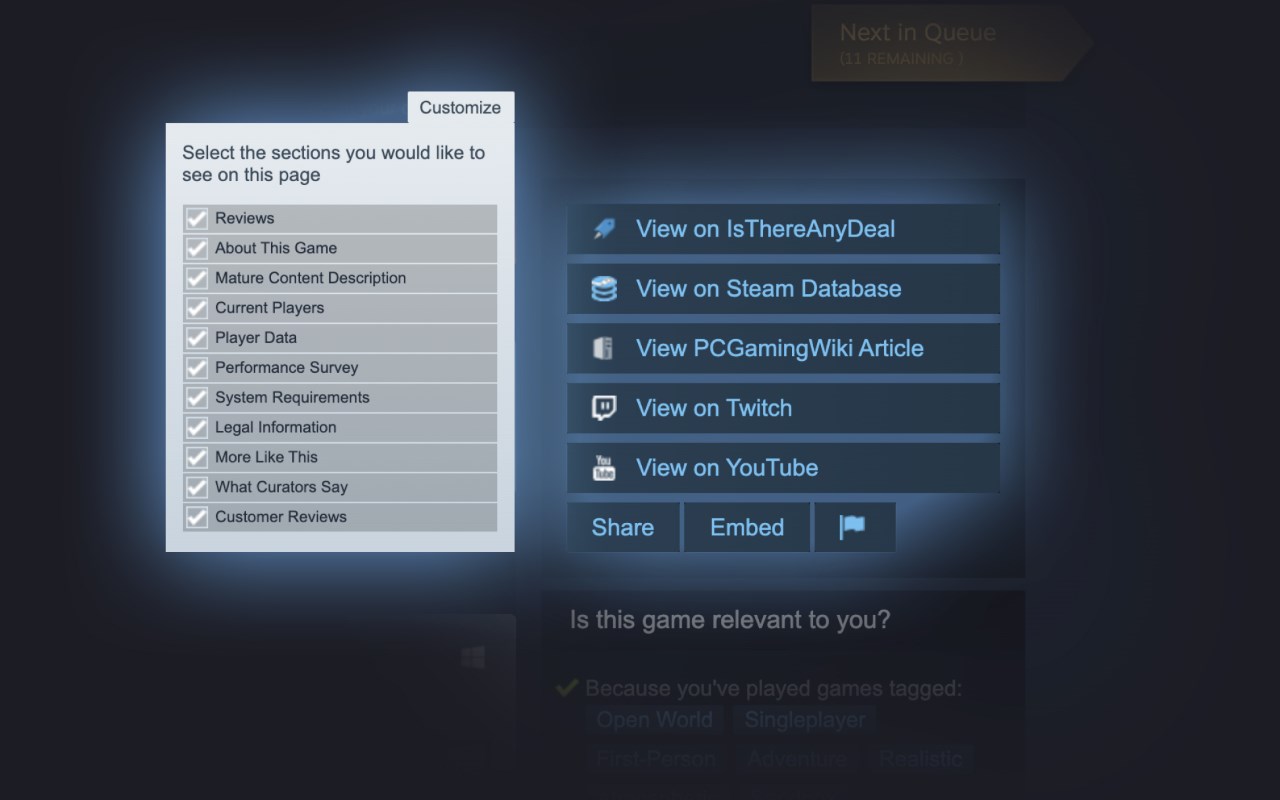
- Links to popular websites with additional related information, plus the ability to add your own custom links
- Quick / Instant Sell items in your inventory
- Custom profile backgrounds and styles, visible to all users of Augmented Steam
- Take and store notes about any game
- Maximize information relevance by hiding unwanted content blocks from app pages or the homepage
- Automatically skip age gates for NSFW content
- Batch actions for various scenarios, e.g. registering multiple product keys or adding multiple DLCs to your cart at once
- And many more!
Augmented Steam is a fork and spiritual successor of Enhanced Steam, which has come to its end of life in February 2019.
Augmented Steam 是做什么的
Augmented Steam 是一款面向 Edge 的购物比价类扩展,主要用来比价、查历史价格、自动套用优惠券、返现。官方对它的介绍是:Augments your Steam Experience在微软 Edge 加载项商店上,它当前版本 5.0.0,评分 4.6(50 人评价),约 79,340 名用户。
适合什么人用
从功能定位看,Augmented Steam 更适合经常网购、想在下单前确认是否真便宜的用户。如果你平时只是偶尔遇到相关需求,用浏览器自带功能也能凑合;但如果这件事每天都发生,装一个专门处理它的扩展通常比手动操作省事得多。
怎么安装 Augmented Steam
- 打开微软 Edge 加载项商店上的官方页面;
- 点「添加到浏览器」并确认权限提示;
- 装好后在扩展列表里固定图标,方便随时开关。
本站只做索引与介绍,安装包来自官方商店。如果商店页面提示当前地区不可用,说明该扩展未在你所在区域上架。
常见问题
Augmented Steam 是免费的吗?
Augmented Steam 在微软 Edge 加载项商店免费提供下载。它是浏览器扩展,装上就能直接用,不需要注册账号。
Augmented Steam 安全吗?
它只申请了 0 项权限,范围比较克制,没有申请「读取所有网站数据」这种大权限。
Augmented Steam 支持哪些浏览器?
当前收录的版本来自微软 Edge 加载项商店,适用于 Edge。同一个扩展在其他商店可能有对应版本,但功能与版本号不一定相同。
怎么卸载 Augmented Steam?
在扩展管理页找到 Augmented Steam,点移除即可。它在本地保存的设置会一起清掉,不会残留数据。
权限清单 来自 manifest.json 原文
接口权限 4
contextMenusoffscreenstoragewebRequest