
Article Audio - Read Aloud with AI Text to Speech (TTS) EN
ArticleAudio · EEdge MV3
Read out loud selected text with a keyboard shortcut. AI-powered text to speech (TTS) with natural voices
<all_urls>),意味着它可以读取你在任意站点的页面内容,包括已登录的页面。这是许多扩展正常工作的必要条件,但也值得你确认来源可信。
截图
简介
> WHY ARTICLE AUDIO?
Most text-to-speech tools sound robotic and unnatural. Article Audio uses advanced AI voices that sound like real humans reading to you. No more cringing at awkward pronunciations or monotone delivery.
Article Audio is different. We use latest text-to-speech AI models to generate voices that sound like real humans reading to you. Natural pacing, proper intonation, and voices you'll actually want to listen to.
> HOW IT WORKS
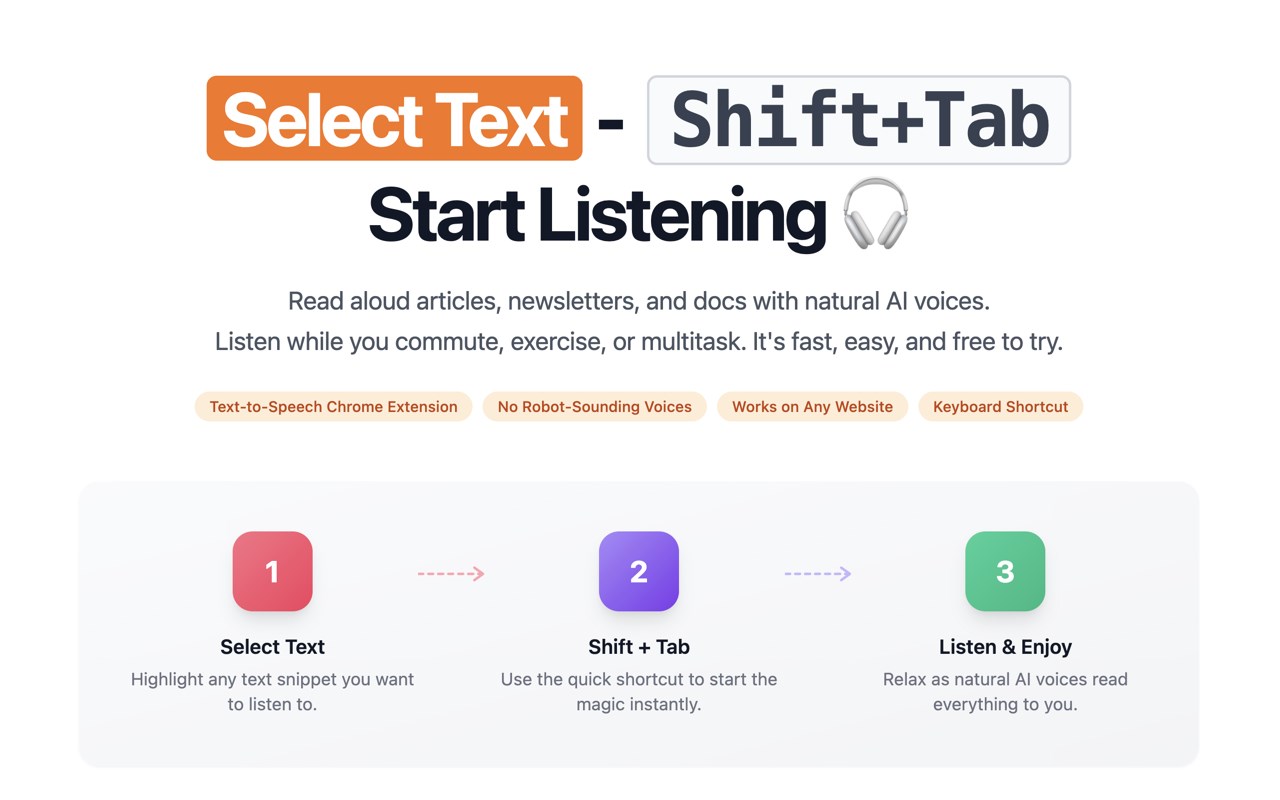
1. Select any text on any webpage
2. Press Shift+Tab
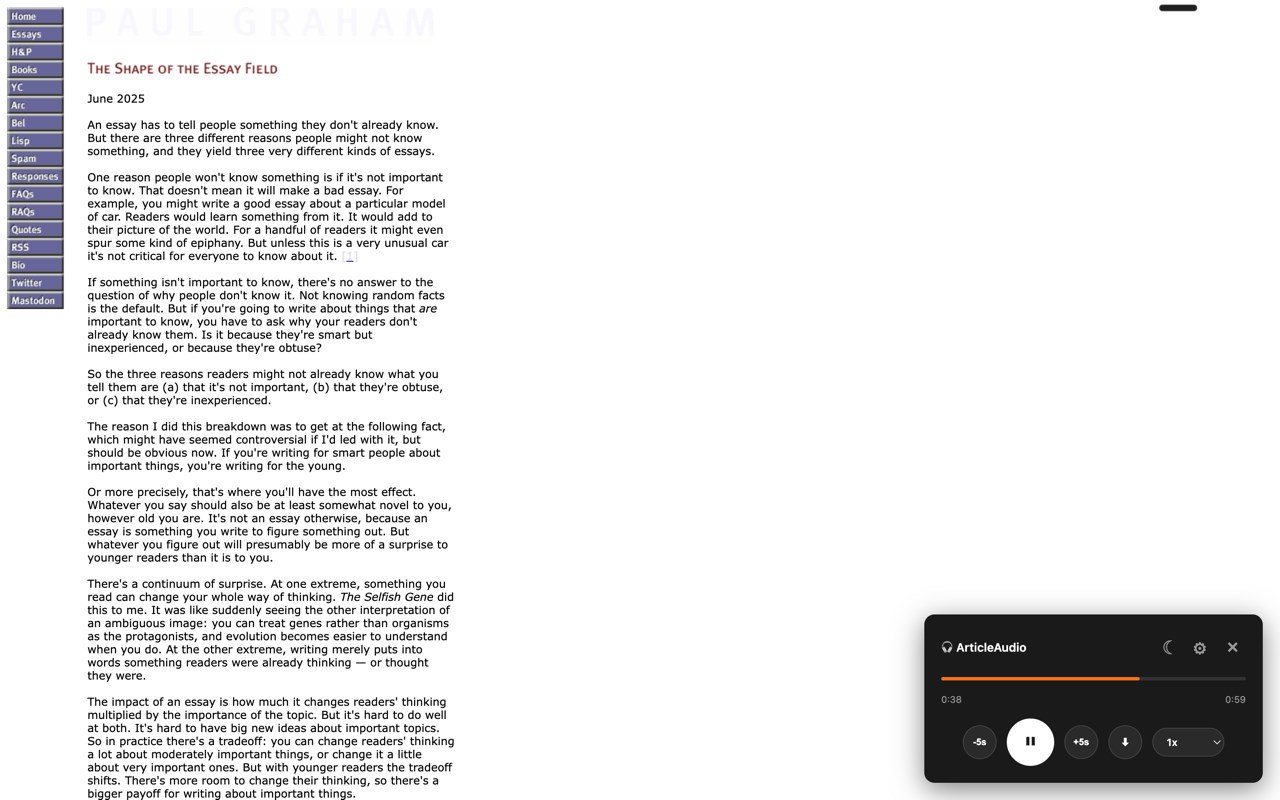
3. Listen with the floating audio player
That's it. Just select and listen.
> WORKS EVERYWHERE
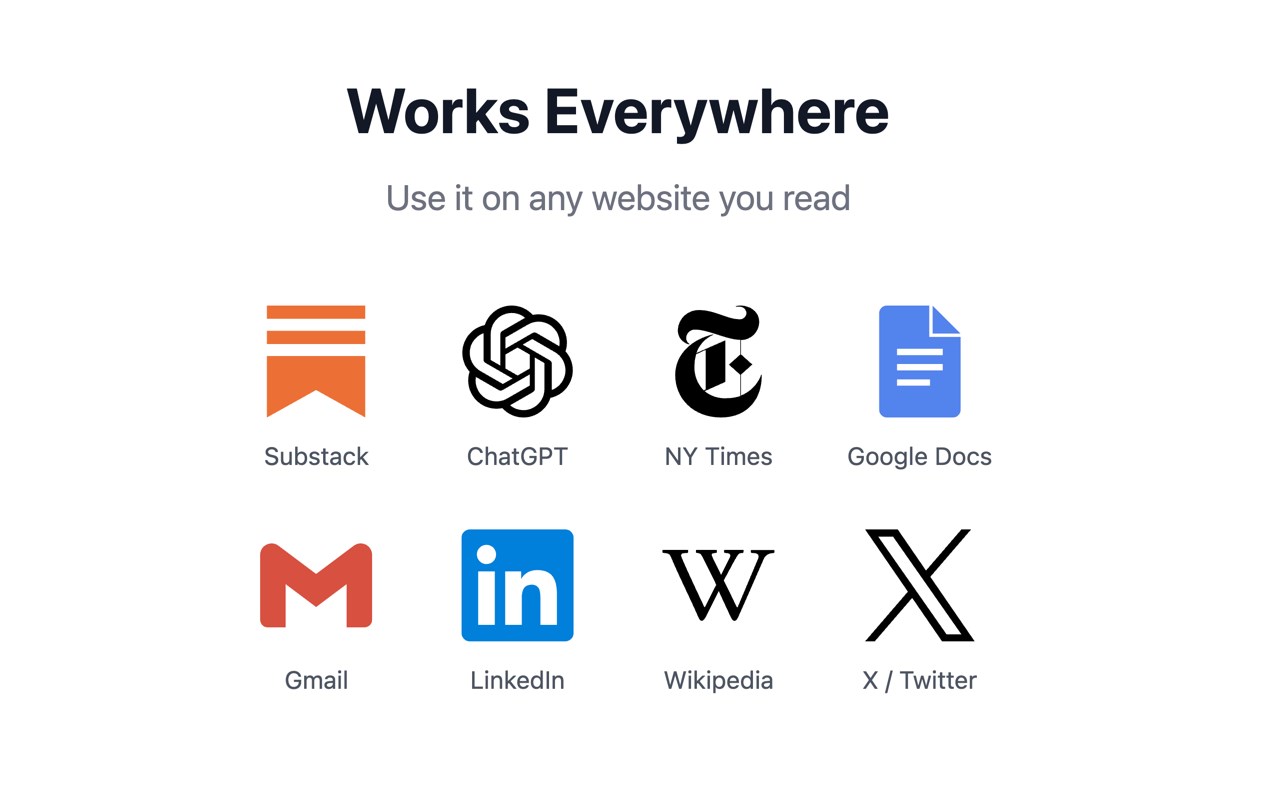
Article Audio works on every website you visit:
- News sites (NY Times, BBC, CNN, etc.)
- AI sites (ChatGPT, Claude, Gemini)
- Newsletters (Substack, Beehiiv, etc.)
- Documentation (MDN, GitHub, etc.)
- Email (Gmail, Outlook, etc.)
- Social media (X, LinkedIn, etc.)
- Blogs, research papers, and more
> ONE-CLICK LISTEN BUTTONS ON SUPPORTED SITES
ArticleAudio adds convenient listen buttons directly inside supported sites, so you can hear content without manually selecting text.
- X / Twitter: Listen to posts, threads, and X article pages from the native action bar.
- Claude, ChatGPT, and Gemini: Listen to AI responses with a compact Article Audio play button near the response actions.
Just click the play button and start listening.
> NATURAL AI VOICES
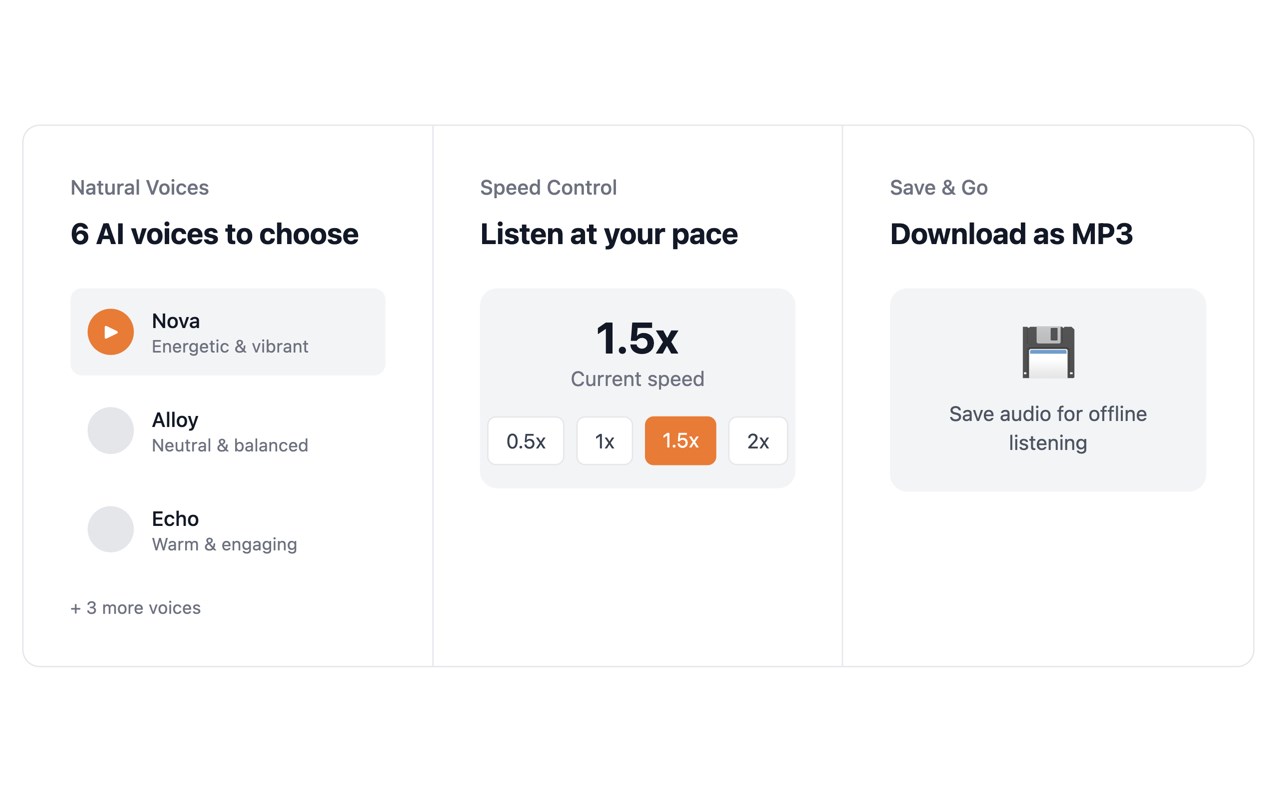
Choose from 6 distinct voices—energetic, warm, deep, expressive, or soft—to match your mood or content. All voices handle punctuation, emphasis, and pacing naturally. No more cringing at awkward pronunciations.
> PLAYBACK CONTROLS
- Play, pause, skip forward/back
- Adjust speed from 0.5x to 2x
- Download audio as MP3
- Light and dark theme support
> PERFECT FOR
- Multitaskers: Listen to articles while cooking, cleaning, exercising, or commuting. Turn dead time into learning time.
- Busy Professionals: Get through your reading list without being glued to a screen. Catch up on industry news during your morning routine.
- Students & Researchers: Absorb papers and documentation hands-free. Great for reviewing material or processing dense content.
- Writers & Editors: Hear your own writing read back to you. Catching errors by ear is surprisingly effective for proofreading.
- Language Learners: Hear proper pronunciation and natural speech patterns. Listen to content in your target language.
- Accessibility: Easier content consumption for those with visual impairments, reading difficulties, or anyone who benefits from audio alternatives.
> FREE TO TRY
Get started with 1,000 words free. No account required, no credit card needed. Just install and start listening.
Article Audio - Read Aloud with AI Text to Speech (TTS) 是做什么的
Article Audio - Read Aloud with AI Text to Speech (TTS) 是一款面向 Edge 的实用工具类扩展,主要用来解决浏览器里某类具体的小问题。官方对它的介绍是:Read out loud selected text with a keyboard shortcut. AI-powered text to speech (TTS) with natural voices在微软 Edge 加载项商店上,它当前版本 1.11.3,约 67 名用户。
适合什么人用
从功能定位看,Article Audio - Read Aloud with AI Text to Speech (TTS) 更适合想补上浏览器原生缺失功能的用户。如果你平时只是偶尔遇到相关需求,用浏览器自带功能也能凑合;但如果这件事每天都发生,装一个专门处理它的扩展通常比手动操作省事得多。需要注意的是它作用于所有网站,装上后建议先观察一两天,确认不影响常用站点的正常使用。
怎么安装 Article Audio - Read Aloud with AI Text to Speech (TTS)
- 打开微软 Edge 加载项商店上的官方页面;
- 点「添加到浏览器」并确认权限提示;
- 装好后在扩展列表里固定图标,方便随时开关。
本站只做索引与介绍,安装包来自官方商店。如果商店页面提示当前地区不可用,说明该扩展未在你所在区域上架。
常见问题
Article Audio - Read Aloud with AI Text to Speech (TTS) 是免费的吗?
Article Audio - Read Aloud with AI Text to Speech (TTS) 在微软 Edge 加载项商店免费提供下载。它是浏览器扩展,装上就能直接用,不需要注册账号。
Article Audio - Read Aloud with AI Text to Speech (TTS) 安全吗?
它只申请了 0 项权限,范围比较克制,没有申请「读取所有网站数据」这种大权限。
Article Audio - Read Aloud with AI Text to Speech (TTS) 支持哪些浏览器?
当前收录的版本来自微软 Edge 加载项商店,适用于 Edge。同一个扩展在其他商店可能有对应版本,但功能与版本号不一定相同。
怎么卸载 Article Audio - Read Aloud with AI Text to Speech (TTS)?
在扩展管理页找到 Article Audio - Read Aloud with AI Text to Speech (TTS),点移除即可。它在本地保存的设置会一起清掉,不会残留数据。
权限清单 来自 manifest.json 原文
站点访问(可选) 2
http://*/*https://*/*
接口权限 3
contextMenusoffscreenstorage