
Aperture CSS — Visual CSS Inspector & Editor EN
Arshad shah · EEdge MV3
Inspect and edit CSS on any page. Drag any value, see which rule won and why, and keep your edits as a reviewable diff.
<all_urls>),意味着它可以读取你在任意站点的页面内容,包括已登录的页面。这是许多扩展正常工作的必要条件,但也值得你确认来源可信。
截图
简介
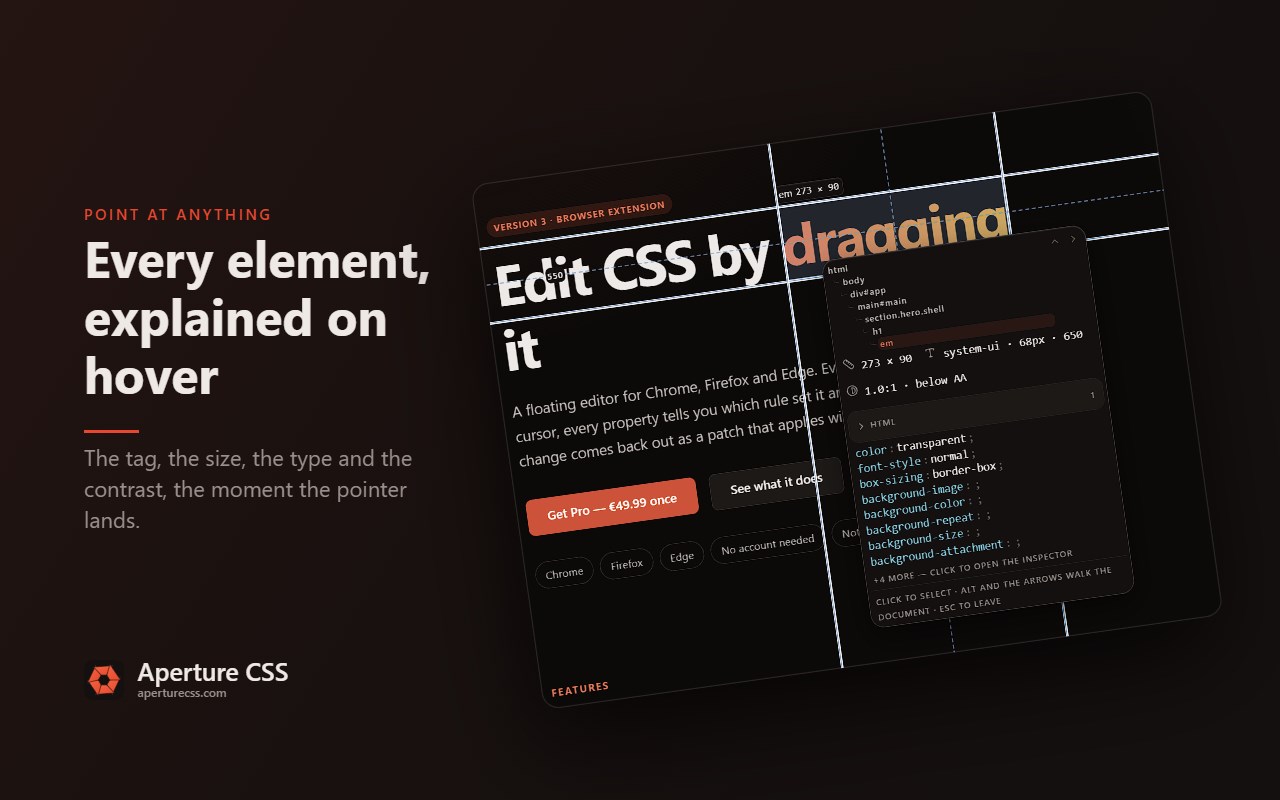
Aperture CSS is a CSS inspector and editor that lives on the page rather than
in a docked drawer. Turn it on, point at anything, and you get a floating,
resizable panel and a tool ring that follows your pointer.
Every numeric value can be dragged. The cascade shows every rule that applies
and strikes through the declarations that lost. Everything you change collects
into a diff you can read, copy and export, instead of vanishing the moment you
reload.
SIX TABS
- Styles — the element's own declarations, with a purpose-built control for
each kind of value: colour pickers, box-model handles, length fields with
unit chips, easing curves, alignment grids, gradient stops. No text box
where a real control would do.
- Cascade — every rule that applies, grouped by stylesheet, with overridden
declarations struck through, specificity shown and dead rules called out.
- Tree — the document as a searchable tree. Click to select.
- Page — the page as a whole: the colours it paints, the fonts it loads and
the stacks they sit in, every image, icon and background it uses.
- HTML — the element as markup. Its tag, its attributes, its contents.
- Changes — everything you have edited on this page, as a list and as a diff.
ON THE ELEMENT, NOT ONLY IN THE PANEL
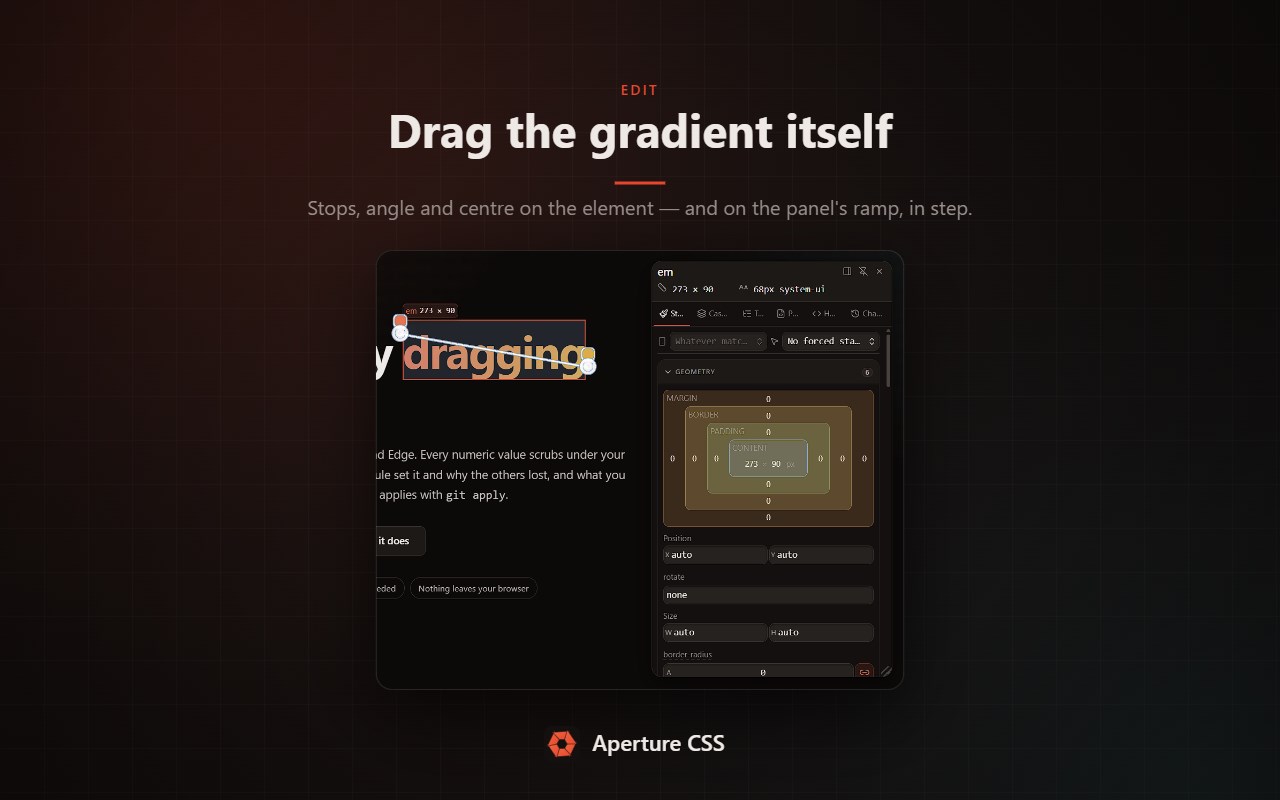
The box model is editable where the element is: drag its margin, its padding,
its border. So is a gradient — its stops, its angle, its centre — on the
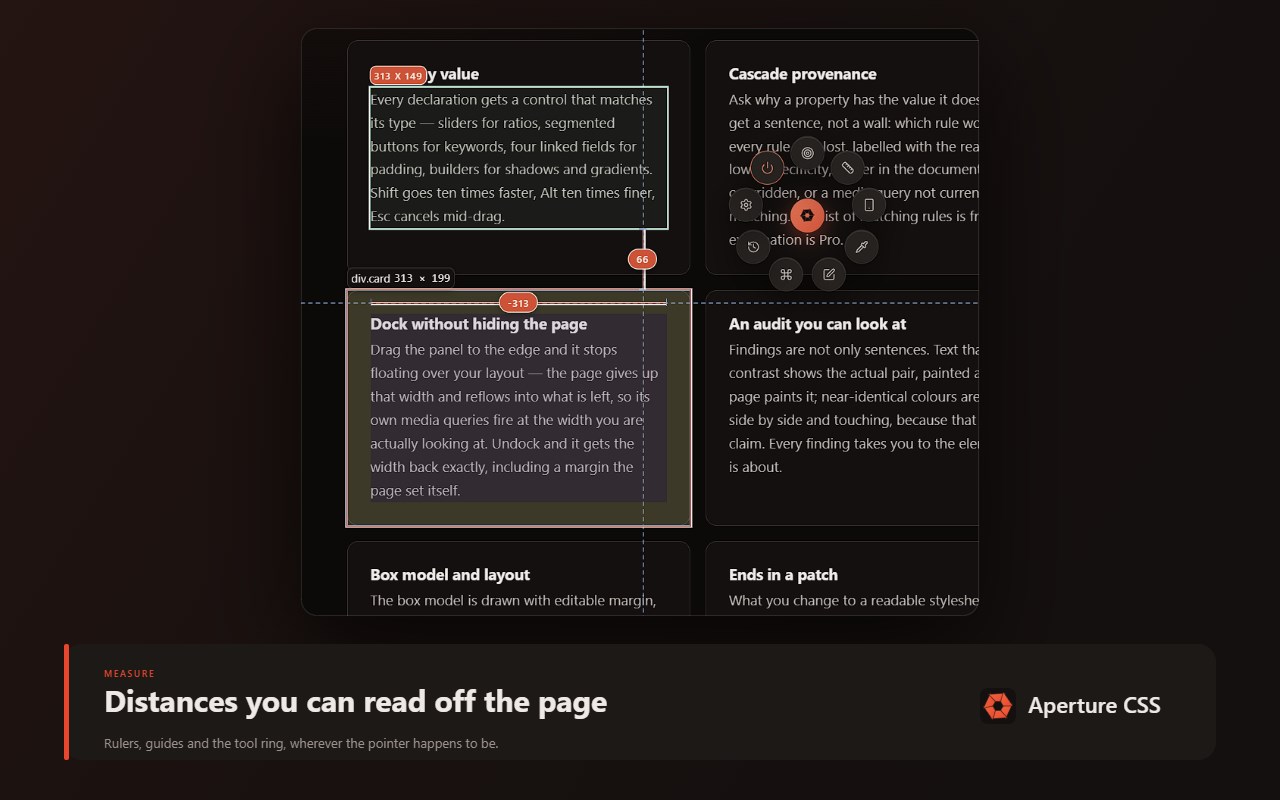
element it paints. Measure between any two elements with a keystroke, and
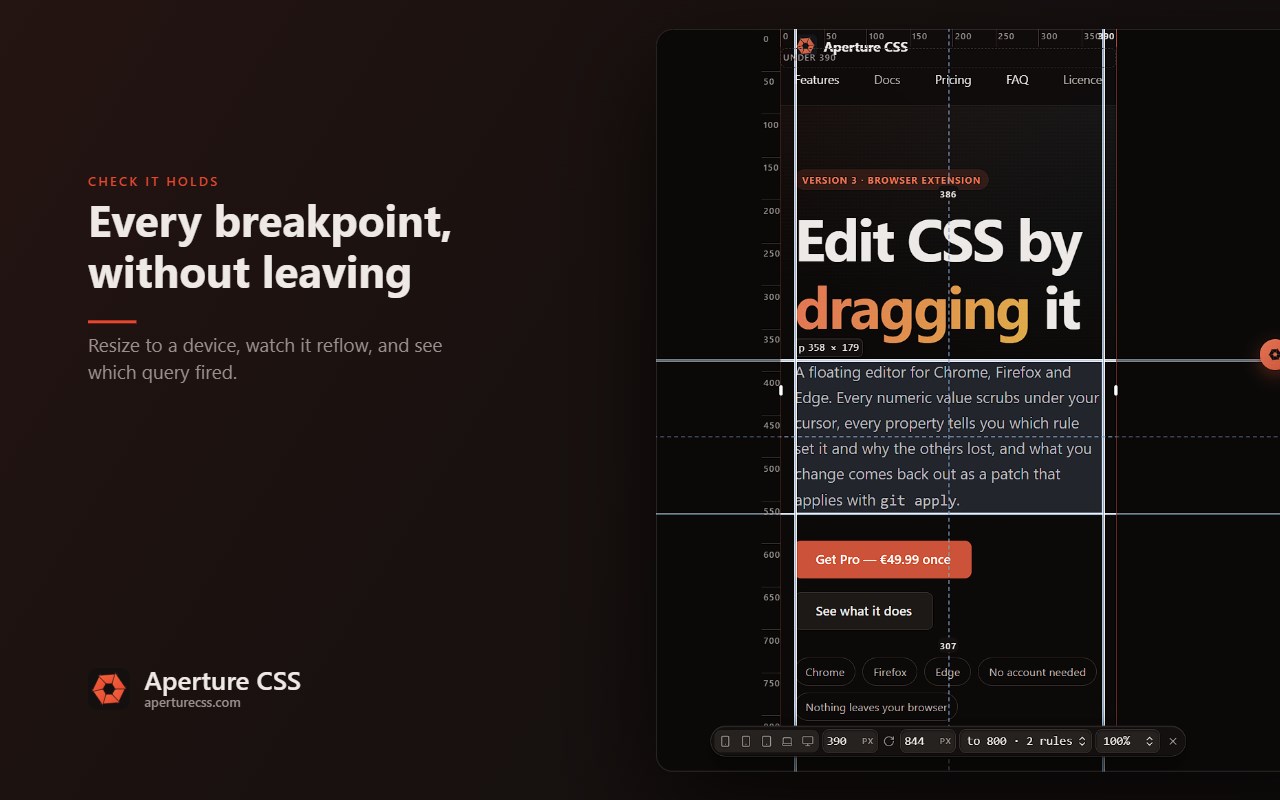
resize the page to a device without leaving it.
FREE
Free covers inspecting and understanding a page, completely. There is no
padlock on a tab you can open and no dialog before your first edit:
- Live editing of any property, with drag-to-scrub on every numeric value
- The full cascade: every rule that applies, the stylesheet it came from, its
specificity, and which of its declarations lost
- The box model, editable on the element itself
- The DOM tree, forcing :hover, :focus and :active, and pinning one element
- The colour picker, the page's palette, its fonts and its assets
- Copying CSS, and the keyboard shortcuts
Free edits are real edits. They live in memory, so a reload clears them — and
the panel says so the whole time it is open.
PRO — one payment, three devices
- Changes that keep: the edit ledger, a reviewable diff, saving changes across
reloads, and exporting them as CSS or as a patch
- Editing a whole rule as text, with highlighting
- Value builders: gradients, filters, transforms, stacked shadows, layered
backgrounds, and adding a declaration that was never there
- Colour and type: tonal ramps, variable-font axes, fluid clamp() values, and
trying any Google Font on the page
- Motion: scrubbing a running animation, drawing an easing curve, editing
keyframes, and catching transitions as they fire
- Tools that take over the page: measuring, responsive resizing, docking the
panel beside the page, pinning several elements to compare, and inspecting
inside iframes
- Why one property has the value it has: the rule that set it and everything
that rule beat, for that declaration alone
- Markup: rewriting an element, adding one beside or inside it, removing one
- Page-wide: downloading one asset or all of them, taking the palette or the
type away as CSS, JSON or a swatch file, the contrast and CSS audit,
grouping the palette by what each colour paints, and highlighting everywhere
a value is used
Every Pro control stays visible, readable and copyable, with one line saying
what it would do. Nothing appears and then greys out mid-gesture.
HOW TO TURN IT ON
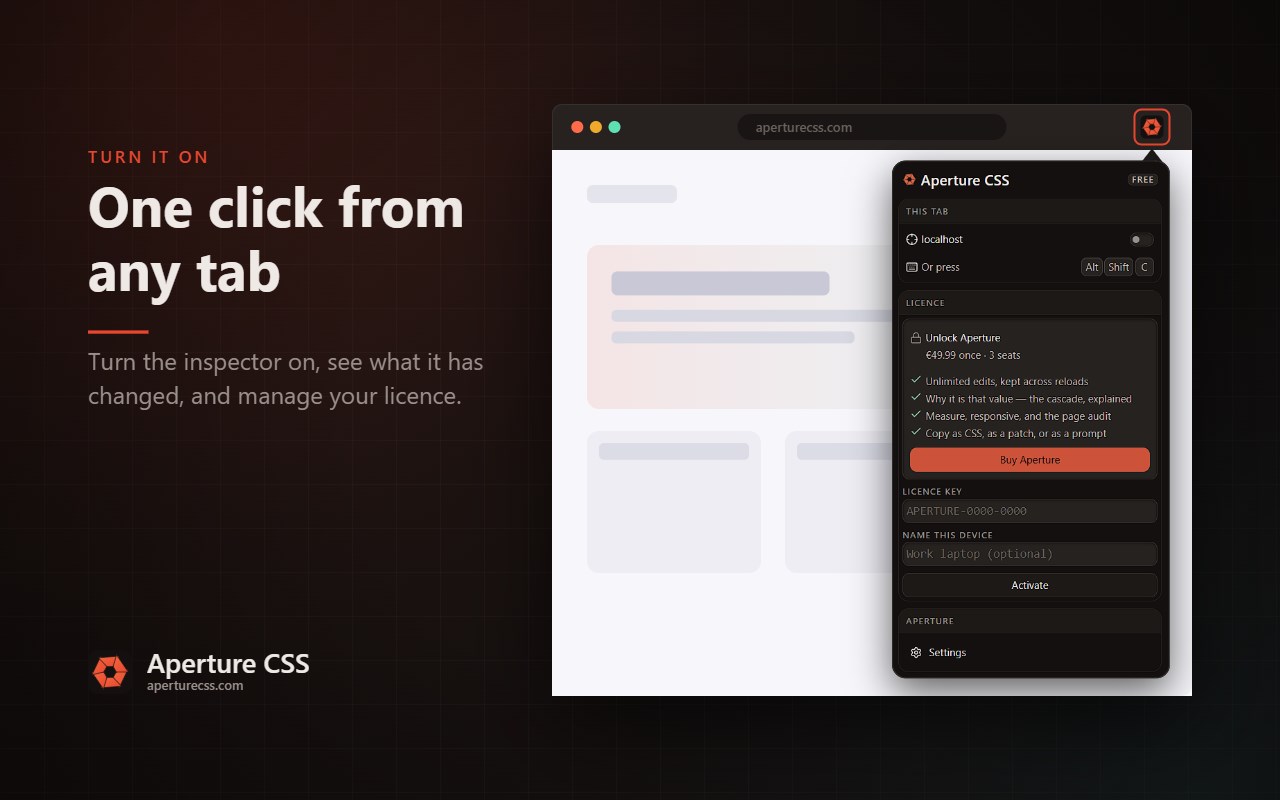
- The toolbar button
- Right-click a page and choose "Inspect with Aperture CSS"
- Alt+Shift+C, which you can rebind from your browser's extension shortcuts
PRIVACY
Nothing about the pages you inspect leaves your browser. There is no
analytics. The only request the extension ever makes is the licence key you
type in yourself, sent once to check it.
ACTIVATING PRO
Buy a licence at https://aperturecss.com, then paste the key into the Licence
section of the toolbar popup. One licence covers three devices; free a seat
from the same screen. Pro re-checks about once a day and keeps working offline
for up to seven days between checks.
Aperture CSS — Visual CSS Inspector & Editor 是做什么的
Aperture CSS — Visual CSS Inspector & Editor 是一款面向 Edge 的实用工具类扩展,主要用来解决浏览器里某类具体的小问题。官方对它的介绍是:Inspect and edit CSS on any page. Drag any value, see which rule won and why, and keep your edits as a reviewable diff.在微软 Edge 加载项商店上,它当前版本 4.2.2,约 1 名用户。
适合什么人用
从功能定位看,Aperture CSS — Visual CSS Inspector & Editor 更适合想补上浏览器原生缺失功能的用户。如果你平时只是偶尔遇到相关需求,用浏览器自带功能也能凑合;但如果这件事每天都发生,装一个专门处理它的扩展通常比手动操作省事得多。需要注意的是它作用于所有网站,装上后建议先观察一两天,确认不影响常用站点的正常使用。
怎么安装 Aperture CSS — Visual CSS Inspector & Editor
- 打开微软 Edge 加载项商店上的官方页面;
- 点「添加到浏览器」并确认权限提示;
- 装好后在扩展列表里固定图标,方便随时开关。
本站只做索引与介绍,安装包来自官方商店。如果商店页面提示当前地区不可用,说明该扩展未在你所在区域上架。
常见问题
Aperture CSS — Visual CSS Inspector & Editor 是免费的吗?
Aperture CSS — Visual CSS Inspector & Editor 在微软 Edge 加载项商店免费提供下载。它是浏览器扩展,装上就能直接用,不需要注册账号。
Aperture CSS — Visual CSS Inspector & Editor 安全吗?
它只申请了 0 项权限,范围比较克制,没有申请「读取所有网站数据」这种大权限。
Aperture CSS — Visual CSS Inspector & Editor 支持哪些浏览器?
当前收录的版本来自微软 Edge 加载项商店,适用于 Edge。同一个扩展在其他商店可能有对应版本,但功能与版本号不一定相同。
怎么卸载 Aperture CSS — Visual CSS Inspector & Editor?
在扩展管理页找到 Aperture CSS — Visual CSS Inspector & Editor,点移除即可。它在本地保存的设置会一起清掉,不会残留数据。
权限清单 来自 manifest.json 原文
站点访问(可选) 2
http://*/*https://*/*
接口权限 5
activeTabalarmsclipboardWritecontextMenusstorage