AltTextLab – AI Alt Text Generator EN
AltTextLab · EEdge MV3
Auto-generate accurate, SEO-optimized and accessible alt text for every image. Perfect for SEO, accessibility and content workflows.
截图
简介
AltTextLab AI Alt Text Generator
Automatically generate high-quality, accessible alt text for any image — directly in Microsoft Edge.
Perfect for SEO, accessibility, and content workflows.
What it does
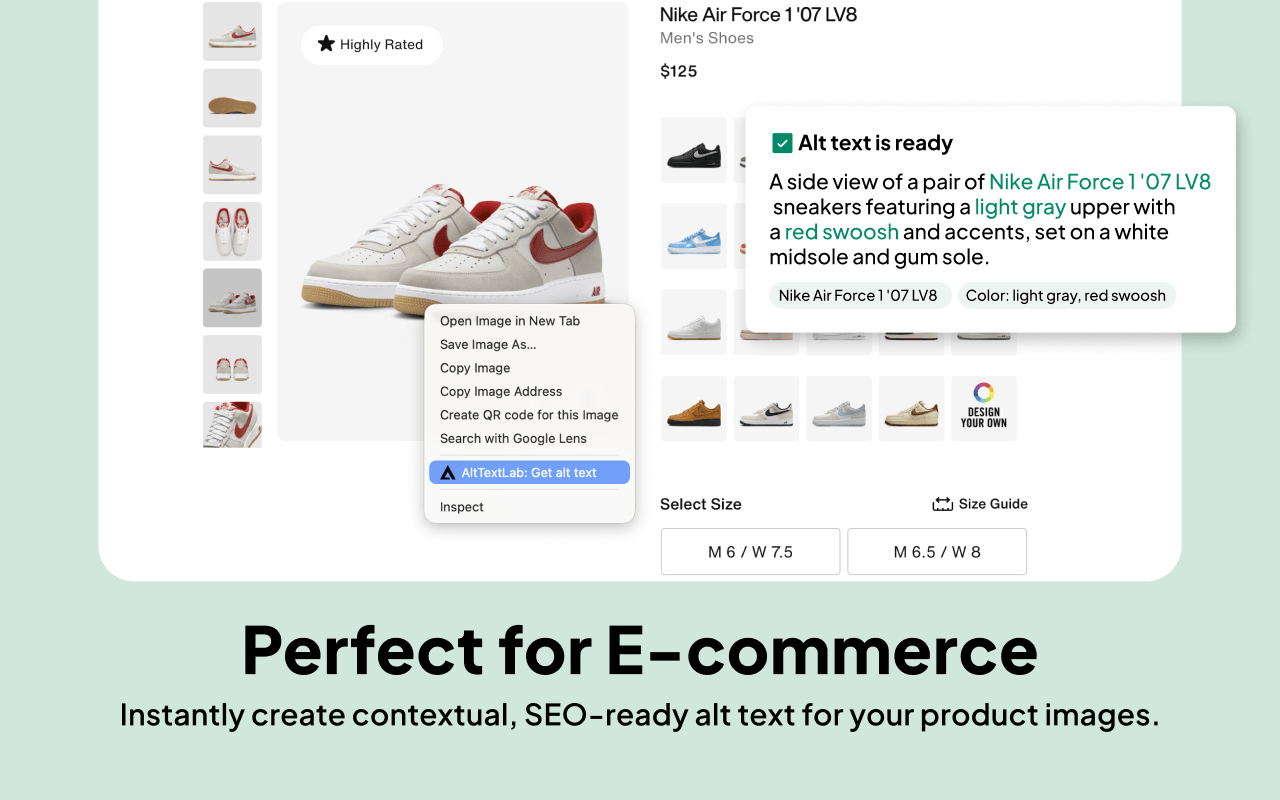
AltTextLab uses AI to create clear, descriptive, and SEO-friendly alt text for any image on the web in just one click.
Whether you manage a website, blog, online store, or social media page, AltTextLab helps you make your images accessible and optimized for search engines.
Key features
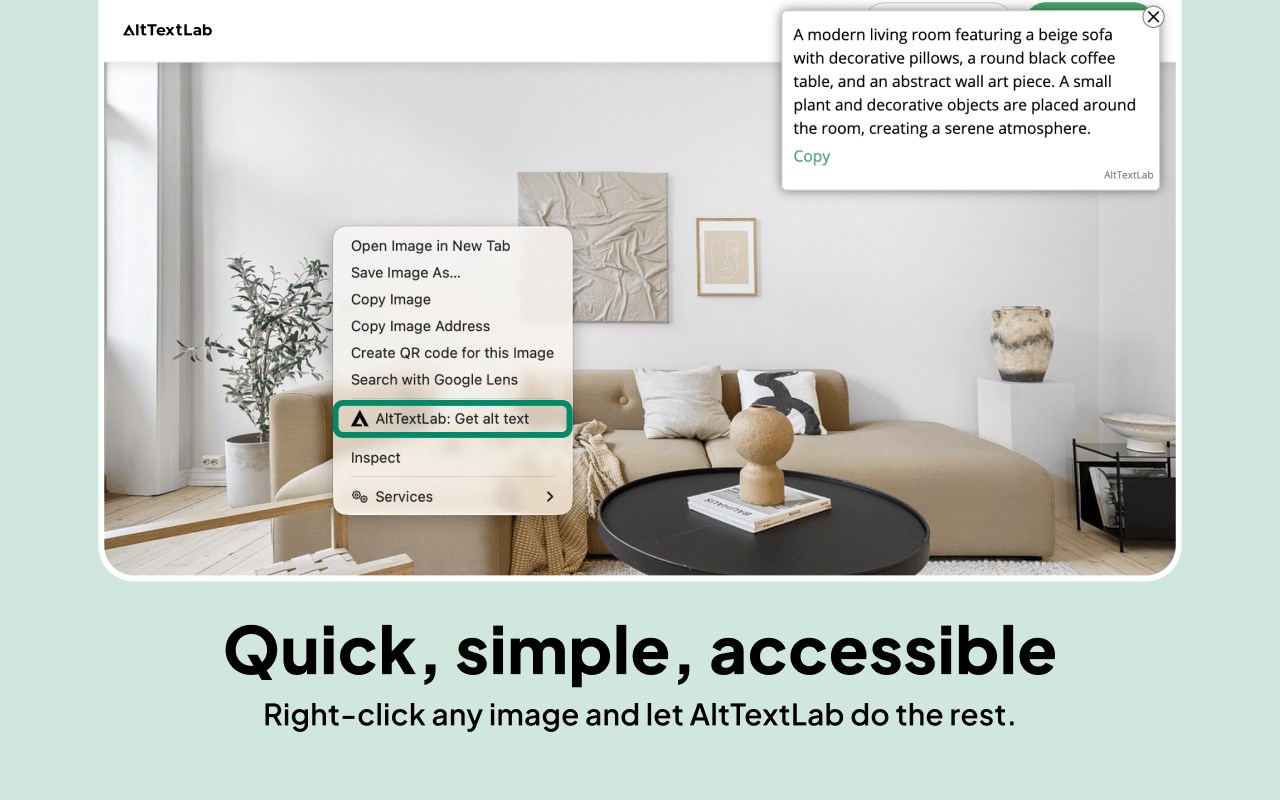
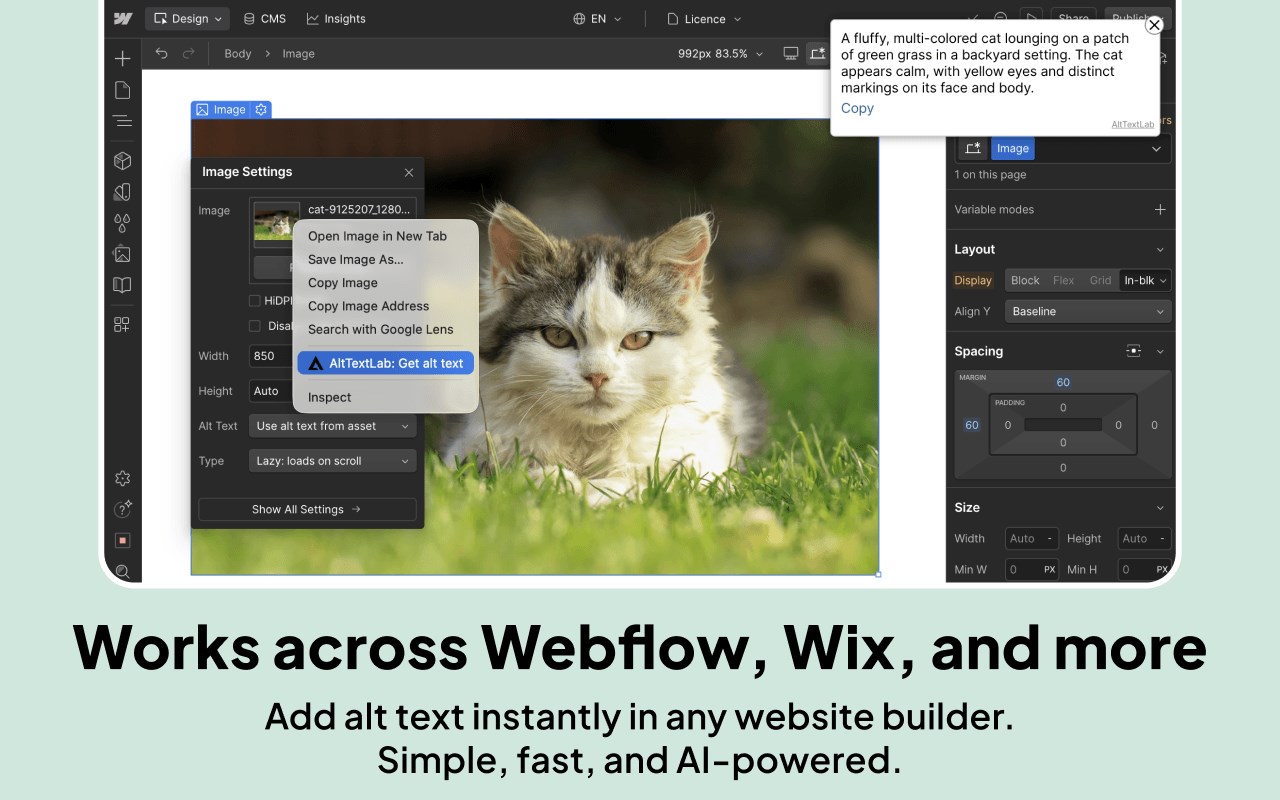
- Right-click, generate, done: Simply right-click any image and select “Generate Alt Text.”
- Works on any website: Works on any publicly accessible page you can open in Microsoft Edge, from product pages to design portfolios.
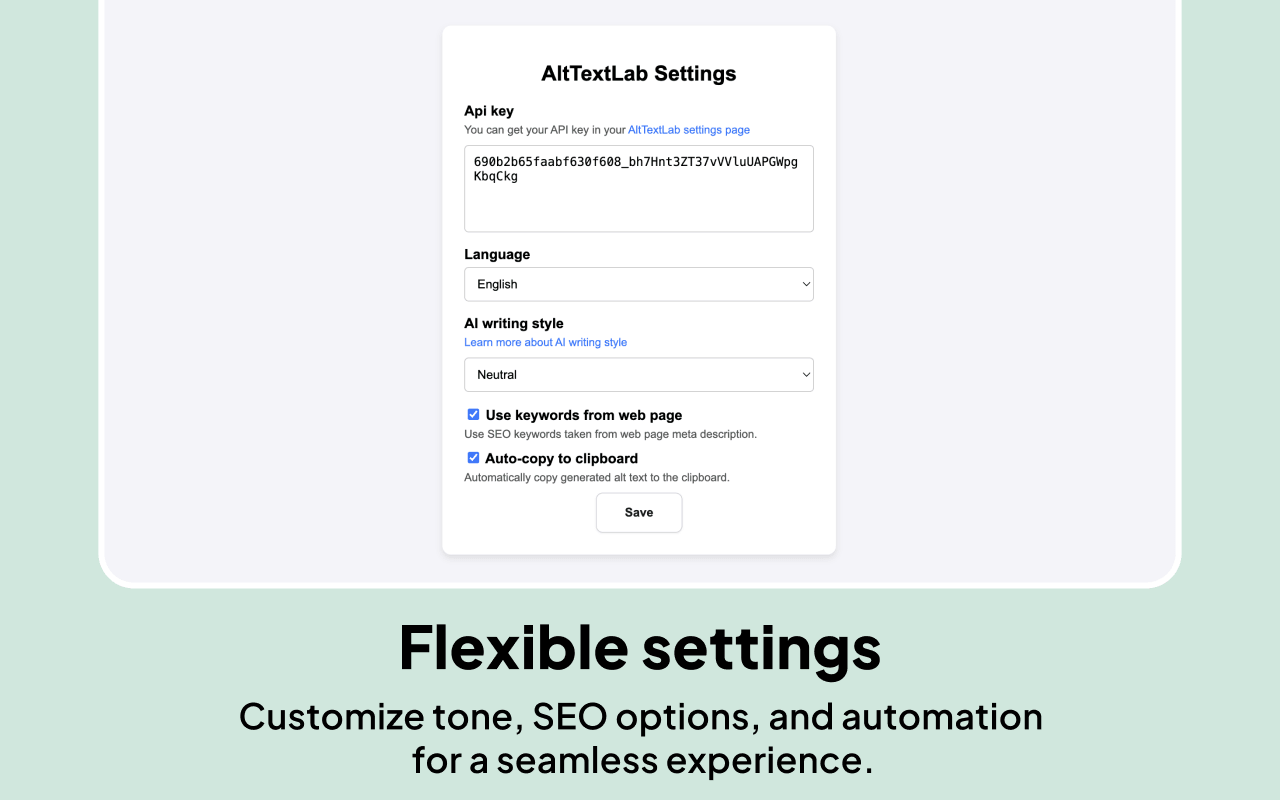
- 130+ languages supported: Generate alt text in any of 130+ languages with no extra configuration needed.
- Auto-copy to clipboard: Generated alt text lands in your clipboard the moment it's ready, with no extra click required.
- Four writing styles: Choose between descriptive, neutral, matter-of-fact, and minimal output to match the tone of your content.
- Visible to Bing, Copilot, and search engines: Accurate alt text improves how Bing indexes your images and how AI-powered answer engines surface your content.
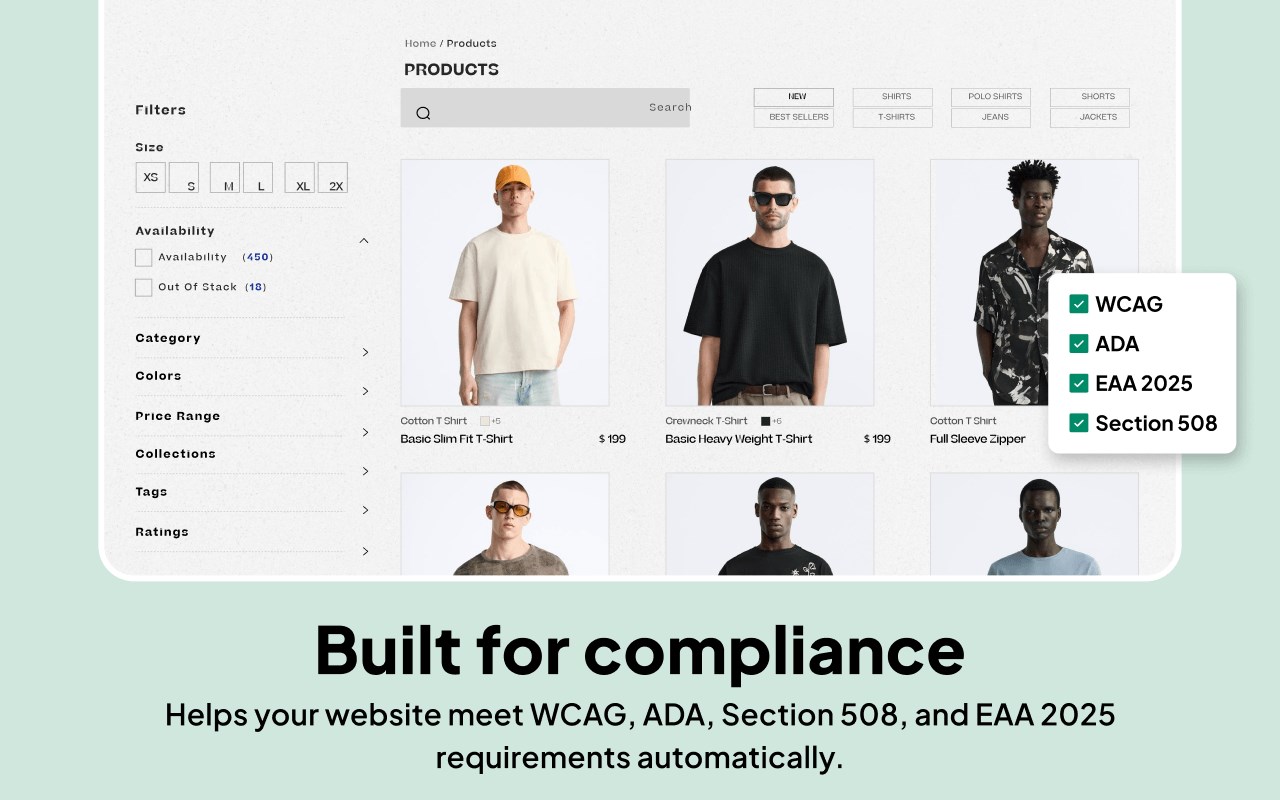
- Improves web accessibility: Accurate alt text makes every image meaningful to visually impaired and low vision users who rely on screen readers.
- Privacy-first and GDPR-aligned: Images are processed and immediately discarded — never stored, never used to train AI models.
- Free forever plan available: Every free account includes 25 credits per month permanently.
How to get started
Install this alt text add-on.
Click the AltTextLab icon in your Edge toolbar — a setup screen appears.
Click "Create Free Account" and sign up at alttextlab.com.
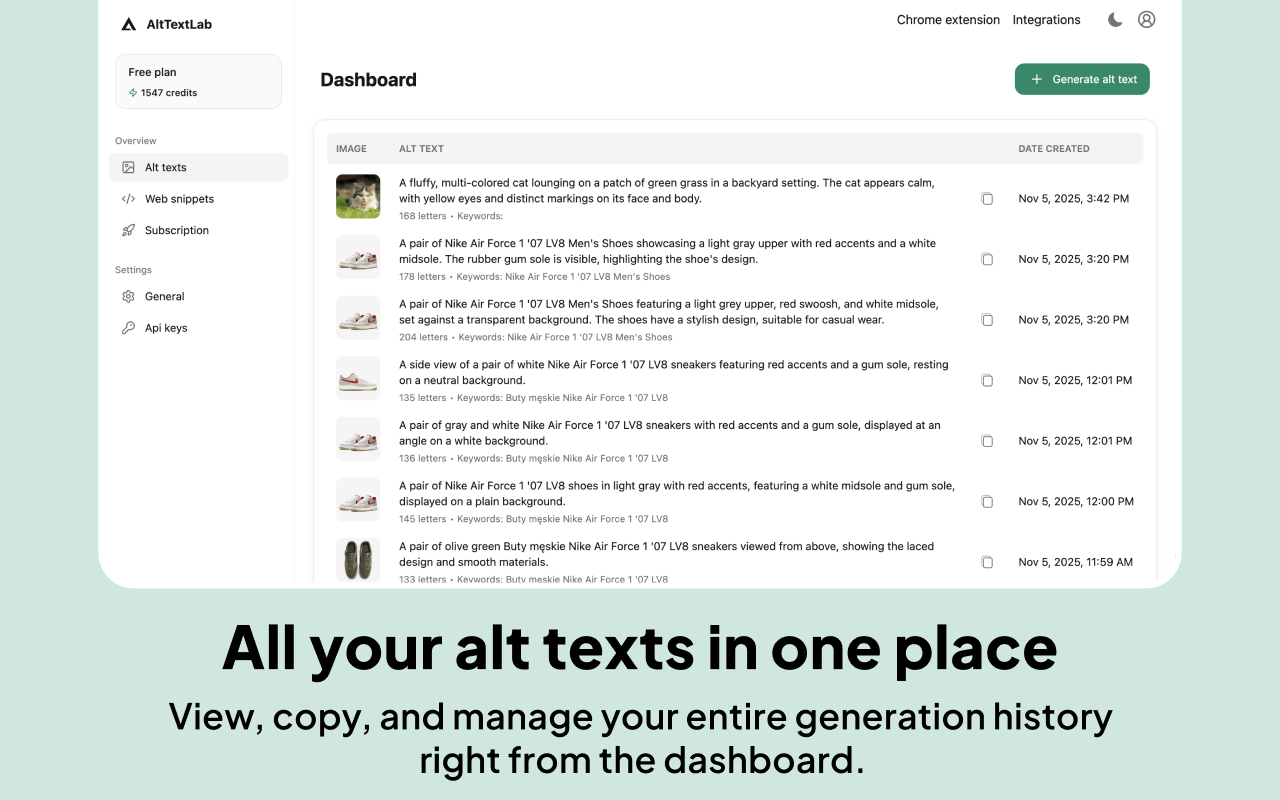
In the AltTextLab app, go to API Keys → click "Create API Key" and copy it.
Back in the add-on, click "Connect Account," paste your API key, and save.
Right-click any image on any page and select "AltTextLab: Get alt text" — and you're done.
Privacy and security
AltTextLab only processes images you choose to analyze and does not track your browsing activity.
AltTextLab – AI Alt Text Generator 是做什么的
AltTextLab – AI Alt Text Generator 是一款面向 Edge 的实用工具类扩展,主要用来解决浏览器里某类具体的小问题。官方对它的介绍是:Auto-generate accurate, SEO-optimized and accessible alt text for every image. Perfect for SEO, accessibility and content workflows.在微软 Edge 加载项商店上,它当前版本 1.0.8,评分 5(1 人评价),约 32 名用户。
适合什么人用
从功能定位看,AltTextLab – AI Alt Text Generator 更适合想补上浏览器原生缺失功能的用户。如果你平时只是偶尔遇到相关需求,用浏览器自带功能也能凑合;但如果这件事每天都发生,装一个专门处理它的扩展通常比手动操作省事得多。
怎么安装 AltTextLab – AI Alt Text Generator
- 打开微软 Edge 加载项商店上的官方页面;
- 点「添加到浏览器」并确认权限提示;
- 装好后在扩展列表里固定图标,方便随时开关。
本站只做索引与介绍,安装包来自官方商店。如果商店页面提示当前地区不可用,说明该扩展未在你所在区域上架。
常见问题
AltTextLab – AI Alt Text Generator 是免费的吗?
AltTextLab – AI Alt Text Generator 在微软 Edge 加载项商店免费提供下载。它是浏览器扩展,装上就能直接用,不需要注册账号。
AltTextLab – AI Alt Text Generator 安全吗?
它只申请了 0 项权限,范围比较克制,没有申请「读取所有网站数据」这种大权限。
AltTextLab – AI Alt Text Generator 支持哪些浏览器?
当前收录的版本来自微软 Edge 加载项商店,适用于 Edge。同一个扩展在其他商店可能有对应版本,但功能与版本号不一定相同。
怎么卸载 AltTextLab – AI Alt Text Generator?
在扩展管理页找到 AltTextLab – AI Alt Text Generator,点移除即可。它在本地保存的设置会一起清掉,不会残留数据。
权限清单 来自 manifest.json 原文
接口权限 5
activeTabclipboardWritecontextMenusscriptingstorage