
AIFreeBox TextHelper: 字母大小写转换器
AIFreeBox · EEdge MV3
转换文本大小写,符合社交媒体限制的字符计数,分析关键词频率 - 一站式强大的文本工具。AIFreeBox
截图
简介
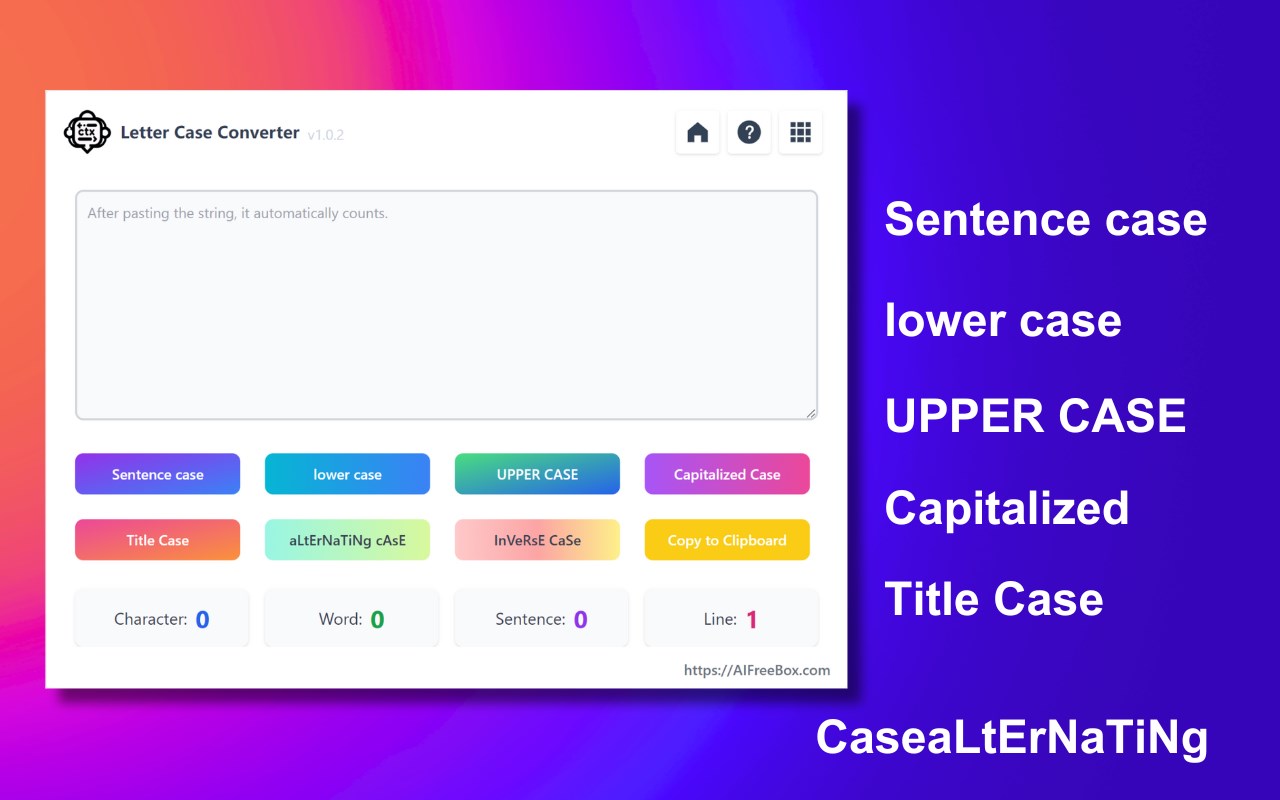
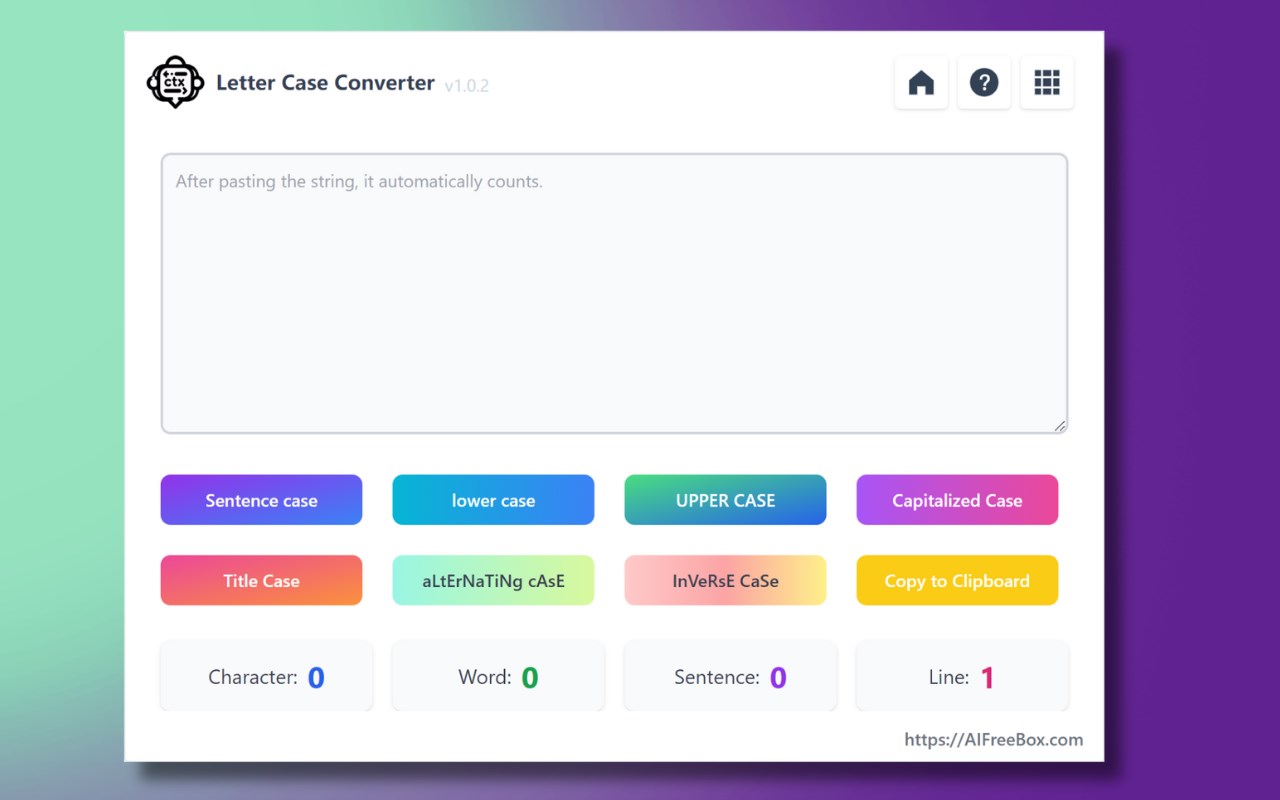
Case Text Converter Online:Convert lower, UPPER, Sentence, Capitalized, Alternating, Title, Inverse between different letter cases.
Discover the Case Text Letter Converter Online, a powerful and accessible web-based tool designed for instant, hassle-free text transformation. Perfect for anyone needing quick case conversions, this tool is a go-to resource for students, writers, professionals, and anyone in between.
Effortless Features for Every Need:
1.Lower Case Conversion: Easily transform any text to lower case, ideal for achieving uniformity and consistency in documents and online content.
2.Upper Case Transformation: Make your text stand out by converting it to UPPER CASE, perfect for headlines, titles, or emphasizing key points.
3.Sentence Case Adjustment: Automatically capitalize the first letter of each sentence while converting the rest to lower case, ensuring your prose is neat and professionally formatted.
4.Capitalized Case Tool: Instantly capitalize the first letter of every word, ideal for headings, titles, and formal documents.
5.Alternating Case Feature: Get creative by alternating between lower and upper case letters within words, adding a fun and unique twist to your messages or social media posts.
6.Title Case Converter: Perfect for academic and professional writing, this feature capitalizes key words in titles, adhering to formal writing standards.
7.Inverse Case Option: Experiment with text by flipping the case of each letter, creating an eye-catching and distinctive style.
Convenience at Your Fingertips:
●No Download, No Sign-Up: Access our tool directly online without any downloads or registration. It's ready to use whenever you are.
●Instant Results: Just paste your text and select your desired case style. The conversion happens in real time, providing immediate results.
●SEO Boost: Enhance your content for SEO with varied text cases, ensuring your writing is more likely to catch attention in search engine results.
●Free and Accessible: This tool is completely free and available for use anytime, making it perfect for quick edits or last-minute adjustments.
The Case Text Letter Converter Online is more than just a text transformation tool. It's a user-friendly, efficient way to refine the presentation of your writing, ensuring your text is always perfectly formatted for any context. Whether you're polishing an essay, preparing a report, or crafting engaging online content, our tool makes it easy to switch between case styles effortlessly. Try it now and elevate the readability and style of your text!
FAQs for Case Text Letter Converter Online:
Q1: What is the Case Text Letter Converter Online?
A1: The Case Text Letter Converter Online is a versatile web-based tool designed for easy text case conversion. It offers multiple styles including lower case, UPPER CASE, Sentence Case, Capitalized Case, Alternating Case, Title Case, and Inverse Case, making it ideal for various text formatting needs, from academic writing to social media posts.
Q2: How do I use this online case converter tool?
A2: Using the tool is simple and user-friendly. Just open the website, paste your text into the input box, and select the desired case style. The tool instantly converts the text, which you can then copy and use as needed.
Q3: Is there any cost associated with using the Case Text Letter Converter?
A3: No, our online text case converter is completely free to use. There are no hidden charges or subscription fees, making it an accessible tool for everyone.
Q4: Do I need to download or install any software to use this tool?
A4: No, there's no need to download or install anything. The Case Text Letter Converter is a web-based tool, accessible directly through your browser, ensuring convenience and ease of use.
Q5: Can this tool help in SEO optimization of my content?
A5: Absolutely! The Case Text Letter Converter can be a valuable asset for SEO content creation. By altering the case of your text, you can enhance the visual appeal and readability of your content, which are important factors in SEO optimization.
Q6: Is the text case converter secure to use for confidential documents?
A6: Yes, our tool is designed with user privacy in mind. No text entered into the converter is stored or monitored, ensuring your information remains confidential and secure.
Q7: Are there any limitations on the amount of text I can convert?
A7: The Case Text Letter Converter does not have a strict limit on text length, but it's optimized for best performance with reasonably sized documents, making it perfect for day-to-day text formatting tasks.
Q8: Can I access this tool from any device?
A8: Yes, our online case converter is accessible from any device with internet access and a web browser, including smartphones, tablets, and laptops, providing flexibility and convenience.
Q9: Does the tool support languages other than English?
A9: Currently, the tool is optimized for English text conversion. However, basic case conversion should work with any Latin-script based language.
Q10: Who can benefit from using the Case Text Letter Converter?
A10: This tool is ideal for students, writers, content creators, marketers, and professionals who are looking for quick and efficient text case conversions for various types of writing projects and online content creation.
AIFreeBox TextHelper: 字母大小写转换器 是做什么的
AIFreeBox TextHelper: 字母大小写转换器 是一款面向 Edge 的效率工具类扩展,主要用来管住注意力、屏蔽干扰站点、记录时间。官方对它的介绍是:转换文本大小写,符合社交媒体限制的字符计数,分析关键词频率 - 一站式强大的文本工具。AIFreeBox在微软 Edge 加载项商店上,它当前版本 5.3.1,评分 4(2 人评价),约 767 名用户。
适合什么人用
从功能定位看,AIFreeBox TextHelper: 字母大小写转换器 更适合想专注工作学习、减少无效刷网页的用户。如果你平时只是偶尔遇到相关需求,用浏览器自带功能也能凑合;但如果这件事每天都发生,装一个专门处理它的扩展通常比手动操作省事得多。
怎么安装 AIFreeBox TextHelper: 字母大小写转换器
- 打开微软 Edge 加载项商店上的官方页面;
- 点「添加到浏览器」并确认权限提示;
- 装好后在扩展列表里固定图标,方便随时开关。
本站只做索引与介绍,安装包来自官方商店。如果商店页面提示当前地区不可用,说明该扩展未在你所在区域上架。
常见问题
AIFreeBox TextHelper: 字母大小写转换器 是免费的吗?
AIFreeBox TextHelper: 字母大小写转换器 在微软 Edge 加载项商店免费提供下载。它是浏览器扩展,装上就能直接用,不需要注册账号。
AIFreeBox TextHelper: 字母大小写转换器 安全吗?
它只申请了 0 项权限,范围比较克制,没有申请「读取所有网站数据」这种大权限。
AIFreeBox TextHelper: 字母大小写转换器 支持哪些浏览器?
当前收录的版本来自微软 Edge 加载项商店,适用于 Edge。同一个扩展在其他商店可能有对应版本,但功能与版本号不一定相同。
怎么卸载 AIFreeBox TextHelper: 字母大小写转换器?
在扩展管理页找到 AIFreeBox TextHelper: 字母大小写转换器,点移除即可。它在本地保存的设置会一起清掉,不会残留数据。
权限清单 来自 manifest.json 原文
未解析到权限条目。