
AI Video Resizer - Resize Videos for Social Media Efficiently EN
Converts Team · EEdge MV3
Resize videos instantly for TikTok, YouTube Shorts, and Instagram Reels. AI-powered aspect ratio conversion with perfect framing.
截图
简介
Resize videos instantly for TikTok, YouTube Shorts, and Instagram Reels. AI-powered aspect ratio conversion with perfect framing.
Intelligently resize any video for social media platforms. AI automatically converts aspect ratios and keeps your content perfectly centered in seconds.
🎯 Key Features
📐 Smart Aspect Ratio Conversion
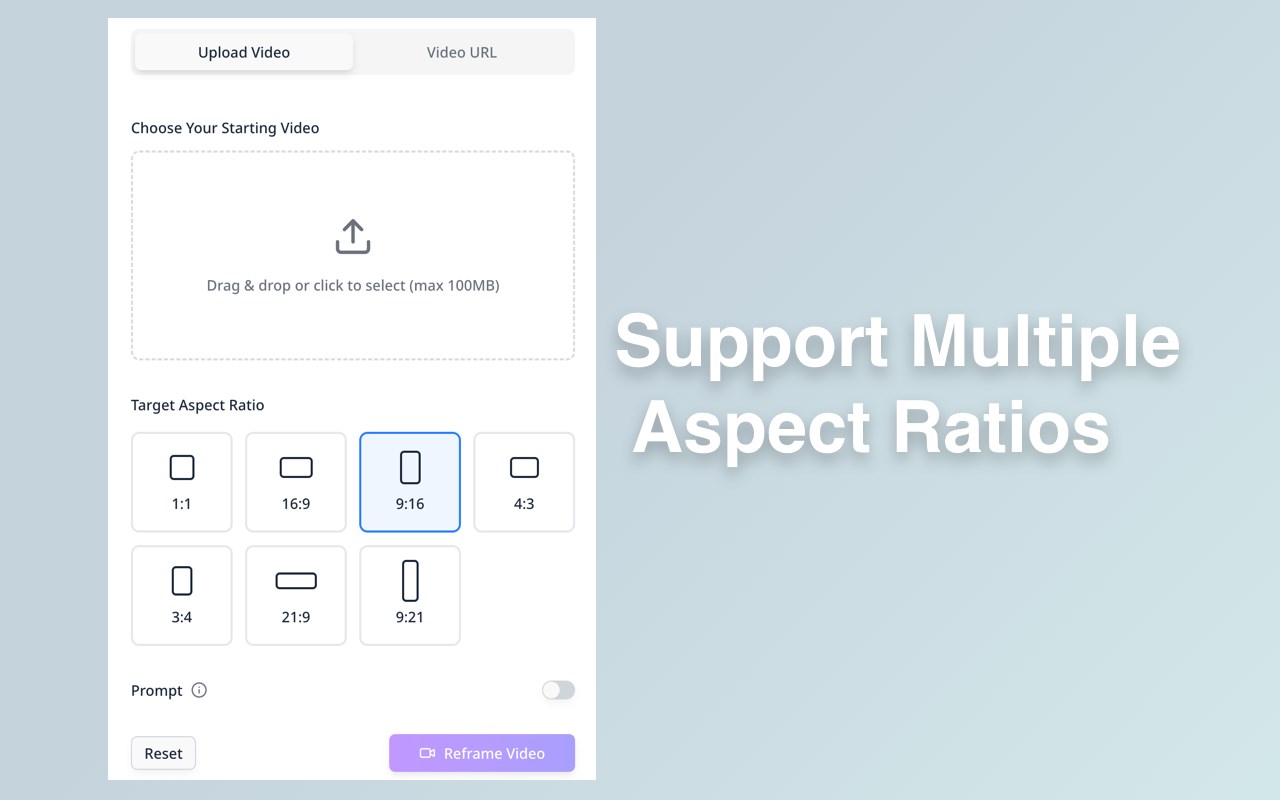
Resize videos to any format - 1:1, 16:9, 9:16, 4:3, 3:4, 21:9, 9:21 - with one click. AI intelligently adjusts framing to keep important content centered and visible.
🎬 Multi-Platform Optimization
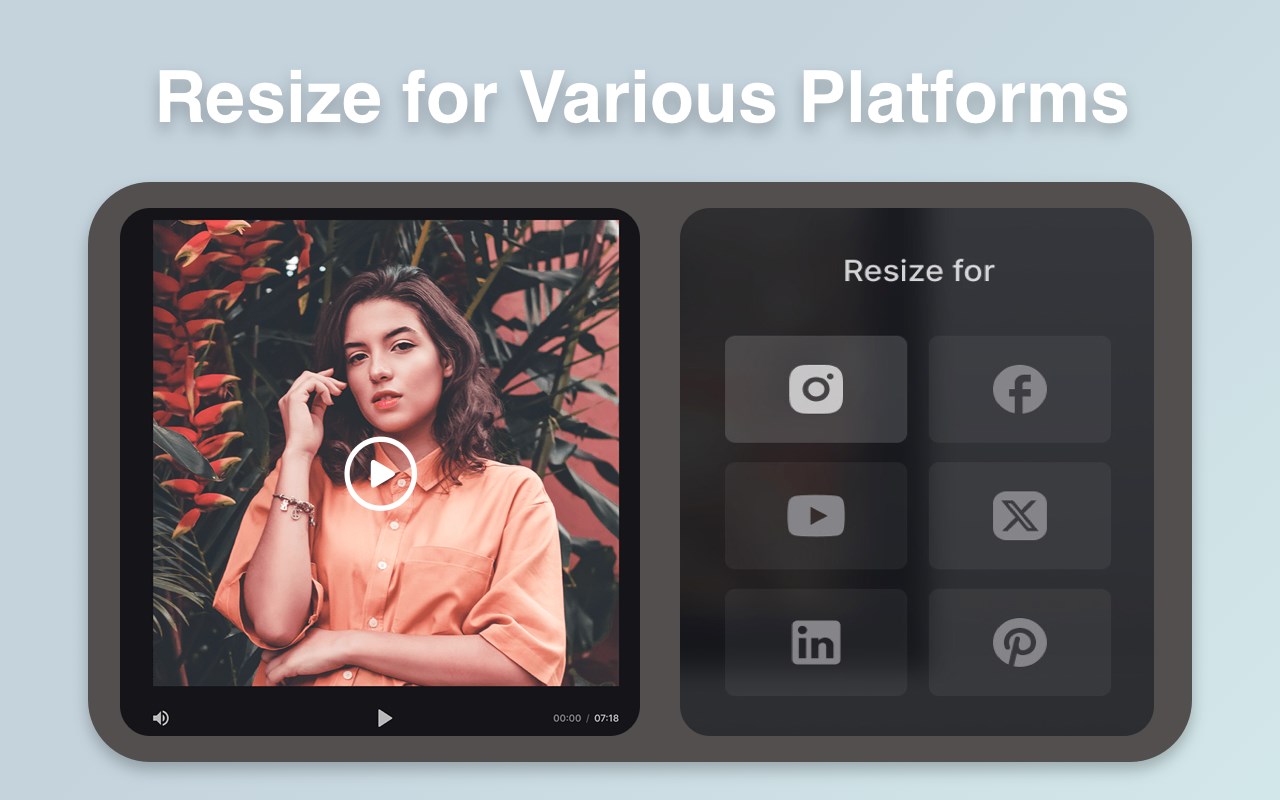
Resize videos specifically for TikTok, YouTube Shorts, Instagram Reels, Facebook, and other social platforms. Each format optimized for maximum engagement and professional appearance.
⚡ Instant Processing
Resize videos quickly and efficiently. Upload your video, select target aspect ratio, and receive perfectly resized content ready for immediate upload to any platform.
📹 Flexible Input Options
Upload videos directly from your device or provide video URLs. Support for various video formats with maximum length of 30 seconds for quick social media content.
🎨 Quality Preservation
Maintain high video quality during resize operations. No pixelation or quality loss - your resized videos look professional and polished across all aspect ratios.
👥 Who It's For
• Social Media Creators - Resize content for multiple platforms without manual editing. Create TikTok, Instagram, and YouTube versions from one original video.
• Content Marketers - Adapt promotional videos for different social channels quickly. Maintain consistent branding across all platform formats.
• Video Editors - Speed up workflow by automating aspect ratio conversions. Focus on creative work instead of technical reformatting tasks.
• Small Business Owners - Resize product videos and announcements for various social platforms without hiring editors or learning complex software.
🚀 How to Get Started
1. Upload Your Video - Choose your video file or paste a video URL to begin the resize process.
2. Select Target Aspect Ratio - Pick your desired format: 9:16 for TikTok/Reels, 1:1 for Instagram feed, 16:9 for YouTube, or any other ratio.
3. Resize and Download - Click "Reframe Video" and let AI process your content. Download your perfectly formatted video in minutes.
💡 Tips for Better Results
Choose the Right Aspect Ratio
Match your target platform: 9:16 for vertical social (TikTok, Reels, Stories), 1:1 for Instagram posts, 16:9 for YouTube landscape, 4:3 for classic Facebook.
Consider Content Positioning
Ensure important subjects are centered in your original video. AI framing works best when key elements are positioned in the middle third of the frame.
Optimize for Each Platform
Resize the same video to multiple formats to maximize reach. Create vertical, square, and landscape versions for complete social media coverage.
Test Before Posting
Preview resized videos before downloading to ensure framing meets your expectations. Use the "Reframe" button to regenerate if needed.
🔐 Privacy & Data Protection
We respect your privacy. Your uploaded videos are processed securely with your permission. All content is stored according to your account settings - see our privacy policy on the website for details.
📚 Support & Resources
If you have questions or need help, contact support with details and screenshots for faster assistance.
🔐 In-app purchases / Pricing
Optional in-app purchases: subscription plans (monthly & annual) and one-time credit packs. Free tier and occasional trials may be available. Payments are processed securely via Stripe; subscriptions can be cancelled anytime. See full details: https://veo31video.com/pricing
AI Video Resizer - Resize Videos for Social Media Efficiently 是做什么的
AI Video Resizer - Resize Videos for Social Media Efficiently 是一款面向 Edge 的实用工具类扩展,主要用来解决浏览器里某类具体的小问题。官方对它的介绍是:Resize videos instantly for TikTok, YouTube Shorts, and Instagram Reels. AI-powered aspect ratio conversion with perfect framing.在微软 Edge 加载项商店上,它当前版本 1.0.0,约 6 名用户。
适合什么人用
从功能定位看,AI Video Resizer - Resize Videos for Social Media Efficiently 更适合想补上浏览器原生缺失功能的用户。如果你平时只是偶尔遇到相关需求,用浏览器自带功能也能凑合;但如果这件事每天都发生,装一个专门处理它的扩展通常比手动操作省事得多。
怎么安装 AI Video Resizer - Resize Videos for Social Media Efficiently
- 打开微软 Edge 加载项商店上的官方页面;
- 点「添加到浏览器」并确认权限提示;
- 装好后在扩展列表里固定图标,方便随时开关。
本站只做索引与介绍,安装包来自官方商店。如果商店页面提示当前地区不可用,说明该扩展未在你所在区域上架。
常见问题
AI Video Resizer - Resize Videos for Social Media Efficiently 是免费的吗?
AI Video Resizer - Resize Videos for Social Media Efficiently 在微软 Edge 加载项商店免费提供下载。它是浏览器扩展,装上就能直接用,不需要注册账号。
AI Video Resizer - Resize Videos for Social Media Efficiently 安全吗?
它只申请了 0 项权限,范围比较克制,没有申请「读取所有网站数据」这种大权限。
AI Video Resizer - Resize Videos for Social Media Efficiently 支持哪些浏览器?
当前收录的版本来自微软 Edge 加载项商店,适用于 Edge。同一个扩展在其他商店可能有对应版本,但功能与版本号不一定相同。
怎么卸载 AI Video Resizer - Resize Videos for Social Media Efficiently?
在扩展管理页找到 AI Video Resizer - Resize Videos for Social Media Efficiently,点移除即可。它在本地保存的设置会一起清掉,不会残留数据。
权限清单 来自 manifest.json 原文
接口权限 4
cookiesdownloadsstoragetabs