
AI Video Enhancer | Upscale & Restore Video Quality with AI EN
Converts Team · EEdge MV3
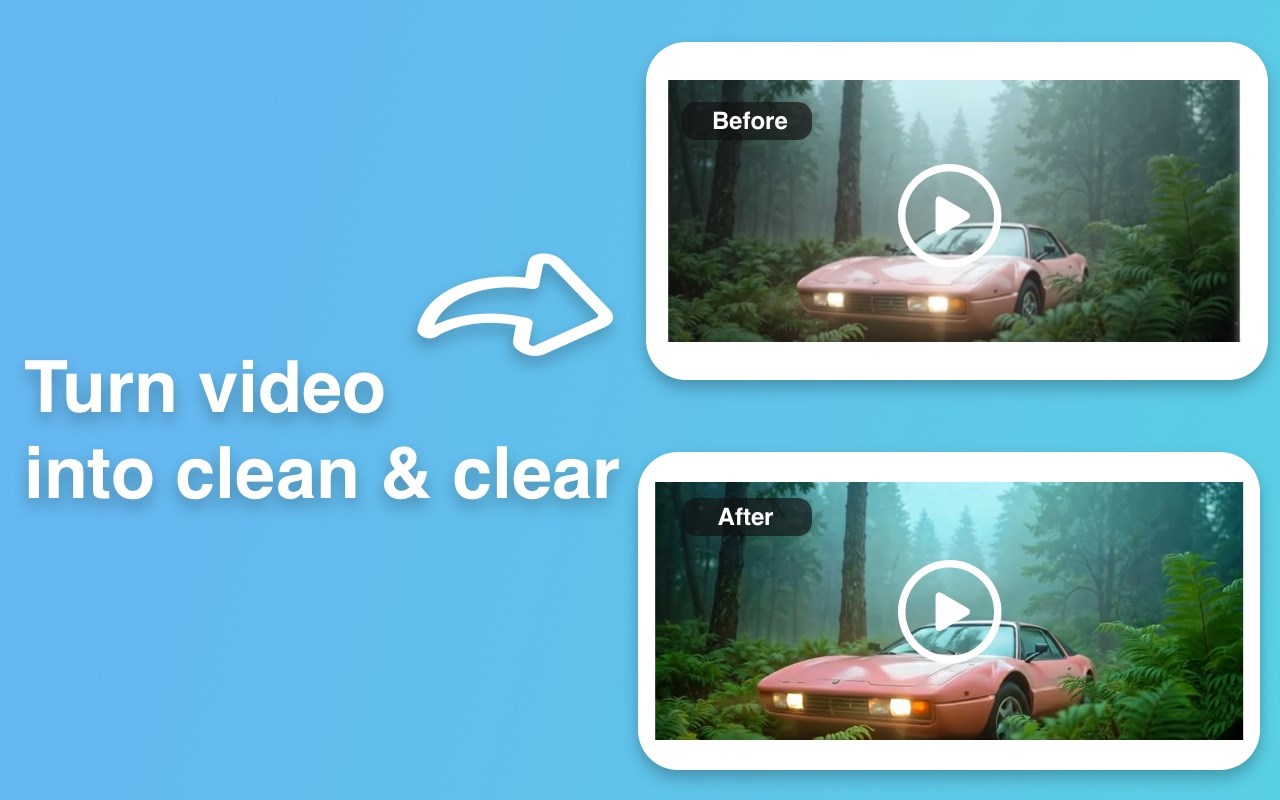
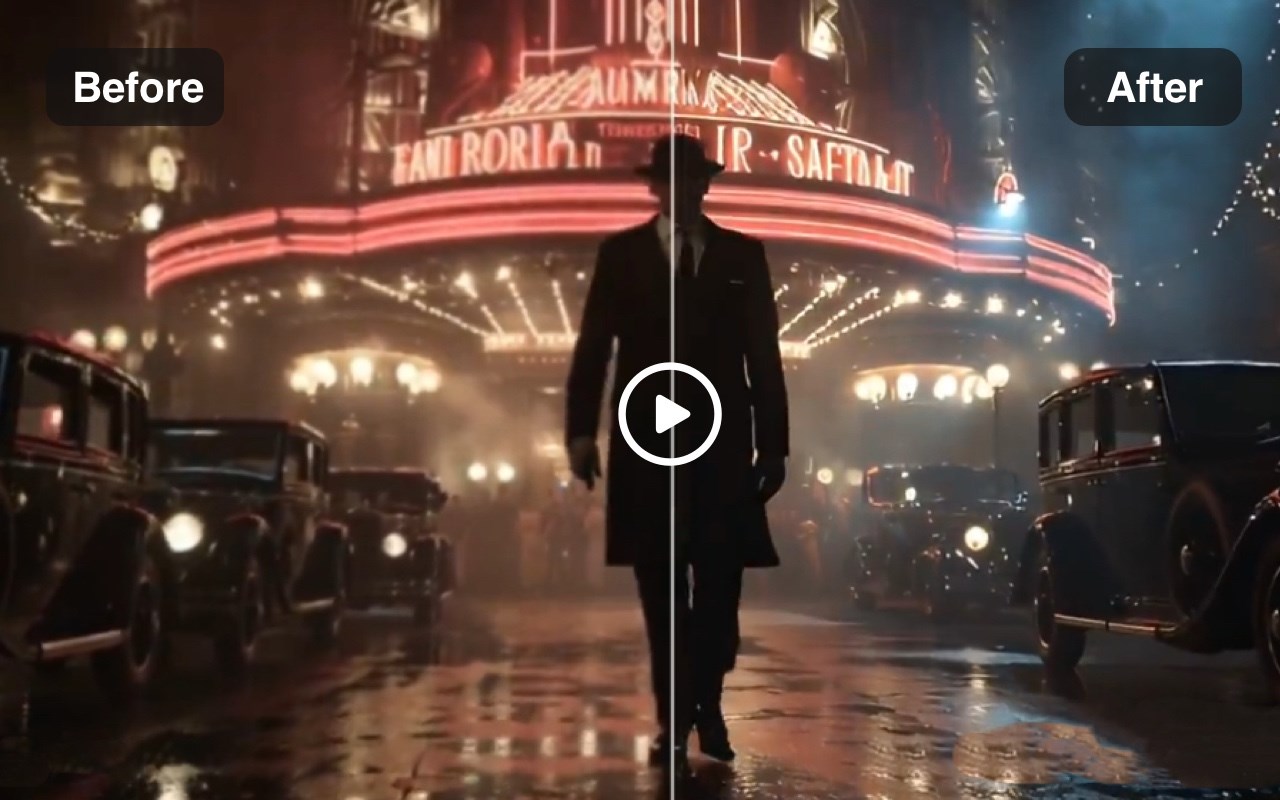
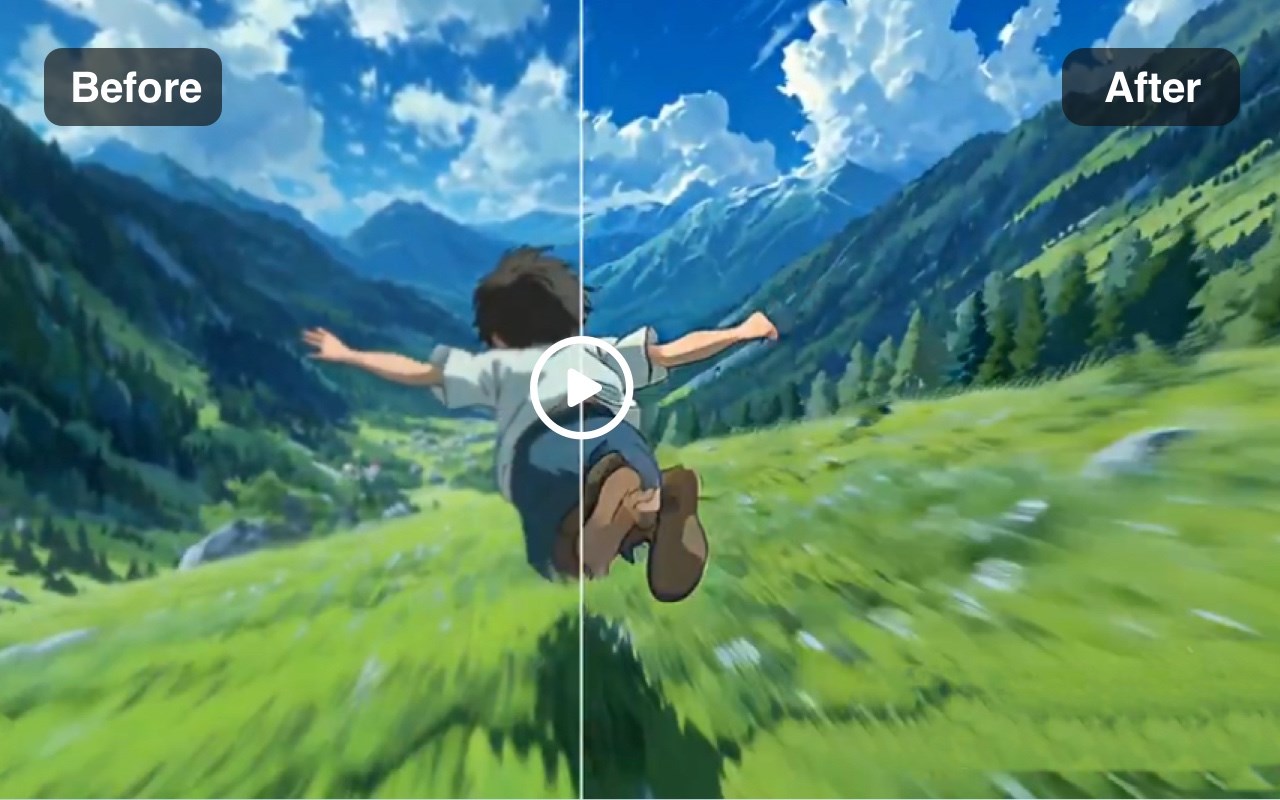
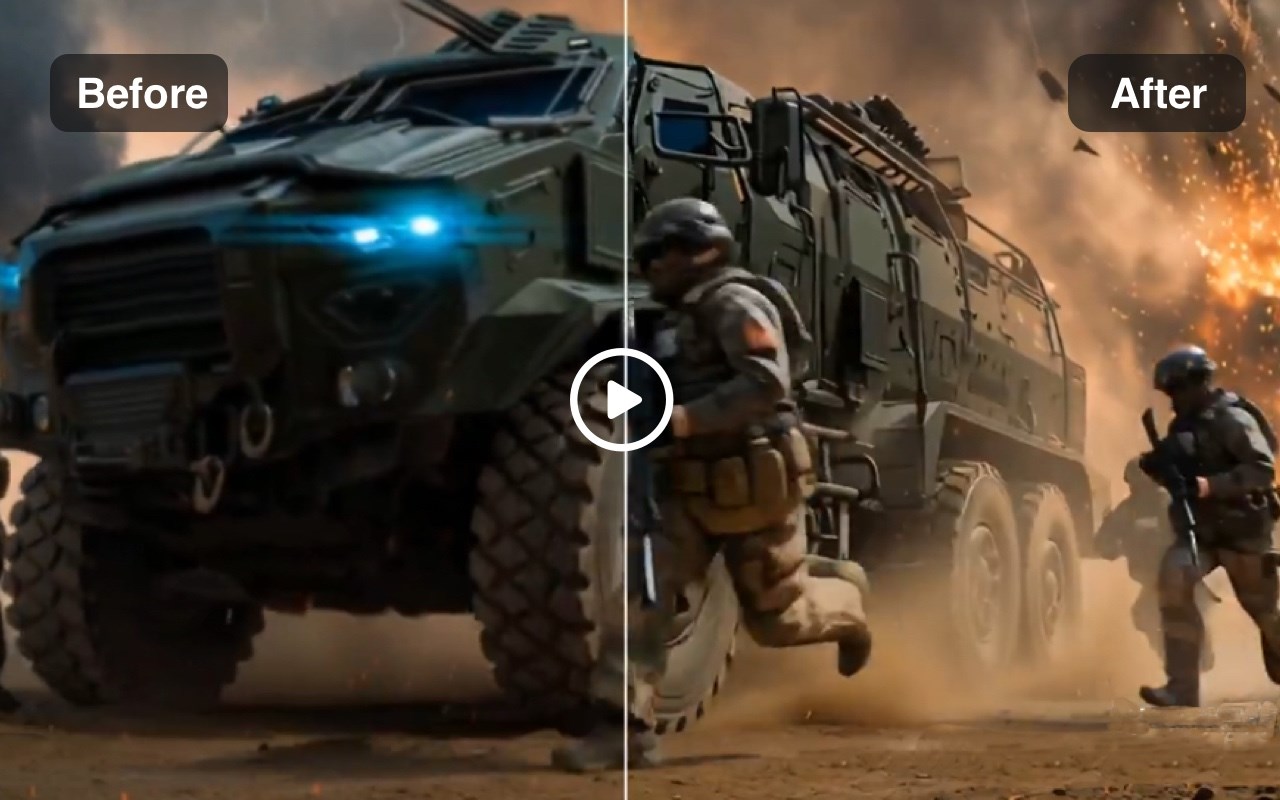
Transform low-quality videos into HD/4K content with AI-powered enhancement, noise reduction, stabilization, and smart upscaling.
截图
简介
Transform low-quality videos into HD/4K content with AI-powered enhancement, noise reduction, stabilization, and smart upscaling.
Enhance and restore your videos with cutting-edge AI technology that intelligently upscales resolution, removes noise, stabilizes shaky footage, and improves overall visual quality - all in your browser. Perfect for content creators, marketers, and anyone looking to breathe new life into old or low-quality videos.
🎯 Key Features
• 📈 Multi-Resolution Upscaling
Choose from three quality tiers: 720p (HD Quality), 1080p (Full HD), or 4K (Ultra HD) to match your exact needs.
• 🎞️ Frame Rate Control
Adjust the output frame rate with an intuitive slider to optimize smoothness and file size for your specific use case.
• 📤 Flexible Input Options
Upload videos directly from your device or provide a video URL for quick processing without downloading.
• ⚡ Fast Processing
AI-powered enhancement engine delivers high-quality results efficiently, with clear cost visibility before processing.
• 👁️ Real-Time Preview
Review your source video before enhancement to ensure you're working with the right content.
• 🔄 Easy Reset
Quickly reset all settings to default values and start fresh with different parameters.
👥 Who It's For
• Content Creators: upgrade older footage and phone videos to professional quality for YouTube, TikTok, and Instagram
• Marketing Teams: enhance promotional videos, product demos, and testimonials for better audience engagement
• E-commerce Sellers: improve product video quality to increase customer confidence and conversions
• Social Media Managers: optimize video content for different platforms with appropriate resolution settings
• Educators: enhance recorded lessons, webinars, and training videos for clearer viewing
• Personal Projects: restore and improve home videos, travel footage, and cherished memories
🚀 Getting Started
1. Click Upload Video or Video URL
2. Choose Upscale (720p / 1080p / 4K) and set Frame Rate
3. Click Generate Video and review the Preview
4. Click Download to save your enhanced video
💡 Best Practices
• Start with the best source possible: Higher quality input videos produce better enhancement results
• Choose resolution wisely: Select 1080p for most uses; reserve 4K for projects requiring maximum detail
• Match frame rate to content type: 30 FPS works well for most content; use 60 FPS for sports or action footage
• Preview before processing: Always check your uploaded video to confirm it's the correct file
⚙️ Technical Details
• Supported Input Methods: Direct file upload or video URL
• Output Resolutions: 720p, 1080p, 4K
• Frame Rate Range: Adjustable via slider (standard range covers most common needs)
• Processing Time: Varies based on video length and selected resolution
• Credit System: Transparent cost display before generation
🔐 Privacy & Security
We respect your privacy. Your prompts and uploads are processed only to generate videos. Projects are saved to your account per your settings and can be deleted anytime. See our website privacy policy for details.
📚 Support & Resources
If you have questions or need help, contact support with details and screenshots for faster assistance.
AI Video Enhancer | Upscale & Restore Video Quality with AI 是做什么的
AI Video Enhancer | Upscale & Restore Video Quality with AI 是一款面向 Edge 的实用工具类扩展,主要用来解决浏览器里某类具体的小问题。官方对它的介绍是:Transform low-quality videos into HD/4K content with AI-powered enhancement, noise reduction, stabilization, and smart upscaling.在微软 Edge 加载项商店上,它当前版本 1.0.0,约 280 名用户。
适合什么人用
从功能定位看,AI Video Enhancer | Upscale & Restore Video Quality with AI 更适合想补上浏览器原生缺失功能的用户。如果你平时只是偶尔遇到相关需求,用浏览器自带功能也能凑合;但如果这件事每天都发生,装一个专门处理它的扩展通常比手动操作省事得多。
怎么安装 AI Video Enhancer | Upscale & Restore Video Quality with AI
- 打开微软 Edge 加载项商店上的官方页面;
- 点「添加到浏览器」并确认权限提示;
- 装好后在扩展列表里固定图标,方便随时开关。
本站只做索引与介绍,安装包来自官方商店。如果商店页面提示当前地区不可用,说明该扩展未在你所在区域上架。
常见问题
AI Video Enhancer | Upscale & Restore Video Quality with AI 是免费的吗?
AI Video Enhancer | Upscale & Restore Video Quality with AI 在微软 Edge 加载项商店免费提供下载。它是浏览器扩展,装上就能直接用,不需要注册账号。
AI Video Enhancer | Upscale & Restore Video Quality with AI 安全吗?
它只申请了 0 项权限,范围比较克制,没有申请「读取所有网站数据」这种大权限。
AI Video Enhancer | Upscale & Restore Video Quality with AI 支持哪些浏览器?
当前收录的版本来自微软 Edge 加载项商店,适用于 Edge。同一个扩展在其他商店可能有对应版本,但功能与版本号不一定相同。
怎么卸载 AI Video Enhancer | Upscale & Restore Video Quality with AI?
在扩展管理页找到 AI Video Enhancer | Upscale & Restore Video Quality with AI,点移除即可。它在本地保存的设置会一起清掉,不会残留数据。
权限清单 来自 manifest.json 原文
接口权限 4
cookiesdownloadsstoragetabs