AI Text Cleaner EN
Md Solaiman Islam Shadhin · EEdge MV3
Removes AI writing patterns, symbols, filler phrases, and watermarks from copied text to make it sound natural.
截图
简介
AI Text Cleaner is a lightweight, privacy-first browser extension designed to instantly sanitize and format text copied from popular AI platforms. Eliminate hidden watermarks, messy formatting, and repetitive AI phrases in one click or standard copy shortcut.
Whether you are copying text into Microsoft Word, email, developer documentation, or code editors, AI Text Cleaner ensures your clipboard content remains clean, professional, and free of telltale AI clutter.
Key Features
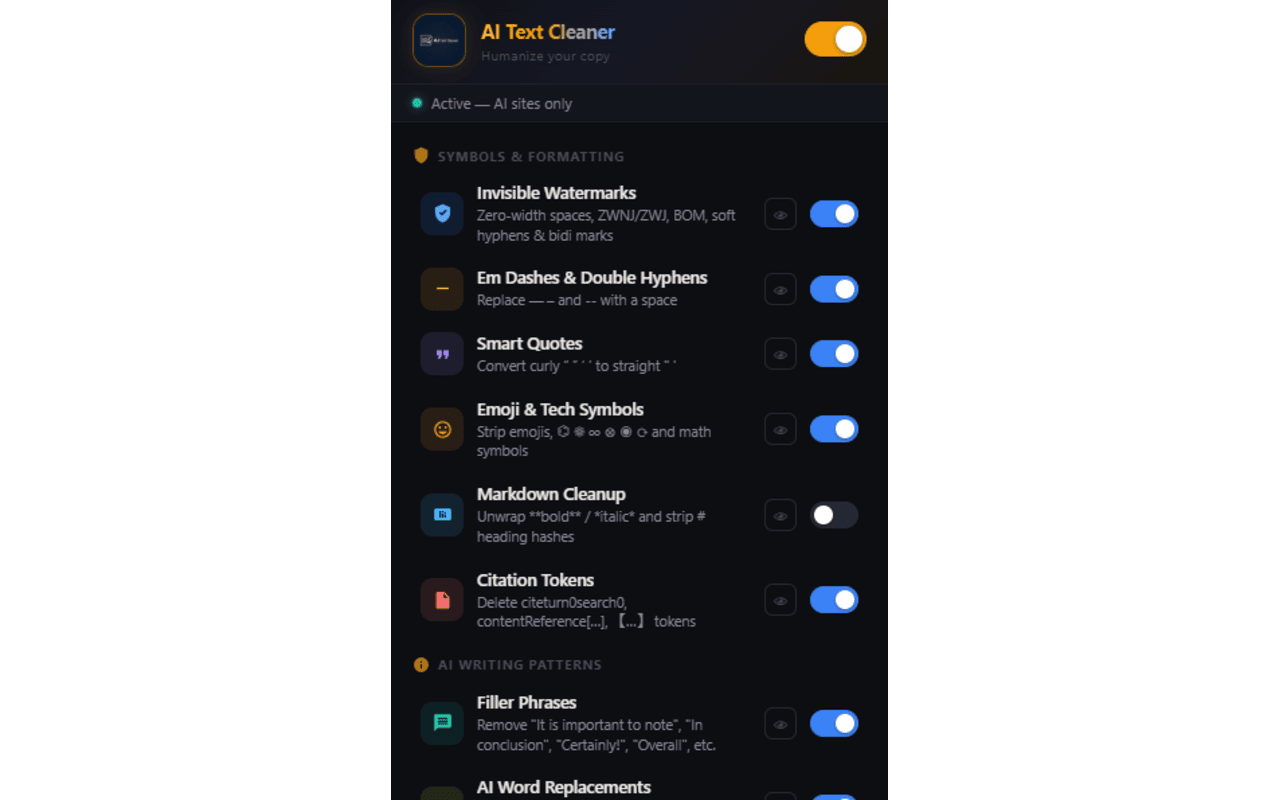
Invisible Watermark Removal: Strips hidden unicode tracking characters (Zero-Width Spaces, BOMs, Joiners, Soft Hyphens) and converts non-breaking spaces into standard spaces.
Smart Typography Normalization: Replaces long dashes (Em/En dashes) and double hyphens with clean spaces or commas, and converts curly smart quotes to clean straight quotes.
Emoji & Symbol Removal: Automatically cleans up unnecessary emojis, mathematical symbols, arrows, and technical characters.
AI Phrase & Citation Cleanup: Removes built-in filler phrases (e.g., "," "") and strips citation tokens like [1] or.
Markdown & Placeholder Formatting: Option to strip inline code backticks, bold/italic markers, heading prefixes, and unfulfilled template placeholders like.
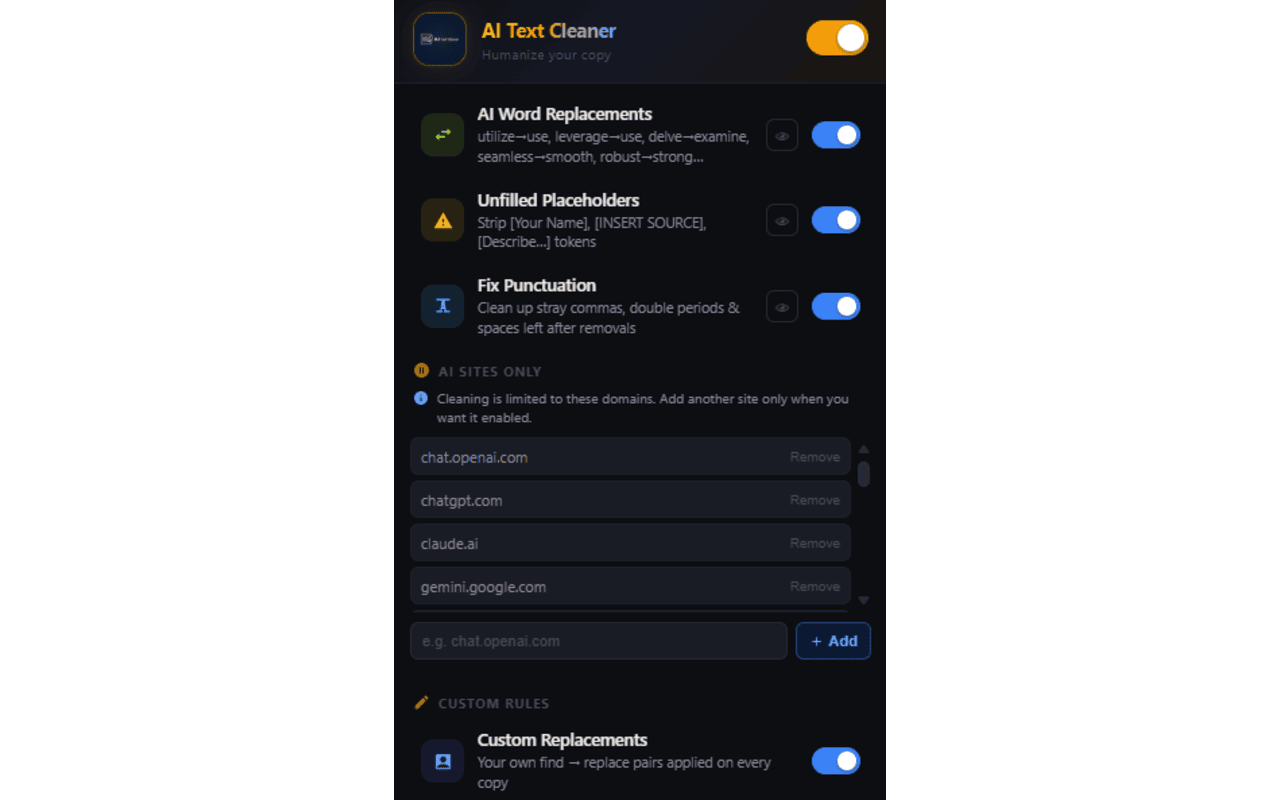
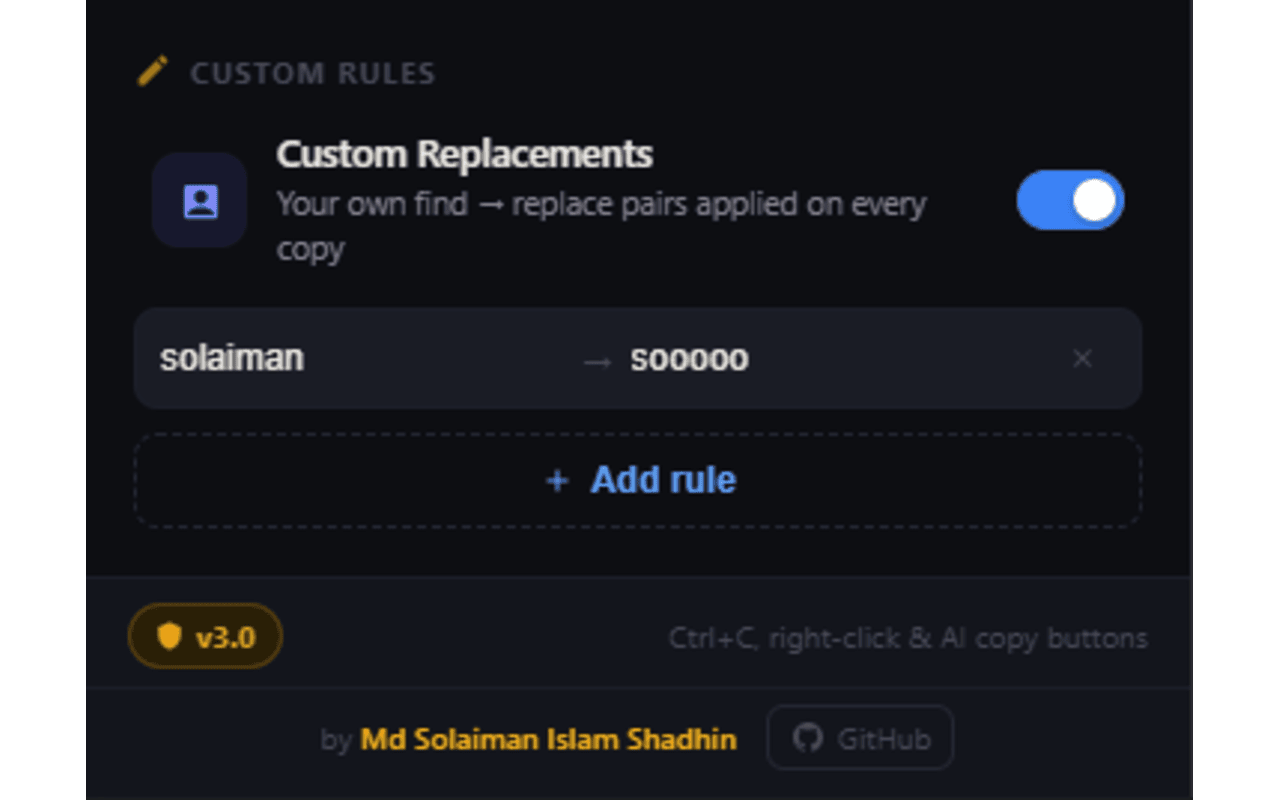
Custom Word Replacements & Literal Rules: Automatically replaces complex jargon with simpler alternatives (e.g., "use" "use") and allows you to define your own custom find-and-replace rules.
Custom Domain Support: Pre-configured for top AI sites including ChatGPT, Claude, Gemini, Copilot, Perplexity, DeepSeek, Notion, and Hugging Face, with the ability to add and authorize any custom domain easily.
Privacy & Performance
100% Local & Offline: All text cleaning happens directly inside your browser. No data is ever sent to external servers or stored outside your system.
Manifest V3 Compliant: Built using modern Web APIs for fast performance without slowing down your browser tabs.
Granular Control: Toggle individual cleaning features on or off directly from the extension popup to match your workflow.
AI Text Cleaner 是做什么的
AI Text Cleaner 是一款面向 Edge 的效率工具类扩展,主要用来管住注意力、屏蔽干扰站点、记录时间。官方对它的介绍是:Removes AI writing patterns, symbols, filler phrases, and watermarks from copied text to make it sound natural.在微软 Edge 加载项商店上,它当前版本 3.0.0,约 2 名用户。
适合什么人用
从功能定位看,AI Text Cleaner 更适合想专注工作学习、减少无效刷网页的用户。如果你平时只是偶尔遇到相关需求,用浏览器自带功能也能凑合;但如果这件事每天都发生,装一个专门处理它的扩展通常比手动操作省事得多。
怎么安装 AI Text Cleaner
- 打开微软 Edge 加载项商店上的官方页面;
- 点「添加到浏览器」并确认权限提示;
- 装好后在扩展列表里固定图标,方便随时开关。
本站只做索引与介绍,安装包来自官方商店。如果商店页面提示当前地区不可用,说明该扩展未在你所在区域上架。
常见问题
AI Text Cleaner 是免费的吗?
AI Text Cleaner 在微软 Edge 加载项商店免费提供下载。它是浏览器扩展,装上就能直接用,不需要注册账号。
AI Text Cleaner 安全吗?
它只申请了 0 项权限,范围比较克制,没有申请「读取所有网站数据」这种大权限。
AI Text Cleaner 支持哪些浏览器?
当前收录的版本来自微软 Edge 加载项商店,适用于 Edge。同一个扩展在其他商店可能有对应版本,但功能与版本号不一定相同。
怎么卸载 AI Text Cleaner?
在扩展管理页找到 AI Text Cleaner,点移除即可。它在本地保存的设置会一起清掉,不会残留数据。
权限清单 来自 manifest.json 原文
接口权限 6
activeTabclipboardReadclipboardWritescriptingstoragetabs