
AI Grammar Checker & Paraphraser – LanguageTool EN
LanguageTool · EEdge MV3
Instantly Enhance Your Texts with LanguageTool’s Grammar Checker and Paraphrasing Tool
截图


简介
Instantly Enhance Your Texts with LanguageTool’s Grammar Checker and Paraphrasing Tool
★ Finds many errors that a simple spell checker cannot detect
★ No registration needed
★ Supports more than 25 languages (see below)
★ Works on almost any website including Gmail, Facebook, Twitter
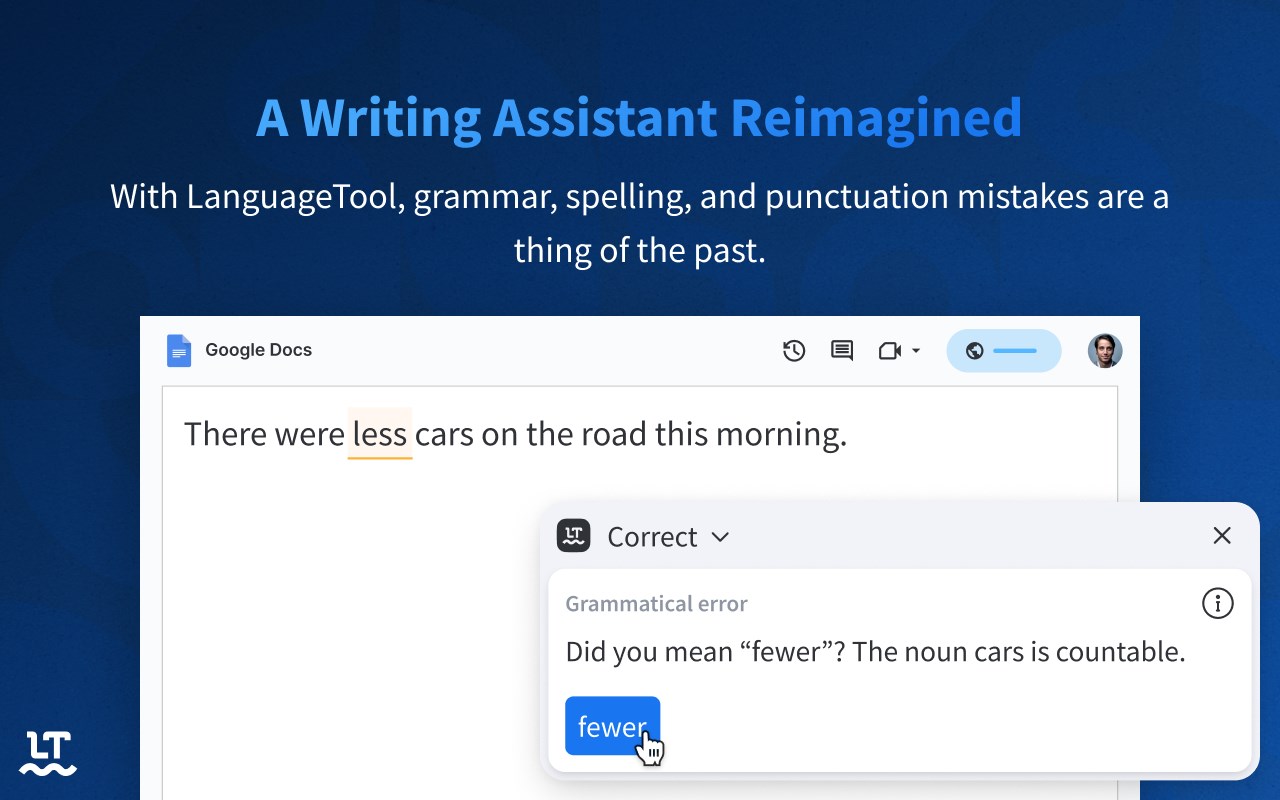
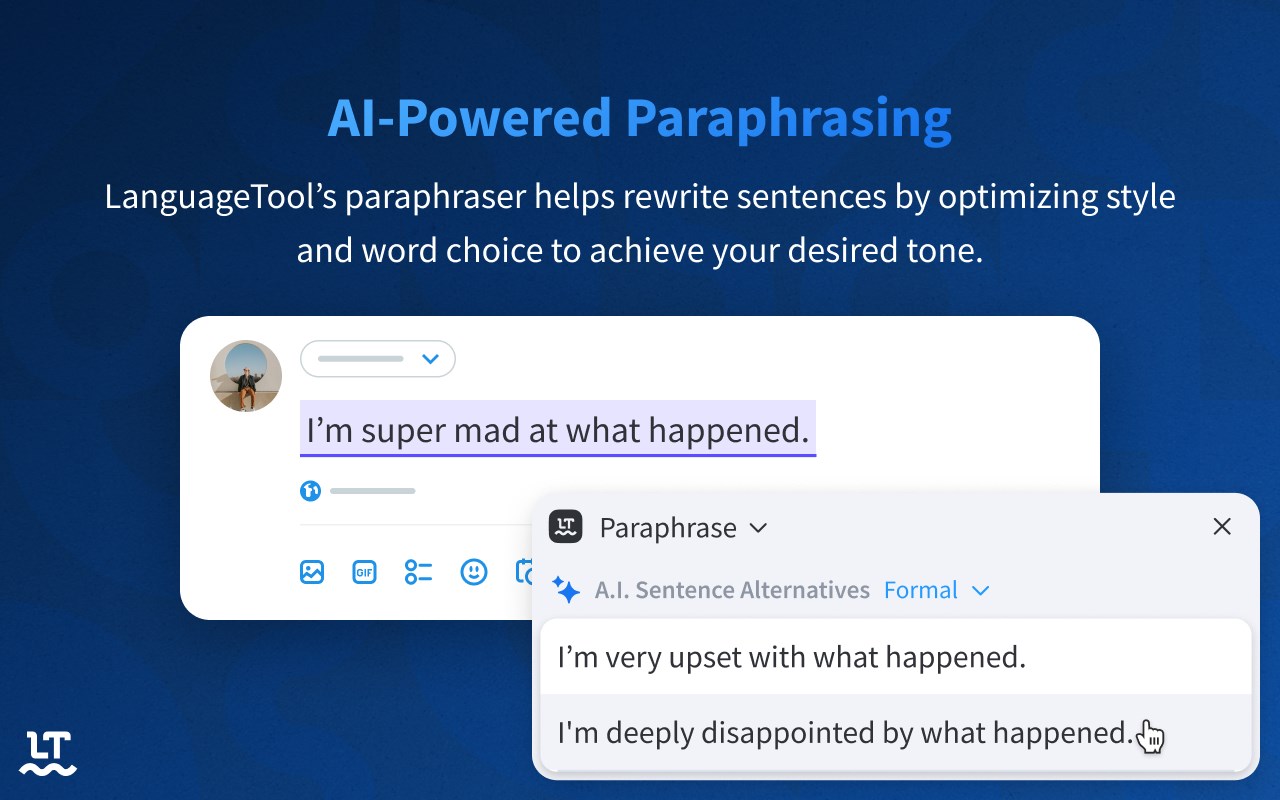
This extension ensures that your writing is error-free. LanguageTool detects many errors that a simple spell checker cannot, such as grammar issues, commonly confused words, and punctuation oversights. Additionally, LanguageTool offers style suggestions to elevate your writing: synonym replacements for overused words, concise rephrasing of wordy sentences, and formal alternatives to commonly used expressions.
LanguageTool is designed with simplicity in mind, instantly analyzing your text as you type. It is compatible with most platforms, including social networks such as Twitter and LinkedIn, and e-mail services such as Gmail.
With LanguageTool, our aim is to give users a full-feature grammar checker and proofreader that will enable them to have control and confidence over their content. While LanguageTool is a vital extension for non-native speakers, it also recognizes many mistakes that are frequently made by native speakers. This grammar and spelling correction works across several varieties of commonly spoken languages, and is capable of distinguishing between American and British English. LanguageTool also features a personal dictionary for exceptions or words that you might commonly use, but are not found in a conventional dictionary; it will learn to recognize these words for future grammar checking and proofreading.
Unlike other services like Grammarly (a.k.a. Grammerly :-), ProWritingAid, and Quillbot, LanguageTool supports more than 25 languages including English, Spanish, French, German, Polish, and Russian (see below for the complete list).
Your privacy is important to us: By default, this extension will check your text by sending it to https://languagetool.org over a securely encrypted connection. No account is needed to use this extension. We don't store your IP address. See https://languagetool.org/privacy/ for our privacy policy.
➤ Supports 20+ languages
List of supported languages: English (Australian, Canadian, GB, New Zealand, South African, US), French, German (Austria, Germany, Swiss), Asturian, Belarusian, Breton, Catalan (also Valencian), Chinese, Danish, Dutch, Esperanto, Galician, Greek, Italian, Japanese, Khmer, Persian, Polish, Portuguese (Brazil, Portugal, Angola, Mozambique), Romanian, Russian, Slovak, Slovenian, Spanish, Swedish, Tagalog, Tamil, Ukrainian, Arabic
➤ Basic vs. Premium
LanguageTool is free to use. No account is required. If you are in need of advanced grammar, punctuation, and style suggestions, please have a look at our paid version (LanguageTool Premium).
AI Grammar Checker & Paraphraser – LanguageTool 是做什么的
AI Grammar Checker & Paraphraser – LanguageTool 是一款面向 Edge 的效率工具类扩展,主要用来管住注意力、屏蔽干扰站点、记录时间。官方对它的介绍是:Instantly Enhance Your Texts with LanguageTool’s Grammar Checker and Paraphrasing Tool在微软 Edge 加载项商店上,它当前版本 11.5.0,评分 4.6(615 人评价),约 694,361 名用户。
适合什么人用
从功能定位看,AI Grammar Checker & Paraphraser – LanguageTool 更适合想专注工作学习、减少无效刷网页的用户。如果你平时只是偶尔遇到相关需求,用浏览器自带功能也能凑合;但如果这件事每天都发生,装一个专门处理它的扩展通常比手动操作省事得多。
怎么安装 AI Grammar Checker & Paraphraser – LanguageTool
- 打开微软 Edge 加载项商店上的官方页面;
- 点「添加到浏览器」并确认权限提示;
- 装好后在扩展列表里固定图标,方便随时开关。
本站只做索引与介绍,安装包来自官方商店。如果商店页面提示当前地区不可用,说明该扩展未在你所在区域上架。
常见问题
AI Grammar Checker & Paraphraser – LanguageTool 是免费的吗?
AI Grammar Checker & Paraphraser – LanguageTool 在微软 Edge 加载项商店免费提供下载。它是浏览器扩展,装上就能直接用,不需要注册账号。
AI Grammar Checker & Paraphraser – LanguageTool 安全吗?
它只申请了 0 项权限,范围比较克制,没有申请「读取所有网站数据」这种大权限。
AI Grammar Checker & Paraphraser – LanguageTool 支持哪些浏览器?
当前收录的版本来自微软 Edge 加载项商店,适用于 Edge。同一个扩展在其他商店可能有对应版本,但功能与版本号不一定相同。
怎么卸载 AI Grammar Checker & Paraphraser – LanguageTool?
在扩展管理页找到 AI Grammar Checker & Paraphraser – LanguageTool,点移除即可。它在本地保存的设置会一起清掉,不会残留数据。
权限清单 来自 manifest.json 原文
接口权限 5
activeTabalarmscontextMenusscriptingstorage