AdBlocker Shield EN
OneTech Services · EEdge MV3
Boost your browsing speed while blocking ads with AdBlocker Shield.
截图
简介
This browser extension is designed to revolutionize the way you surf the web, offering a comprehensive set of features to boost your browsing speed and eliminate the annoyance of ads. Whether you're using Microsoft Edge, Firefox or Chrome, or you're on the go with Kiwi Browser on your Android device, AdBlocker Shield has you covered. Let's dive into the details of what makes this extension stand out:
1. Lightning-Fast Browsing: AdBlocker Shield isn't just about blocking ads; it's also about optimizing your browsing speed. Say goodbye to the lag caused by ads and enjoy faster load times and smoother navigation.
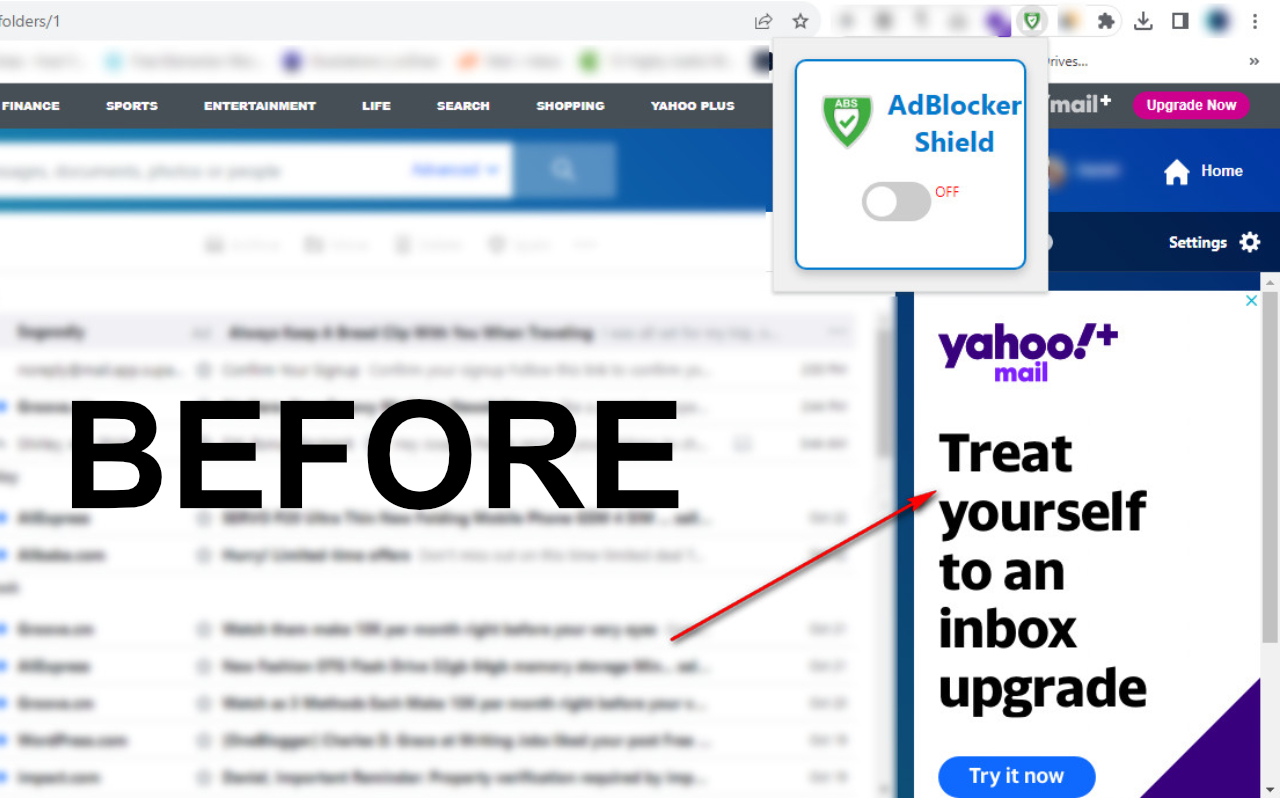
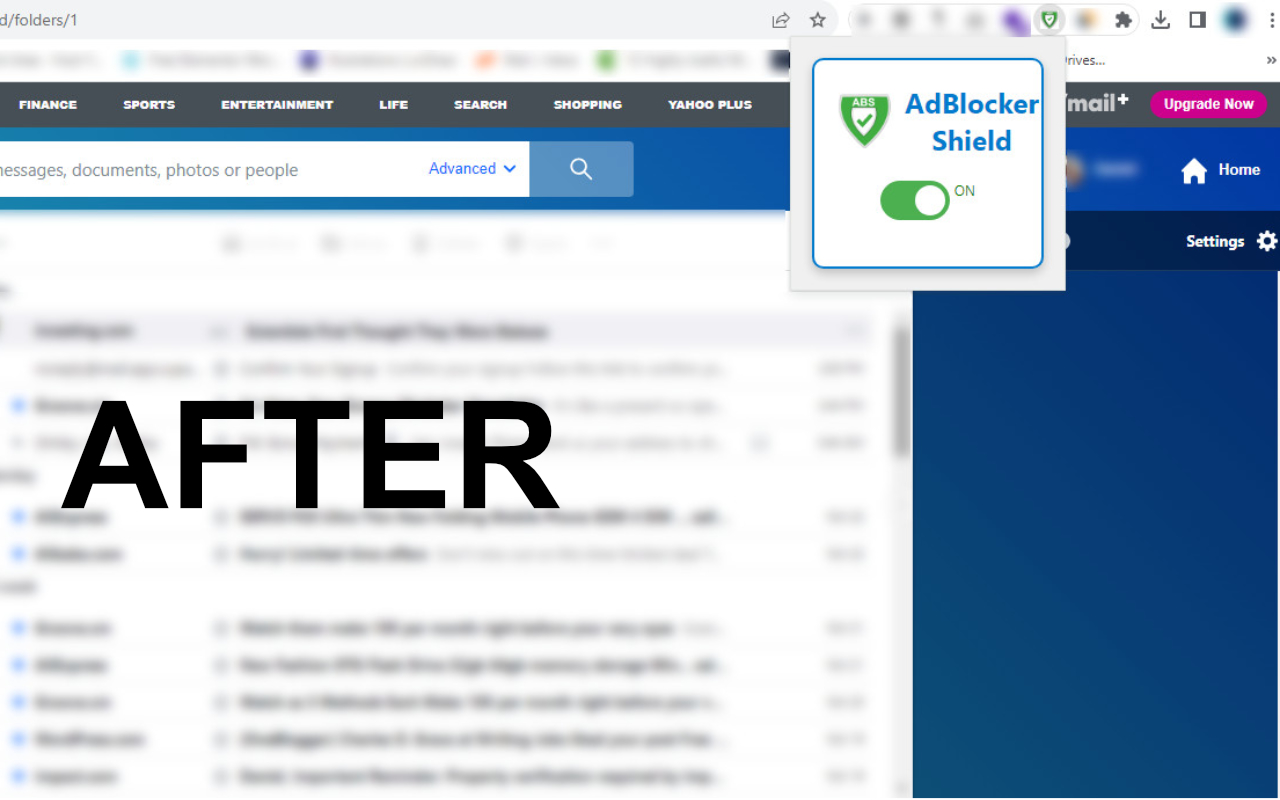
2. Yahoo Inbox Blocking: Additionally, AdBlocker Shield provides a hassle-free experience by blocking ads within your Yahoo Inbox, ensuring that even your email stays ad-free. It's all about making your online world cleaner, faster, and more enjoyable."
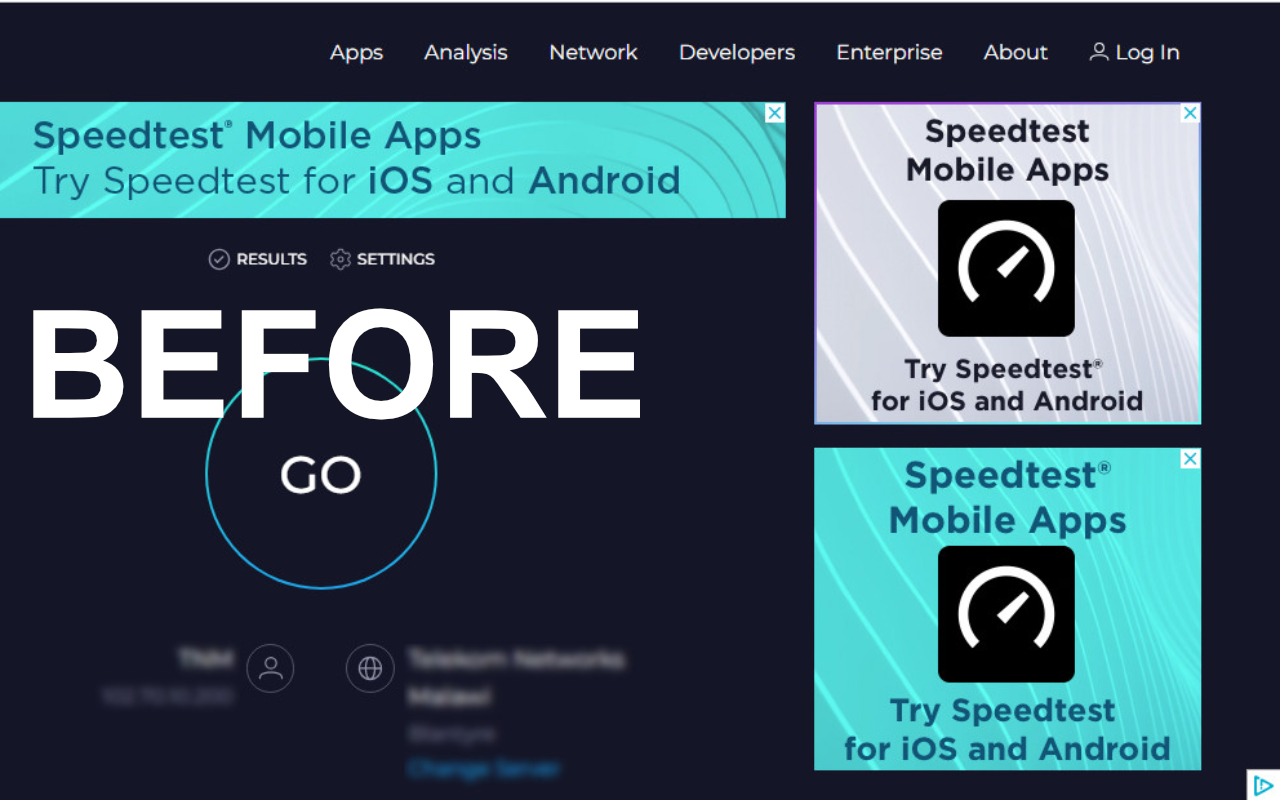
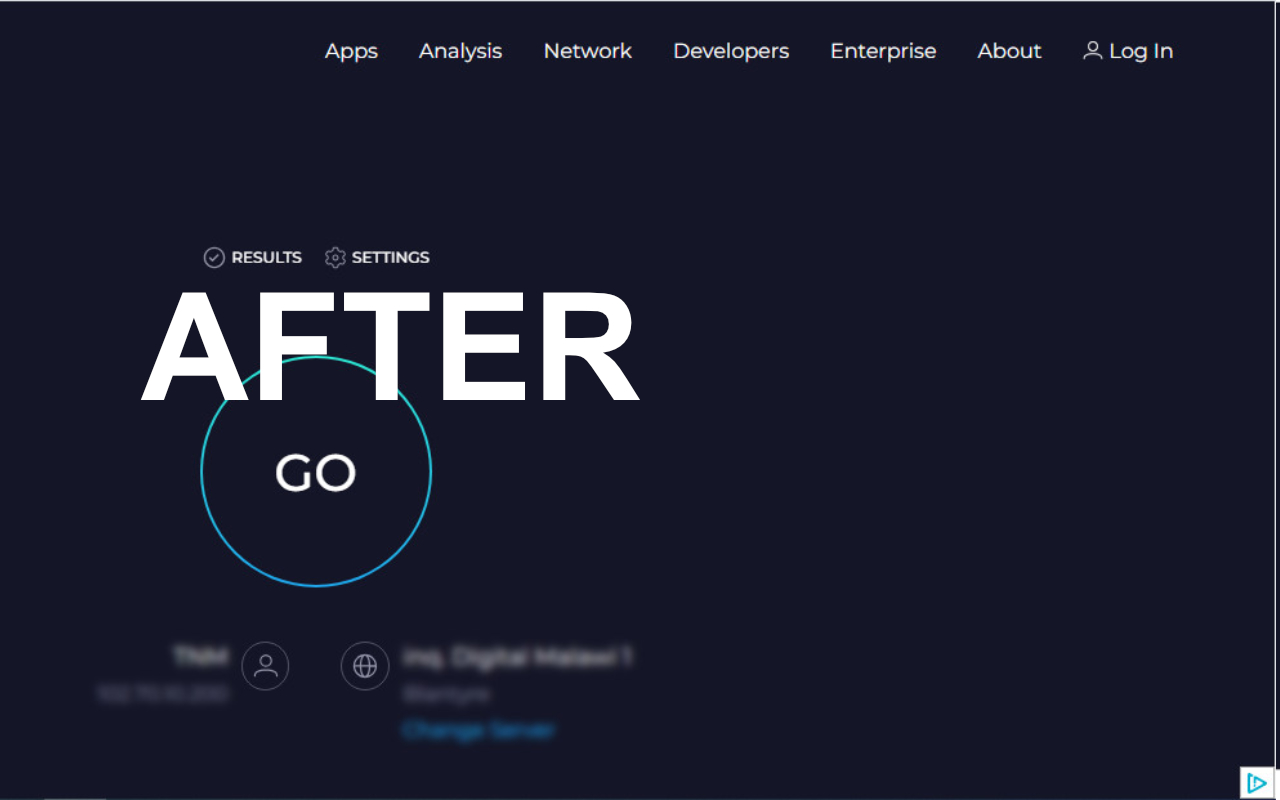
2. Pop-Up Ad and Video Blocking: Are intrusive pop-up ads and videos ruining your online experience? AdBlocker Shield has your back. It automatically blocks these annoying elements on many websites, ensuring a cleaner and more enjoyable browsing session.
3. Cross-Browser Compatibility: AdBlocker Shield works seamlessly with both Microsoft Edge, Firefox and Chrome 3 of the most popular web browsers. No matter your preference, you can enjoy ad-free browsing.
4. Mobile Support: We've extended our support to Android users on Kiwi Browser. Now, you can enjoy a seamless and ad-free browsing experience on your Android device.
5. User-Friendly Interface: We've designed AdBlocker Shield with ease of use in mind. It's as simple as flipping a switch. Turn it on to activate the ad-blocking features and regain control of your online experience.
We believe in the power of community, and you can be a part of it. By clicking the link above, you have the opportunity to support the developer's mission to continually improve and expand the capabilities of AdBlocker Shield. Your donation or free subscription ensures that we can keep refining and enhancing your online experience, making it smoother, faster, and more ad-free than ever before.
AdBlocker Shield 是做什么的
AdBlocker Shield 是一款面向 Edge 的效率工具类扩展,主要用来管住注意力、屏蔽干扰站点、记录时间。官方对它的介绍是:Boost your browsing speed while blocking ads with AdBlocker Shield.在微软 Edge 加载项商店上,它当前版本 1.0.0,评分 5(1 人评价),约 487 名用户。
适合什么人用
从功能定位看,AdBlocker Shield 更适合想专注工作学习、减少无效刷网页的用户。如果你平时只是偶尔遇到相关需求,用浏览器自带功能也能凑合;但如果这件事每天都发生,装一个专门处理它的扩展通常比手动操作省事得多。
怎么安装 AdBlocker Shield
- 打开微软 Edge 加载项商店上的官方页面;
- 点「添加到浏览器」并确认权限提示;
- 装好后在扩展列表里固定图标,方便随时开关。
本站只做索引与介绍,安装包来自官方商店。如果商店页面提示当前地区不可用,说明该扩展未在你所在区域上架。
常见问题
AdBlocker Shield 是免费的吗?
AdBlocker Shield 在微软 Edge 加载项商店免费提供下载。它是浏览器扩展,装上就能直接用,不需要注册账号。
AdBlocker Shield 安全吗?
它只申请了 0 项权限,范围比较克制,没有申请「读取所有网站数据」这种大权限。
AdBlocker Shield 支持哪些浏览器?
当前收录的版本来自微软 Edge 加载项商店,适用于 Edge。同一个扩展在其他商店可能有对应版本,但功能与版本号不一定相同。
怎么卸载 AdBlocker Shield?
在扩展管理页找到 AdBlocker Shield,点移除即可。它在本地保存的设置会一起清掉,不会残留数据。
权限清单 来自 manifest.json 原文
接口权限 4
activeTabdeclarativeNetRequestnotificationsstorage
其他商店也有这款
同一款扩展在不同浏览器下的版本,权限与更新节奏可能不同