
Ad Blocker Pro - AdWall EN
Abdul_Wahab · EEdge MV3
Unmatched ad blocker against advertising and pop-ups. Blocks ads on YouTube, Facebook and all other websites.
<all_urls>),意味着它可以读取你在任意站点的页面内容,包括已登录的页面。这是许多扩展正常工作的必要条件,但也值得你确认来源可信。
截图
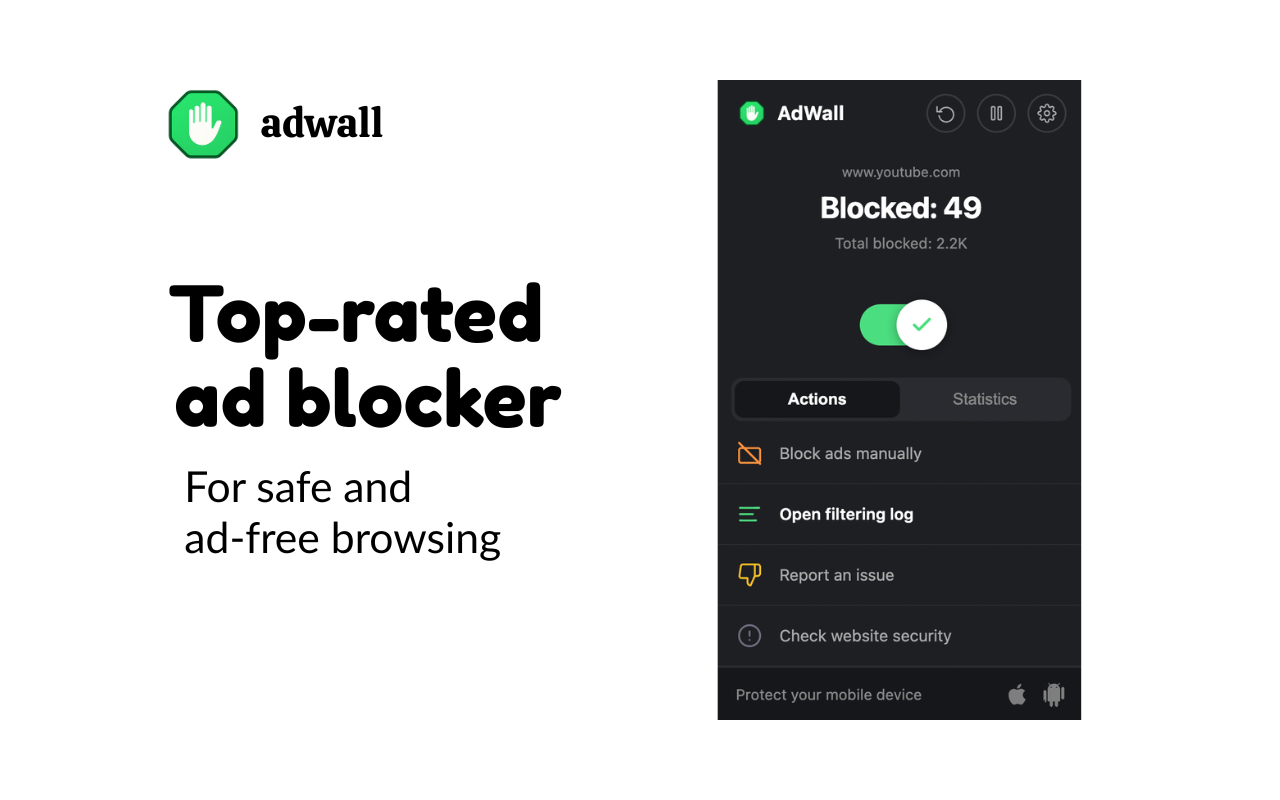
简介
Unmatched ad blocker against advertising and pop-ups. Blocks ads on YouTube, Facebook and all other websites.
AdWall removes ads before they even load — no more banners, video ads, pop-ups, or tracking scripts slowing you down.
🚫 BLOCKS ALL ADS
• YouTube pre-roll and mid-roll ads — skipped automatically
• Facebook and Instagram sponsored posts
• Banner and display ads on every website
• Pop-up and pop-under windows
• Search ads on Google and Bing
🛡️ SECURITY & MALWARE PROTECTION
• Blocks 110+ known phishing, malware, and scam domains
• Shows a warning page before any dangerous site loads
• Detects and disables clickjacking overlays
🔒 PRIVACY PROTECTION
• Blocks trackers from Google, Facebook, and hundreds of ad networks
• Strips tracking parameters from URLs (UTM, fbclid, gclid)
• Automatically clears third-party cookies on a schedule
⚙️ FULL CONTROL
• Pause protection on any site with one click
• Allowlist websites you want to support
• Block any element manually with the element picker
• Write your own custom rules
📊 STATISTICS
• See blocked ad counts per site, today, and all time
• Live badge counter on the toolbar icon
• Detailed filtering log
✨ NO NONSENSE
• No account required
• No data collection — everything stays on your device
• No upsells or premium tiers
Ad Blocker Pro - AdWall 是做什么的
Ad Blocker Pro - AdWall 是一款面向 Edge 的效率工具类扩展,主要用来管住注意力、屏蔽干扰站点、记录时间。官方对它的介绍是:Unmatched ad blocker against advertising and pop-ups. Blocks ads on YouTube, Facebook and all other websites.在微软 Edge 加载项商店上,它当前版本 1.1,约 34 名用户。
适合什么人用
从功能定位看,Ad Blocker Pro - AdWall 更适合想专注工作学习、减少无效刷网页的用户。如果你平时只是偶尔遇到相关需求,用浏览器自带功能也能凑合;但如果这件事每天都发生,装一个专门处理它的扩展通常比手动操作省事得多。需要注意的是它作用于所有网站,装上后建议先观察一两天,确认不影响常用站点的正常使用。
怎么安装 Ad Blocker Pro - AdWall
- 打开微软 Edge 加载项商店上的官方页面;
- 点「添加到浏览器」并确认权限提示;
- 装好后在扩展列表里固定图标,方便随时开关。
本站只做索引与介绍,安装包来自官方商店。如果商店页面提示当前地区不可用,说明该扩展未在你所在区域上架。
常见问题
Ad Blocker Pro - AdWall 是免费的吗?
Ad Blocker Pro - AdWall 在微软 Edge 加载项商店免费提供下载。它是浏览器扩展,装上就能直接用,不需要注册账号。
Ad Blocker Pro - AdWall 安全吗?
它只申请了 0 项权限,范围比较克制,没有申请「读取所有网站数据」这种大权限。
Ad Blocker Pro - AdWall 支持哪些浏览器?
当前收录的版本来自微软 Edge 加载项商店,适用于 Edge。同一个扩展在其他商店可能有对应版本,但功能与版本号不一定相同。
怎么卸载 Ad Blocker Pro - AdWall?
在扩展管理页找到 Ad Blocker Pro - AdWall,点移除即可。它在本地保存的设置会一起清掉,不会残留数据。
权限清单 来自 manifest.json 原文
站点访问(可选) 1
<all_urls>
接口权限 9
activeTabalarmscontextMenuscookiesdeclarativeNetRequestdeclarativeNetRequestFeedbackscriptingstoragetabs