
Actual Units - Smart Video Resolution EN
IBO Umbrel · EEdge MV3
Automatically picks the highest useful video quality for your display.
<all_urls>),意味着它可以读取你在任意站点的页面内容,包括已登录的页面。这是许多扩展正常工作的必要条件,但也值得你确认来源可信。
截图
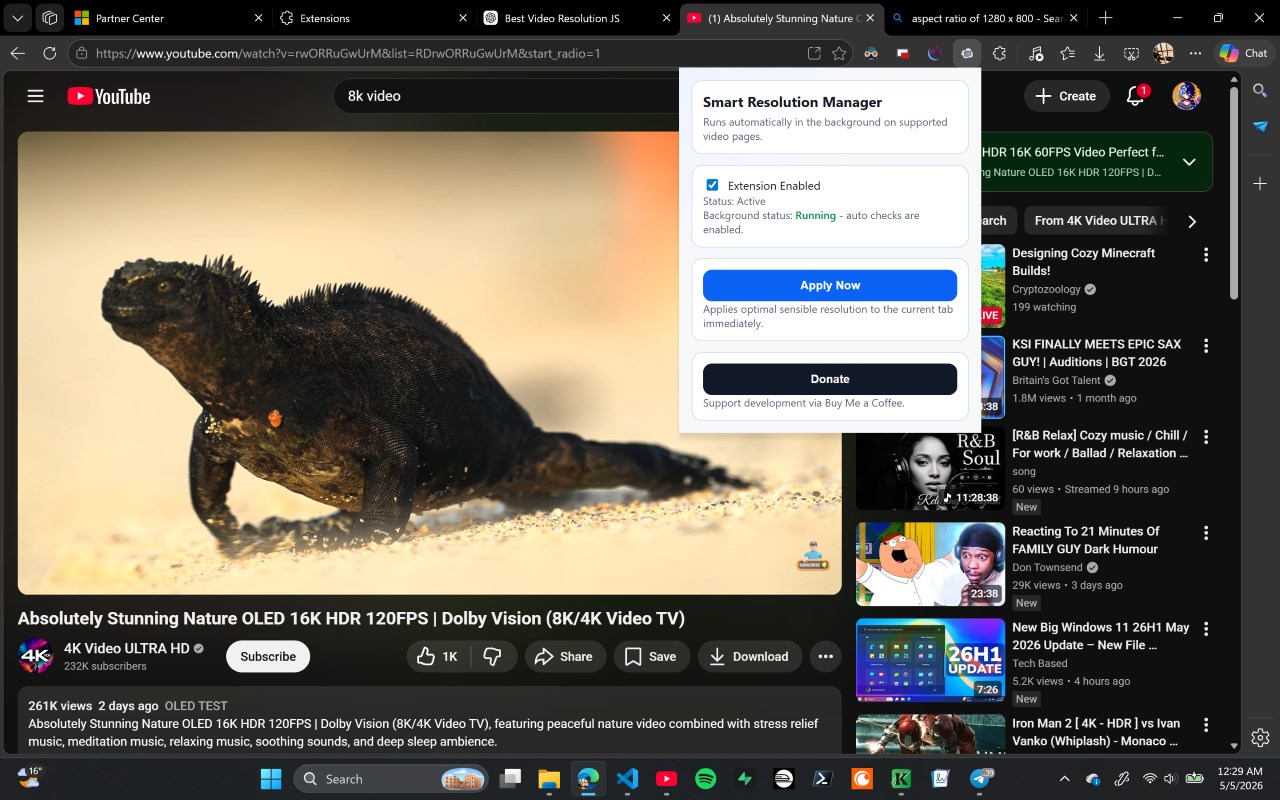
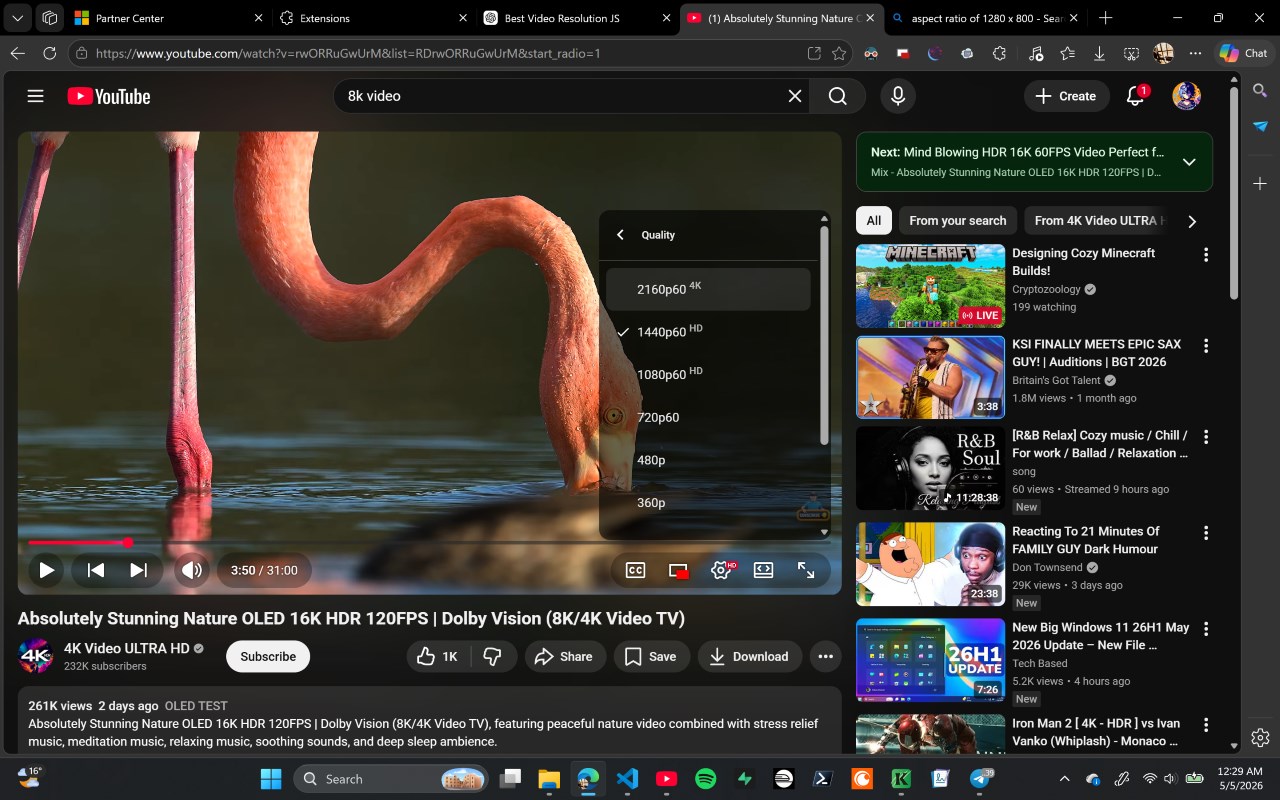
简介
Actual Units - Smart Video Resolution is an advanced browser extension tailored for users who frequently stream video content and seek the best viewing experience without wasting unnecessary data or system resources. Unlike standard site-defined video quality settings, this extension intelligently analyzes your device’s display capabilities, browser viewport dimensions, and pixel density—such as Retina or HiDPI screens—to automatically select the optimal video resolution that perfectly suits your current setup. This ensures you enjoy crystal-clear video without consuming bandwidth on higher-quality streams that yield no visual benefits.
Compatible across a broad range of popular video-hosting platforms, including YouTube, Actual Units empowers users to customize how video resolutions are selected and applied. Its core functionality is driven by sophisticated detection algorithms that evaluate your display’s physical size, your current viewing mode (windowed or full screen), and pixel density to determine the highest video quality providing meaningful improvements. This smart resolution management minimizes data wastage while maximizing clarity, making it particularly beneficial for users on smaller screens or devices with high pixel density.
The extension features an intuitive options page where you can define maximum resolution limits, tailor settings on a per-site basis, and choose from profile modes such as balanced (default), quality-first (prioritizing video clarity), or bandwidth-save (conserving data). A quick-access popup window allows easy manual overrides with real-time feedback on the active resolution, giving users immediate control when desired.
Actual Units is built with deep integration for YouTube, utilizing native APIs and hooks to continuously monitor player states and navigation events. This ensures seamless, adaptive resolution adjustments even as videos change or as the platform updates. Beyond YouTube, the extension supports any HTML5 video player, offering universal compatibility across many websites. All preferences and resolution behaviors are securely saved and synchronized via browser storage, providing a consistent experience across sessions and devices.
Designed for efficiency, Actual Units operates as a lightweight background service that minimizes CPU and memory load. Its smart full-screen detection smoothly adjusts video quality when toggling between immersive and windowed views to maintain optimal visual performance without overusing resources.
With regular updates to support new streaming platforms and evolving user demands, Actual Units - Smart Video Resolution helps you forget about manual quality adjustments. Instead, focus on enjoying crisp, optimized video tailored automatically to your device and network conditions, reducing data consumption while enhancing viewing pleasure.
Key Features:
- Automatically detects device display parameters, viewport size, and pixel density to select the most suitable video resolution.
- Wide compatibility with HTML5 video players, bolstered by specialized YouTube integration for dynamic, intelligent quality management.
- Customizable settings including maximum resolution caps, site-specific preferences, and choice of profile modes (balanced, quality-focused, bandwidth-saving).
- Convenient popup interface for on-the-fly manual video quality overrides with visual feedback.
- Smart full-screen detection that adapts video resolution based on viewing mode changes.
- Lightweight background service worker architecture ensures low resource usage and smooth operation.
- Persistent settings storage and synchronization across browser restarts and devices for a seamless user experience.
How It Works:
1. Install Actual Units - Smart Video Resolution from the browser extension store.
2. The extension scans webpages for video elements, capturing critical metrics like viewport dimensions and pixel density.
3. Upon video playback start, it determines the highest beneficial resolution to avoid wasting bandwidth on excessive quality levels.
4. For platforms like YouTube, native APIs and hooks monitor navigation and player status to apply resolution changes dynamically.
5. Users customize preferences globally or per site via the options page, setting limits or activating different operational modes.
6. Quick popup controls allow instant manual selection or overrides of the current video resolution.
7. Settings and custom site rules are securely saved and synced to maintain preferred behavior across browsing sessions and devices.
Privacy: - No personal data collected.
Actual Units - Smart Video Resolution 是做什么的
Actual Units - Smart Video Resolution 是一款面向 Edge 的实用工具类扩展,主要用来解决浏览器里某类具体的小问题。官方对它的介绍是:Automatically picks the highest useful video quality for your display.在微软 Edge 加载项商店上,它当前版本 0.2.2,约 45 名用户。
适合什么人用
从功能定位看,Actual Units - Smart Video Resolution 更适合想补上浏览器原生缺失功能的用户。如果你平时只是偶尔遇到相关需求,用浏览器自带功能也能凑合;但如果这件事每天都发生,装一个专门处理它的扩展通常比手动操作省事得多。需要注意的是它作用于所有网站,装上后建议先观察一两天,确认不影响常用站点的正常使用。
怎么安装 Actual Units - Smart Video Resolution
- 打开微软 Edge 加载项商店上的官方页面;
- 点「添加到浏览器」并确认权限提示;
- 装好后在扩展列表里固定图标,方便随时开关。
本站只做索引与介绍,安装包来自官方商店。如果商店页面提示当前地区不可用,说明该扩展未在你所在区域上架。
常见问题
Actual Units - Smart Video Resolution 是免费的吗?
Actual Units - Smart Video Resolution 在微软 Edge 加载项商店免费提供下载。它是浏览器扩展,装上就能直接用,不需要注册账号。
Actual Units - Smart Video Resolution 安全吗?
它只申请了 0 项权限,范围比较克制,没有申请「读取所有网站数据」这种大权限。
Actual Units - Smart Video Resolution 支持哪些浏览器?
当前收录的版本来自微软 Edge 加载项商店,适用于 Edge。同一个扩展在其他商店可能有对应版本,但功能与版本号不一定相同。
怎么卸载 Actual Units - Smart Video Resolution?
在扩展管理页找到 Actual Units - Smart Video Resolution,点移除即可。它在本地保存的设置会一起清掉,不会残留数据。
权限清单 来自 manifest.json 原文
站点访问(可选) 1
<all_urls>
接口权限 2
storagetabs